Real Farming + Mod / Addon
- 24-03-2026, 02:40
- 809

Real Farming + Mod is built for players who want farming to feel like its own “main activity� instead of something you do for five minutes between mining trips. The concept is a hybrid sandbox experience: you’re still planting and cultivating crops in Minecraft’s blocky soil, but the mod layers in Hytale-style growth cinematics and deeper soil-quality mechanics so your farm feels more like a living system than a simple timer.
The soil-quality idea is the big hook, because it implies your farmland isn’t all equal. Instead of every plot behaving the same, you’re thinking about what makes a good field and how to turn a basic homestead into a thriving estate over time. Pair that with the advanced growth cinematics, and you get farming that’s meant to feel satisfying to watch, not just efficient. In Minecraft Bedrock sessions, that kind of visual feedback can make base life feel way more rewarding, especially if you like building towns, estates, and “main base� worlds where farming is part of the vibe.
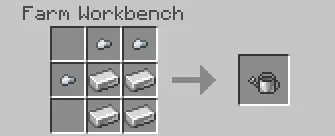
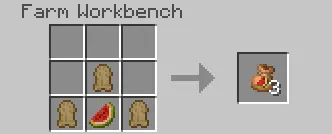
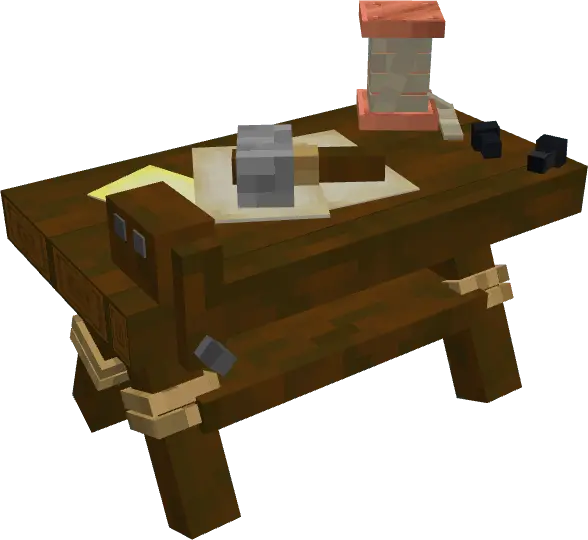
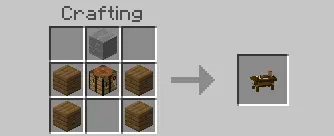
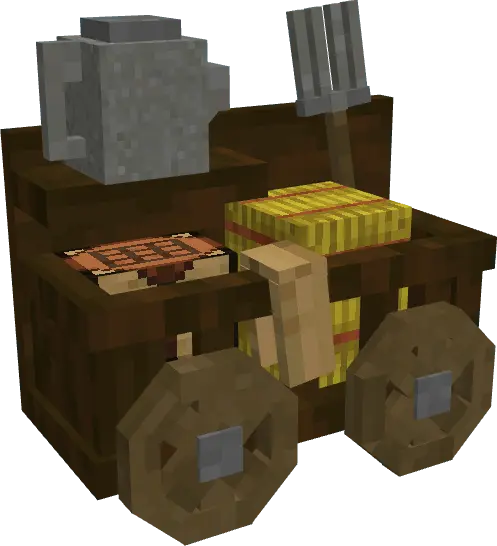
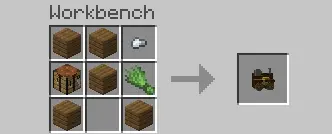
The mod also promises fully customized crops, which fits the idea of making farming unique rather than just reskinning wheat and calling it a day. And it includes new custom crafting benches, which suggests farming ties into its own crafting flow instead of living entirely inside the default crafting table routine. That helps farming feel like a real progression lane, where you’re building out your farm setup and tools as you go.
It also claims full compatibility with other add-ons, which is important because farming overhauls can sometimes fight with other packs. Practical tip: if you’re stacking multiple add-ons, try Real Farming + Mod in a fresh test world first so you can actually notice how the soil-quality and growth cinematics feel, then bring it into your main world once you know it fits your playstyle. Real Farming + Mod is basically for players who want the “farm life� loop to be deeper and more cinematic, turning a simple crop patch into something that feels like a high-fantasy estate project.
Installation Mod:
- Download the .mcaddon / .mcpack;
- Open the file to import into the game;
- In World Settings → Resource Packs and Behavior Packs, enable it (turn on Experiments if needed);
- Have fun!
Comments (0)