More Weapons: Expansion Plus Mod / Addon
- 4-06-2026, 01:31
- 1 422
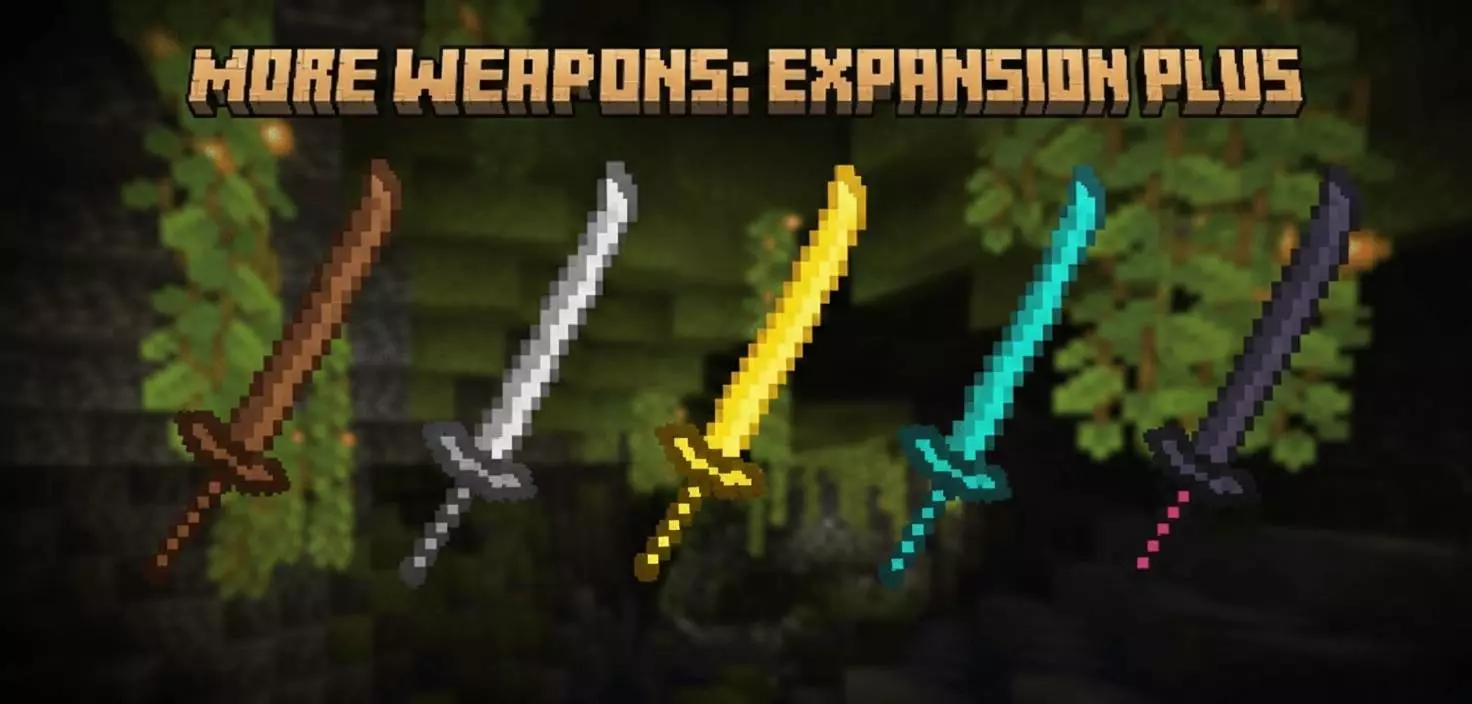
More Weapons: Expansion Plus Mod is built for players who feel like the default weapon tier in Minecraft is too simple and samey. The addon’s current focus is clear: this initial release is all about Katanas. Instead of trying to cram in a little bit of everything, it starts with one weapon style and leans into making those blades feel like a real upgrade in variety and vibe.
The main selling point right now is the Katana lineup having unique looks and a different feel for your gameplay. Even without extra mechanics listed, adding multiple katana options changes how combat “feels� in a survival world because your gear stops being generic. You can pick a blade that matches your character style, your base theme, or the mood of your world, and that small choice makes your loadout feel personal instead of just “iron sword again.�
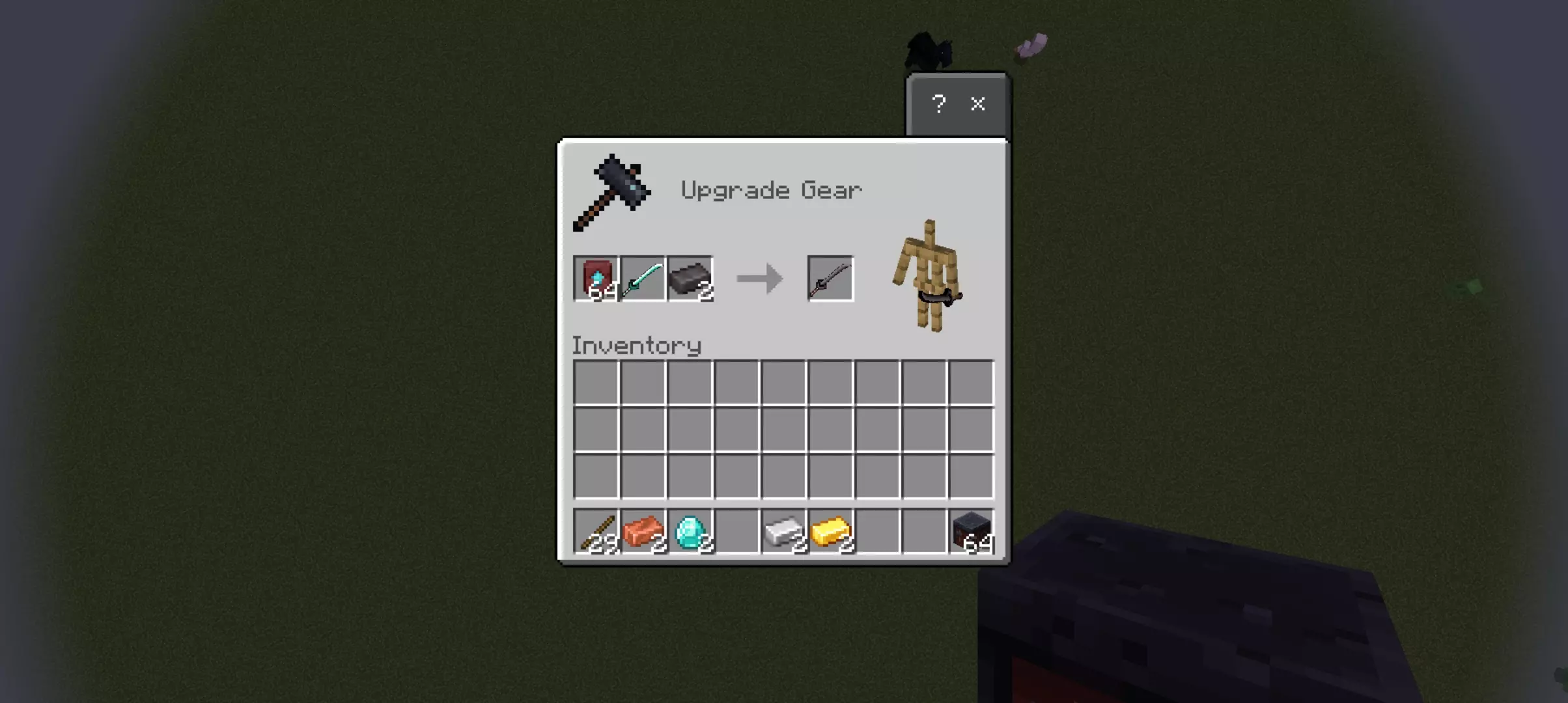
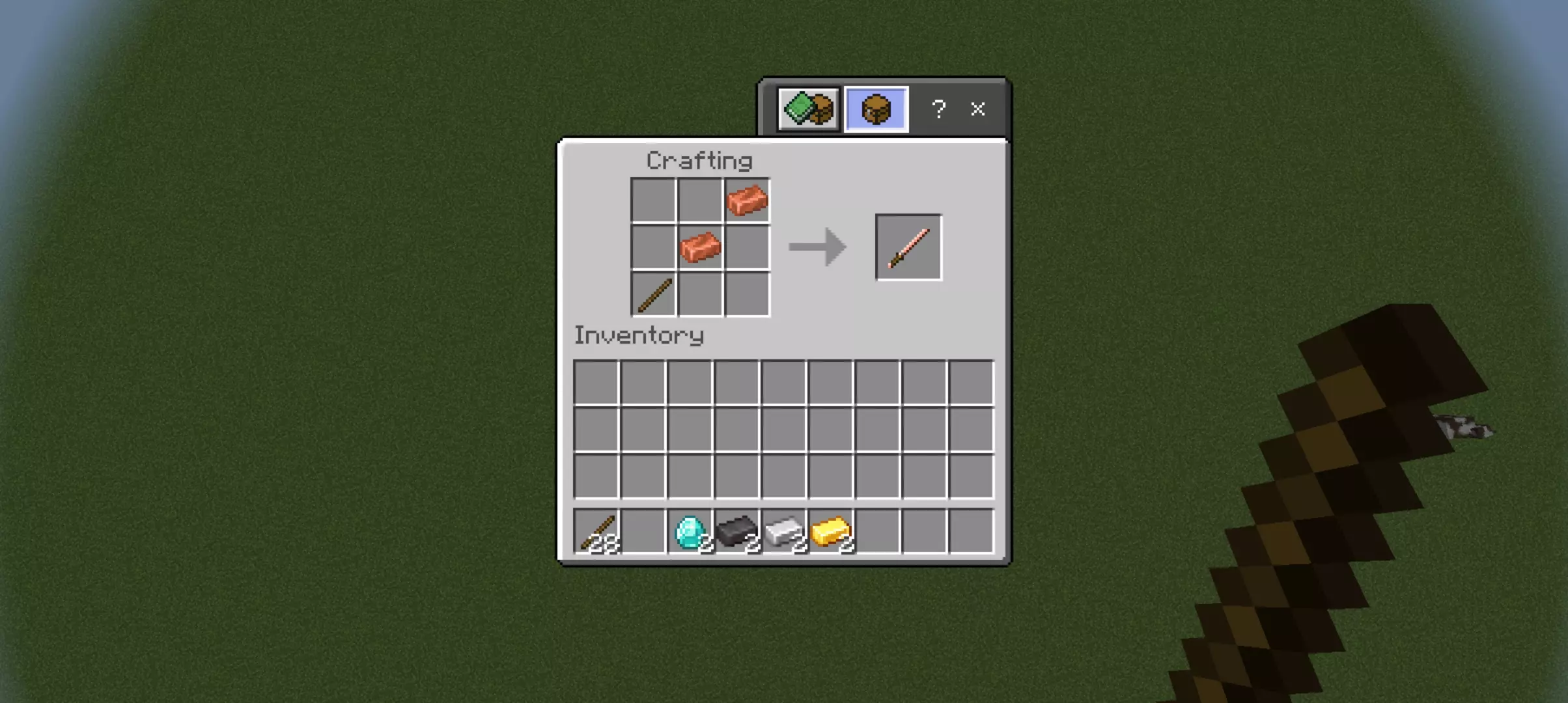
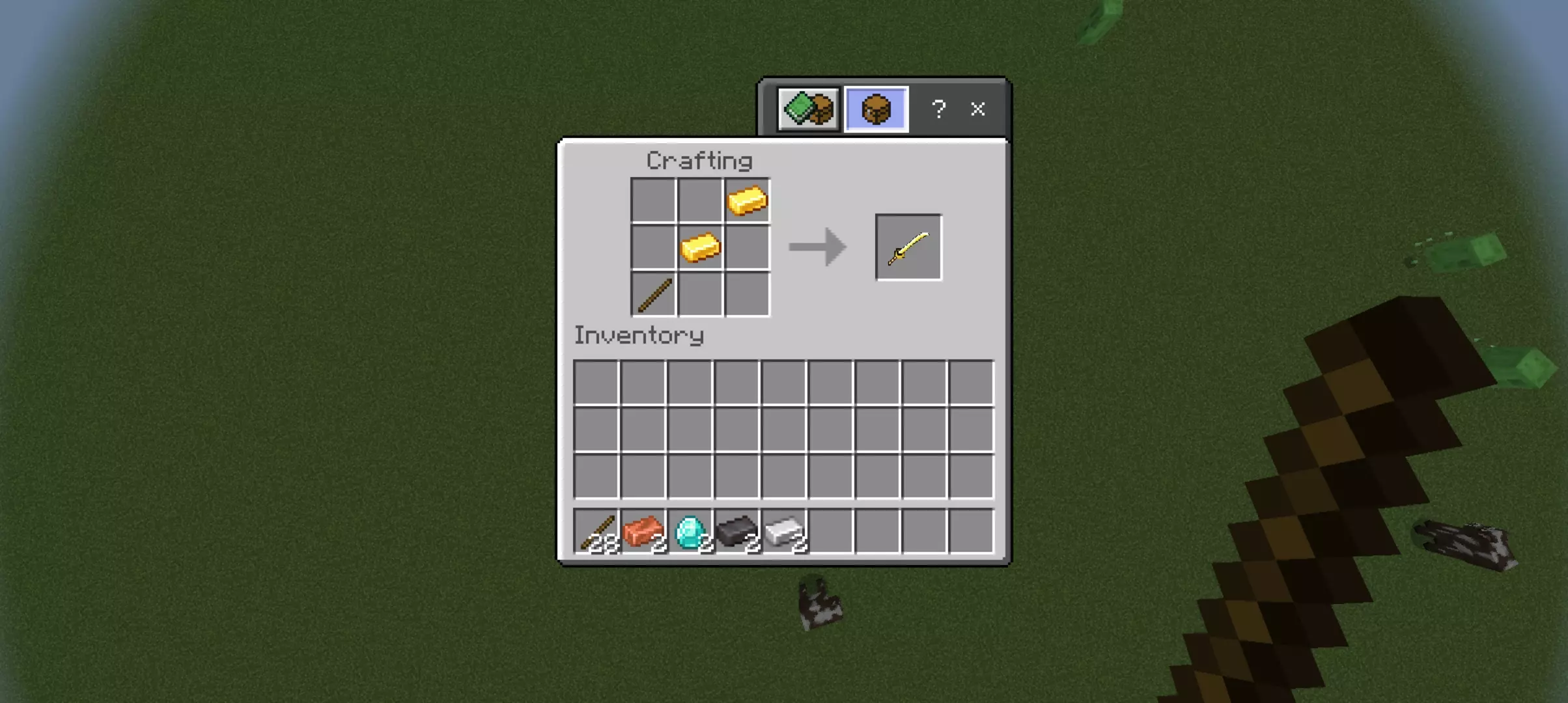
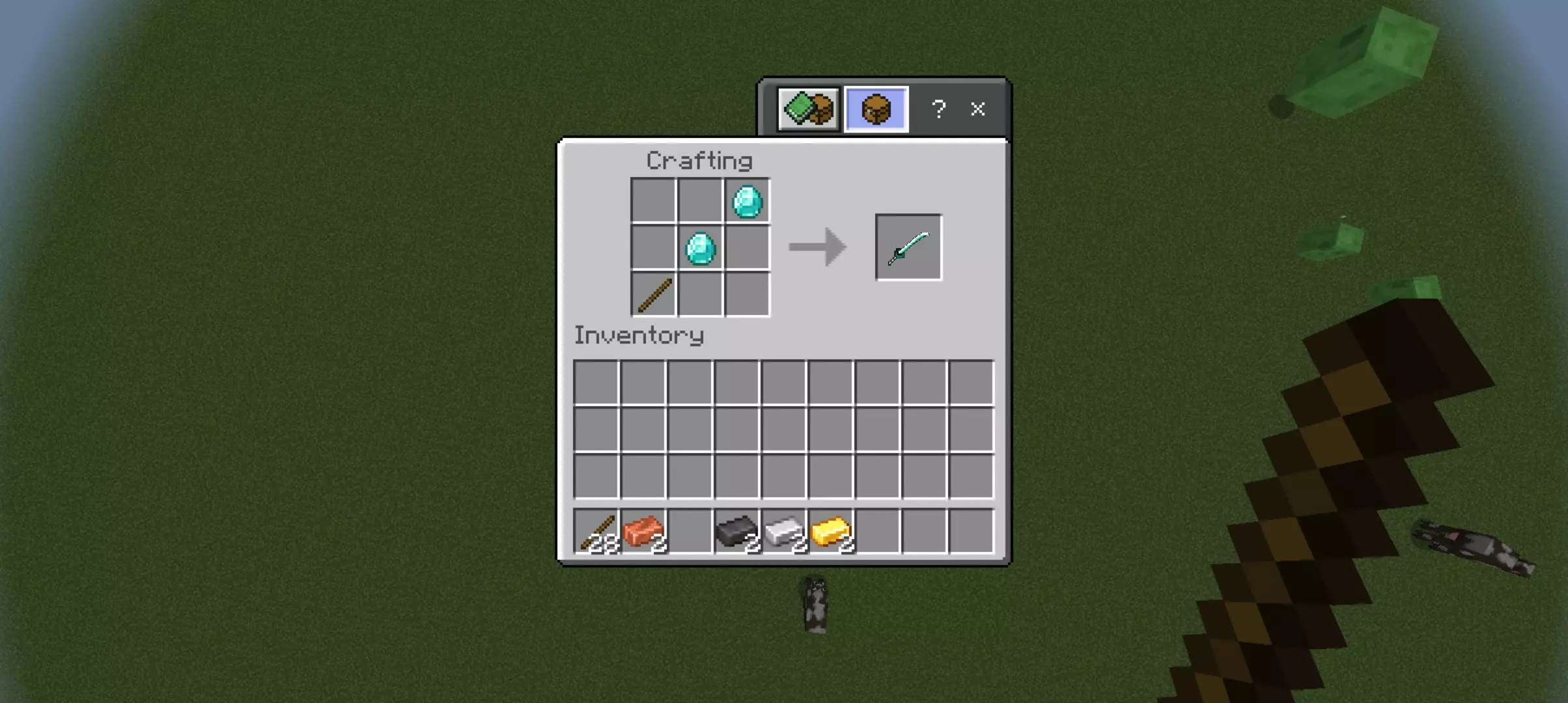
In a Minecraft Bedrock survival run, a katana-style pack is especially fun because it fits both serious and casual play. You can use it for normal mob clearing, explore at night with a cooler-looking weapon in hand, or run PvP-style sparring with friends where everyone wants their own signature blade. The best part is that it adds variety without demanding you learn a whole new system—your world still plays like survival, you just get more weapon flavor.
The addon also makes it clear this is just the starting point. Future updates are planned to add more weapon types, special abilities, and custom tiers, but for now, the content is exclusively Katanas. That’s a good thing if you prefer focused packs, because you’re not getting half-finished features you have to babysit. More Weapons: Expansion Plus Mod is basically a clean first step toward a bigger combat expansion, and if you like katana aesthetics and want your Minecraft Bedrock fights to feel less plain, this is an easy add-on to enjoy right away.
Installation Mod:
- Download the .mcaddon / .mcpack;
- Open the file to import into the game;
- In World Settings → Resource Packs and Behavior Packs, enable it (turn on Experiments if needed);
- Have fun!
Comments (2)