Fallout 3 Dart Gun Remaster – Addon / Texture Pack
- 22-02-2026, 04:11
- 437
Mods 1.26 / Mods 1.21 / Mods 1.20 / Mods 1.19 / Textures

Fallout 3 Dart Gun Remaster Mod is a clean, visual-focused pack meant for players who want their ranged weapon to match a Fallout theme without changing how the game actually plays. It’s described as a texture change that affects the Minecraft bow and also improves the texture of the Fallout Mash-up bow, with the goal of making the bow feel more like the dart gun from Fallout 3. So instead of the bow looking like a normal fantasy weapon, it gets “assimilated” into that scrappy wasteland tool vibe.
What’s nice about this kind of pack is flexibility. It’s positioned as usable either for a Fallout Mash-up world or for vanilla survival, meaning you don’t need a full wasteland overhaul to enjoy it. If you’re just playing normal Minecraft Bedrock but you like the look of Fallout gear, this gives you that flavor every time you pull out your bow. And if you are running a Fallout-themed map or mash-up, it helps your UI and visuals feel more consistent so your combat doesn’t keep snapping you back into “vanilla fantasy” aesthetics.

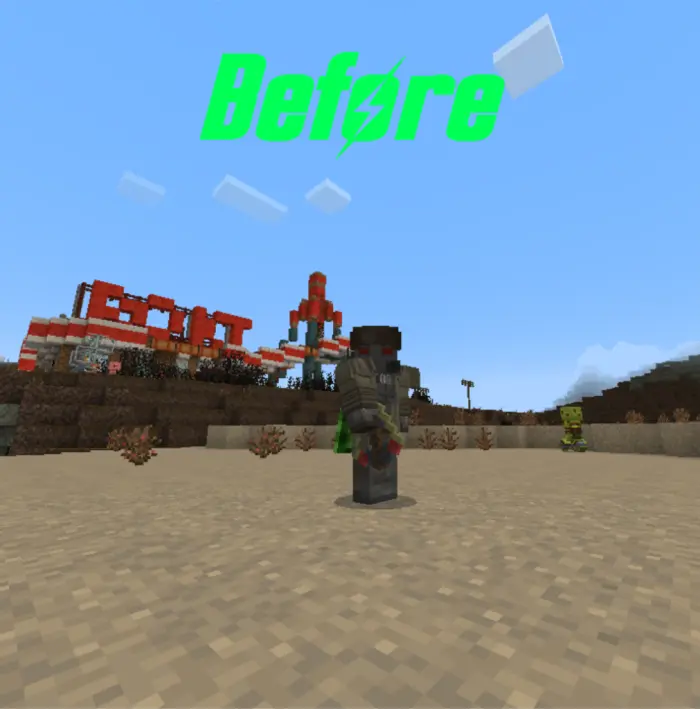
In practical gameplay, a bow is something you see constantly—early hunting, mid-game skeleton fights, long-range tagging mobs, base defense—so changing its appearance can have a bigger impact than people expect. It can also make screenshots and clips look way more on-theme if you’re recording or posting builds, because a dart-gun look reads instantly as “wasteland” rather than “medieval.” Practical tip: this kind of texture pack works best when you lean into the theme elsewhere too—ruined builds, industrial blocks, gritty UI—so the dart gun doesn’t feel like a random skin in an otherwise bright vanilla world.
Fallout 3 Dart Gun Remaster Mod is basically a simple remaster-style reskin for the bow that’s made to look closer to Fallout’s dart gun while still letting you play the same survival loop you already know.
Installation:
- Download Texture;
- Open the downloaded .mcpack to install;
- Select texture in settings;
- Done.
Comments (0)