Soccer Ball Mod / Addon
- 22-02-2026, 08:27
- 723
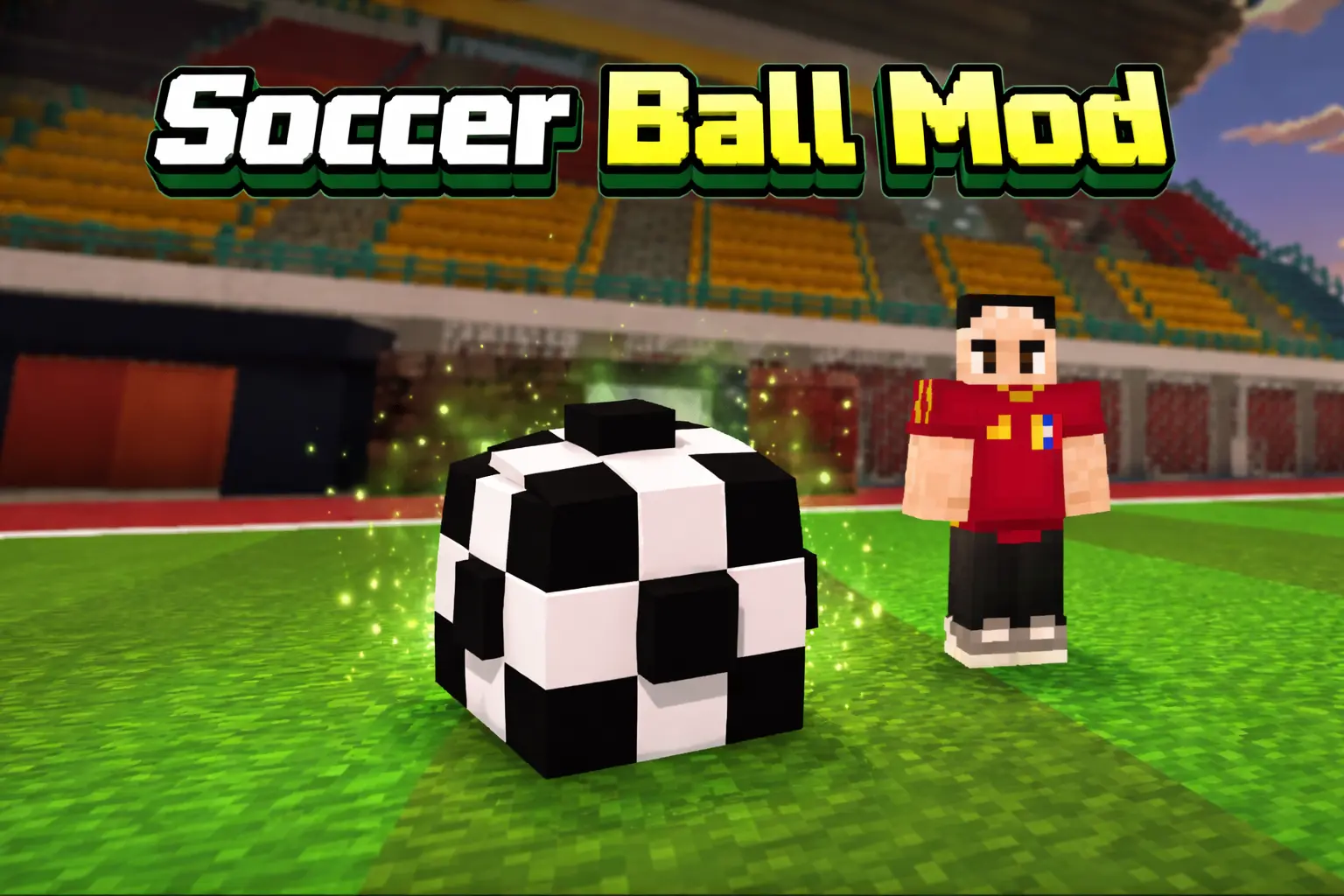
Soccer Ball Mod is a simple “fun with friends� add-on that adds one main thing: a soccer ball you can actually play with in Minecraft Bedrock. It’s not trying to overhaul survival or add a ton of new systems—it’s focused on giving you a ball you can kick around and control in a way that feels usable, especially on controller-style inputs.
The mod specifically recommends playing with the D-pad, and it explains the control logic clearly. If you press down, the ball will go high, which is perfect for lobs, clears, or popping it over someone. If you press up, the ball will go low, which feels more like a ground pass or a controlled dribble line. And the “middle� press affects distance: the more you press it in the middle, the further forward the ball goes. That basically gives you a simple skill curve where you can choose height and power depending on what you’re trying to do.
In actual gameplay, Soccer Ball Mod is best when you treat it like a mini-game tool. Build a small pitch near your base, throw up some goals, and run quick matches with friends. Even solo, it’s fun for messing around, practicing trick shots, or setting up little challenges like “can I hit the goal from here with a low shot?� On Minecraft Bedrock, the D-pad recommendation matters because it keeps the controls consistent, so you’re not fighting the UI while trying to do something precise.
Practical tip: if you want it to feel like real soccer instead of pure chaos, keep the field simple and flat and give yourself space around the goals so the ball doesn’t get stuck on random blocks. Then use the high kick (down) when you need to clear the ball out of trouble, and use the low kick (up) for passes and shots that stay controlled. Soccer Ball Mod is basically a clean add-on for turning any world into a quick soccer hangout, with controls that let you aim height and distance instead of just “hit ball and pray.�
Installation Mod:
- Download the .mcaddon / .mcpack;
- Open the file to import into the game;
- In World Settings → Resource Packs and Behavior Packs, enable it (turn on Experiments if needed);
- Have fun!
Comments (0)