Farmer's Toolkit Mod / Addon
- 21-04-2026, 02:52
- 552
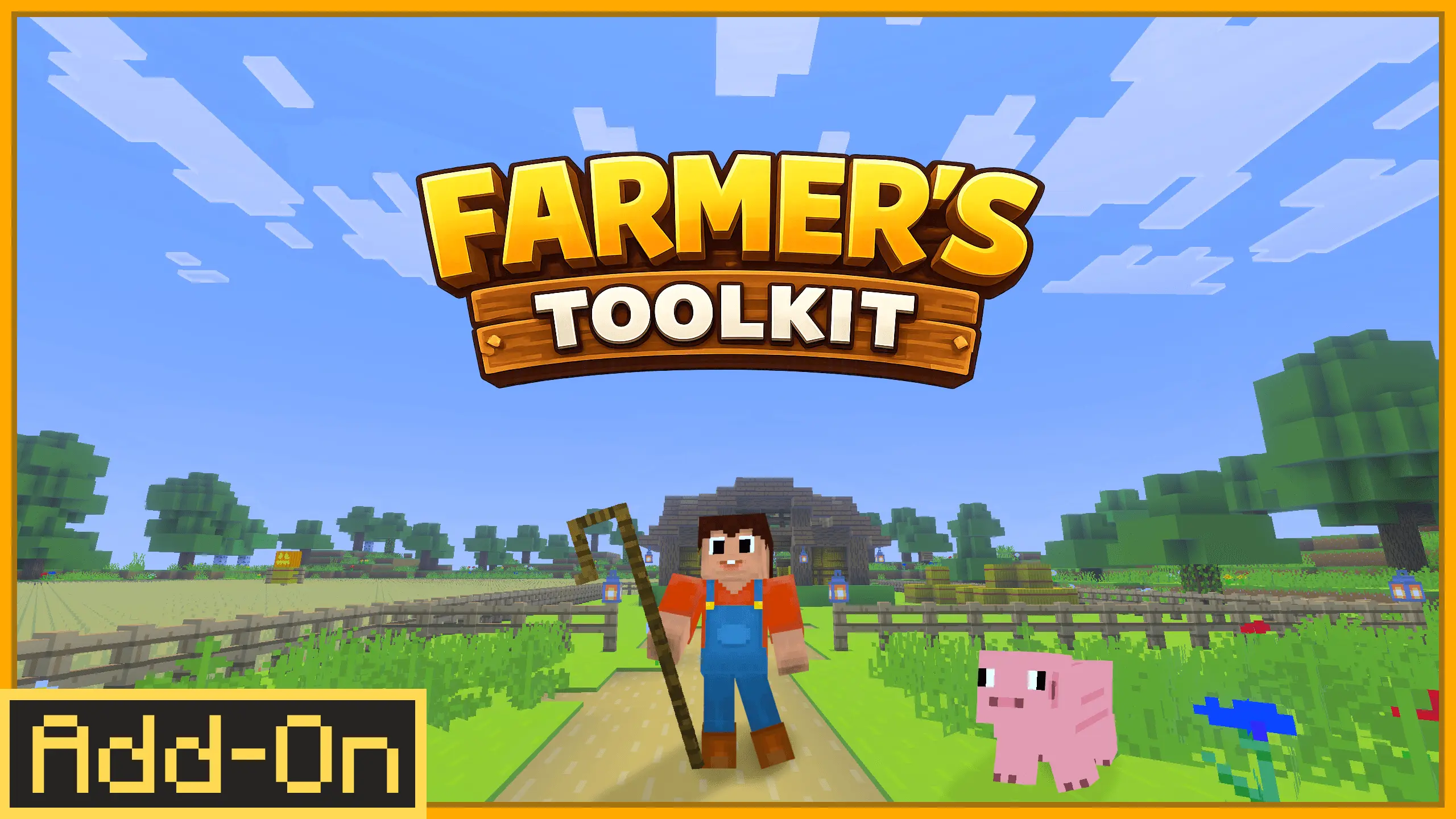
Farmer's Toolkit Mod is built for the part of Minecraft that a lot of players end up living in long-term: farming and keeping animals. Once you’ve got a base, the “real game� for many people becomes food, resources, breeding, and keeping the whole place running without it turning into a messy pen full of chaos. This addon’s goal is to make that daily workflow feel more controlled and more immersive by adding practical tools for agriculture and livestock handling.
The biggest promise here is better control over animals. Anyone who’s tried moving mobs around in tight spaces knows how quickly it turns into a comedy of errors—animals bunch up, you get stuck, they go the wrong way, and your “quick chore� becomes a ten-minute headache. Farmer’s Toolkit is aimed at smoothing that out so managing a ranch feels like an actual system you can run, not a constant struggle against pathing and crowding.


It’s also designed to support different playstyles. If you’re running a small homestead, these kinds of tools help you keep things tidy and efficient without building a giant automated farm. If you’re building a massive ranch, the value is even bigger because the pain scales with size—more animals, more feeding, more moving, more organizing. Having dedicated tools to improve your workflow makes big farm builds feel manageable instead of exhausting.
A practical way to get the most out of Farmer's Toolkit Mod is to use it to “clean up your routines.� Set up clear pens, simple paths between them, and a central work area where you keep whatever farming tools the addon provides so you’re not constantly running back to storage. Then treat animal handling like a planned task—move and organize in short bursts instead of trying to do everything at once. Farmer's Toolkit Mod is basically a quality-of-life expansion for players who want farming to feel smoother and more satisfying in Minecraft without turning their world into pure automation.
Installation Mod:
- Download the .mcaddon / .mcpack;
- Open the file to import into the game;
- In World Settings → Resource Packs and Behavior Packs, enable it (turn on Experiments if needed);
- Have fun!
Comments (0)