Emojis! – Addon / Texture Pack
- 24-02-2026, 19:12
- 1 002
Mods 1.26 / Mods 1.21 / Mods 1.20 / Textures
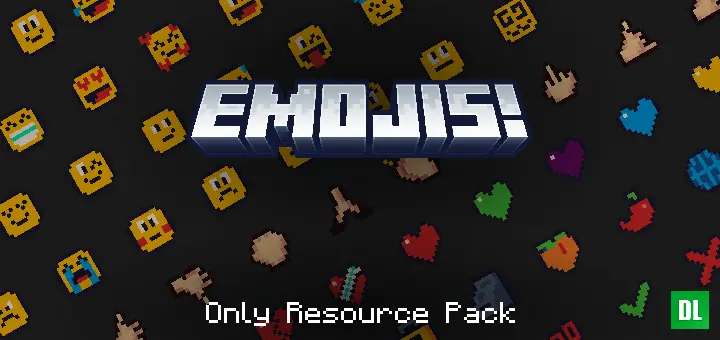
Emojis! Resource Pack is a simple quality-of-life pack for players who want easier chat expression in Minecraft Bedrock without changing gameplay systems. The main idea is straightforward and useful: it adds emojis through a resource pack only, so it does not rely on behavior packs. That matters right away for players who care about keeping achievements enabled while still adding something fun to everyday play.
What makes Emojis! Resource Pack feel practical is how it handles the UI. The provided description says it adds a menu in various screens with buttons for 116 emojis, and possibly more if custom emojis are used. That gives it a clean, built-in feel instead of making players memorize complicated inputs or swap to another app while typing. If you spend time chatting in co-op worlds, hanging out on a server, or just messaging friends during building sessions, having quick emoji access can make normal conversations feel faster and more natural.


The way you insert emojis is also very direct, which is a big plus during actual gameplay. You just click the emoji button to place it in the text box, and that kind of one-step use is exactly what a chat-focused pack needs. When you are in the middle of survival tasks, organizing a base, trading items with friends, or reacting to something funny in a fight, simple controls matter more than extra complexity. A clean UI plus quick insertion means you can use it often without breaking your flow.
Emojis! Resource Pack sounds like a smart add-on for players who want more personality in chat while keeping their world setup lightweight. Since it works without behavior packs and does not disable achievements, it fits well into regular Minecraft Bedrock play where people want convenience without giving up progression. Emojis! Resource Pack is especially useful for social sessions, shared worlds, and everyday communication, because it improves how you chat without pretending to be a gameplay overhaul.
Installation:
- Download Texture;
- Open the downloaded .mcpack to install;
- Select texture in settings;
- Done.
Comments (0)