Part II - OP Tool Smith + Mod Map
- 25-05-2026, 13:33
- 945
Mods 1.26 / Adventure Maps / Survival Maps
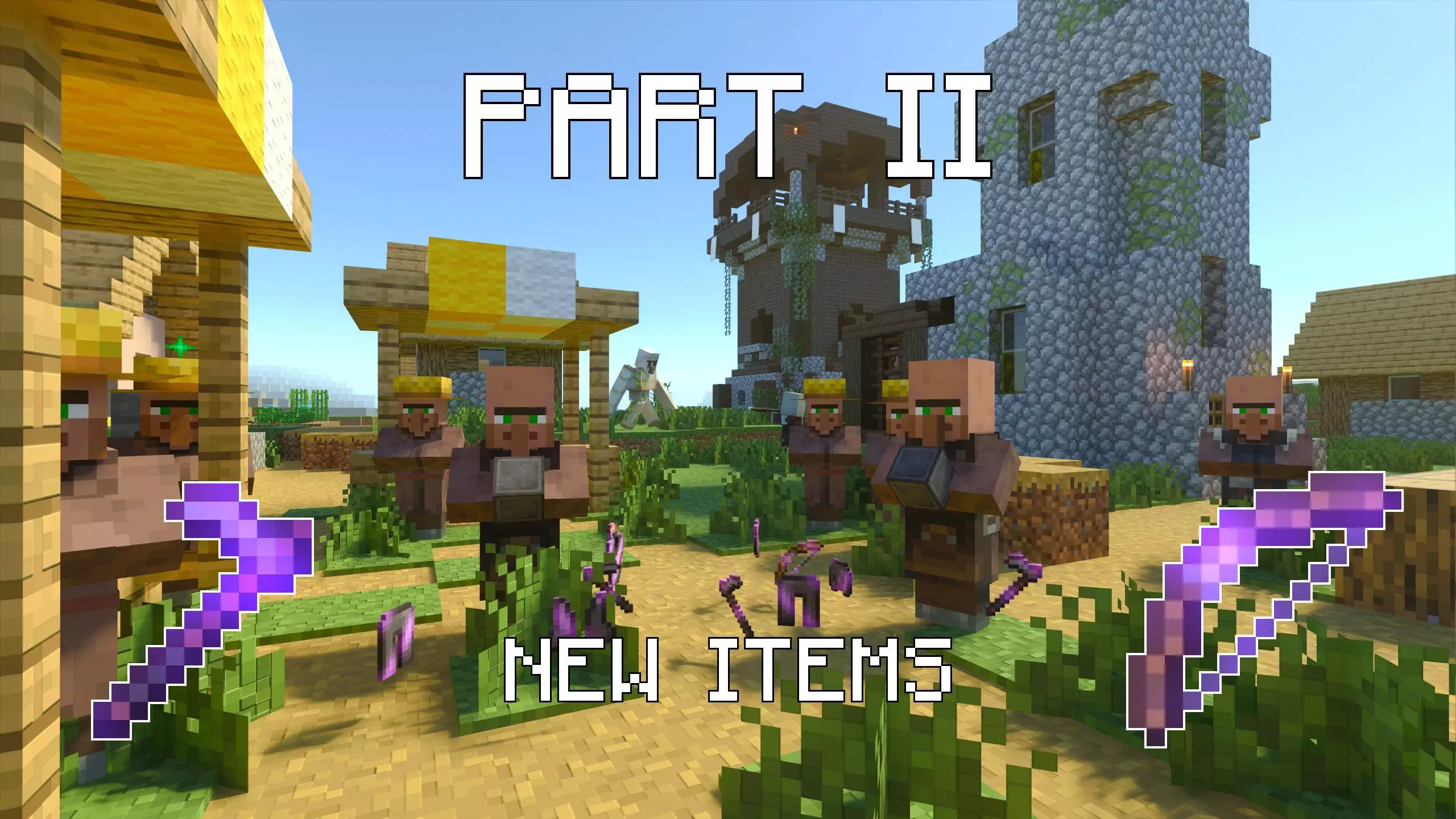
Part II - OP Tool Smith + Mod Map is built around a simple but strong loop: new village, new adventure, and a villager you need to support if you want the best rewards. The main objective is clear from the start because you are told to build a smithing table for the villager and keep him safe from Pillagers. That gives the map a nice mix of progression and pressure instead of feeling like a normal passive village session.
What makes Part II - OP Tool Smith + Mod Map interesting in actual play is that your upgrades are tied to protecting the villager, not just wandering around and looting random stuff. You are working toward trade progression, and the description makes it clear that new items and enchantments are part of the payoff. That creates a solid “defend and grow� vibe where every step feels connected: help the villager, keep the area under control, and push toward stronger trades. In a Minecraft Bedrock session, that kind of setup usually feels good because it gives you a reason to stay focused on one goal while still dealing with survival pressure.
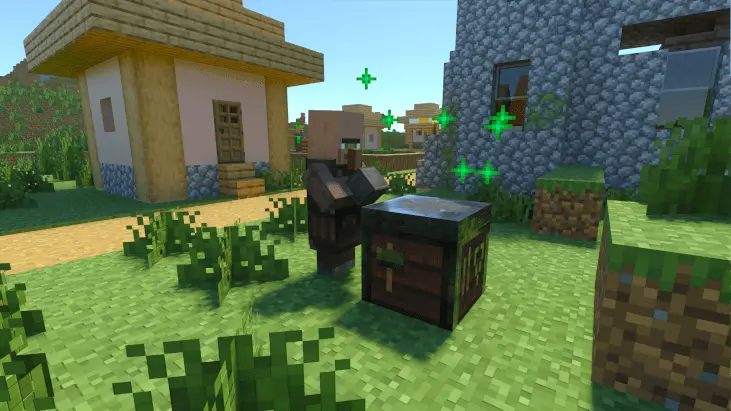
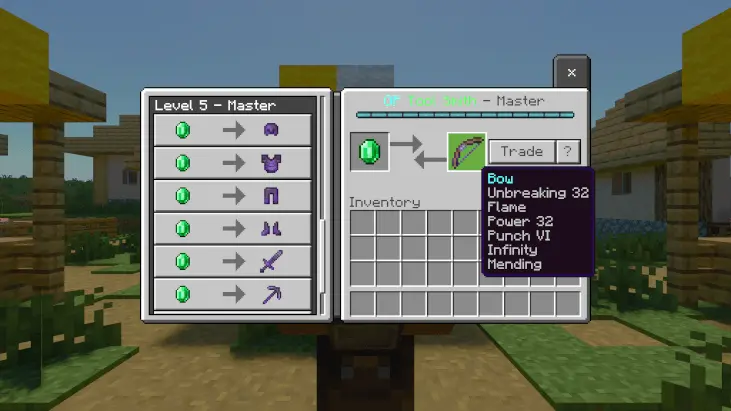
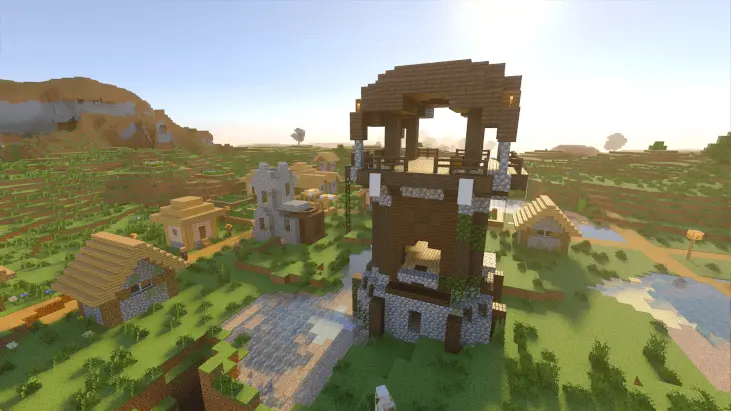
Vanilla trading hall setups are notoriously brainless to abuse. You shove a blacksmith into a one-by-one dirt closet, drop down a job workstation, cycle trades until you see unbreaking books, and walk away with diamond armor while sipping a soda. There is zero risk, zero friction, and honestly zero excitement once you memorize the emerald conversions. This adventure flips that dynamic into an active defense gauntlet. From the second you touch down in this fresh settlement, your entire progression relies on getting a smithing table crafted, slapping it down in front of your designated toolsmith, and keeping hostile raiders from butchering him while you grind out his trade levels.
The gameplay loops around protecting your golden goose while pillager parties constantly poke at your perimeter. If that villager catches a bad axe swing or takes an arrow volley because you were off day-dreaming in an open cave, your run hits a massive dead stop. That constant threat forces you to think about actual settlement defense. You find yourself digging emergency trenches around his workstation, throwing up defensive palisades, and lighting up alleys so random darkness spawns do not catch your VIP unaware while you sort out resources. Every piece of raw iron and coal you dump into his early deals feels like a direct investment toward surviving the next wave.
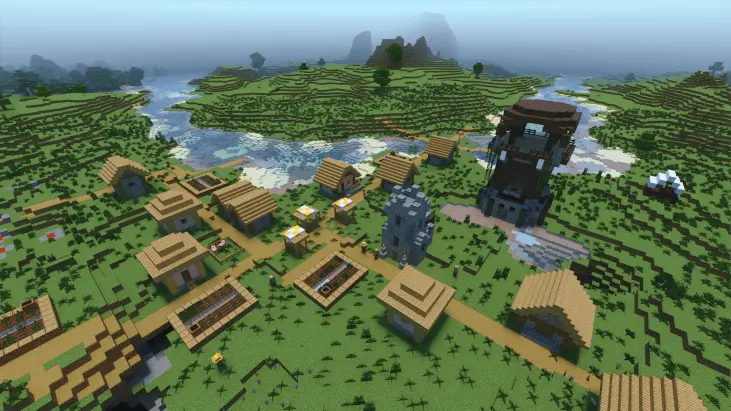
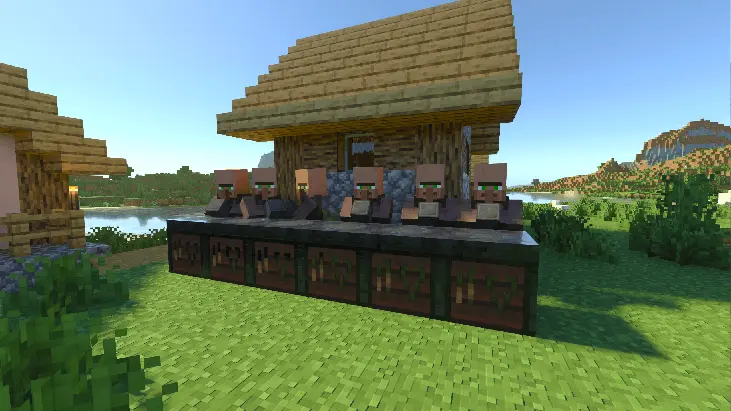

The 5th trade tier is the big target here, since that is where the OP items are unlocked. That makes Part II - OP Tool Smith + Mod Map feel like a progression challenge as much as a village map. A practical way to play it is to treat villager safety as your top priority early on, because losing control of the area can slow down everything. Even basic planning like keeping your movement routes clean and staying ready when Pillagers show up can make the run feel smoother.
Part II - OP Tool Smith + Mod Map sounds like a fun pick for players who enjoy village defense, trade progression, and reward-based survival pacing. The combination of protecting the villager, unlocking new items and enchantments, and pushing to the 5th trade tier gives Part II - OP Tool Smith + Mod Map a clear goal that keeps the adventure moving.
How to install?
Android: you need to find the downloaded file on your phone, use any file manager for this and import the map into the game by opening it.
IOS: after receiving the map, the device itself will offer to install it.
Windows 10: go to the folder where the files are downloaded, find mcworld there and activate it.
Comments (0)