Drone Mod / Addon
- 26-02-2026, 08:14
- 731
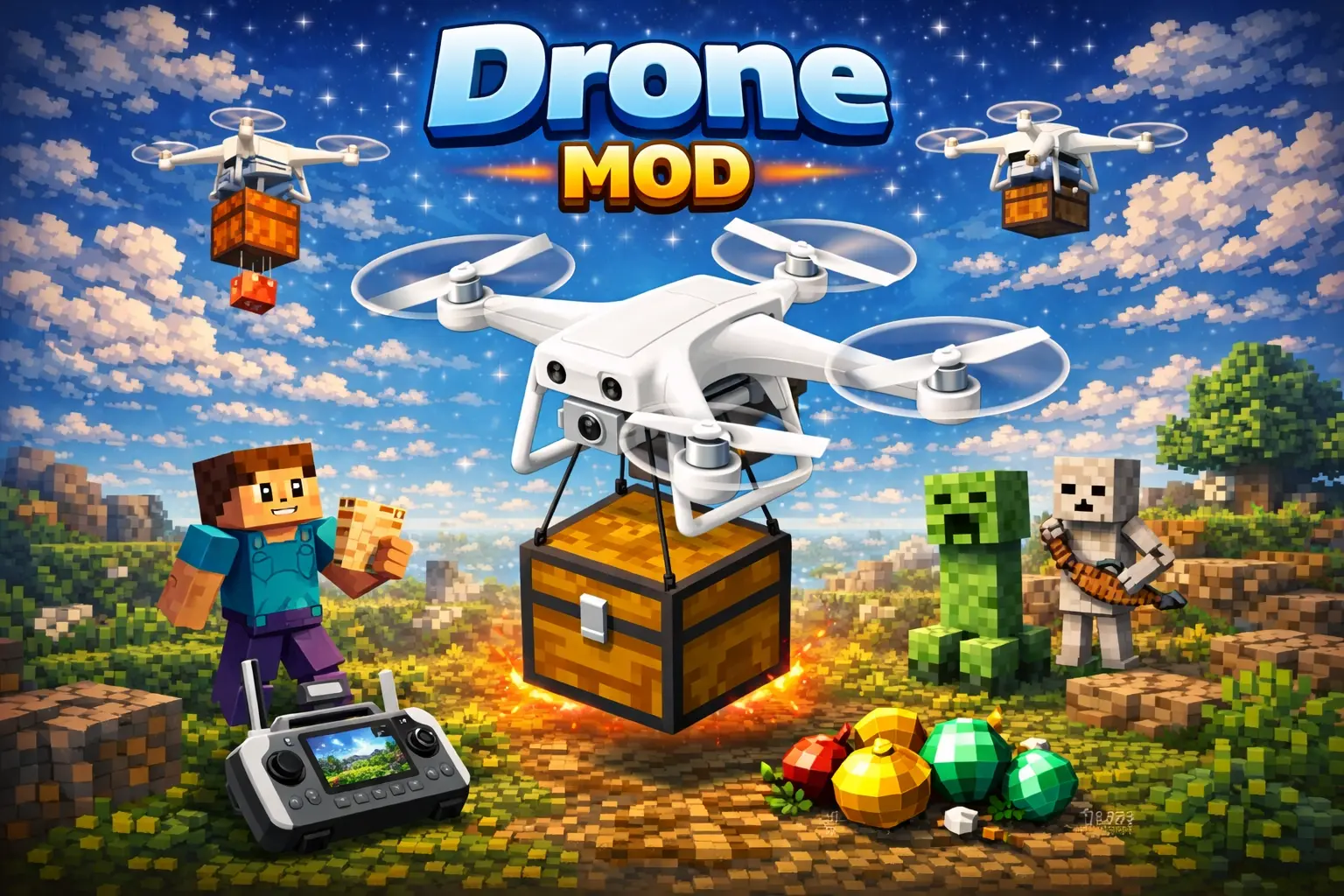
Drone Mod is a utility-style addon built around remote exploration and scouting. It adds a drone that you can control to explore the world, and one of the biggest perks is that you can view its camera from anywhere. That makes the drone feel like a mobile set of eyes you can send out while you stay safe, which is perfect for players who like planning routes, checking terrain, or scouting builds without constantly risking their own character.
The settings side of Drone Mod is where it starts feeling more flexible than a basic “spawn a gadget and fly it� pack. The description mentions you can change things like the drone’s speed, which is useful depending on how you’re using it. Slow speed is great for careful checks and lining up a view, while higher speed fits quick scouting runs when you just want to see what’s over the next ridge. Password protection is another smart option because it helps keep control organized in multiplayer. If multiple players are around, having password protection can prevent random people from hijacking the drone and messing with someone else’s scouting session.
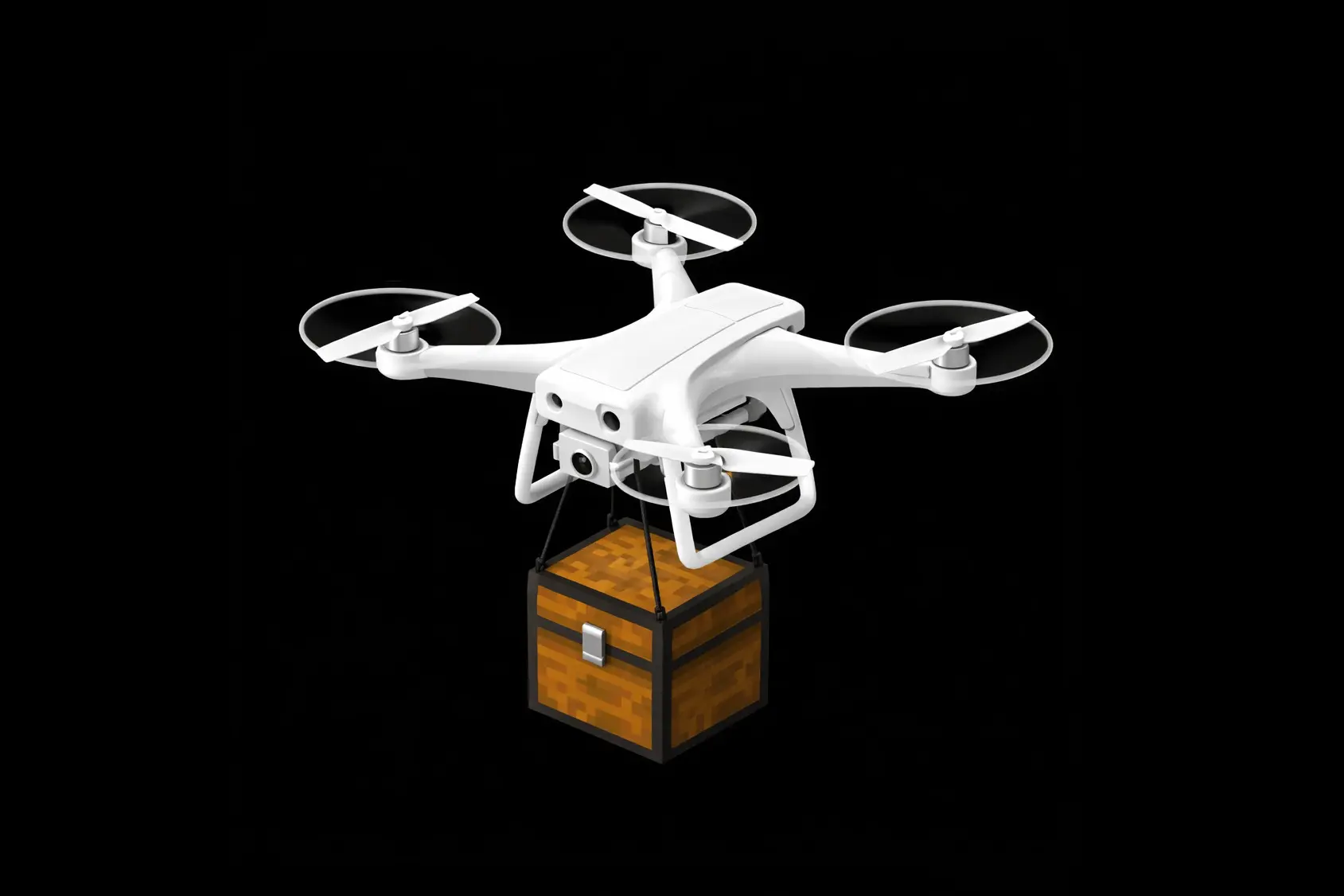
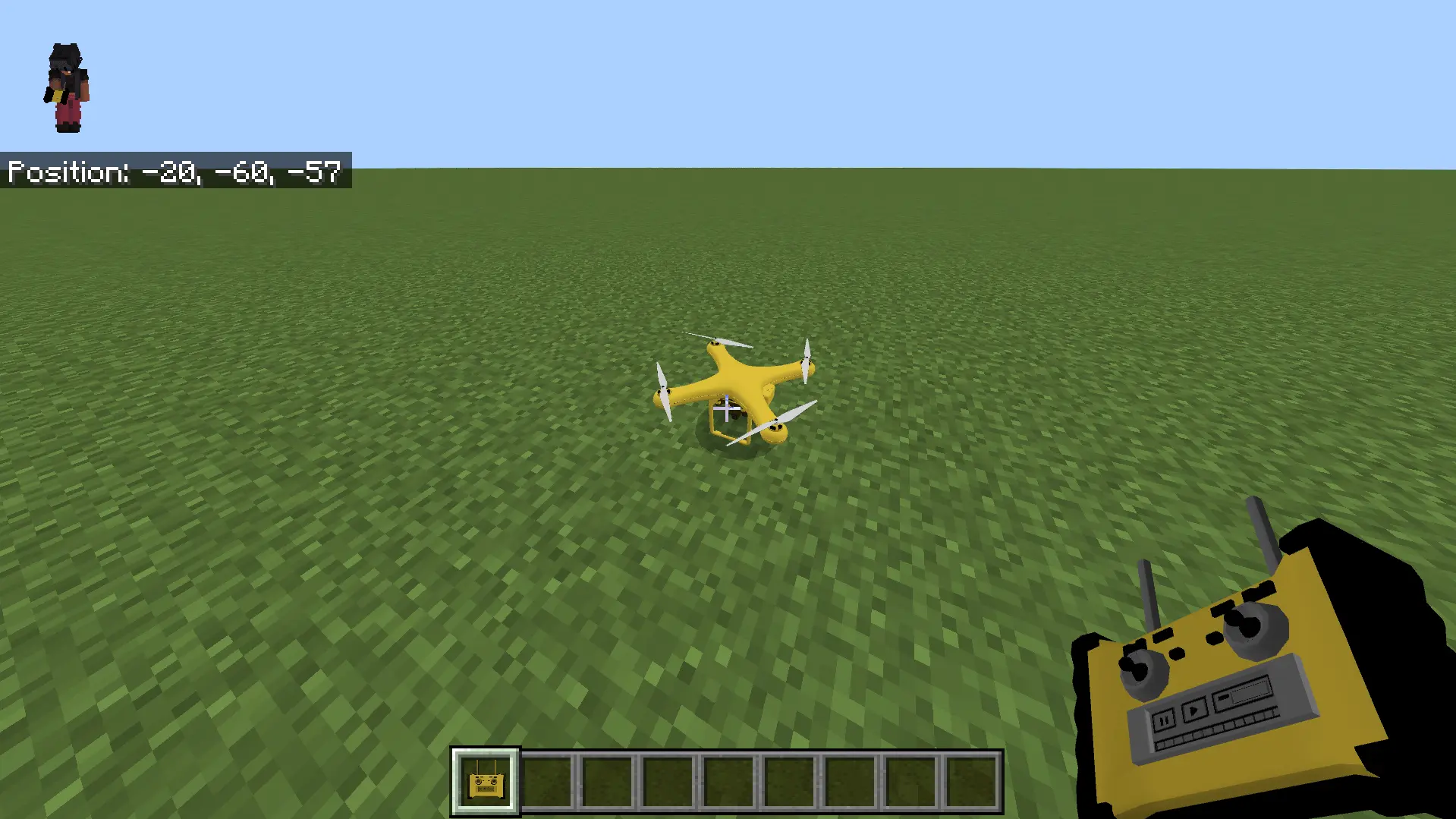
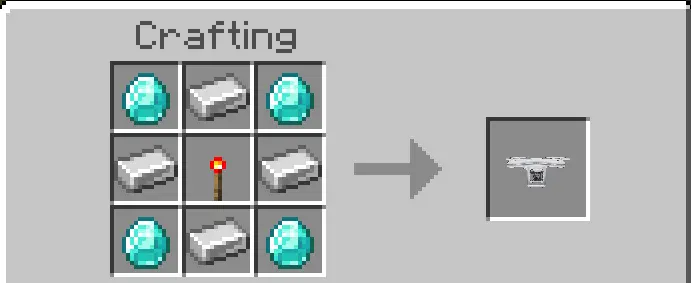


In actual Minecraft Bedrock gameplay, Drone Mod can be a huge help for exploration pacing. You can use it to preview a cave entrance area before walking in, check if a path is safe at night, look for a good build location, or scout out a route between points without burning time. It also works great for base planning. When you’re building something large, it’s nice to have an aerial-like camera view to see shapes and spacing, especially when you’re trying to keep builds symmetrical or match terrain lines.
Since Drone Mod is described as multiplayer friendly, it fits servers and co-op worlds where people want a shared scouting tool without breaking the flow of the game. A practical tip is to agree on basic rules for who controls the drone and when, especially if you’re using password protection, so it stays helpful instead of becoming a constant distraction. Drone Mod is a clean Minecraft Bedrock utility addon for players who want remote exploration, camera viewing from anywhere, and customizable settings that work well in multiplayer sessions.
Installation Mod:
- Download the .mcaddon / .mcpack;
- Open the file to import into the game;
- In World Settings → Resource Packs and Behavior Packs, enable it (turn on Experiments if needed);
- Have fun!
Comments (0)