Essential Utility++ Mod / Addon
- 15-03-2026, 15:12
- 656
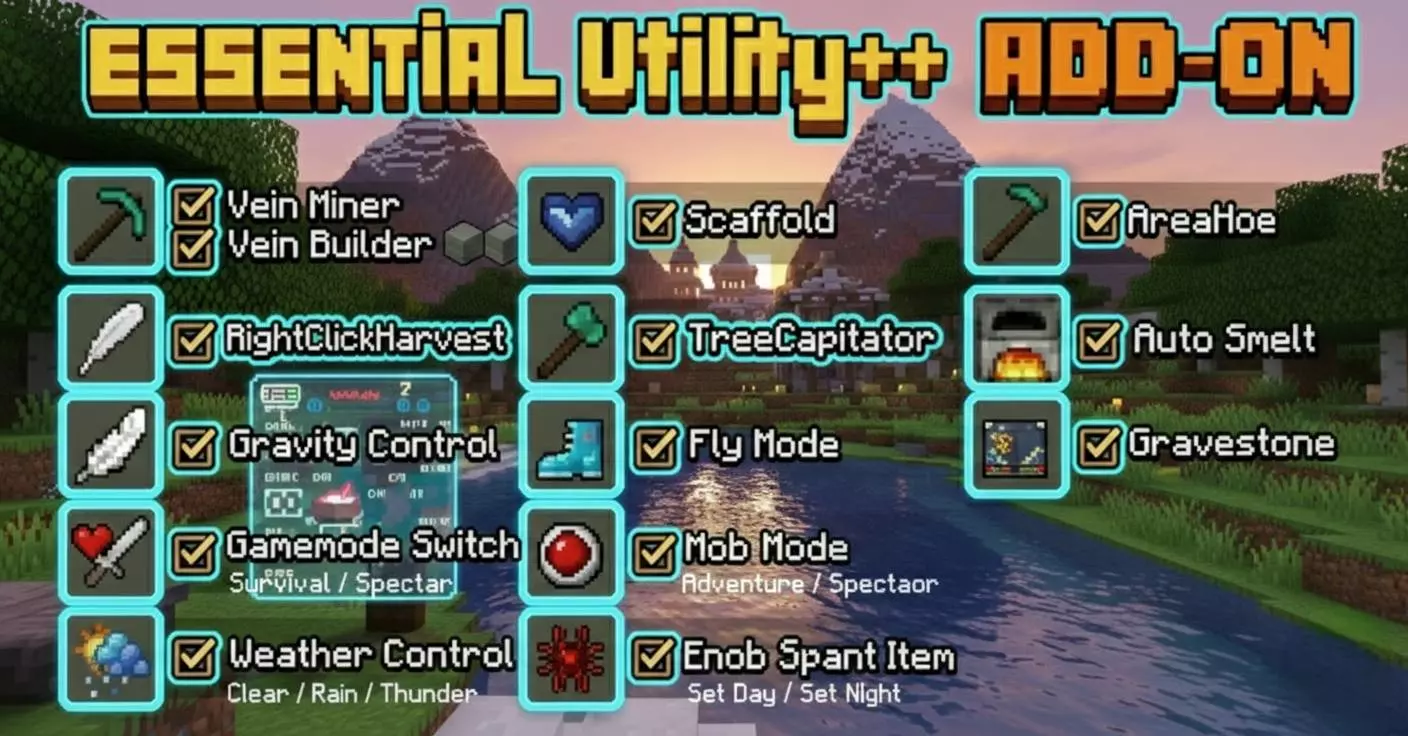
Essential Utility++ Addon is a useful tool for managing the game world, like an admin panel in Minecraft. A useful command can save a lot of time in Minecraft, but remembering the right syntax isn’t always convenient. Essential Utility++ puts a collection of everyday controls into a craftable Utility Tablet, giving you a menu to work with while you play. You can make the tablet with four iron ingots and a piece of paper, so getting started doesn’t mean tracking down rare materials. Once it’s in your inventory, you have a way to reach several common settings without leaving the world or typing out commands each time. It’s the kind of item that can spend most of a play session tucked away, then become useful when you need to change something quickly.


The tablet covers a range of situations. Working on a building and want a clear view of the roof? You can change the time or weather from the menu. Testing a farm and need to switch game modes? That option is available too. There’s also a healing control, which can be handy when you’re trying out a dangerous build or showing someone around a world. These tools leave room for different ways to play: you might use them regularly while working on a project, or keep them for the occasional moment when a storm interrupts your plans. The addon also lets you set a home location that remains saved after you reload the world. If you’ve wandered far from your base looking for a particular landscape, having that location saved makes the return trip easier to manage.
For people running a shared world, the admin panel brings together controls that would otherwise take more effort to keep track of. Access requires the OP tag, so the panel is intended for players who manage the world. From there, administrators can handle player management, configure spawn protection, lock the time or weather, and use cleanup options. The panel can also display information such as player and entity counts, loaded chunks, and TPS, giving you a better idea of what is happening when a busy world begins to feel sluggish. Mob limits and automatic cleanup can be configured as well. Those settings are worth considering carefully in a multiplayer world: clearing excess entities may help keep things manageable, but players will appreciate knowing how the world is configured before they leave things lying around. Spawn protection is useful for a different reason, helping preserve the area where new players first arrive.
Essential Utility++ feels most at home in worlds where people switch between playing, building, testing, and helping other players. A shared creative project might call for daylight and clear weather, while a survival world could benefit from saved home locations and a protected spawn. The tablet puts those choices close at hand without asking you to build a complicated setup first. To install the addon, import both the behavior pack and the resource pack, then activate them in the world settings. After that, craft the tablet and look through its menus to see which controls fit the way you play. On a shared world, it’s also a good idea for the people in charge to agree on how admin tools and cleanup settings will be used. That way, the convenience of having everything nearby remains useful for the whole group.
Installation Mod:
- Download the .mcaddon / .mcpack;
- Open the file to import into the game;
- In World Settings → Resource Packs and Behavior Packs, enable it (turn on Experiments if needed);
- Have fun!
Comments (0)