Actual Player Heads Mod / Addon
- 17-03-2026, 02:34
- 487
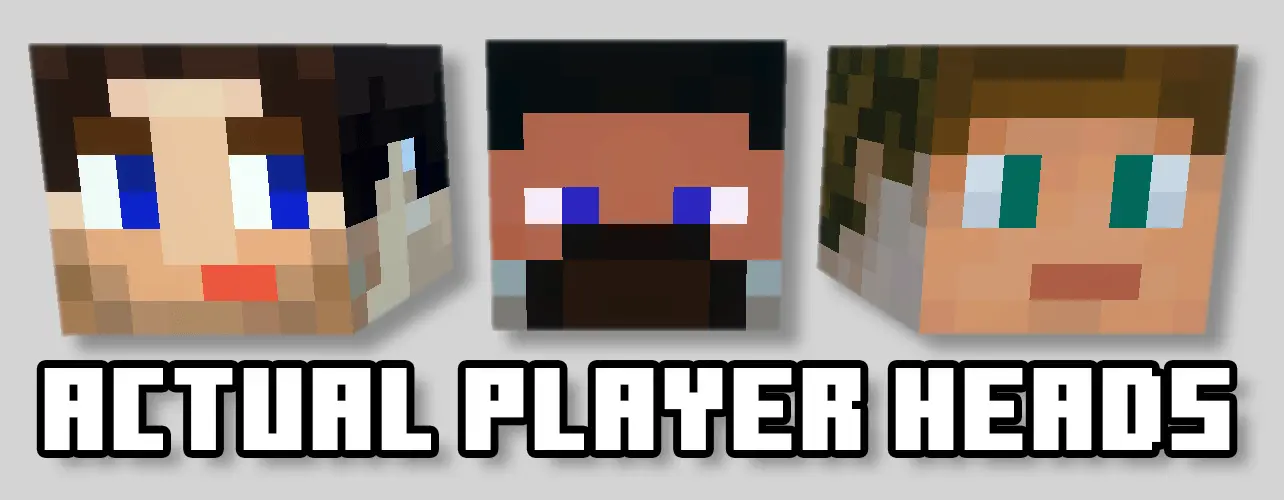
Actual Player Heads Minecraft addon allows you to collect and collect the heads of other players in the game. Actual Player Heads lets you collect Minecraft heads based on real players’ skins. Instead of displaying the same familiar mob trophies in your base, you can put your friends’ faces on the wall—or wear one yourself. It’s a slightly ridiculous idea, which is exactly why it works so well in a shared world. A friendly duel can end with a new trophy, and a meeting room can slowly fill with reminders of the people who play there.
The heads are based on the players you add to a custom pack, so don’t expect the sample download to automatically contain everyone on your server. To make a personal collection, use the pack generator, enter the players’ gamertags, and select the options you want before importing the finished addon. If a player’s skin cannot be found, a skin image can be uploaded when using the generator. For a head to drop for the correct player, the name entered for an uploaded skin needs to match that player’s in-game name.
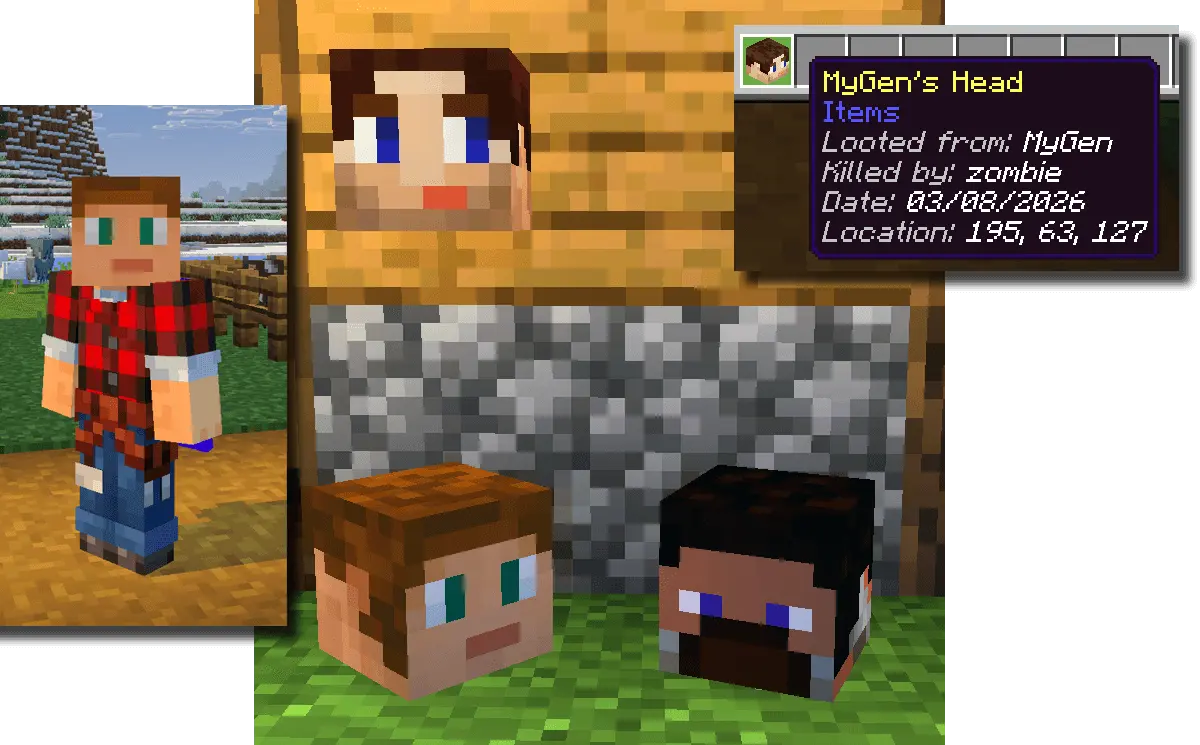
Once the pack is set up, a player’s head can drop when they are defeated, provided the relevant option is enabled and their head is included in the pack. You can keep it as a trophy, give it back, or put it somewhere your friend will discover later. A PvP tournament becomes a little more memorable when the winner has something to display afterward. Of course, the next match gives the other player a chance to return the favor, so that trophy wall could change hands quite quickly.
The heads are useful for decoration even if your group isn’t interested in fighting. Place them on walls or arrange them in a room dedicated to the people who have played in your world. A shared base might have a small display beside the entrance, while a tournament arena could have a space for past winners. You can also wear a head in the helmet slot if that option is enabled. Showing up at a friend’s house wearing their own face is a simple joke, but it’s likely to get their attention.
To use the addon, open the generated pack in Minecraft and activate it in your world settings. Check the options when creating the pack, since features such as player drops and wearable heads can be switched on or off. After that, invite your friends and decide what kind of collection you want to make. It could be a record of PvP victories, a display of everyone who helped build the world, or just a collection of familiar faces arranged somewhere unexpected.
Installation Mod:
- Download the .mcaddon / .mcpack;
- Open the file to import into the game;
- In World Settings → Resource Packs and Behavior Packs, enable it (turn on Experiments if needed);
- Have fun!
Comments (0)