Invincible Wobble Hit Animation Mod / Addon
- 15-04-2026, 08:23
- 1 745
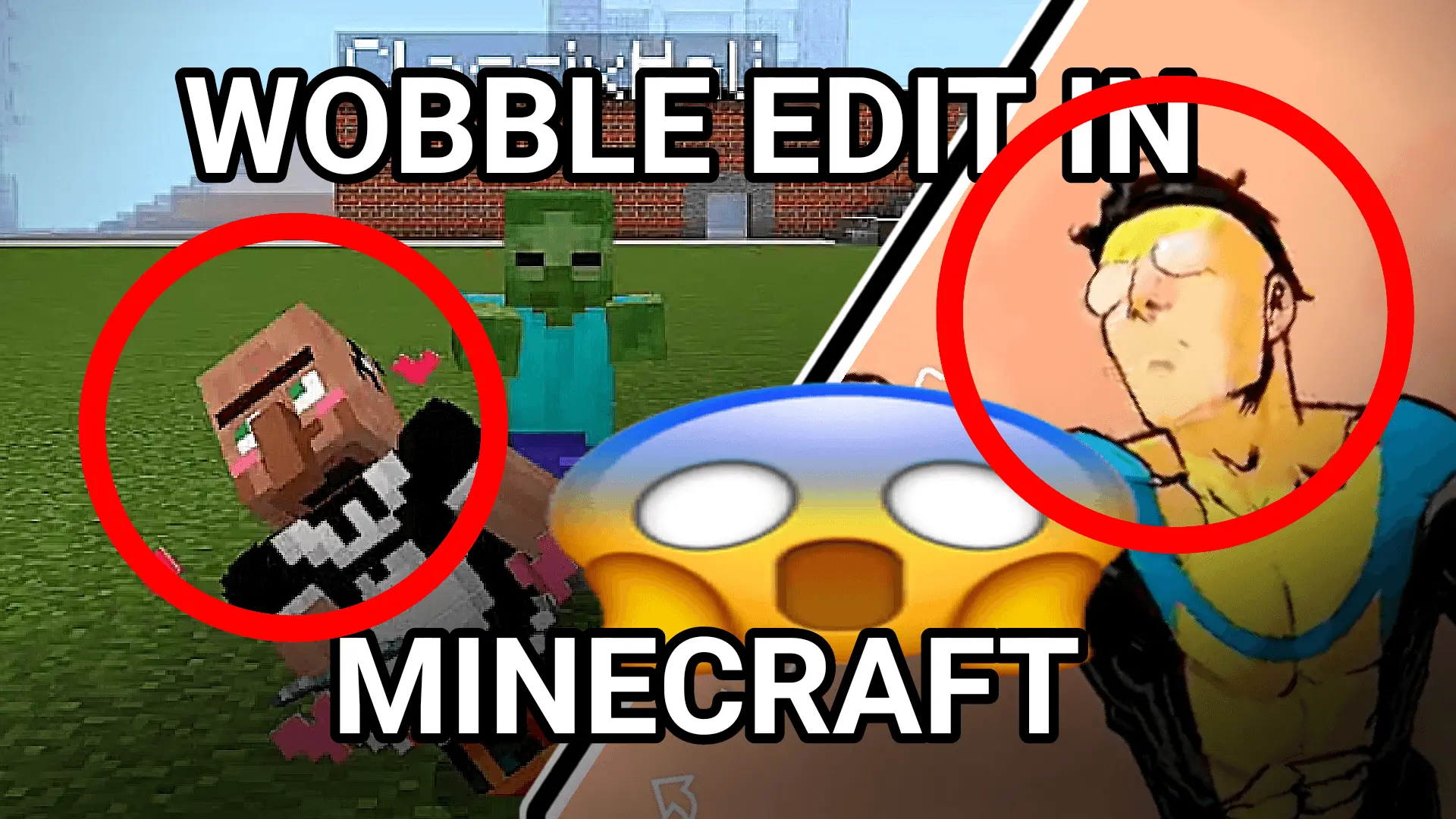
Invincible Wobble Hit Animation Addon is a new cool animation after hitting in Minecraft. Watch the video to see how it will look in the game.
You’re fighting a zombie outside your base when it starts swaying like it has somewhere else to be. That’s the joke behind Invincible Wobble Hit Animation: when an entity takes a hit, it reacts with the back-and-forth movement made familiar by the Invincible wobble meme. It’s the kind of addition you might install for a laugh, then leave on because even a routine fight becomes a little less predictable to watch.
The animation borrows the exaggerated motion seen in edits of Mark Grayson from Invincible. If you know the meme, you’ll probably recognize the movement as soon as you see it. If you don’t, imagine landing a hit and watching your target wobble instead of reacting the way you’re used to. The transition is smooth, which makes the swaying look deliberately animated rather than like a sudden twitch. It’s a brief visual gag built into an action you already perform throughout the game, so there’s no special item to search for or challenge to complete before you can see it.
I can picture this working particularly well in a world you share with friends. One player heads out to deal with a mob near the house while everyone else watches from the doorway, only for the creature to start wobbling after the first hit. You could set up a few encounters just to watch the animation, but it might be funnier when it catches you off guard. A cave trip, a nighttime fight, or a quick scrap on the way home can all give you a chance to see it. The effect also makes an amusing detail for a recorded survival adventure or a short clip built around the meme.
Installing the add-on is straightforward: download the file, open it to import it into Minecraft, and enable its packs in your world settings. Then enter the world and try hitting an entity to see the reaction. If you want a closer look before installing, the download page includes a video showing the animation in action. This is a good pick when you’re in the mood for a silly visual change and want your next fight to have a bit of meme energy.
Installation Mod:
- Download the .mcaddon / .mcpack;
- Open the file to import into the game;
- In World Settings → Resource Packs and Behavior Packs, enable it (turn on Experiments if needed);
- Have fun!
Comments (0)