Lite FPS Mod / Addon
- 29-04-2026, 01:53
- 337
Mods 1.26 / Mods 1.21 / Mods 1.20
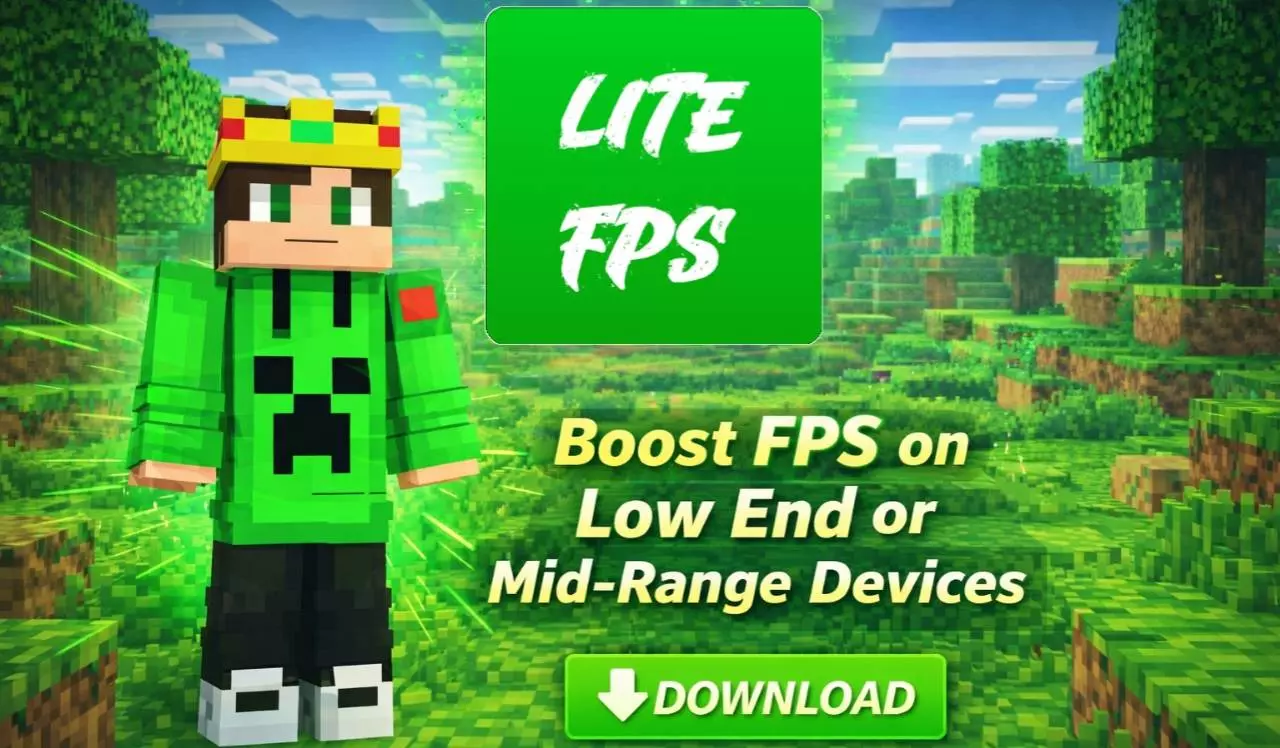
Lite FPS is a simple but useful mod that will give changes in graphics to increase FPS. Useful for weak devices and PVP battle mode.
Lite FPS is a Minecraft resource pack made for players who want a cleaner screen and a chance to improve performance on a less powerful device. It reduces visual effects and animations while also changing parts of the interface. If your game becomes less comfortable during busy battles or when there’s a lot happening around your base, this pack is worth trying. It’s designed for both PvP and everyday survival, so you can test it in the places where you normally play rather than changing your routine just to use it.
Particles and animations are among the things Lite FPS reduces. They can make Minecraft feel lively, but when many effects appear at once, they also add visual activity to the screen. The pack’s simpler presentation may be easier to follow when you’re fighting mobs or keeping track of another player in PvP. You’ll probably notice the difference most in situations where effects usually appear frequently. Some visual cues may be less noticeable, so it’s worth playing a few familiar encounters and deciding whether you like the cleaner look.
The interface has a dark design and a smoother font, giving menus a different appearance from the standard Minecraft screens. You’ll see the change while opening your inventory, checking supplies and using other menus during a normal session. A darker interface can be a comfortable choice if you prefer less bright space around your items. Spend a little time organizing your inventory or preparing for a trip to see how the new look feels. A menu is something you open many times without thinking about it, so even a simple change can make the game feel fresher.
Lite FPS also includes a brewing guide and changes to the villager trade view. The brewing guide can be helpful when you’re preparing potions and don’t want to rely entirely on memory for the ingredients. If you spend time trading with villagers, take a look at the updated trade interface as well. These additions give the pack some everyday uses beyond its focus on performance. You might come for the simpler effects and find that one of the interface changes is useful while working on a survival base.


For PvP players, a less crowded screen can make it more comfortable to follow a fight. When another player is moving quickly and effects are appearing around you, being able to see what’s happening matters. Lite FPS aims to make those moments visually simpler, though it won’t replace practice or guarantee a better result in a match. Try it in an arena you know well and pay attention to both the interface and the reduced effects. If you play on a phone or an older computer, that same match can also help you judge whether the pack makes a noticeable difference to how smoothly your game runs.
Performance depends on your device, settings and the world you’re playing in, so the result may differ from one player to another. A useful way to compare is to visit the same area with and without the pack while keeping your settings unchanged. Lite FPS is a practical option if you want to try a darker interface, simpler visuals and fewer effects in Minecraft. Give it a little time in the activities you enjoy most, then decide whether the changes suit your way of playing.
Installation Mod:
- Download the .mcaddon / .mcpack;
- Open the file to import into the game;
- In World Settings → Resource Packs and Behavior Packs, enable it (turn on Experiments if needed);
- Have fun!
Comments (0)