Xnova Model Mod / Addon
- 29-04-2026, 02:01
- 2 378
Mods 1.26 / Mods 1.21 / Mods 1.20

Xnova Model Addon will improve the hand model and overall first person view in Minecraft. Xnova Model changes how your hands and held items look when you play Minecraft in first person. Your character’s arms appear slimmer, blocks and equipment take up less space on the screen, and the way you hold tools and weapons has a different look. It’s a change you’ll notice almost immediately: pick up a sword, switch to a block or take out your pickaxe, and your view will feel a little different even though you’re doing the same things you always do.
The smaller hands and held items leave more of the world visible in front of you. That can be useful when you’re building and need to see exactly where you’re placing a block, or when you’re walking through a cave with a tool in hand. Some items can cover a surprising amount of the screen, especially when you’re concentrating on something close by. Xnova Model adjusts their size and position so they feel less prominent. It’s a visual change, so a smaller-looking block still places normally and your tools work just as they did before.
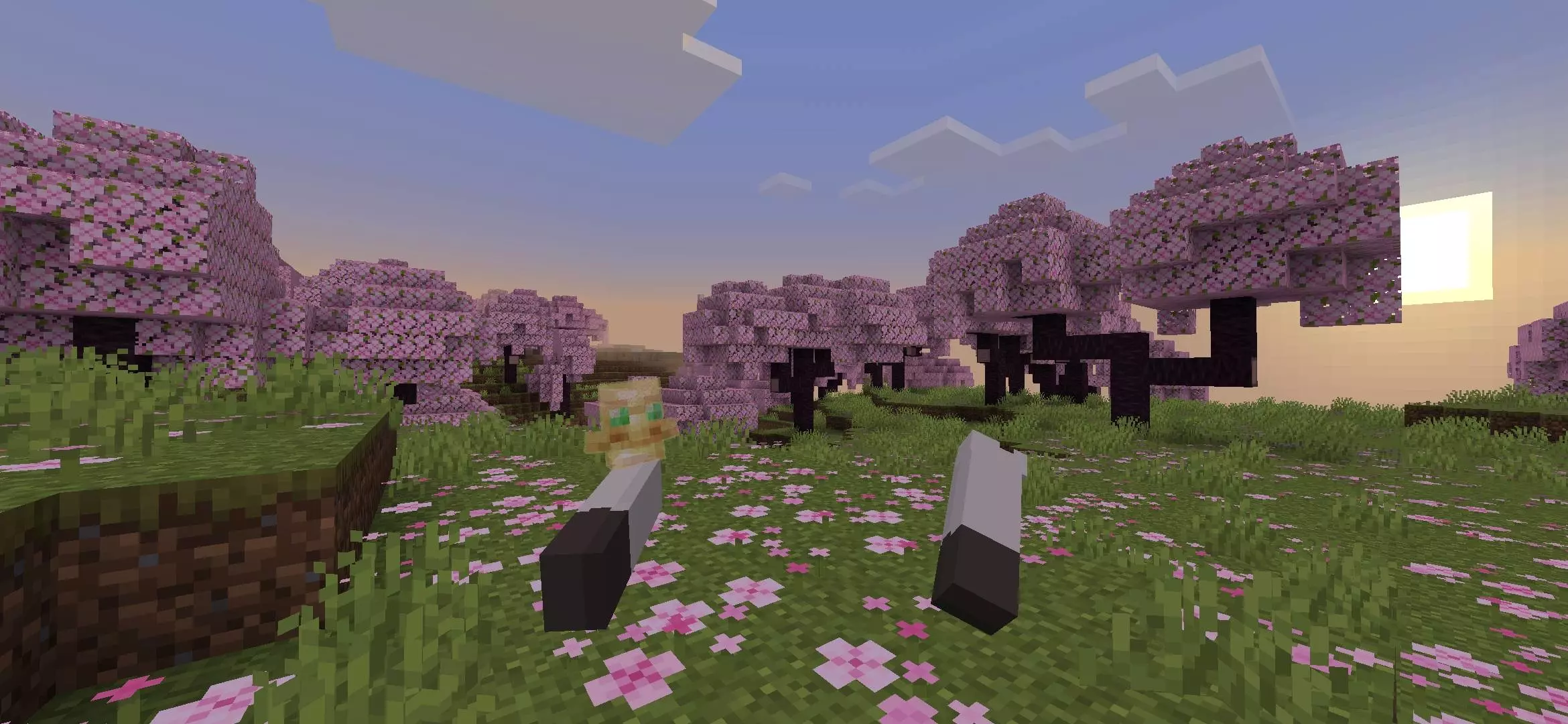
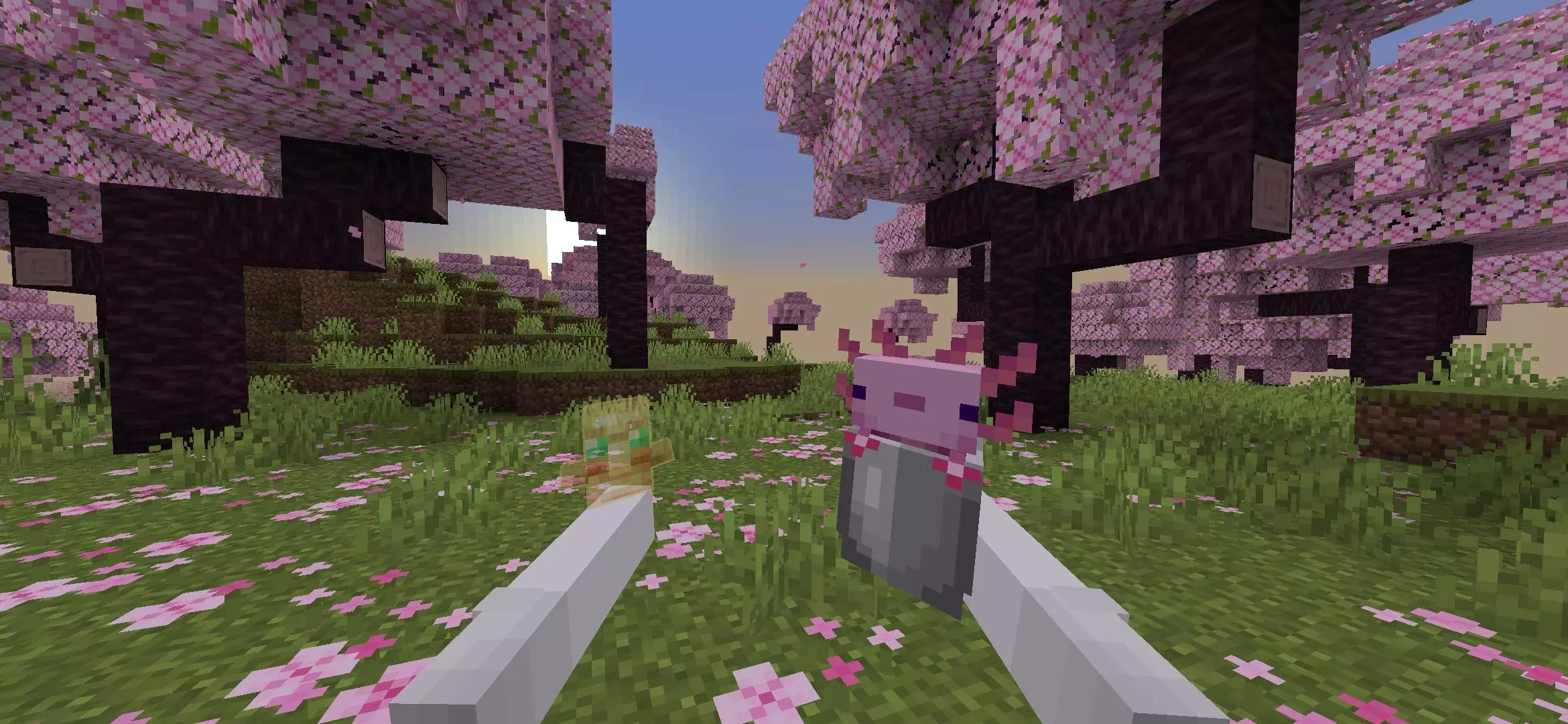
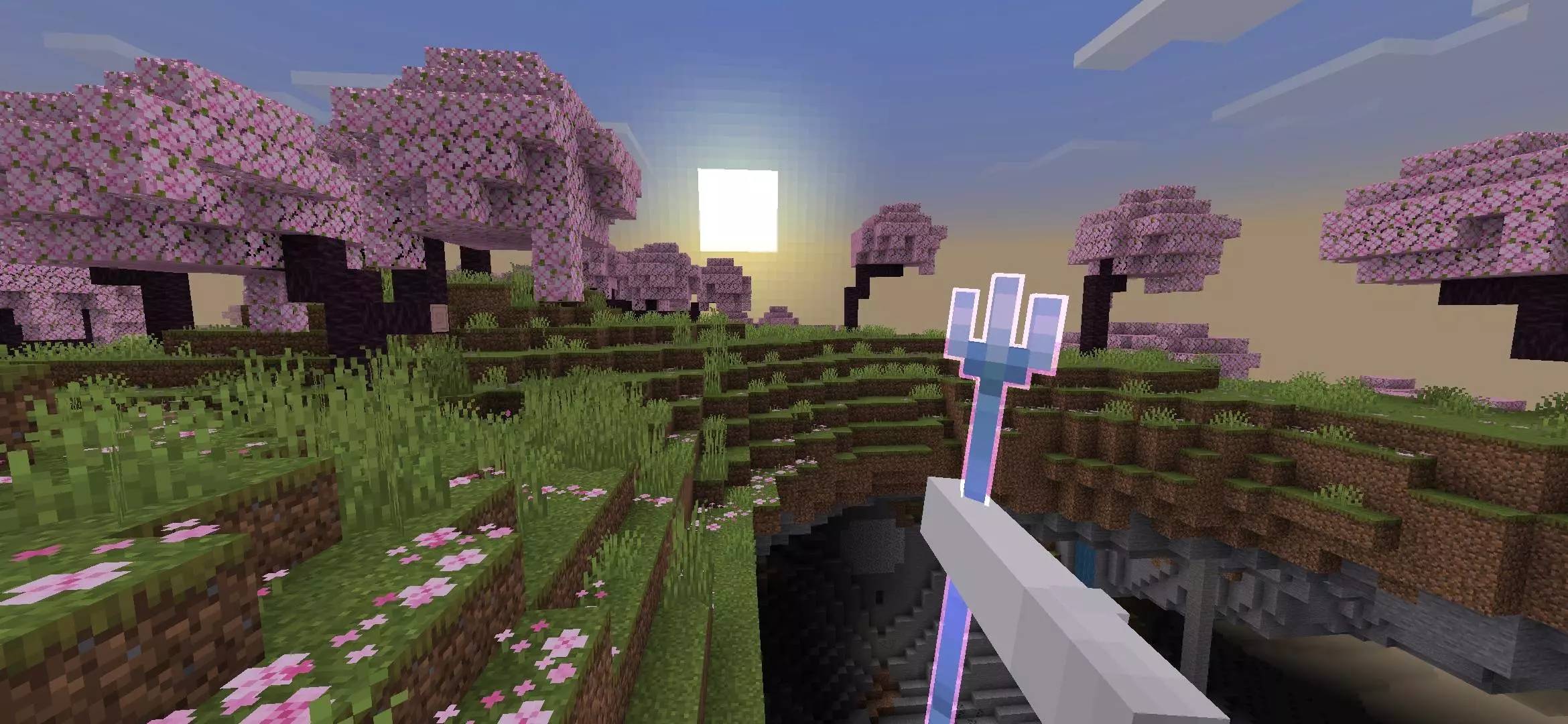
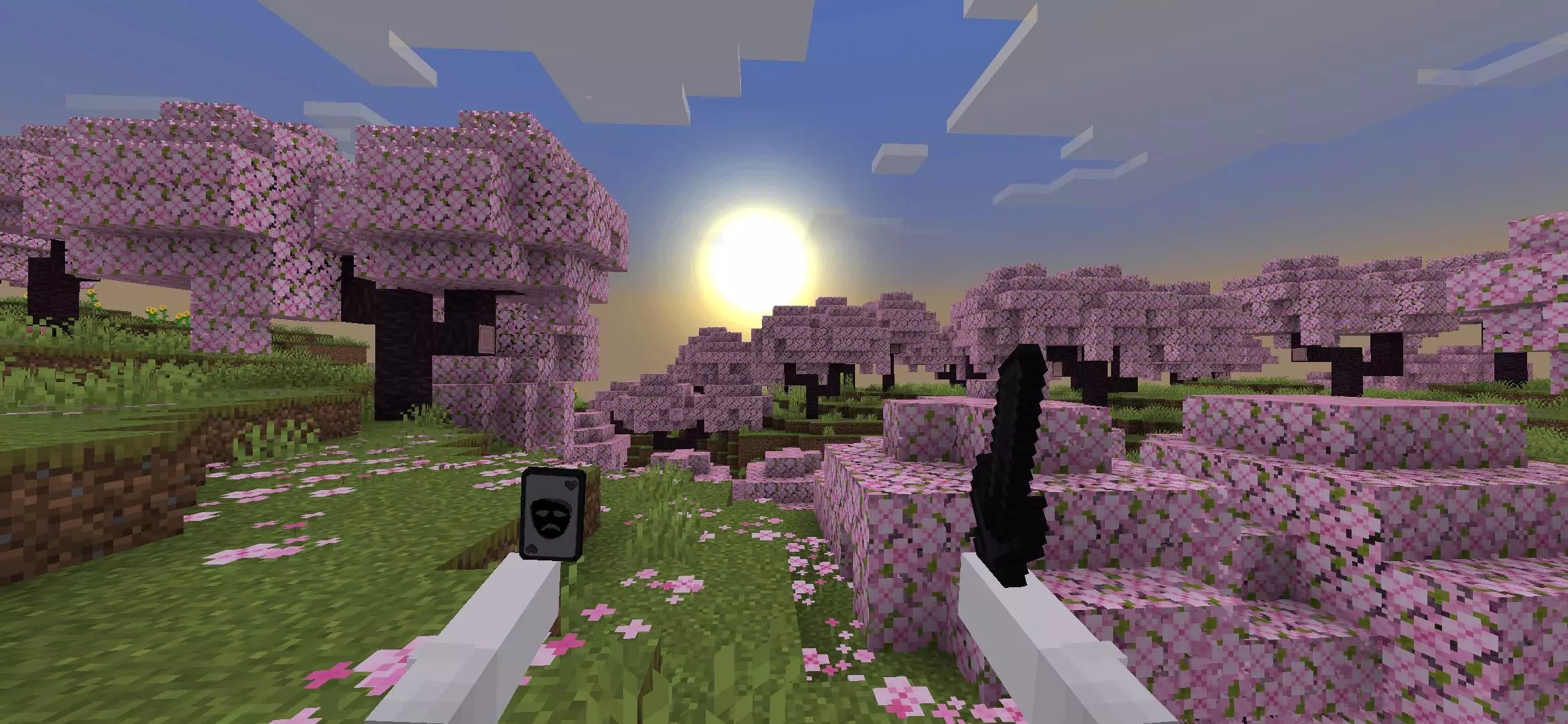

Weapons also get a different presentation. Take out a sword or switch to another piece of equipment and you can see how the hand position and animations affect the first-person view. The changes are particularly appealing if you spend a lot of time fighting, since your weapon is something you’re watching throughout the encounter. The pack includes a PvP-focused option for players who want a cleaner view during matches. You can try it in a fight with friends or an arena you know well and decide whether the different position feels comfortable.
Xnova Model includes several hand styles, giving you a chance to choose the look that suits you. Some options adjust where the hands sit on the screen, while others offer a more compact view. Try switching between them while holding a few different items. A position that looks good with a sword might feel different when you’re building with blocks or carrying food, so it’s worth checking the things you use most often. You may find one style you want to keep for every world, or prefer a different setup when you’re playing PvP.
The pack can be enjoyable in survival even if you don’t fight other players. Mining, chopping wood and building are activities you do constantly, and your hands and tools are always part of that first-person view. A change to their appearance can make those familiar actions feel fresher. It’s especially noticeable during a long building project, when you’re switching between blocks and tools and looking closely at the structure in front of you. You don’t have to change your house, skin or the rest of your world to appreciate the difference.
If you enjoy animation packs, Xnova Model also has options designed to work with Actions & Stuff. That gives you another way to combine the first-person look with movement you may already use in your world. You can also keep things simple and choose a hand style on its own. Xnova Model is a good choice for players who want a less crowded first-person screen and a new look for the hands, tools and weapons they see throughout every Minecraft session.
Installation Mod:
- Download the .mcaddon / .mcpack;
- Open the file to import into the game;
- In World Settings → Resource Packs and Behavior Packs, enable it (turn on Experiments if needed);
- Have fun!
Comments (5)