Realistic Tools – Addon / Texture Pack
- 1-05-2026, 07:35
- 534
Mods 1.26 / Mods 1.21 / Mods 1.20 / Textures
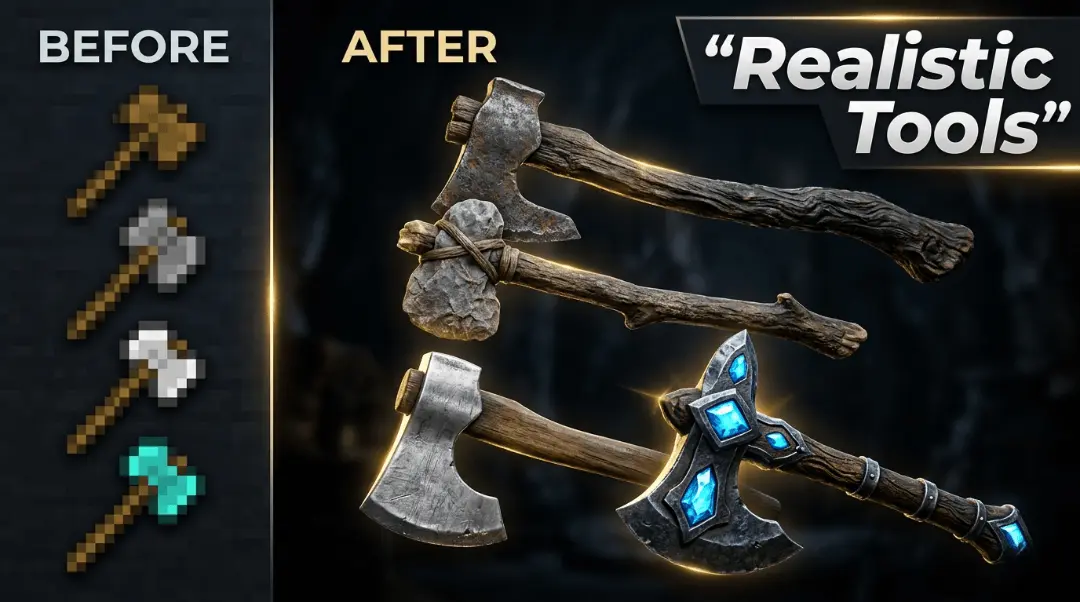
Realistic Tools – Addon very beautiful HD models of tools with realistic textures for Minecraft. Realistic Tools gives Minecraft Bedrock’s axes a more detailed, realistic appearance. The familiar pixel-art tools are replaced with high-resolution designs that look closer to the kind of axes you might find outside the game. It’s a small change to one part of your equipment, but an axe is something you’ll use often, whether you’re gathering wood for your first shelter or clearing space for a much bigger project.
The pack covers axes made from different materials, including wood, stone, copper, iron, gold, diamond, and netherite. That means you can see the new style throughout your survival journey, from the first tool you make to the equipment you take out once you’ve gathered rarer resources. Each material has its own appearance, so it’s worth comparing the axes rather than looking only at the one you currently carry. Craft a wooden or stone axe at the beginning of a world and you’ll get an early look at the pack; later, when you make a diamond or netherite axe, you can see how the same realistic approach carries over to stronger tools.
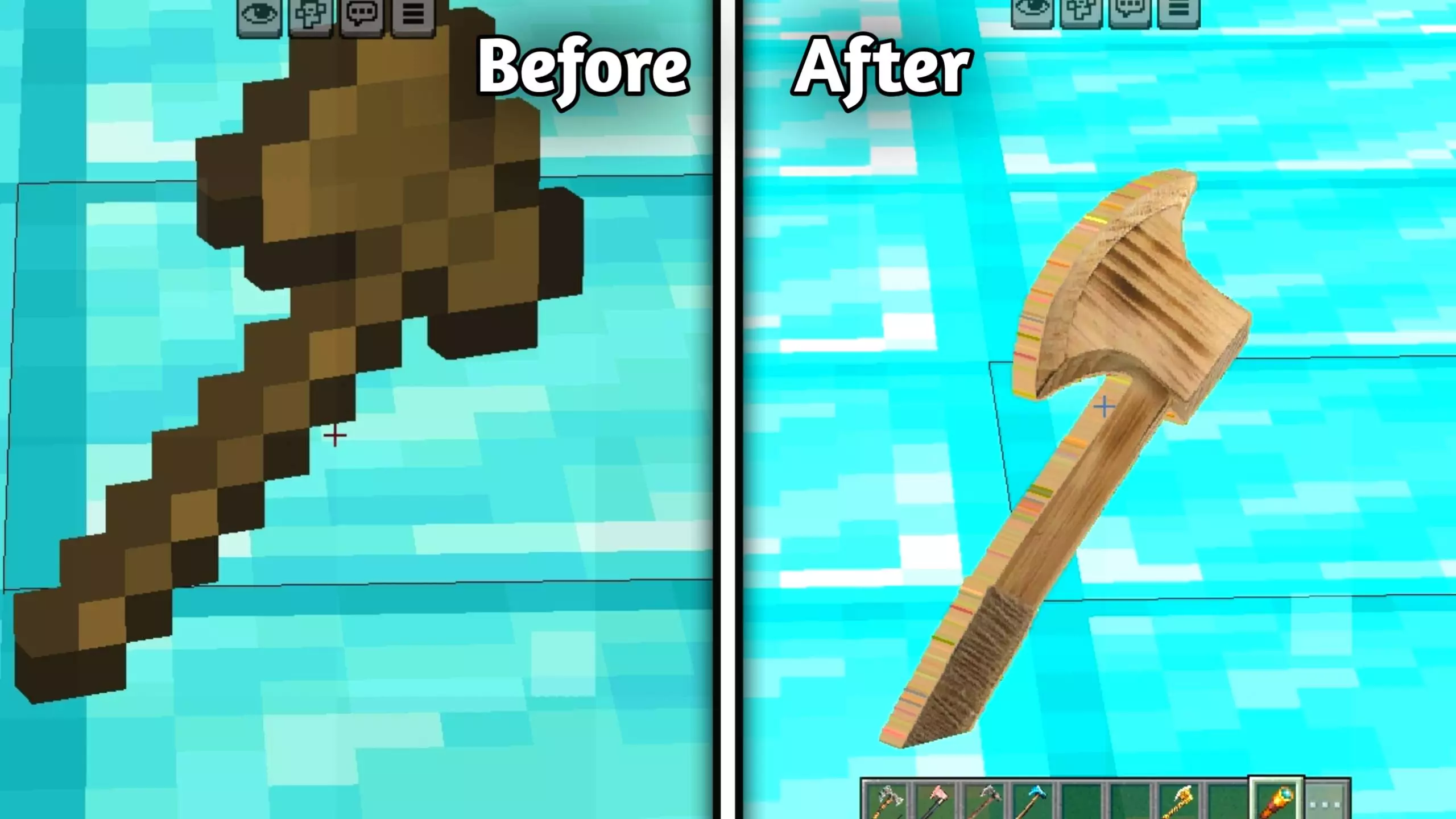
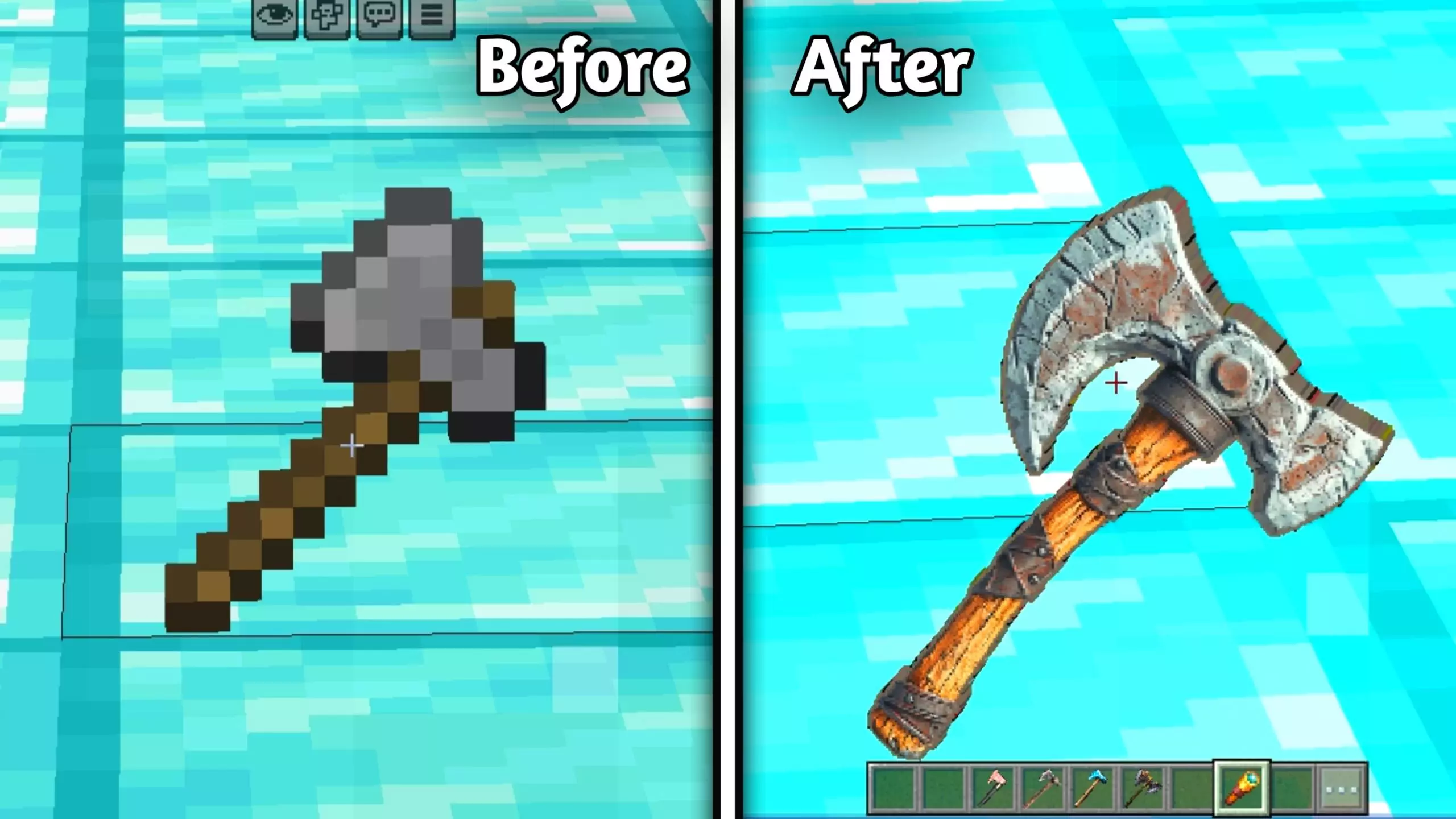
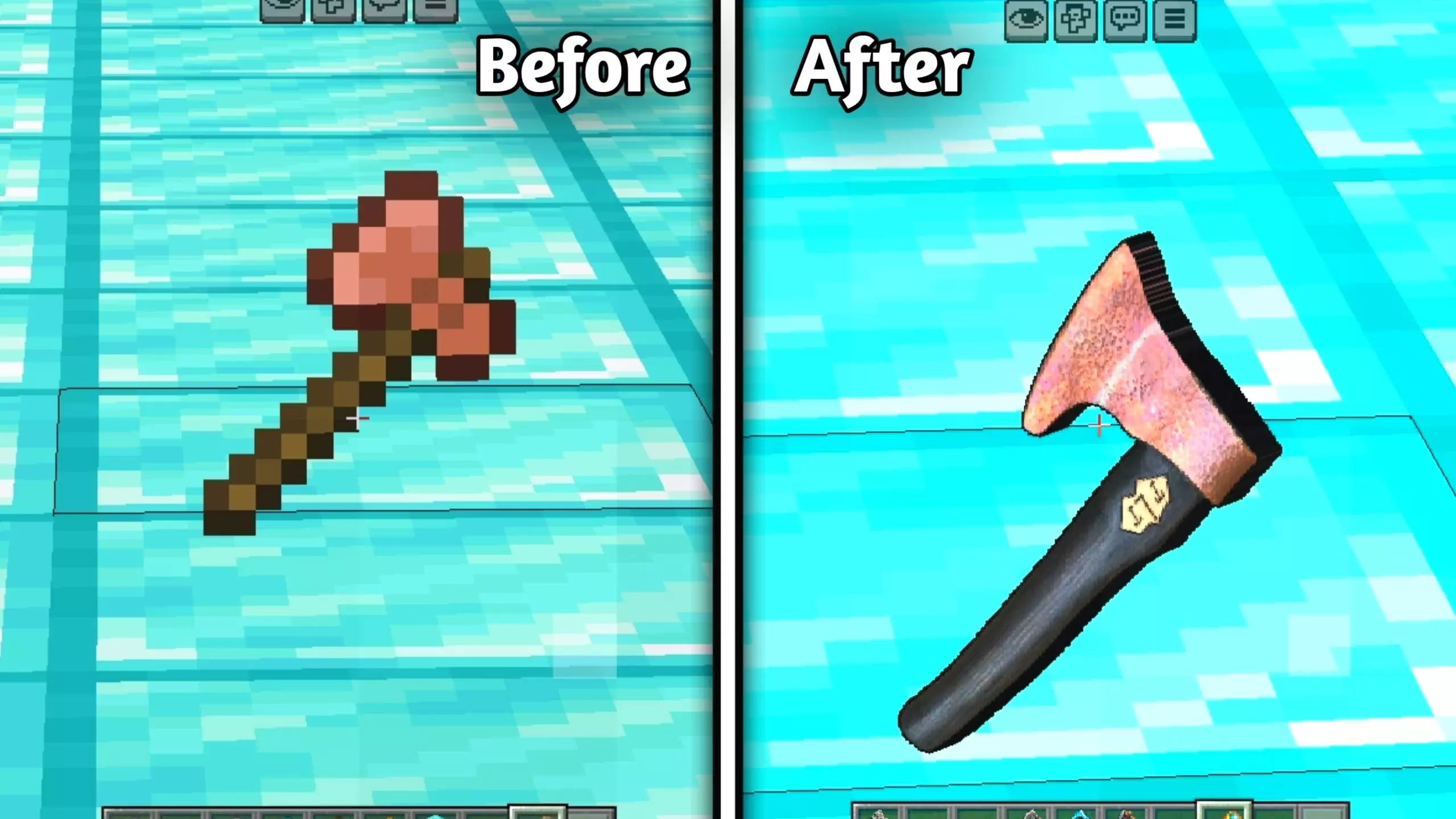
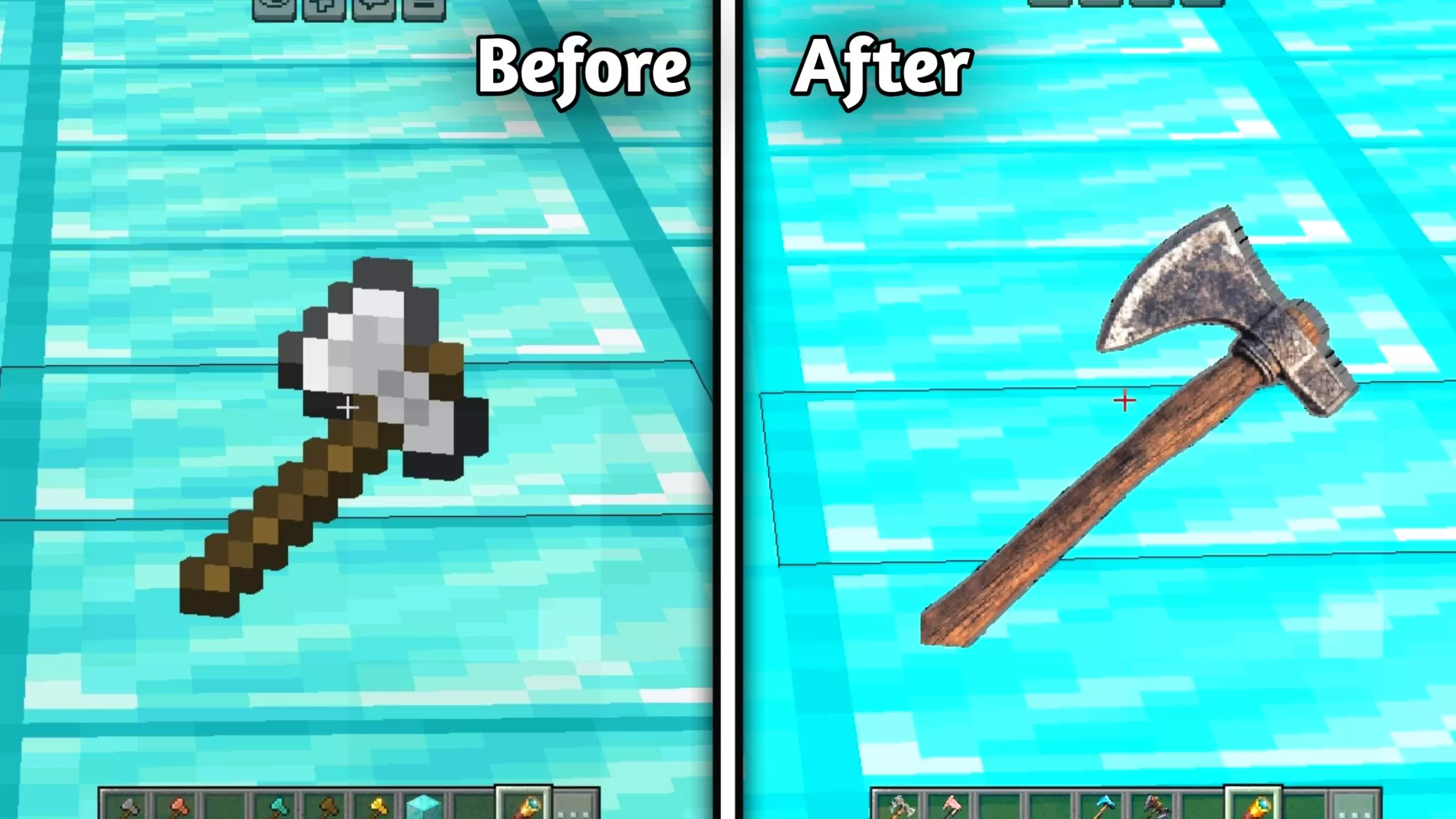
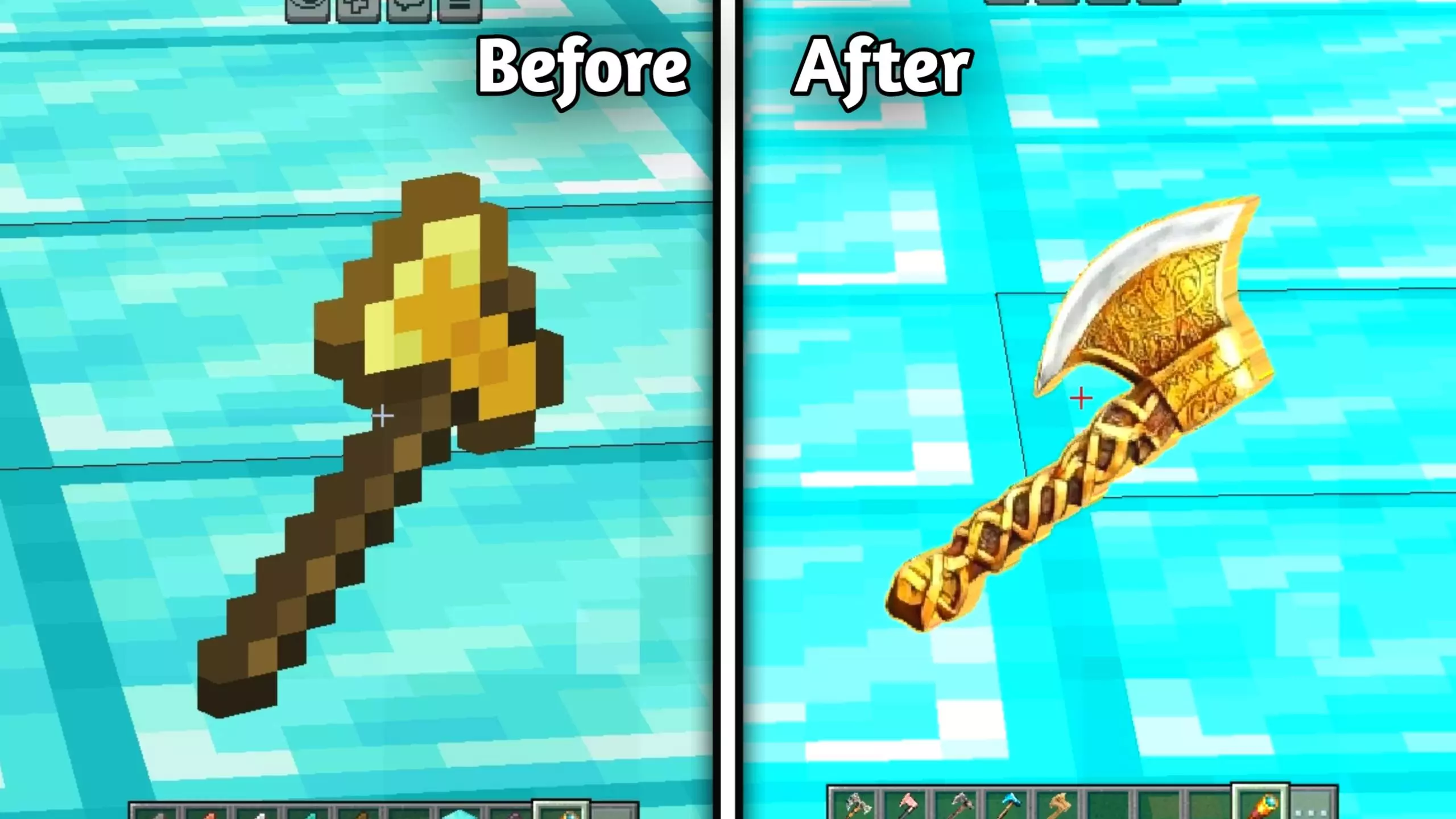
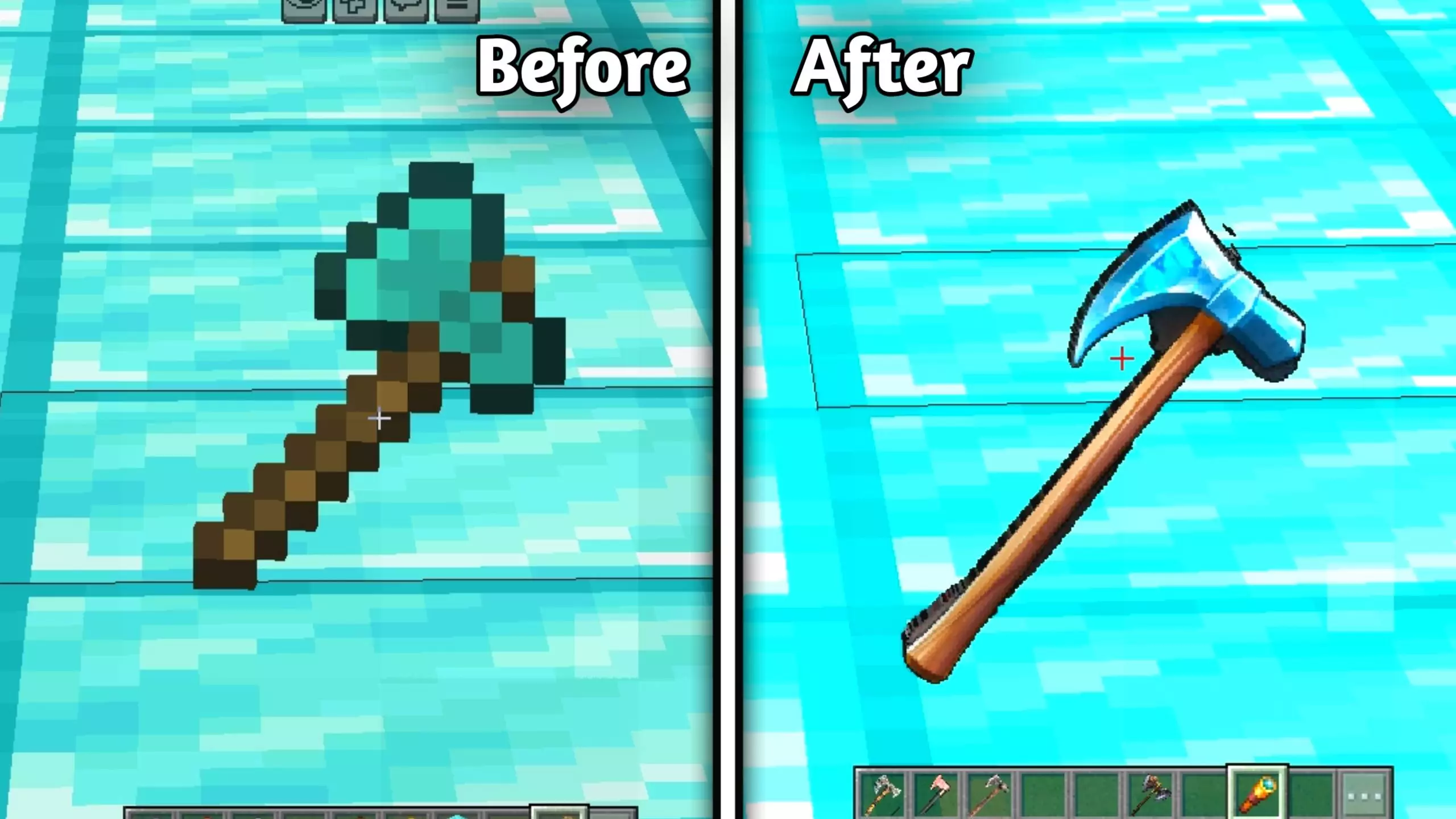
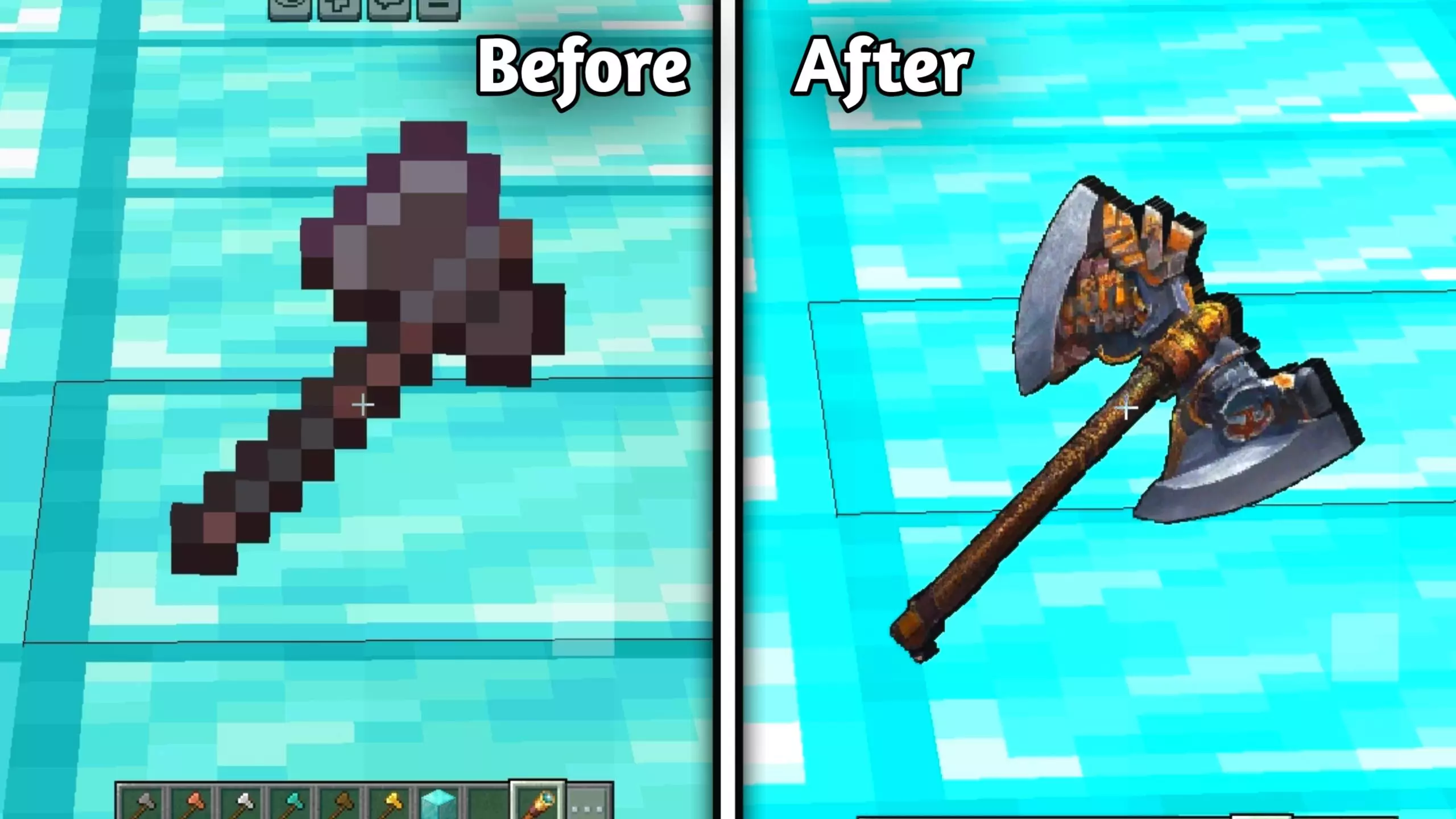
The higher level of detail is the main attraction. Minecraft’s usual axes have a simple, unmistakable style, while these designs give the tool more of a real-world character. You’ll notice the difference when an axe is selected in your hotbar and held on screen as you work. If you spend an afternoon chopping trees for a house, fence, or storage room, the new appearance stays with you through a task that would otherwise look exactly as it always has. It’s also a chance to try a more realistic detail in your world without replacing every block and creature around you.
Realistic Tools includes several resolution options: 32x, 64x, 128x, and 256x. The higher options offer more room for texture detail, while a lower option may be a better fit if you prefer a less demanding setup. You can choose the one that looks right to you and see how it performs on your device. Try holding the same axe with different settings and compare what you notice during normal play. A close look at the texture can be useful, but it’s also worth spending a few minutes gathering wood to see how the tool feels on screen while you’re actually using it.
There’s one detail to keep in mind when choosing this pack: the file offered here focuses on axes. The name might make you expect every pickaxe, shovel, sword, and hoe to have a new design, but those aren’t all covered by this release. If axes are the tools you’d like to change, there are several materials to look at. If you’re hoping for a complete redesign of every piece of equipment, it’s better to know what you’re getting before you try it. The pack changes the appearance of the axes; you still craft and use them as you normally would.
The realistic style can be a nice addition to a survival world where you enjoy collecting resources and building with wood. Take your new axe into a forest, gather logs for your next project, and see whether you like how it looks alongside the rest of your game. You could also keep a selection of axes in your base and compare the designs as you progress. Realistic Tools is a focused visual change, but because axes are such a regular part of Minecraft, you’ll have plenty of chances to appreciate it.
Installation:
- Download Texture;
- Open the downloaded .mcpack to install;
- Select texture in settings;
- Done.
Comments (0)