Copy & Paste Addon
- 5-08-2026, 06:52
- 389
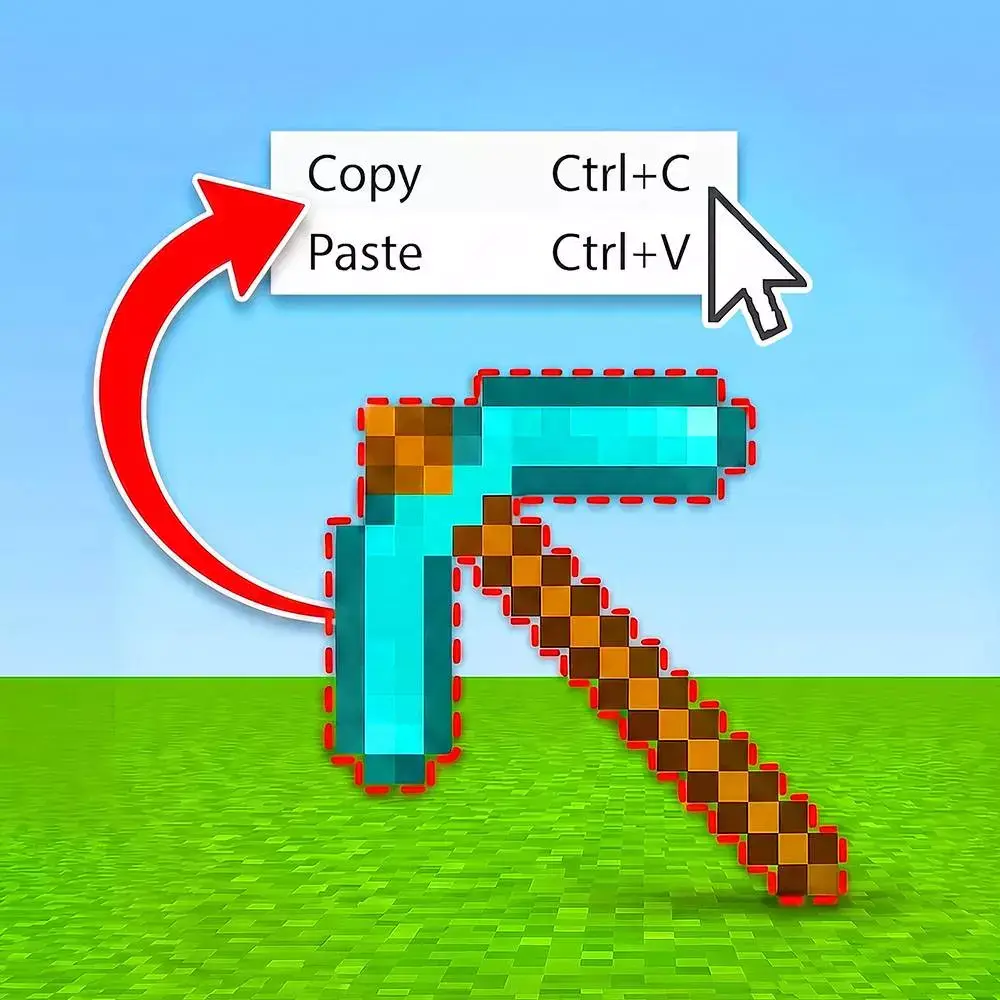
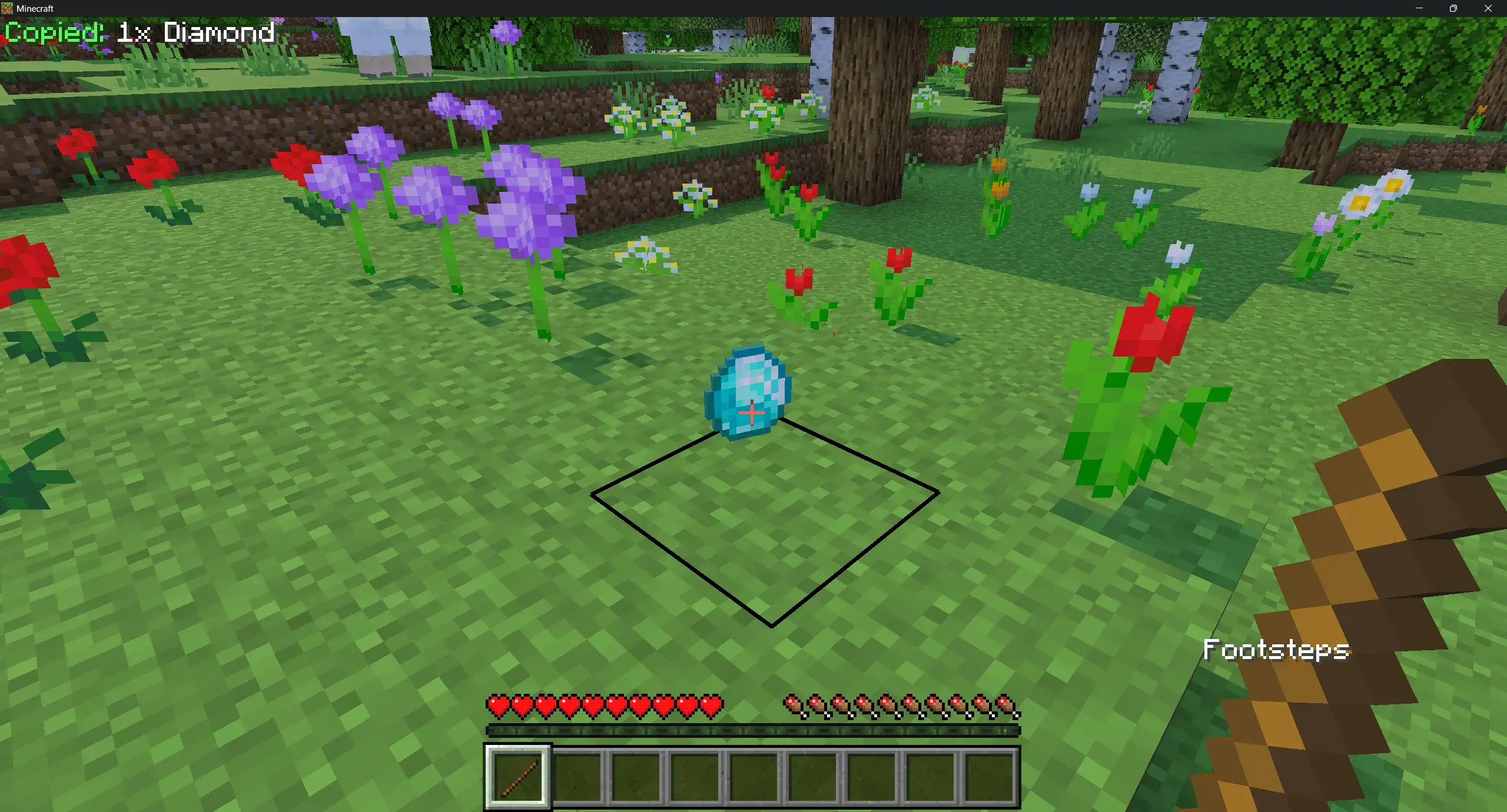
The Copy & Paste Addon turns a standard wooden stick into a portable item duplicator, letting you clone any dropped item in seconds with a simple shift-click.
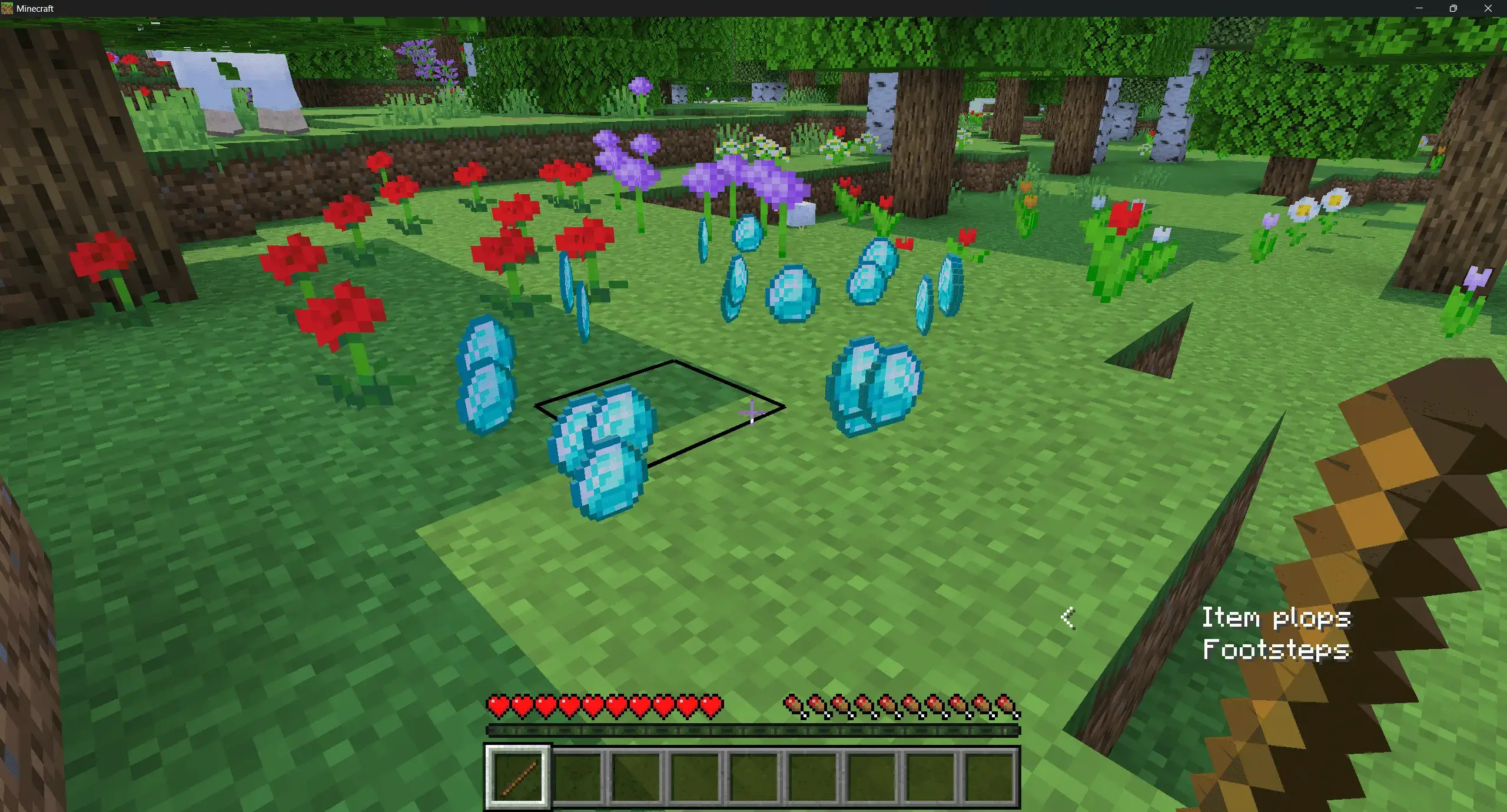
Pasting is just as smooth. Point your cursor at any surface, right-click while standing normally, and a fresh duplicate pops into the world exactly where you are looking. The stick holds that copied template indefinitely until you select a new item, meaning you can spawn endless copies of rare ores, tools, or custom building materials across your terrain in seconds.
Every serious sandbox builder knows the headache of constructing symmetrical mega-bases. In vanilla Bedrock, your only real option for duplicating assets is messing with rigid Structure Blocks—which means wrestling with awkward bounding boxes, typing out clunky coordinate offsets, and praying you don't accidentally clip off the edge of your roof detailing. This pack ditches that clumsy system for a streamlined, intuitive workflow. By equipping specialized builder tools, you can designate your selection points with a couple of quick taps, capturing entire houses, complex redstone contraptions, or intricate facade details directly into your temporary memory buffer.
What makes this tool feel like a legit WorldEdit substitute on console and mobile is how it treats directional placement. You aren't stuck dumping builds down in one static orientation. The addon gives you full freedom to rotate selections across different axes, flip patterns to mirror grand cathedral wings, and drop assets flush with uneven terrain. Picture designing a high-detail medieval cottage once, and then effortlessly stamping out an entire bustling village quarter across a rolling hillside in under five minutes. It cuts down hundreds of hours of manual labor, letting you focus on big-picture creativity instead of acting like an automated block-placing bot.
Whether you are laying out massive builds in creative mode, testing resource yields, or just want to skip the endless grinding for rare materials, this tool makes cloning assets effortless. Instead of typing out long commands or setting up laggy redstone machinery, you just toss your target item on the dirt, Crouch-Click it while holding a stick, and boom—it is saved directly to your stick's clipboard.
It is a lightweight, practical Minecraft Bedrock item duplication mod that makes world testing and large-scale creative projects insanely fast. If you need a zero-friction MCPE copy paste addon to speed up your workflow without messing with complex UI menus, grab a stick and start duplicating.
Installation Mod:
- Download the .mcaddon / .mcpack;
- Open the file to import into the game;
- In World Settings → Resource Packs and Behavior Packs, enable it (turn on Experiments if needed);
- Have fun!
Comments (0)