Advance Auto Totem Mod / Addon
- 24-03-2026, 02:42
- 1 963
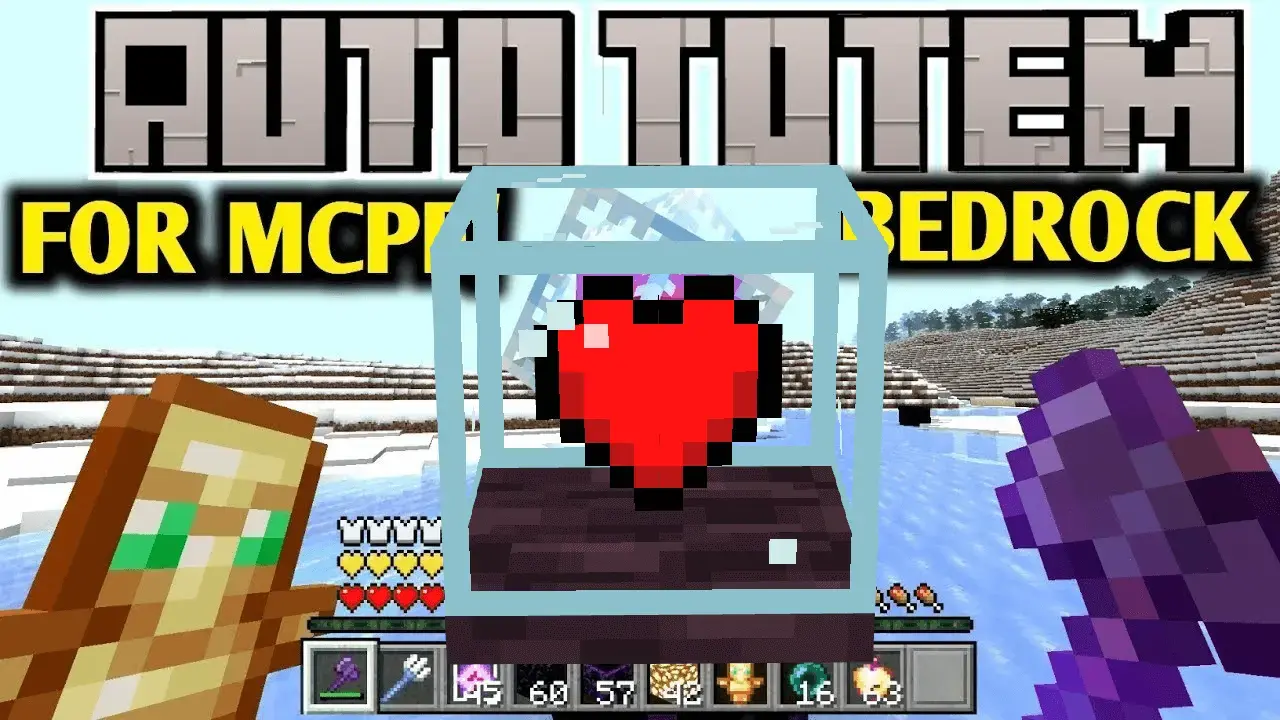
Advance Auto Totem – Combat Tweaks + Damage Indicators
This addon adds a bunch of small but useful combat features that make Minecraft feel smoother and more responsive — especially if you’re into PvP or survival challenges.
Advance Auto Totem gives you:
A hitblock effect (you see where you hit)
Sword cooldown visuals
Player death sound (so you know when someone drops)
And yeah — an infinite totem system if you’re carrying one
Basically, it makes fights feel more alive and way easier to read.
Works On:
Bedrock (mobile, Xbox, Windows 10)
PvP servers, survival, or solo play
No complicated setup


A Totem of Undying can save you from a bad hit, but the moment after it activates is often the most dangerous part of the fight. Your offhand is empty, the enemy is still there, and you need to find another totem in your inventory. Advance Auto Totem handles that switch for you. If you have a spare totem, the add-on places it in your offhand after the previous one is used.
To turn the feature on, equip a totem in your offhand and keep at least one more in your inventory. When the first totem saves you, a replacement can move into the empty slot without you opening your inventory in the middle of combat. If you want to stop the automatic switching, equip a shield in your offhand. That makes it possible to choose when you want the feature active: carry a shield while traveling somewhere relatively safe, then switch to a totem before a fight you expect to be difficult. It’s worth trying the setup in a controlled situation first so you know what to expect before taking your best equipment into a dangerous encounter.
The add-on uses the totems you already have; it doesn’t create an endless supply. You’ll still need to collect replacements and keep track of how many remain. That matters during a long raid or a difficult boss fight, where several close calls could use up your reserves faster than you realize. Automatic replacement gives you one less thing to manage, but it doesn’t mean you can ignore your health, food, or surroundings. Once the last spare is gone, there’s nothing left to move into your offhand. Take a moment between fights to check your inventory and restock before heading back into danger. If you normally keep your totems stored at home, you may want to bring a few along when you know a risky trip is ahead.
Advance Auto Totem can be useful in a solo survival world, particularly when you’re exploring far from your base and don’t want to lose your equipment because you were too slow to make a switch. It can also be used in multiplayer when the add-on is installed in the world. During a busy fight with other players or mobs, you can keep your attention on moving, defending yourself, and finding a chance to recover. The pack is described as achievement friendly, so players who enjoy collecting achievements can use it while continuing their usual goals. To install it, open the downloaded file with Minecraft and activate the pack in your world settings. Then put a totem in your offhand, carry a spare, and make sure the replacement works in your setup before depending on it. A few seconds spent checking at home are easier than discovering a problem halfway through a fight.
“Hit someone, saw the marker, heard the sound — satisfying as hell.�
– @TotemMain
– @TotemMain
📥 Download it and make your fights feel way more legit.
Installation:
- Download Mod;
- Open the downloaded file to install;
- Select it in the settings;
- Have fun!
Comments (0)