opFishing Mod / Addon
- 3-03-2026, 07:12
- 1 785
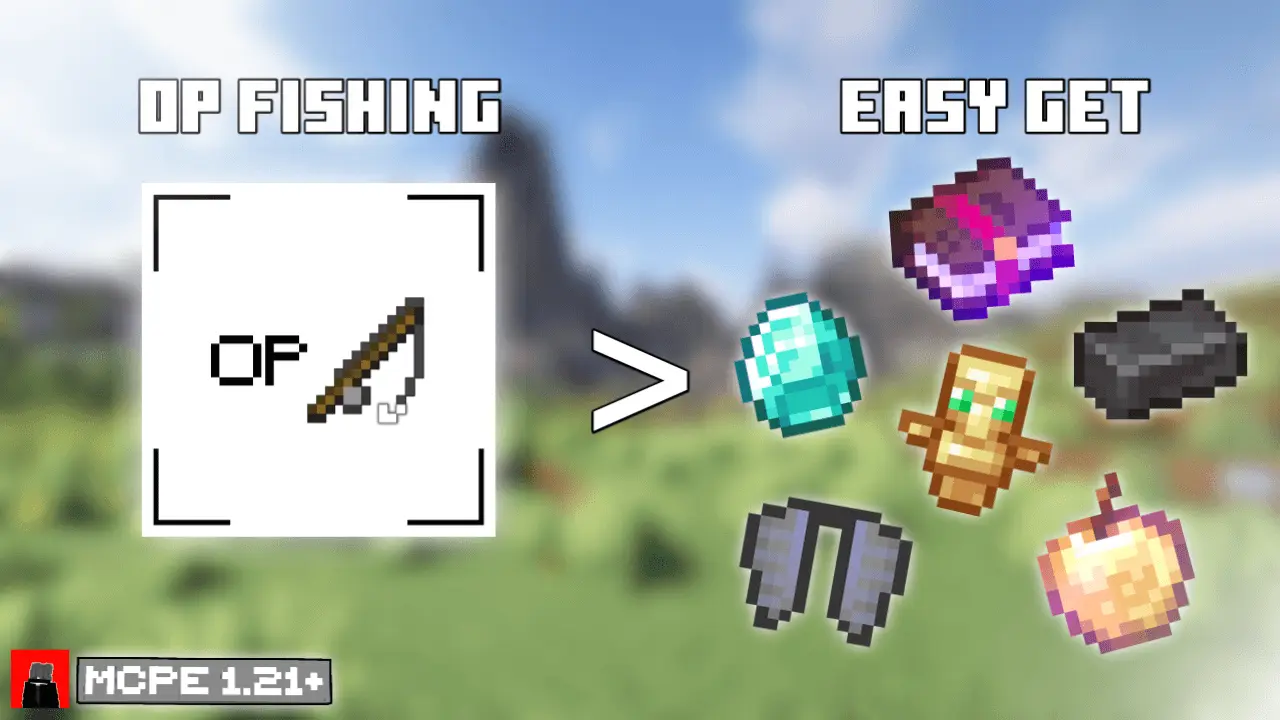
opFishing Addon — every cast feels like a gacha pull in Minecraft Bedrock
If you’ve ever zoned out at a pond catching rotten boots and raw cod, this flips the script. The opFishing Addon turns fishing in Minecraft Bedrock into pure dopamine: junk and filler get swapped for real treasure—enchanted books, netherite gear, elytra, even totems—so every bobber dip feels like a roll on a loot banner. It’s still fishing, but now you’re listening for that splash like it’s a jackpot bell.
I tested it the dumb, fun way: day one, stick and string by a swamp dock. Ten minutes later my chest looked like endgame—a Mending book, a spicy pick upgrade, and a totem I absolutely didn’t deserve. Move to the ocean at dusk and the tension goes up; mobs gather behind you while you fish for an elytra and keep glancing over your shoulder. It’s hilarious in multiplayer, too—set up a pier, throw light around the shoreline, and watch chat explode when someone reels in netherite leggings on their third cast.
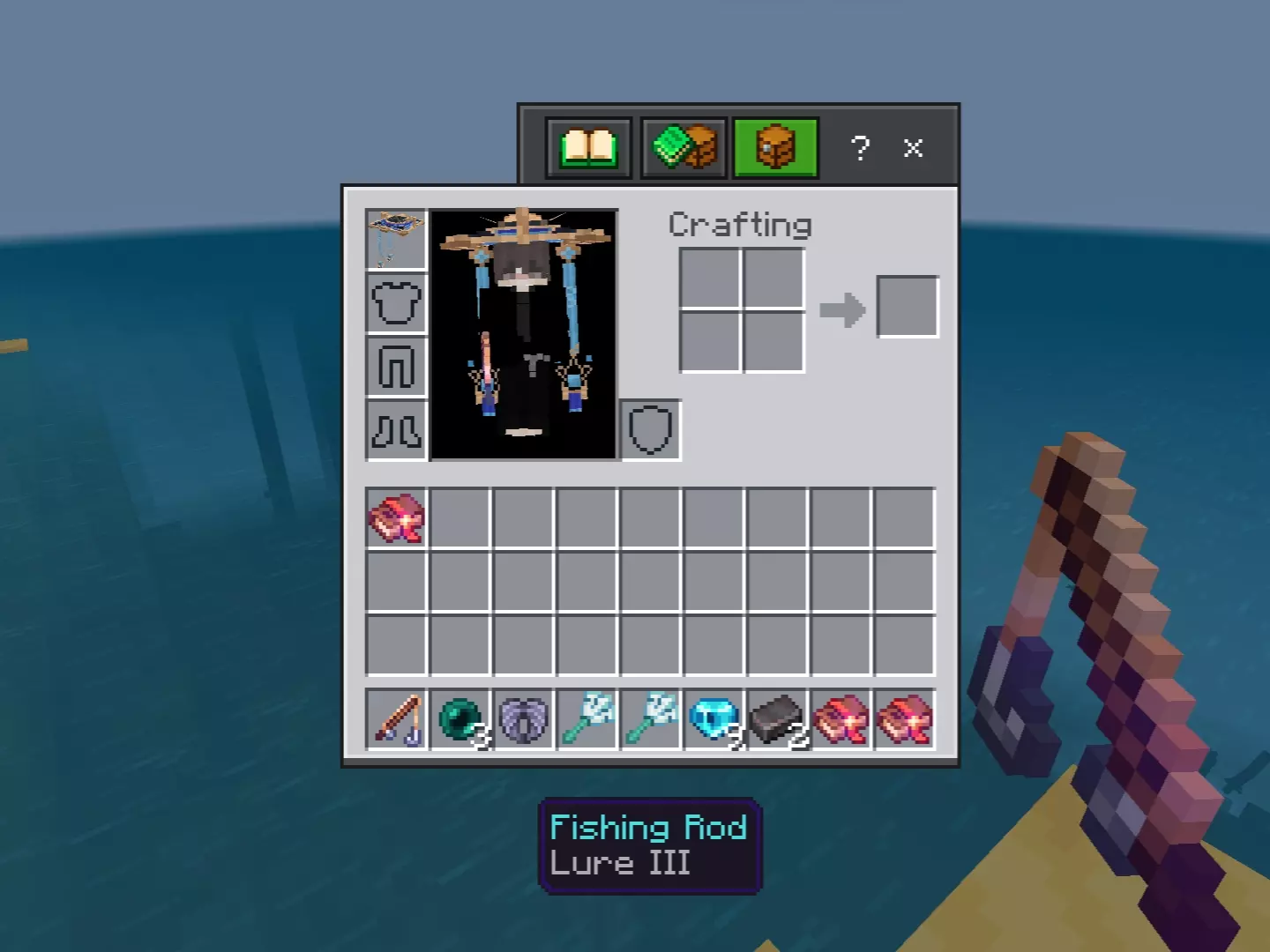
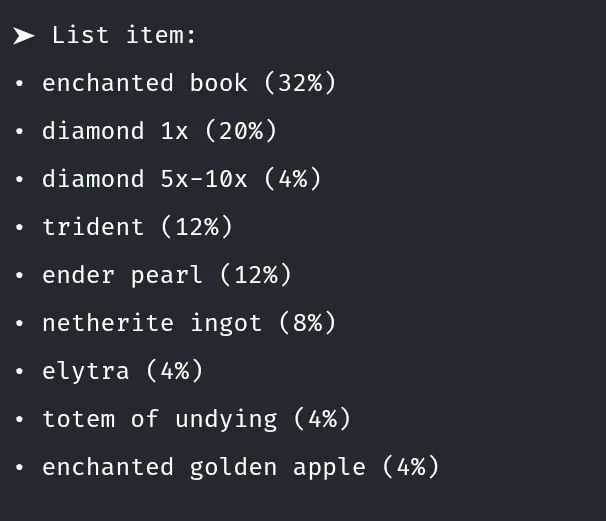
A fishing rod can take you a long way in Minecraft, but usually not all the way to an Elytra. With opFishing, that quiet afternoon by the water might end with a haul you’d normally spend hours hunting down.
The idea is straightforward: fishing becomes a way to pull powerful loot out of the water. Instead of spending your session collecting ordinary fish and junk, you can reel in rewards like enchanted books, Netherite, Totems of Undying, and even an Elytra. There are valuable resources in the mix, too, including iron and gold ingots, along with blocks of diamonds, iron, and gold. Every cast has a little more suspense when your next catch could be worth clearing space in your inventory.
That makes opFishing a fun addition for survival players who enjoy getting geared up but don’t always want to follow the same route through every new world. You’ll still need a fishing rod and a place to cast it, but your time at the water’s edge can pay off in ways that affect the rest of your adventure. Enchanted books can help improve your equipment, while a Totem of Undying gives you an extra shot at surviving a bad encounter. An Elytra is an especially exciting catch if flying around your world sounds better than trekking back to base on foot.
There are more surprises beyond the headline rewards. The loot pool includes things like the Heavy Core and Breeze Rod, plus Eyes of Ender and End Portal Frames. You can also fish up enchanted diamond tools and armor, so it’s worth checking each catch before tossing anything aside. None of that means every cast will land you the exact item you want, though. Part of the fun is seeing what turns up next and figuring out how to use the odd collection you’ve gathered. One minute you might be thinking about upgrading your gear; the next, you’re rearranging storage because you pulled in more valuable blocks than expected.
Playing with friends? Set up a fishing spot near your base, hand everyone a rod, and see who comes away with the best catch. You could keep your finds, trade them, or pool the loot to help the whole group prepare for a bigger expedition. It also works as a laid-back solo activity when you want a break from mining without putting your survival progress on hold. Bring an empty inventory, find a comfortable patch of water, and cast a line. In opFishing, the best part of the trip might be discovering that the item you hoped to find somewhere dangerous was waiting at the end of your fishing rod.
A couple things still matter: Lure cuts down the wait, Luck of the Sea nudges quality, and rainy nights are chef’s kiss for bite rates. The catch is managing greed—your inventory fills fast, so bring shulkers or plan a quick sort after each run. For servers, add house rules (time limits, pier spots, “first to pull a totem wins”) and you’ve got an instant event people actually show up for.
If you want a low-effort, high-payoff shake-up to survival nights, the opFishing Addon makes ponds, piers, and tiny bridge railings the hottest loot farms in Minecraft Bedrock. Cast, wait, scream, repeat.
Installation:
- Download Mod;
- Open the downloaded file to install;
- Select it in the settings;
- Have fun!
Comments (0)