RealisCraft BE: Realistic Default Textures
- 10-11-2026, 03:56
- 7 953
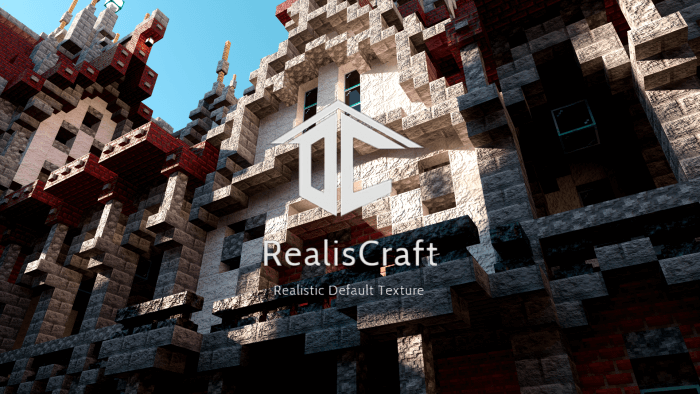
RealisCraft BE: Realistic Default Textures (RTX / DeferredRendering) - download for free a very good resource pack with RTX textures for Minecraft Bedrock.
Flip on ray tracing and the upgrade is instant: blocks keep their familiar shapes and colors, but surfaces respond to light like real materials. Wood feels grainy instead of flat, stone picks up edge detail, and metals throw subtle highlights that make interiors pop the second you place a lantern.
I ran it on a fresh survival start and the difference hit me at sunrise. Fields don’t wash out, copper trims on a starter roof catch a soft glint, and shadows track across paths in a way that sells depth without turning the scene into a filter. Underground, torchlight finally carries weight—ore veins read clearly, deepslate has texture you can feel, and you stop guessing where a stair edge actually is. Night raids in villages look great too: warm windows, cool streets, and armor that reads from a distance when you’re calling targets.
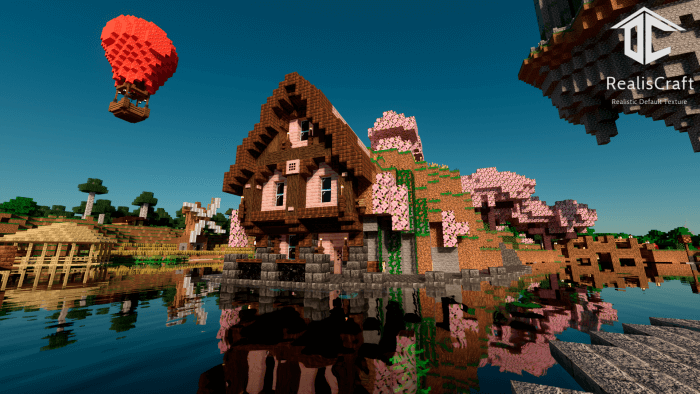
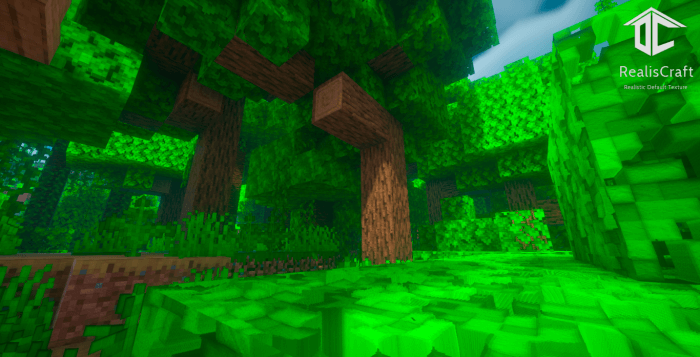
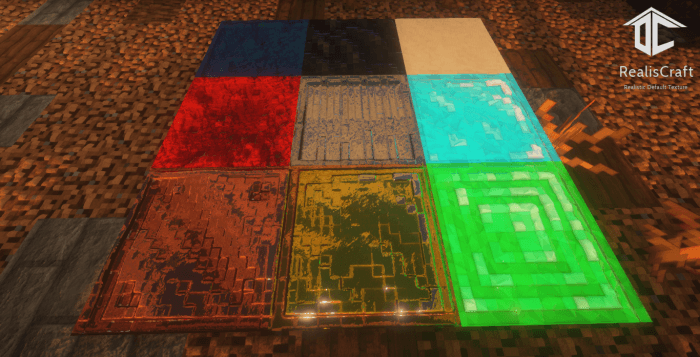
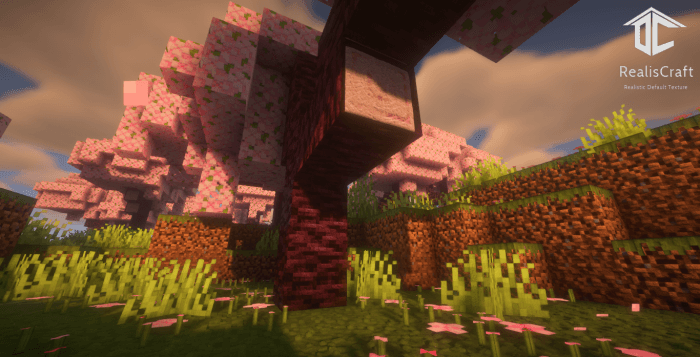
The screenshots looked great, but I wanted to see the thing in my own Minecraft world before deciding anything. I've learned not to get too excited over a couple of pictures. You can make almost any Minecraft scene look incredible with the right angle, nice lighting, and a carefully chosen location. Actual gameplay is a different story. I remember installing something that looked pretty ordinary in the preview, then spending an entire Saturday playing around because I kept finding little details I hadn't noticed. I've also had the opposite happen. A download looked amazing until I started using it and realized it wasn't really what I wanted. That's just how it goes. I usually give something a decent chance before deciding whether to keep it. If I'm still interested after the first evening, there's a good chance I'll end up returning to it. My unfinished castle can complain all it wants.
The pack stays practical. It’s still Minecraft Bedrock, just sharper. Item frames, signs, and UI remain readable, and your builds photograph way better for screenshots or realm tour posts. If you like to show bases, try mixing materials that play nice with PBR—polished stone floors, copper accents, a bit of glass—and drop a few small light sources instead of one big blast; you’ll get cleaner bounce and nicer reflections. Performance will depend on your device, so enable ray tracing, put the pack at the top of your resource order, and nudge render distance or brightness to taste if a scene feels heavy.
If you’ve wanted a “realistic default� that respects vanilla while giving you modern lighting and material depth, RealisCraft BE: Realistic Default Textures (RTX) makes Minecraft Bedrock look crisp, warm, and screenshot-ready from spawn to endgame.
Installation:
- Download Texture;
- Open the downloaded .mcpack to install;
- Select texture in settings;
- Done.
Comments (1)