Super Dynamic Lights For RTX Addon
- 30-10-2026, 03:13
- 2 496
RTX / Mods / Addons / Mods 1.26 / Mods 1.21
Super Dynamic Lights For RTX Addon new dynamic and improved lighting with RTX support for Minecraft Bedrock. Super Dynamic Lights For RTX makes exploring dark places in Minecraft feel a little more natural. Hold a torch or lantern, and its light travels with you instead of leaving you in the dark until you place it on a block. Walk into a cave and the walls around you become visible; move farther down the tunnel and the light follows. It’s a small change, but anyone who has spent a long time placing torches while searching for a way through a cave will notice it.

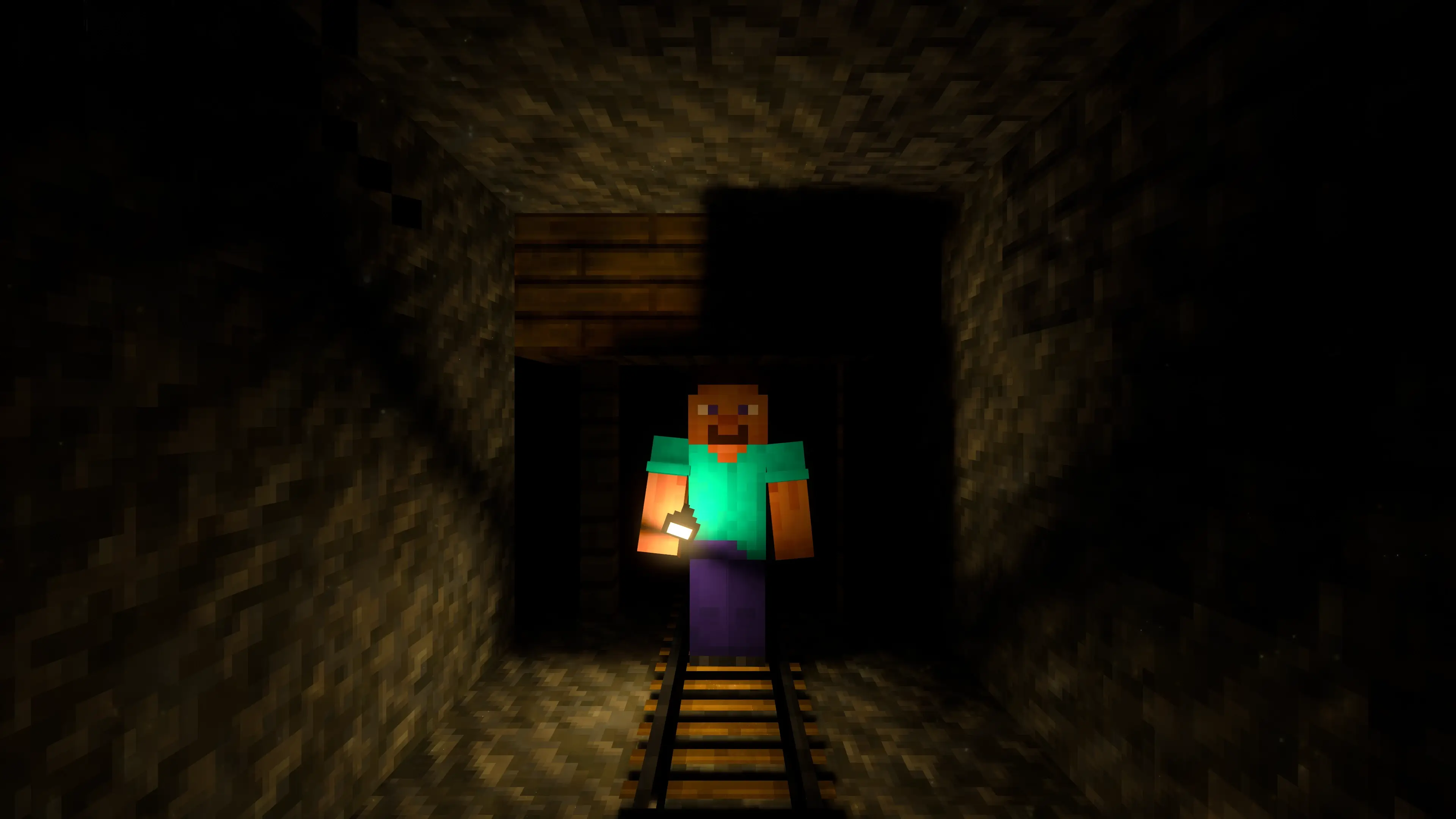
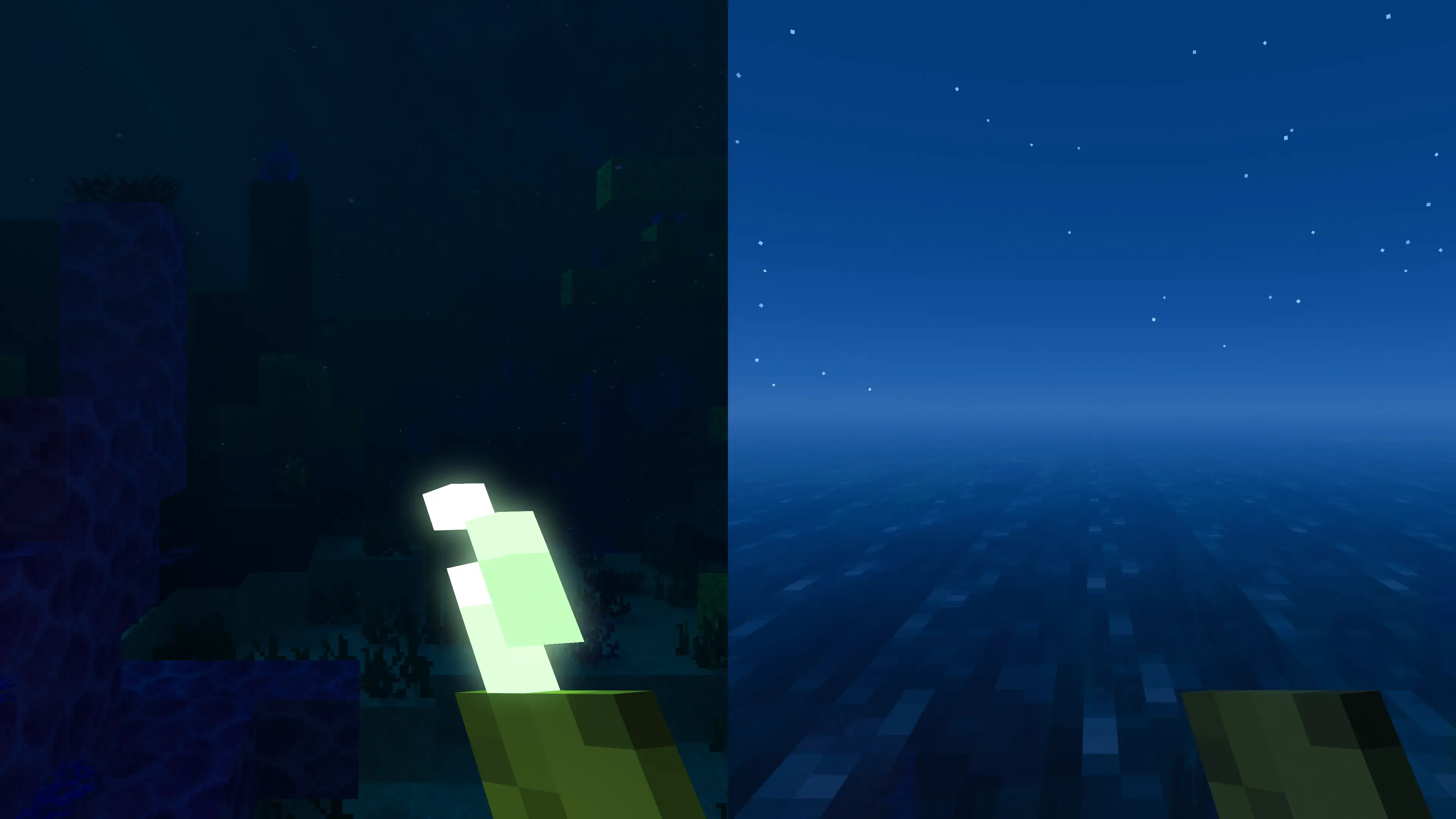
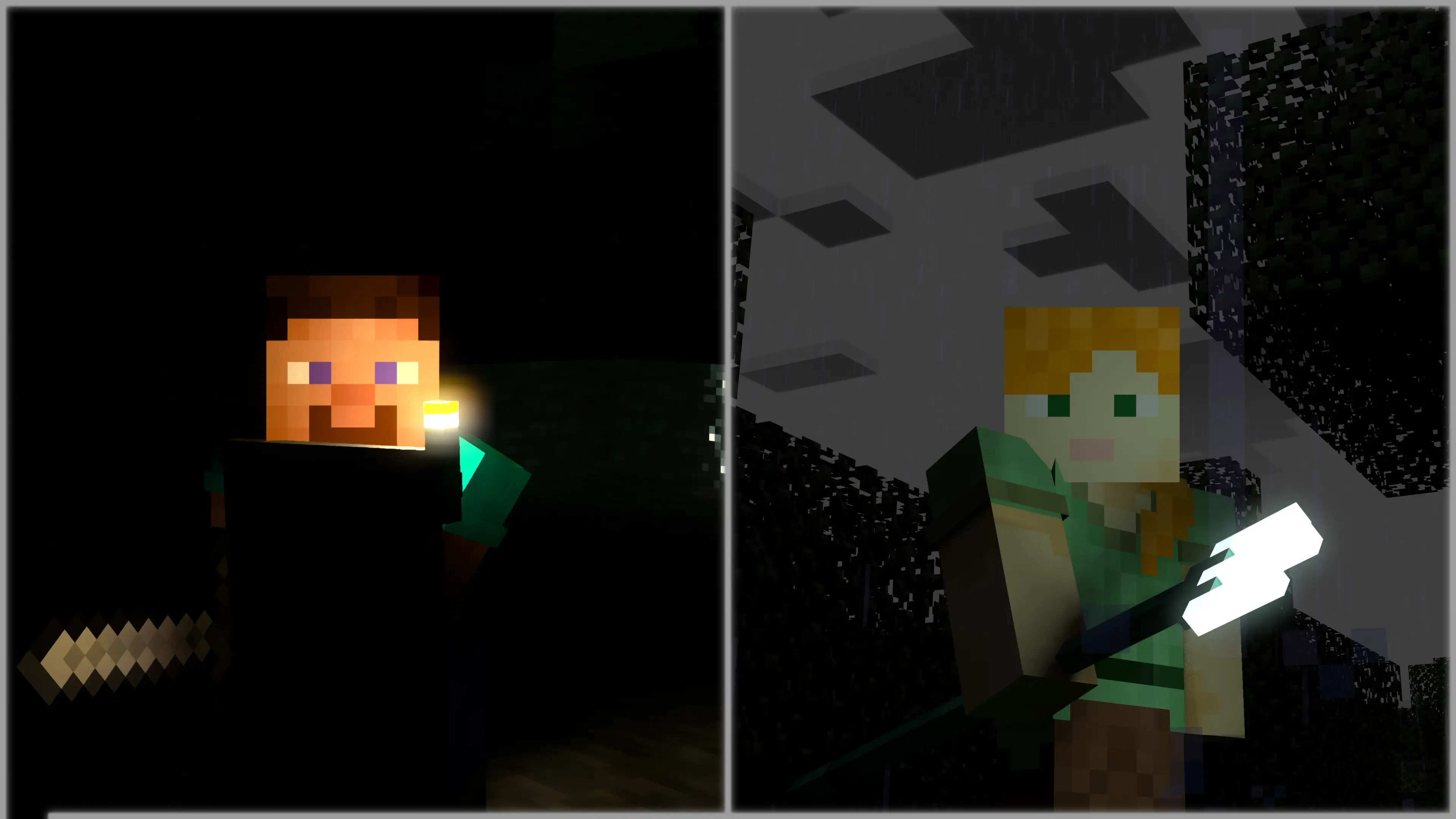
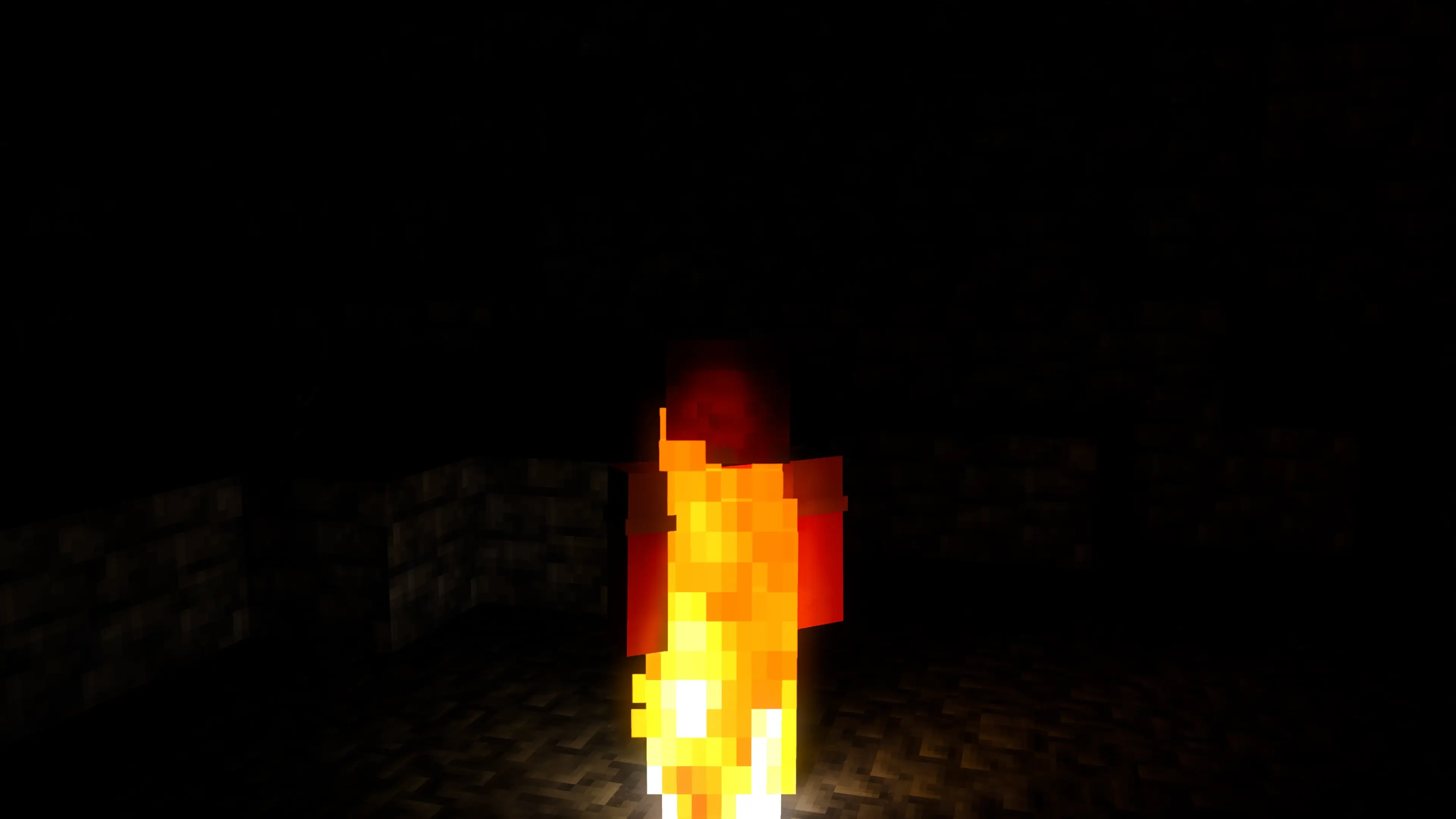
The add-on supports more than 100 items that can glow while held. Torches and lanterns are the obvious choices, but they aren’t the only things worth trying. Take a look through the items you’ve collected and see how they behave when you carry them. The effect also works for other players, so a friend walking ahead with a light source can illuminate part of the route. If a creature is able to hold a supported item, it can carry that light too. On a trip underground, you may find yourself following the glow from a companion rather than constantly stopping to put down another torch.
The surroundings affect some items as well. A torch stops glowing underwater, while a sea pickle lights up when it’s in water. That makes the choice of light source more interesting when you move between a cave and a flooded passage. You might head into a tunnel with a torch, discover a pool blocking the way, and need to switch to something suited to the water. Try the different items as you explore: seeing how the light changes is part of the fun, especially in places you’ve visited before with ordinary lighting.
Fire becomes more noticeable too. Burning creatures and arrows can illuminate the area around them, so a fight in the dark may look different as a flaming arrow crosses the scene or a burning mob moves nearby. The add-on also includes a glow effect for enchanted armor in first person. These details are easy to miss when you’re concentrating on a fight, but they add movement and color to scenes that might otherwise be difficult to see. You can notice them while defending your base at night, exploring a dark structure, or simply watching another player carry a light through the landscape.
There’s an additional setting called back light, which helps brighten the area around the camera. It can be useful when the small light source in your hand doesn’t give you quite enough visibility. The setting also affects the experience in third person, and the pack offers options for how that light behaves. If the view feels too bright or you prefer a different look while watching your character from behind, open the pack settings and try the available choices. A cave, a forest at night, and a room inside your base can all look different, so it’s worth checking the settings somewhere you spend time playing.
To use Super Dynamic Lights For RTX, you need BetterRTX and a setup that supports Minecraft’s ray tracing features. Import the pack, activate it in your resource pack settings, and take a supported light source into a dark area to see the effect. The dynamic lighting is also included in the COMPLETELY NORMAL RTX pack, so players already using that pack may have encountered it. Whether you’re heading underground alone or exploring with friends, carrying a visible light source gives those journeys a different feel—and lets you see a little more of the world as you go.
Installation:
- Download Mod;
- Open the downloaded file to install;
- Select it in the settings;
- Have fun!
Comments (0)