Roundista - Vibrant Visuals & RTX – Texture Pack
- 2-09-2025, 17:48
- 3 151

Roundista — Vibrant Visuals & RTX for Minecraft Bedrock (hand-painted, rounded, cozy)
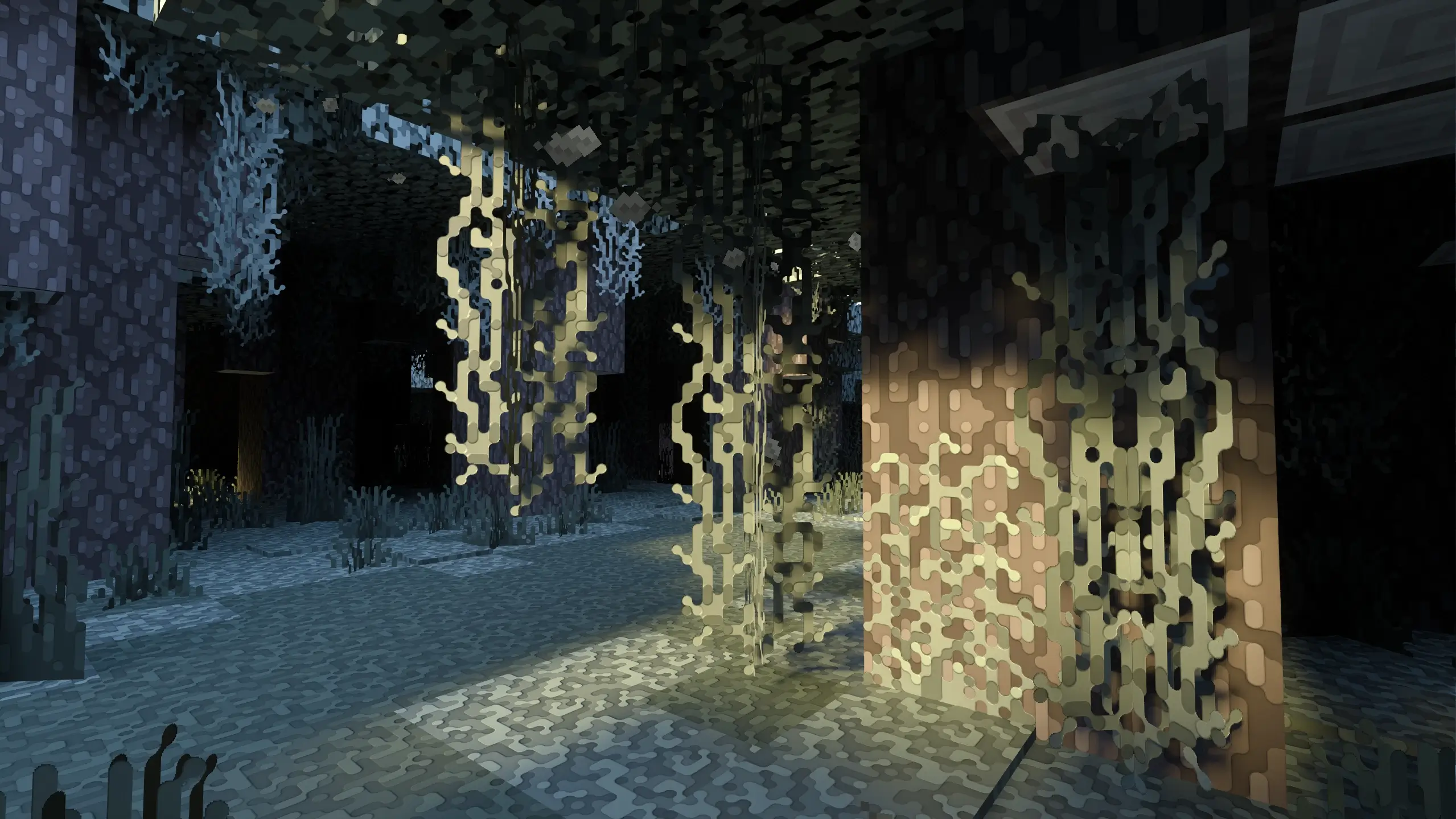
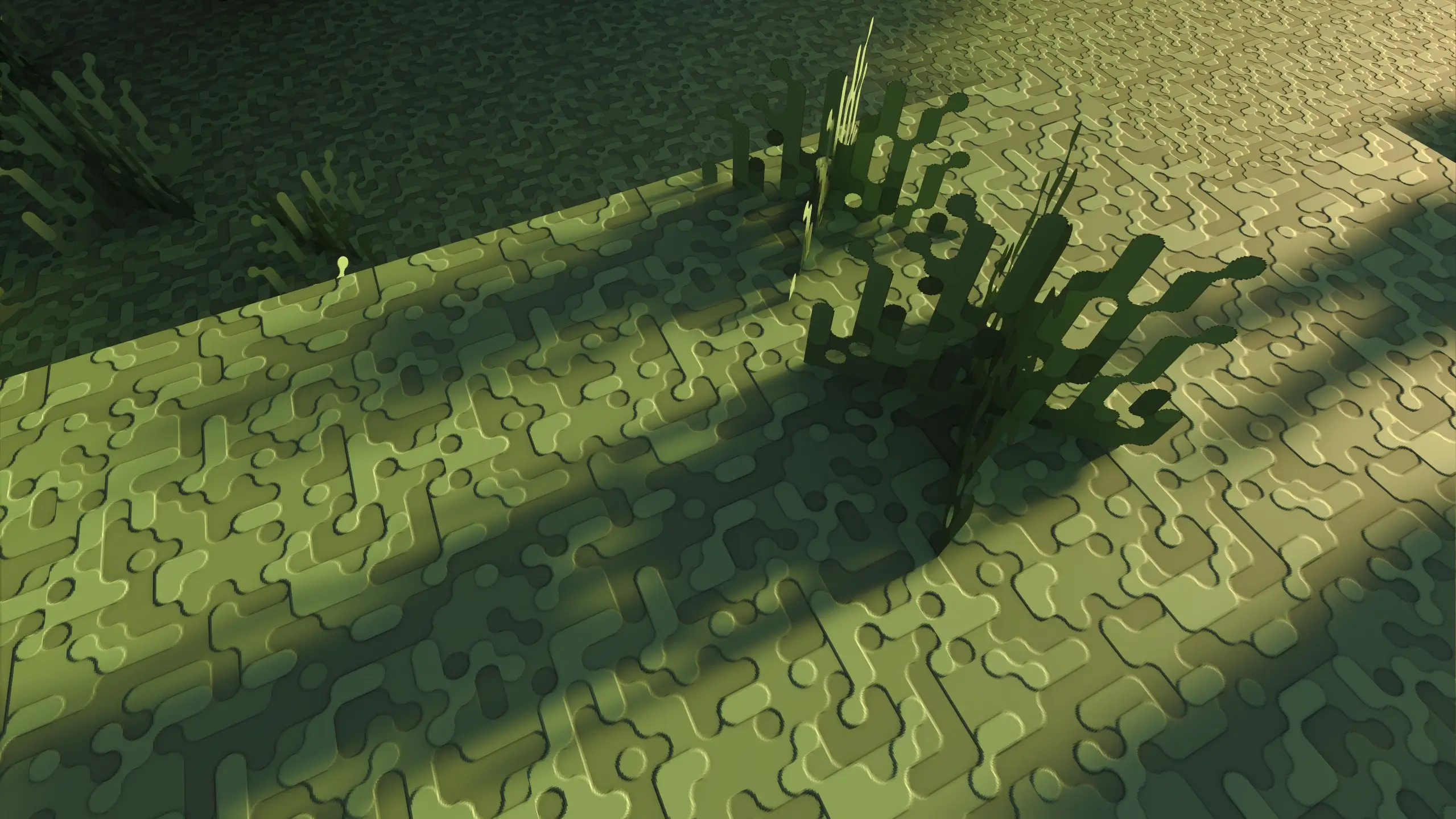
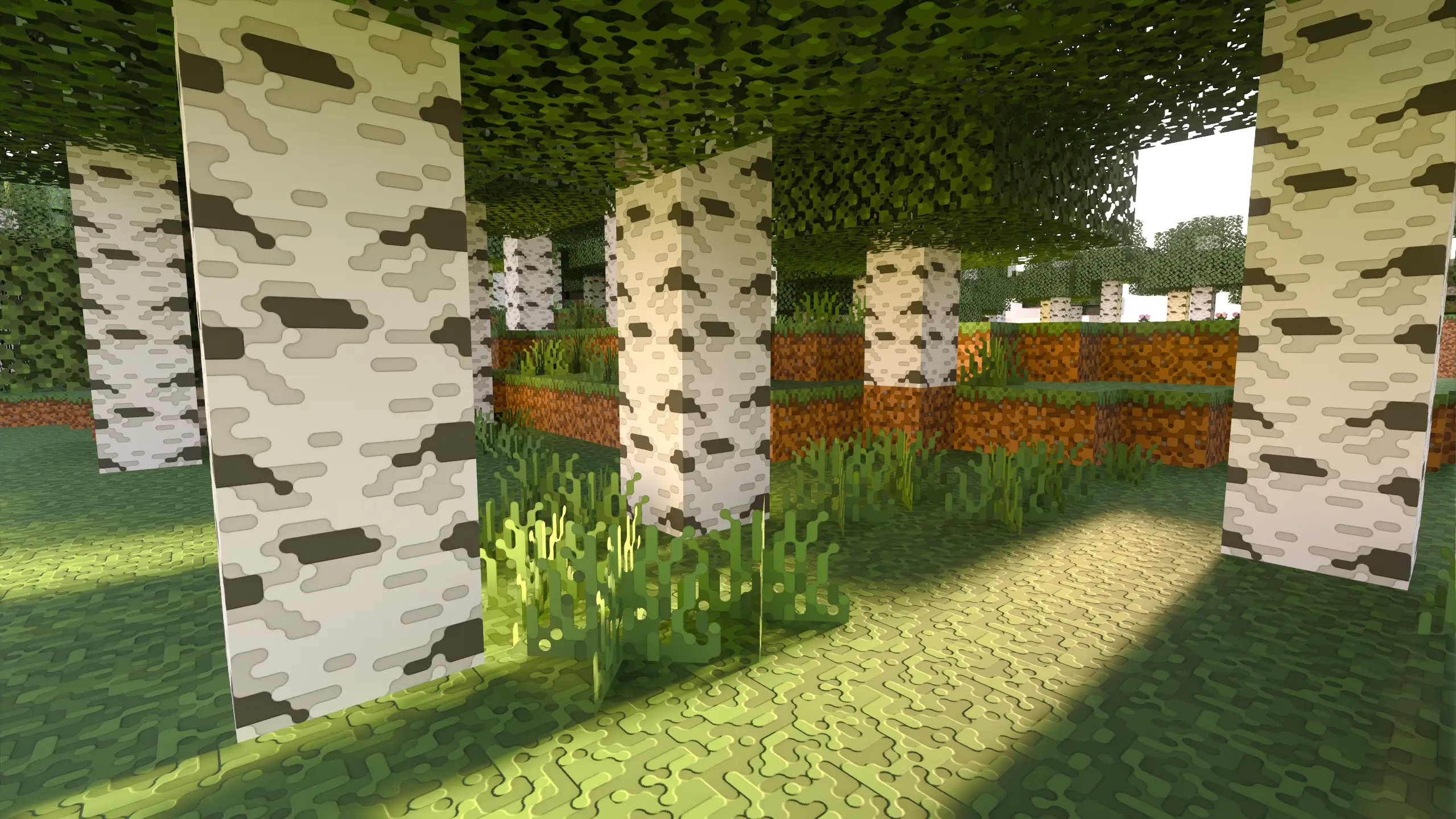
If vanilla’s crunchy pixels make your towns feel a little harsh, Roundista is the vibe shift. It’s a hand-painted, work-in-progress Minecraft Bedrock texture pack that softens the game’s look—rounded shapes, smoother edges, warmer materials—and it’s built from scratch to play nice with Vibrant Visuals & RTX. The goal isn’t “hyper-realistic”; it’s “approachable.” Cobblestone stops shouting, wood gets a gentle grain, metals catch the light without blinding you. Fire up an evening screenshot in a lantern-lit street and the whole scene reads like a storybook instead of a spreadsheet.
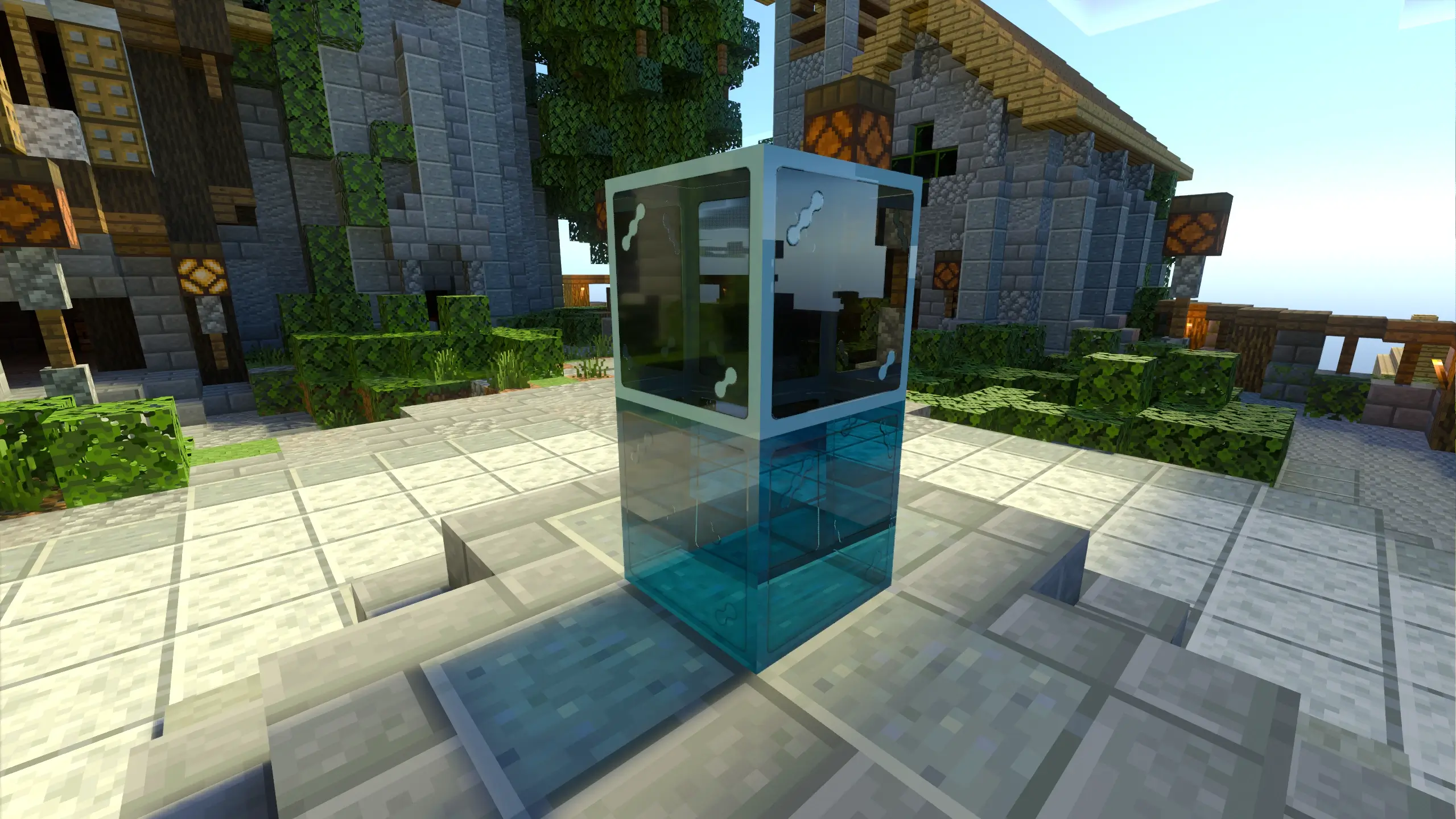
Because Roundista is RTX-compliant, blocks that are already covered come with proper material work: roughness that feels right, subtle normals for depth, and highlights that roll across curves instead of stabbing your eyes. Flip your world to night, walk past copper or glazed terracotta, and you’ll see that soft, rounded aesthetic doing heavy lifting—especially around stairs, slabs, and trims where harsh edges used to break the mood. Don’t have RTX on? The hand-painted look still carries. It’s calmer than vanilla without losing that unmistakable Minecraft identity.
I have absolutely ruined good Minecraft sessions by trying to understand everything immediately. I'll install something interesting for Bedrock, see a bunch of unfamiliar stuff, and convince myself I need to figure it all out before I can start enjoying the game. Then I spend ages opening menus and looking through information instead of actually playing. I've been trying a different approach lately. I check whatever installation details matter, pick something that looks interesting, and see where it goes. If I need more information, I can always come back to the description. There's no reason to turn a relaxing evening into an exam. Sometimes I discover something useful right away. Other times, I make a few mistakes and slowly figure things out. My friend calls that wasting time. This is the same guy who spent forty minutes building a decorative chimney that doesn't connect to a fireplace, so I'm not convinced his time management advice is particularly valuable.
Heads-up: on Bedrock this pack is early days, so not every block has been touched yet. That’s part of the charm right now—you’ll catch these pockets of Roundista peeking through your builds like a teaser for the world you’re moving toward. I dropped it on a cozy town save and immediately re-did a plaza: stone paths looked kinder, spruce storefronts felt modern-cute, and interiors photographed better with almost no extra dressing.
If you want your game to feel rounder, warmer, and more screenshot-ready—while staying true to Minecraft Bedrock—Roundista (Vibrant Visuals & RTX) is a gorgeous start. Install it, stroll your favorite build at sunset, and let the curves do the talking.
Installation:
- Download Texture;
- Use Minecraft PE
- Open the downloaded .mcpack to install;
- Select texture in settings;
- Done.
Comments (1)