HSD Full High-Definition – Shader
- 5-05-2026, 07:46
- 393
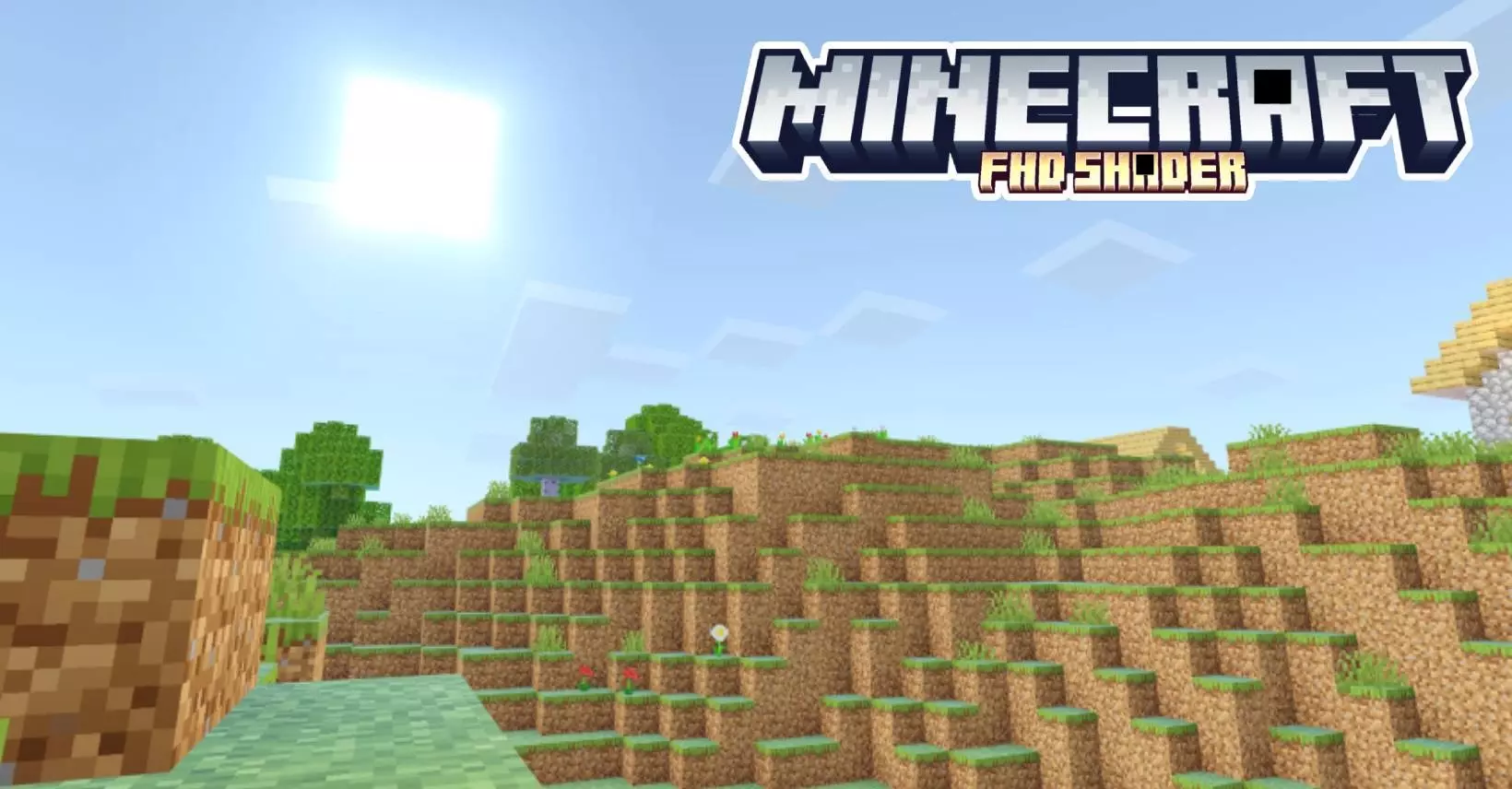
HSD Full High-Definition - Minecraft with beautiful and smooth shaders for the game, choose them if you want high-quality graphics. HSD Full High-Definition Shader gives Minecraft Bedrock brighter colors, redesigned skies, and more detailed lighting. It continues the look of the older HSD shader, with effects that reach from the water around your base to the Nether and the End.
Water is one of the places where the changes are easiest to appreciate. The pack includes a revamped water system, reflections, and improvements to underwater scenes, giving you a reason to revisit a coastline or spend some time around a lake. If you’ve built beside water, try looking back at your home from the opposite shore. A familiar building can look different when reflections become part of the view. You could also take a boat along a route you already know and look for a few places to stop. There’s no need to build something new before enjoying the shader; an old dock or a modest riverside house makes a useful place to start.
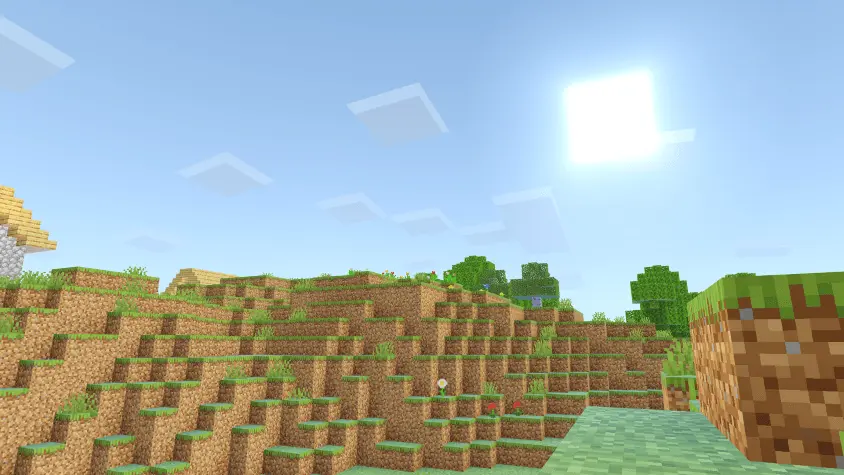

The sky gets attention as well, with redesigned clouds, refined stars, and sun bloom. Plants sway, adding movement to gardens and stretches of vegetation, while more defined shadows change how the terrain and your buildings appear. These effects are worth checking during ordinary play rather than only while searching for screenshots. Walk through your farm, head down a village road, or return home as daylight fades. If you like taking pictures of your builds, compare a few times of day before choosing your favorite view. You might discover that a building you usually photograph from the front looks better from somewhere else entirely.
There are smaller details to inspect, too. Normal mapping adds the appearance of surface depth, and metallic and rough reflections give materials different responses to light. Glowing ores provide another visual change when you go underground. The Nether and the End also receive adjustments, so the pack offers more to explore after you’ve finished looking around the Overworld. Builders could use that variety to experiment with materials in different environments. Before replacing a whole wall or changing a room’s palette, place a few sample blocks and see how they look where you intend to use them. Lighting can make that decision easier.
HSD needs the required patches or a compatible shader-loading setup for its effects to work, and compatibility depends on your platform and Minecraft version. It’s worth checking that match before expecting the full visual result. Once you have a working setup, take it through the activities you actually spend time doing: building, mining, traveling, and sorting things back at home. A shader has to feel comfortable during those moments as well as look good in a still image. Give yourself time to explore its appearance, revisit a favorite place, and see whether the brighter colors and lighting suit the world you’ve made.
Installation:
- Download Shader;
- Open the downloaded .mcpack to install;
- Select texture in settings;
- Done.
Comments (0)