Klash Deferred PBR – Shader
- 9-05-2026, 06:04
- 478
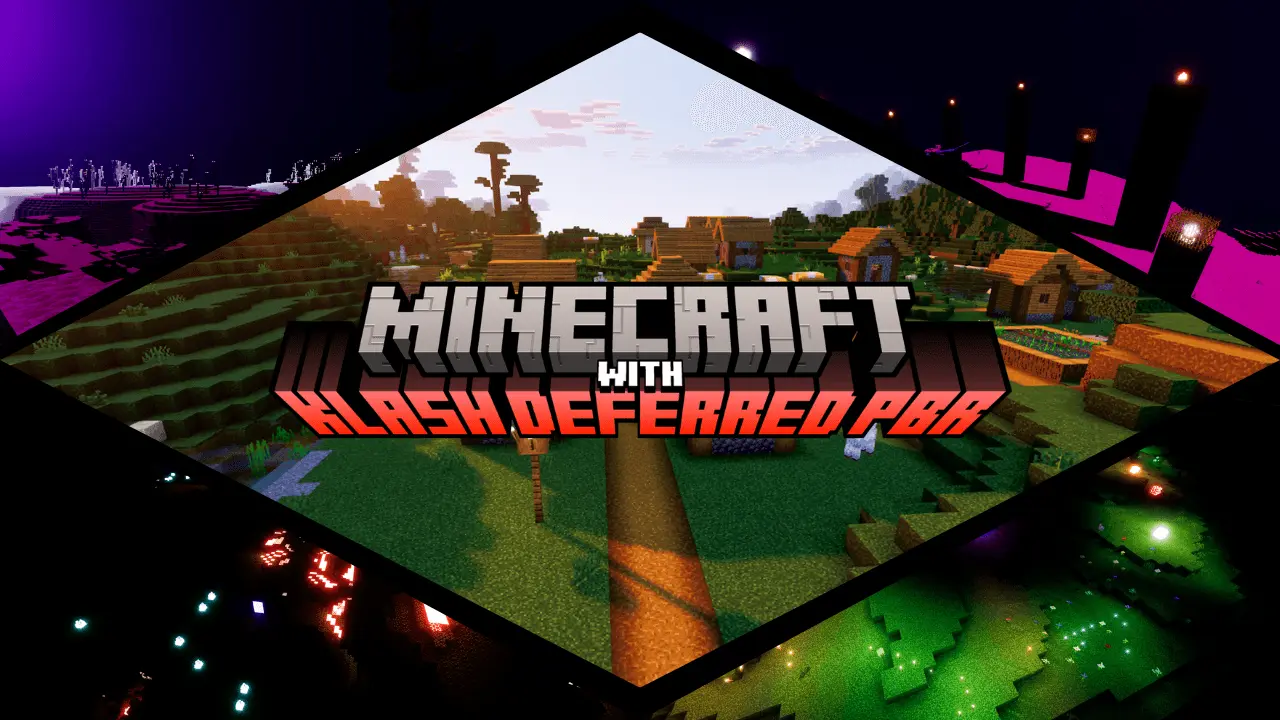
Klash Deferred PBR - Minecraft shaders on a new improved visual engine, with HD graphics, shadows and colors. Vanilla Bedrock lighting has made stone and dirt look like cheap plastic toys for over a decade. Klash Deferred PBR throws that flat presentation into the garbage by hooking directly into the modern deferred graphics pipeline to give every block actual surface depth, metallic shine, and physical weight.
Most players gave up on visual overhauls after realizing full ray tracing locked everyone out unless they owned an expensive desktop graphics card. Deferred technical rendering changes that entire scene. Instead of running heavy ray bounces that melt your hardware, this system calculates real-time light passes through smart camera-space buffers. That tech shift means you get genuine physically based materials without turning your rig into an oven.


The immediate difference hits the second you place high-friction blocks next to polished stone. In standard vanilla builds, deepslate tiles, polished granite, and iron blocks all catch sunlight in the exact same uniform way. They look like flat wallpaper. With this pack loaded, surface roughness values actually talk to the sun angle. Iron blocks gleam with crisp metallic reflection, wet mud catches specular highlights during rainstorms, and coarse dirt scatters sunlight across rough micro-facets. Your castles and underground bunkers stop looking like cardboard stage props and suddenly feel like massive stone structures.
Interior base design feels completely altered because light sources finally behave like real physical emitters. Vanilla torches have always been lazy, painting rooms in flat yellow tint without casting a single shadow behind your character. Under this shader, every campfire, lantern, and torch works as a dedicated point light that drops soft contact shadows beneath chests, armor stands, and stair blocks. You can dash down a pitch-black mine tunnel with a single lantern and witness crazy contrast. Shadows stretch across rough walls as you run, and hidden crevices in ravines stay pitch black because you cannot rely on unnatural game gamma to cheat the darkness.
Weather effects also gain serious grit. Rainstorms usually just mean annoying blue streaks blocking your screen and an ugly gray skybox. Here, precipitation actually drenches the terrain, ramping up surface puddles and turning stone paths into slick mirrors. Water bodies dump that murky cartoon film for clean transparency, letting you scout drowned ruins and sunken shipwrecks directly from your shoreline without diving into the surf.
You need to balance your video settings if you want stable performance during chaotic mob raids. Turn on the technical preview toggle inside experimental world settings, enable the pack under global resources, and set your render distance according to your device power. Budget phones will choke slightly in thick jungle biomes around twilight, but decent consoles and gaming PCs crush these extra shader passes without dropping inputs.
Installation skips annoying third-party tools or complicated folder extractions. Import the mcpack straight to your game directory, flip the deferred lighting switch on, and fire up your primary survival realm. If you are tired of flat textures and want your builds to reflect live light like real matter, this setup turns plain blocks into visual gold.
Installation:
- Download Shader;
- Open the downloaded .mcpack to install;
- Select texture in settings;
- Done.
Comments (0)