Snow Princess Skinpack
- 20-11-2025, 10:30
- 749
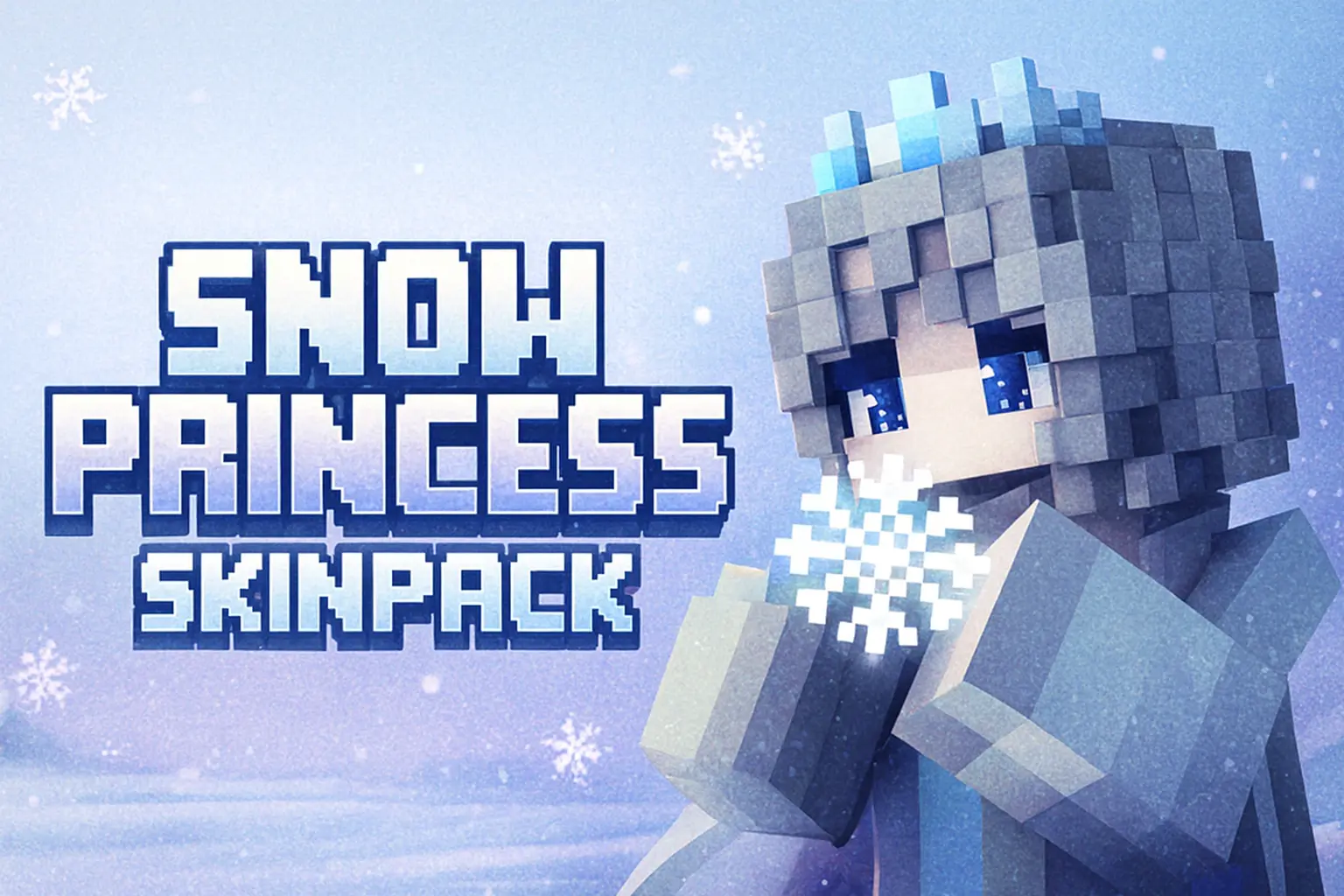
Snow Princess Skinpack is made for players who love winter builds, soft colors, and a bit of royal flair every time they log in. Instead of another generic skin, you get a set of princess-style looks built around snow, ice, and cold-weather aesthetics. Think flowing dresses, warm-looking outfits, and fancy details that fit perfectly inside an ice castle, spruce village, or frozen mountain base.
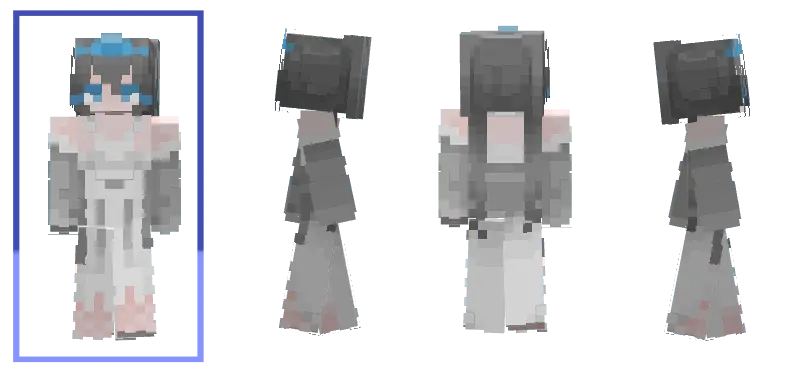
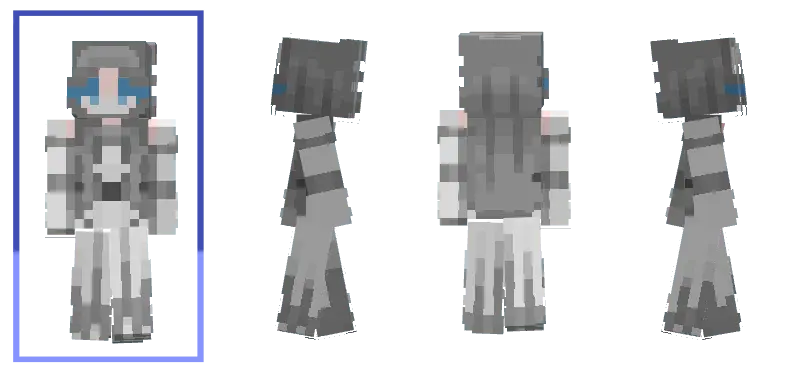
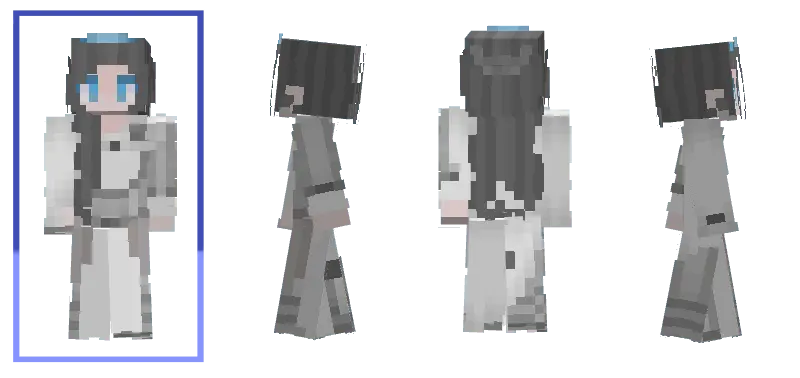
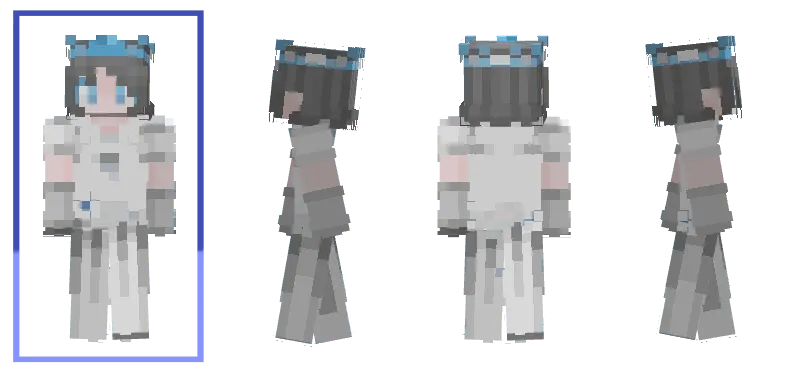
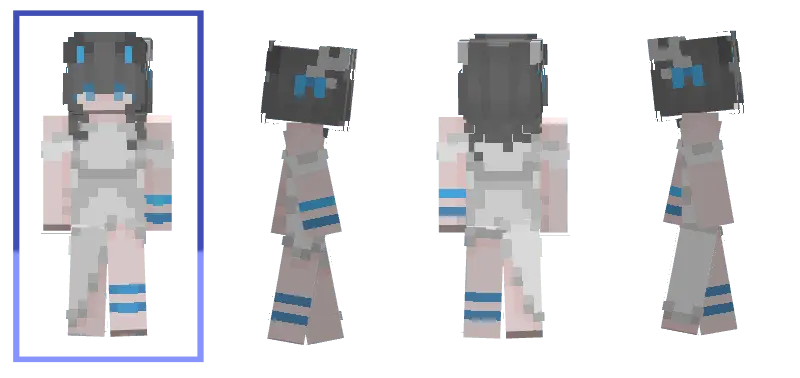
What makes Snow Princess Skinpack fun is how well it pairs with seasonal worlds and themed servers. You can run a winter kingdom in survival, host a holiday event on a Realm, or just hang out on your favorite server looking like you own the tallest ice tower on the map. It feels especially good when you’re exploring snowy biomes, decorating with packed ice and white concrete, or setting up a little royal village around a frozen lake.
Since Snow Princess Skinpack only changes your appearance, your hitbox and movement stay normal. PvP duels, parkour maps, and hardcore-style survival are still fair, you just look way fancier while doing it. If you like mixing cozy winter vibes with royalty, this pack fits straight into your next Minecraft session.
How to Install Skins in Minecraft Bedrock
- Download a .png skin (64×64 or 128×128).
- Open Minecraft Bedrock.
- Go to Profile (hanger icon) → Edit Character.
- Tap Owned → Import → Choose New Skin.
- Select your .png file.
- Pick a model: Classic (Steve) or Slim (Alex).
- Confirm to equip and play.
Comments (1)