UNKNOWN SKINPACK
- 22-12-2025, 14:55
- 1 687
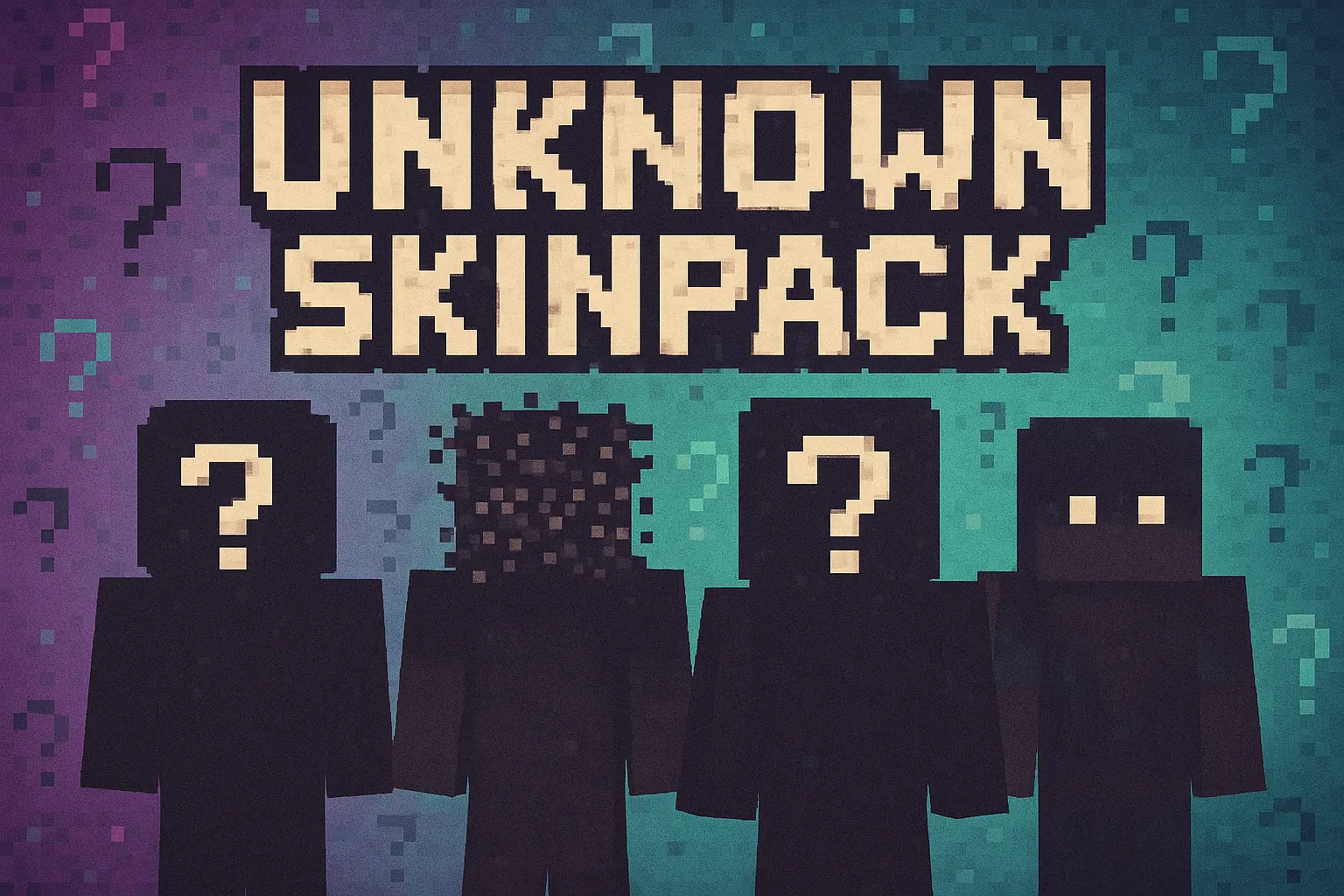
UNKNOWN SKINPACK is a massive collection of 100 mystery-themed skins, all crafted by different unnamed artists, each with its own weird little personality. Instead of one clear “main character,� you get a full gallery of strange, stylish, and unpredictable designs that feel like they were pulled from a dozen different worlds. The pack is still a work in progress, so it already feels big, but also like it’s part of something growing and evolving over time.
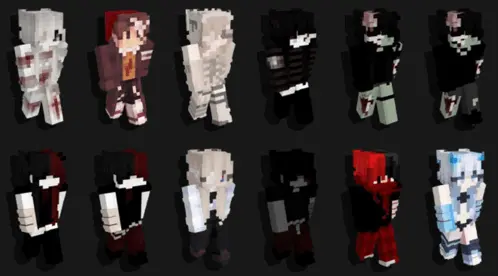
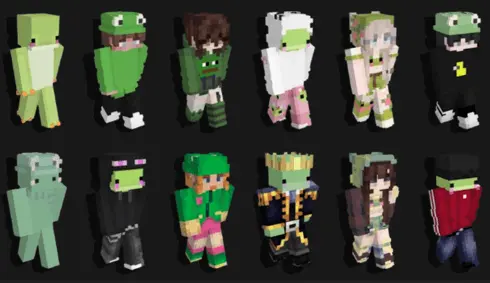
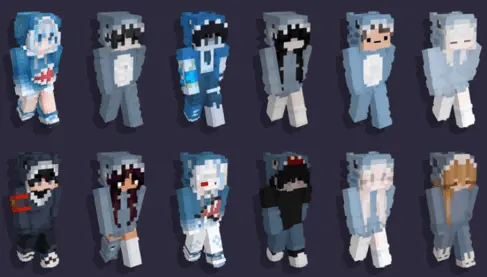
Most cosmetic downloads stick to a very strict theme, forcing you to choose between being a generic anime protagonist or a tactical soldier. This specific Minecraft Bedrock skin pack takes the exact opposite route by compiling over a hundred completely random, unpredictable aesthetics crafted by various unnamed designers. You are basically getting access to an underground vault of digital identities. The variety here is totally unhinged. You can swap between playing as a terrifying shadowy figure that barely reflects light, a neon masked ninja, or a bizarre glitchy entity that looks like your graphics card is actively failing. Because there is no central main character linking the collection together, scrolling through your wardrobe feels like browsing a lineup of interdimensional outcasts.
Deploying these outfits on a heavily populated multiplayer realm completely changes the social dynamic. Consistency is boring, and constantly rotating your visual identity keeps everyone in your faction totally off balance. Imagine dropping into the central shopping district looking like a standard knight on Monday, and then logging back in on Tuesday wearing an unrecognizable corrupted alien suit. Unless they are actively checking the floating nametags, your squad will have absolutely zero clue who is sprinting toward their base. It heavily caters to players who love jumping into deep roleplay servers or running elaborate pranks on their crew without immediately giving away their identity. Sweaty PvP encounters also get way funnier when you style on an opponent while dressed as an anonymous sleep paralysis demon.
Despite the incredibly weird visual geometry going on with some of these characters, your actual performance remains completely untouched. Every single design in this Bedrock cosmetic bundle adheres strictly to the vanilla hitbox constraints. You are not going to catch any cheap arrows because your neon hair extension clipped through a wall, and you definitely will not get banned from competitive minigame servers for running an illegal model size. It is pure visual flair that keeps your hardcore survival runs and parkour sessions feeling completely fair.
To make file management easier, the roster is split into targeted thematic modules. If you only want the masked assassins or the aquatic mutants, you can just install those specific packs without clogging up your storage drive. You just route the downloaded files into your profile dressing room, import your new cursed identity, and launch your map. Stop wearing the exact same outfit every single wipe and start keeping your entire server guessing.
This kind of pack shines on servers and Realms where you’re always around other players. One day you’re a shadowy figure hanging around spawn, the next you’re a bright, glitchy-looking stranger wandering through someone’s base, and people genuinely don’t know who you are until they read your name tag. It’s perfect for roleplay, mystery maps, or just running survival with a rotating “unknown� identity every time you log in.
All the skins in UNKNOWN SKINPACK are cosmetic only, so you’re not getting any unfair PvP advantages or weird hitbox changes. Parkour, minigames, hardcore survival — everything still plays the same. The big win here is variety: whenever your old skin feels boring, you scroll the list, pick a new “unknown,� and drop back into Minecraft with a fresh, unrecognizable face.
How to Install Skins in Minecraft Bedrock
- Download a .png skin (64×64 or 128×128).
- Open Minecraft Bedrock.
- Go to Profile (hanger icon) → Edit Character.
- Tap Owned → Import → Choose New Skin.
- Select your .png file.
- Pick a model: Classic (Steve) or Slim (Alex).
- Confirm to equip and play.
Comments (0)