Ender Person SKINPACK
- 20-11-2025, 16:45
- 764
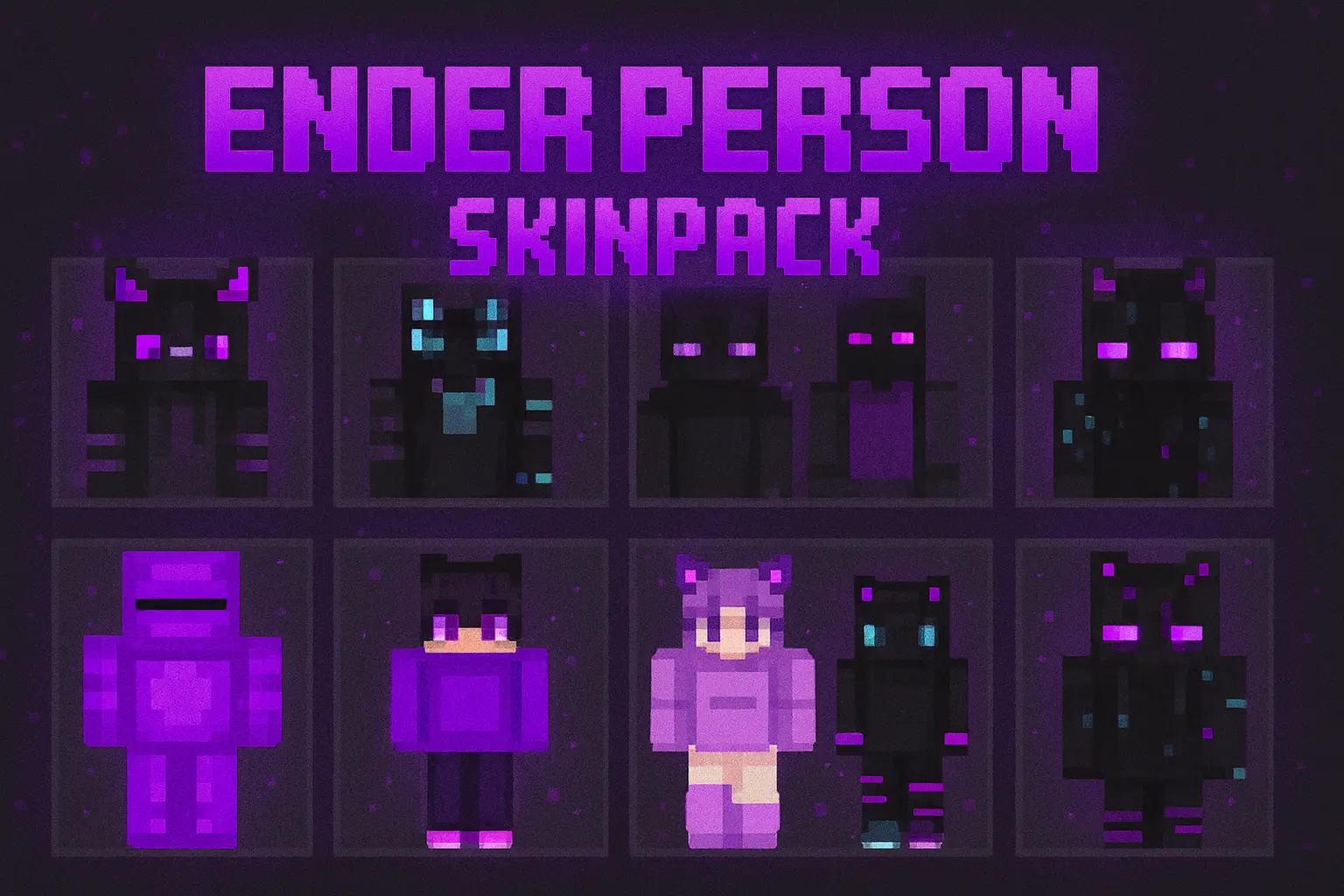
Ender Person SKINPACK takes all the weird, spooky energy of the End and turns it into a whole lineup of player skins. Instead of just being another Steve in enchanted armor, you get to walk around as a full Ender Knight, a glowing Ender Mage, or a drifting Ender Traveler that looks like they’ve crossed the void more times than they can count. The Ender Person Skinpack leans hard into Ender skins with dark outfits, glowing details, and, yeah, a lot of purple for very obvious reasons.
This pack really shines once you start playing in or around the End. Fighting the Ender Dragon while your squad is fully kitted out as different Ender persons just feels right. One player can be the armored knight holding the front line, another can rock a more mystical mage look while staying back with bows, and someone else can slip into a traveler-style skin that fits exploring End cities and raiding shulkers. It also looks great in overworld builds themed around void, stars, and floating islands.
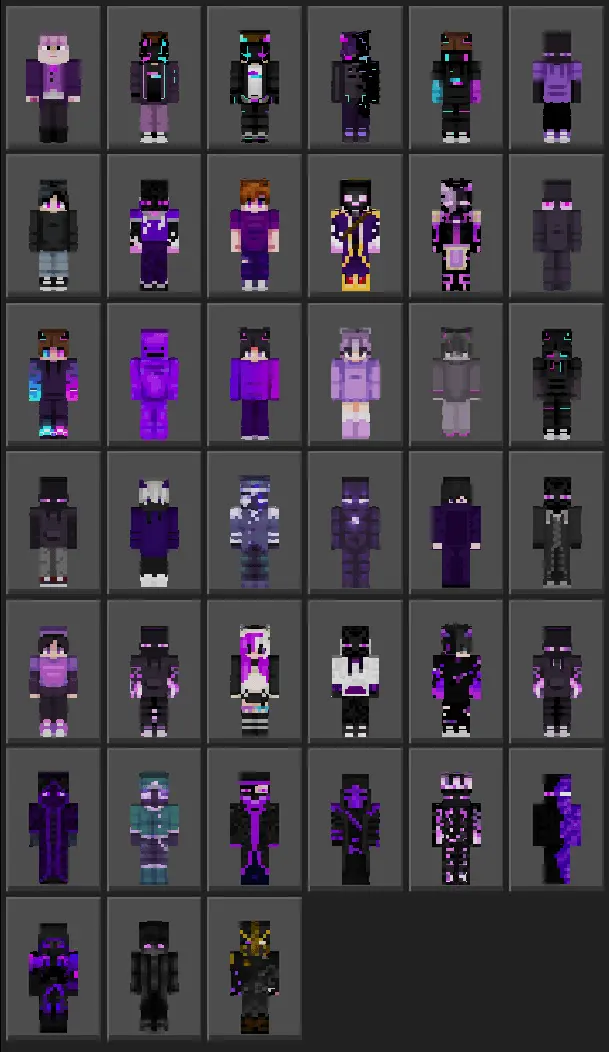
Since Ender Persons SKINPACK is cosmetic only, it fits cleanly into survival worlds, servers, and Realms without changing hitboxes or giving any combat advantage. You still play the same game — you just look like you belong to the End instead of the overworld. If you’re into mysterious, slightly creepy aesthetics and love visiting the End dimension, this Ender Person Skinpack is an easy way to lock in that vibe every time you log on.
How to Install Skins in Minecraft Bedrock
- Download a .png skin (64×64 or 128×128).
- Open Minecraft Bedrock.
- Go to Profile (hanger icon) → Edit Character.
- Tap Owned → Import → Choose New Skin.
- Select your .png file.
- Pick a model: Classic (Steve) or Slim (Alex).
- Confirm to equip and play.
Comments (0)