Cool Boy Skin
- 21-11-2025, 05:30
- 672
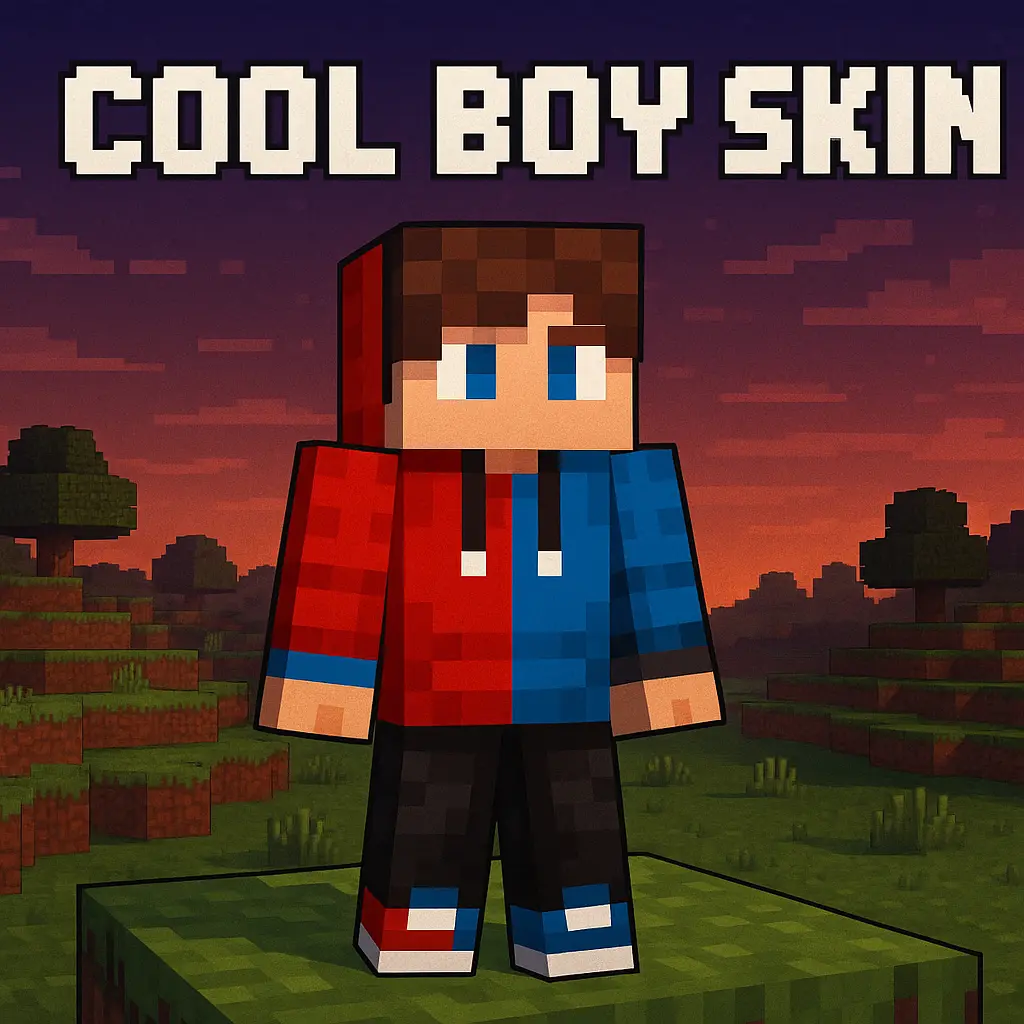
Cool Boy Skin throws your character into the world wearing a clean red and blue outfit that feels like something a real player would actually wear. It looks like that one friend on the server who’s always online, always joking in chat, and somehow still has a full chest of good gear. The colors sit in that sweet spot: bright enough to notice in a crowd, but not so flashy that you get tired of seeing it after a week.
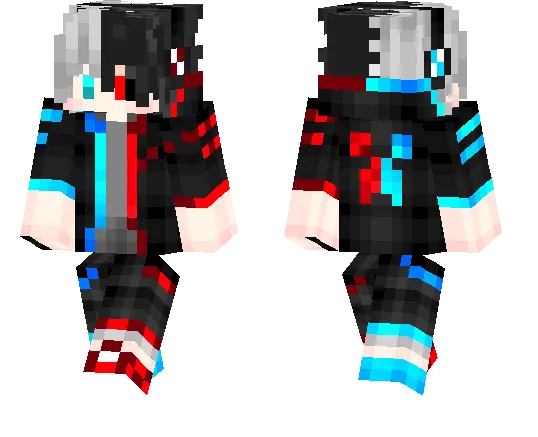
In survival, Cool Boy Skin fits everything from day-one dirt hut life to late-game netherite flexing. Picture sprinting across plains at sunset with the red and blue combo popping against the sky, or mining deep underground while your friend spots you in a tunnel just by recognizing your outfit. It works whether you’re the builder, the explorer, or the one who keeps dragging everyone into caves “for just one more run.�
On Realms and public servers, Cool Boy Skin is easy for friends to pick out in busy spawn areas and minigame lobbies. It doesn’t mess with your hitbox or any gameplay settings — it just gives your character a laid-back, modern look that feels like a main skin, not a throwaway joke.
How to Install Skins in Minecraft Bedrock
- Download a .png skin (64×64 or 128×128).
- Open Minecraft Bedrock.
- Go to Profile (hanger icon) → Edit Character.
- Tap Owned → Import → Choose New Skin.
- Select your .png file.
- Pick a model: Classic (Steve) or Slim (Alex).
- Confirm to equip and play.
Comments (0)