Neon Boys PVP Skin Pack
- 8-01-2026, 11:18
- 1 448
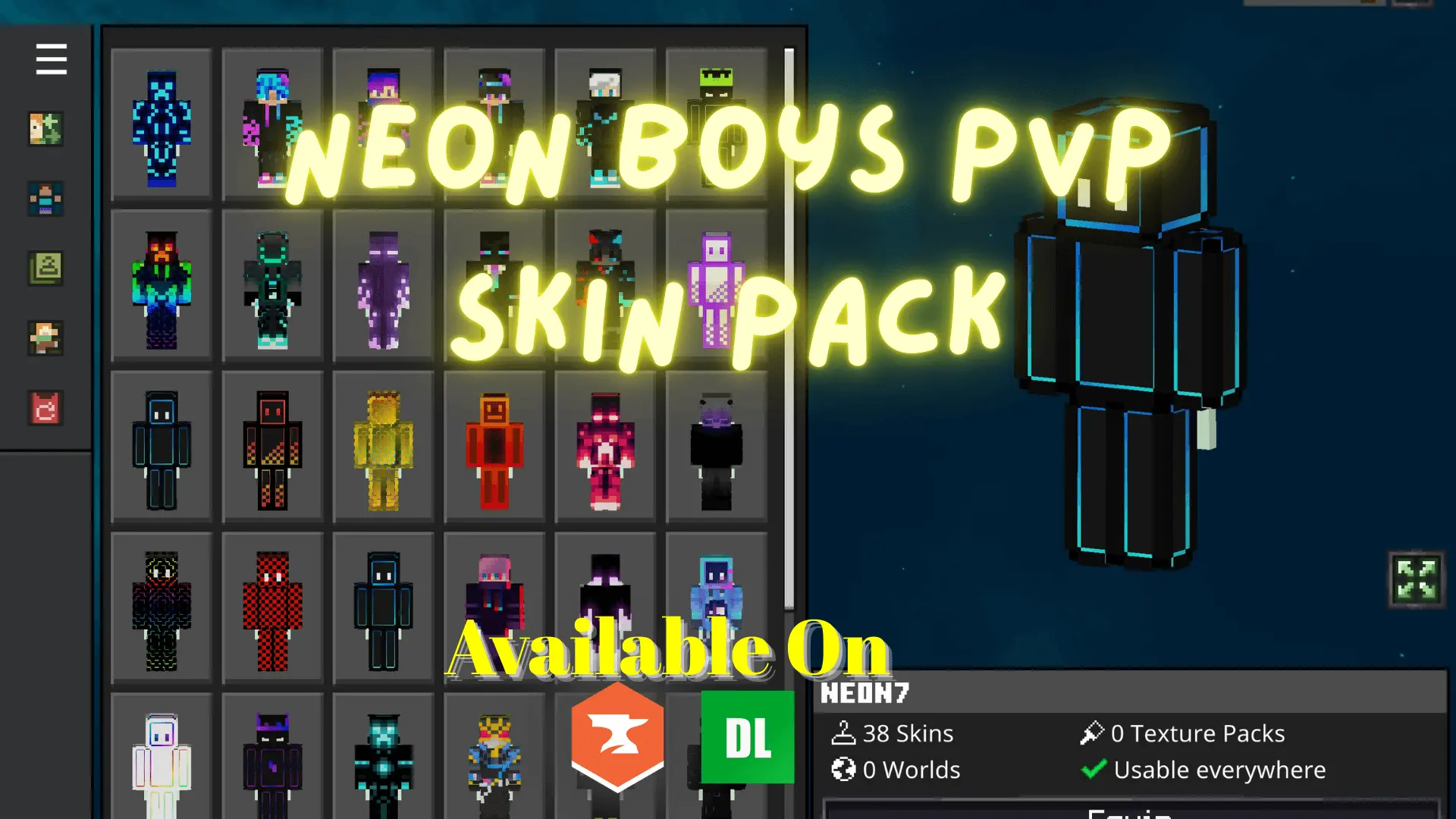
Neon Boys PVP Skin Pack is basically for players who care about looking good and staying readable when the fight gets sweaty. You get 38 boy skins with that neon look—high-contrast colors, sharp outlines, and a clean design style that’s meant to pop on screen. In Bedrock PvP, visibility matters more than people admit. When you’re trading hits in tight spaces, strafing around corners, or chasing someone across uneven terrain, skins that blend into the background can be annoying. This pack leans the opposite direction: it’s optimized to stand out, so you can track movement and reactions faster.
The “competitive� vibe is the big selling point here. These aren’t chunky roleplay outfits or super detailed characters that turn into visual noise mid-fight. The designs are clean, with bold edges and strong contrast, which helps when you’re dealing with chaotic situations like team fights, bow pressure, or quick combos where every half-second matters. If you play on servers, it’s also a nice way to keep your squad looking coordinated without everyone wearing the exact same skin—38 options is plenty to let friends match the same neon theme while still having their own look.

Outside of PvP, the neon style still works for parkour maps, minigames, and fast movement gameplay because the skins look crisp in motion. And if you record clips or stream, the high-contrast look is easier to see on video too, especially when compression tries to blur tiny details. The only real “warning� is the obvious one: bright neon skins draw attention. If your usual survival strategy is sneaking around at night or blending into dark biomes, a neon outline is basically you choosing to be seen. But if your world is built around combat, arenas, or competitive play, that’s the point.
Neon Boys PVP Skin Pack is a solid Minecraft Bedrock choice when you want a skin rotation that’s made for fighting: 38 neon-styled skins, sharp outlines, and visibility-first designs that stay clean even when the battle gets messy.
How to Install Skins in Minecraft Bedrock
- Download a .png skin (64×64 or 128×128).
- Open Minecraft Bedrock.
- Go to Profile (hanger icon) → Edit Character.
- Tap Owned → Import → Choose New Skin.
- Select your .png file.
- Pick a model: Classic (Steve) or Slim (Alex).
- Confirm to equip and play.
Comments (0)