Christmas Sweaters (Default Skins) Skin Pack
- 9-01-2026, 12:49
- 479
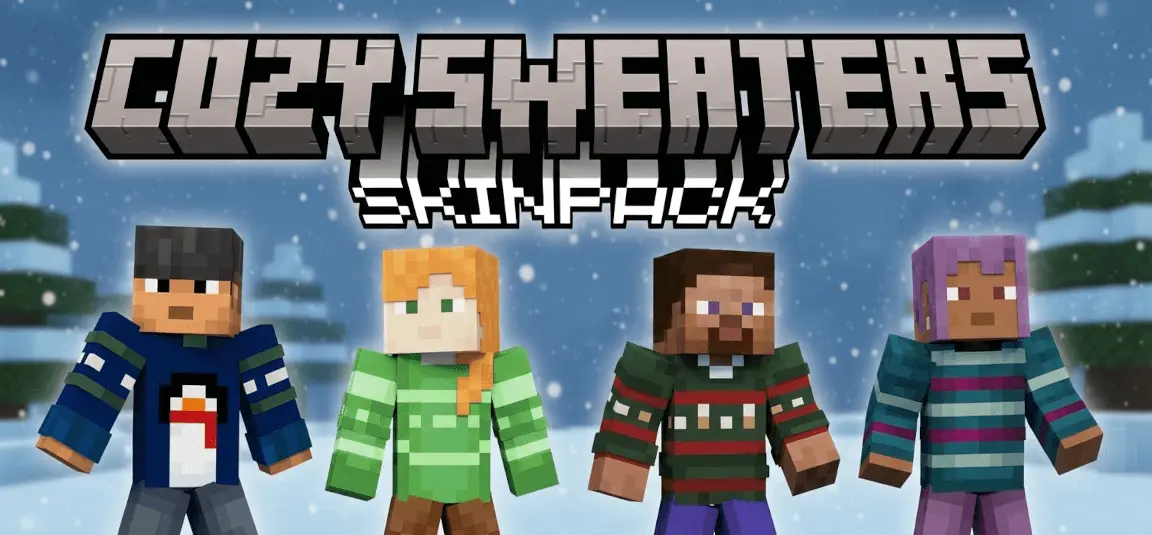
Christmas Sweaters (Default Skins) Skin Pack is the kind of seasonal pack that just makes your world feel friendlier the second you load in. Instead of being some random set of characters you’ll never use, it targets the default crew—Steve, Alex, and all the other default characters—so it’s super easy for anyone to jump in and match the vibe. The big win here is the volume and variety: the pack adds 9 unique Christmas sweater skins for each of the 9 default characters. That means you’re not stuck with one “holiday outfit” and done. You can actually rotate styles, pick different sweater looks depending on the day, or have your friends choose different defaults and still feel like you’re part of the same festive theme.
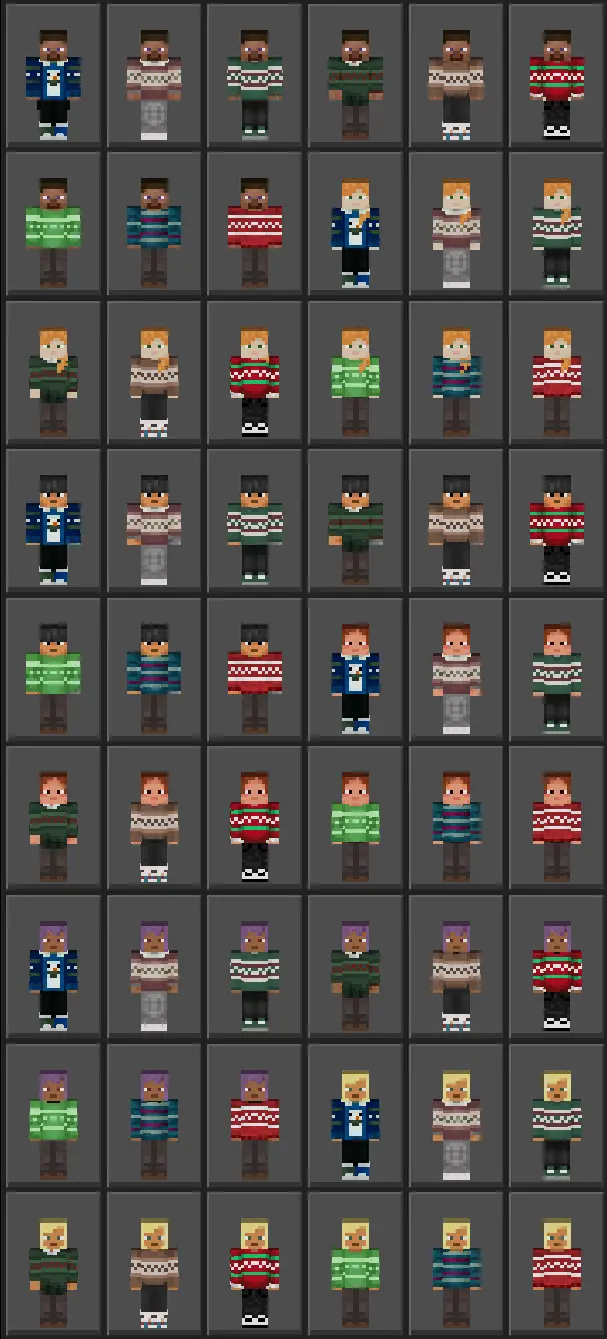
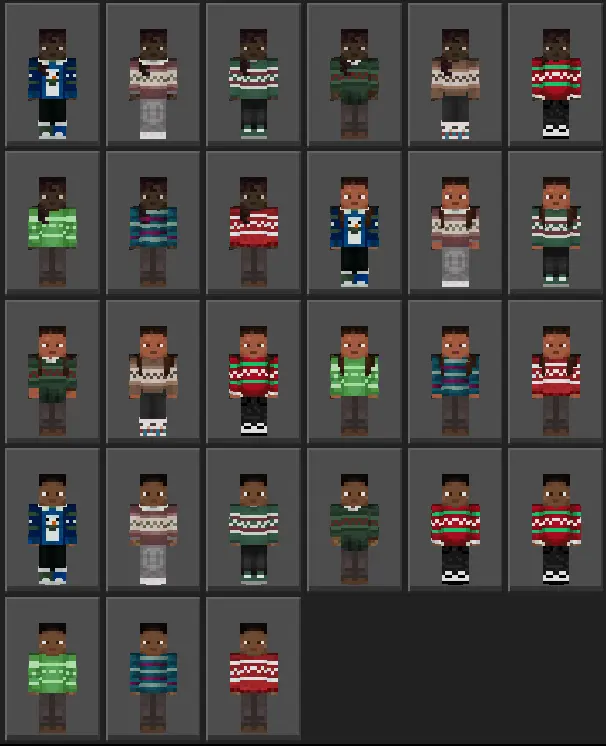
In-game, these skins are perfect for anything winter-related without needing the map to do all the work. Building a snowy town, messing around in a survival base with friends, doing minigames on a festive server—throwing on a Christmas sweater skin instantly makes it feel like an event. It’s also great for group screenshots because sweaters read clearly and look intentional, like your crew showed up dressed for the season instead of everyone wearing totally different skins. And since it’s based on the default characters, it has that classic Minecraft Bedrock feel, just with a holiday twist.
A fun way to use this pack is to make it part of your routine: switch sweaters when you finish a big build, when you hit a milestone, or when your group logs on for a “holiday night” session. It’s also a solid pick if you like keeping your skin family-friendly and clean, because Christmas sweater designs usually give you color and personality without looking messy or overdesigned. Christmas Sweaters (Default Skins) Skin Pack is basically a cozy seasonal upgrade for Minecraft Bedrock—lots of sweater options across the default cast, built for winter adventures and playing with friends while everything feels festive.
How to Install Skins in Minecraft Bedrock
- Download a .png skin (64×64 or 128×128).
- Open Minecraft Bedrock.
- Go to Profile (hanger icon) → Edit Character.
- Tap Owned → Import → Choose New Skin.
- Select your .png file.
- Pick a model: Classic (Steve) or Slim (Alex).
- Confirm to equip and play.
Comments (0)