Fuuto Detective (Kamen Rider W) - Minecraft Skin Pack
- 19-01-2026, 14:31
- 462

Fuuto Detective (Kamen Rider W) - Minecraft Skin Pack pulls its identity straight from Fuuto PI, a Japanese manga written by Riku Sanjo and illustrated by Masaki Sato. It’s a sequel to Kamen Rider W from 2009, and it exists because that original series hit big enough that Sanjo wanted to keep the story going while leaning into darker storytelling. The manga has been running in Shogakukan’s seinen magazine Big Comic Spirits since August 2017, and as of October 2025 it’s been collected into 19 tank�bon volumes.
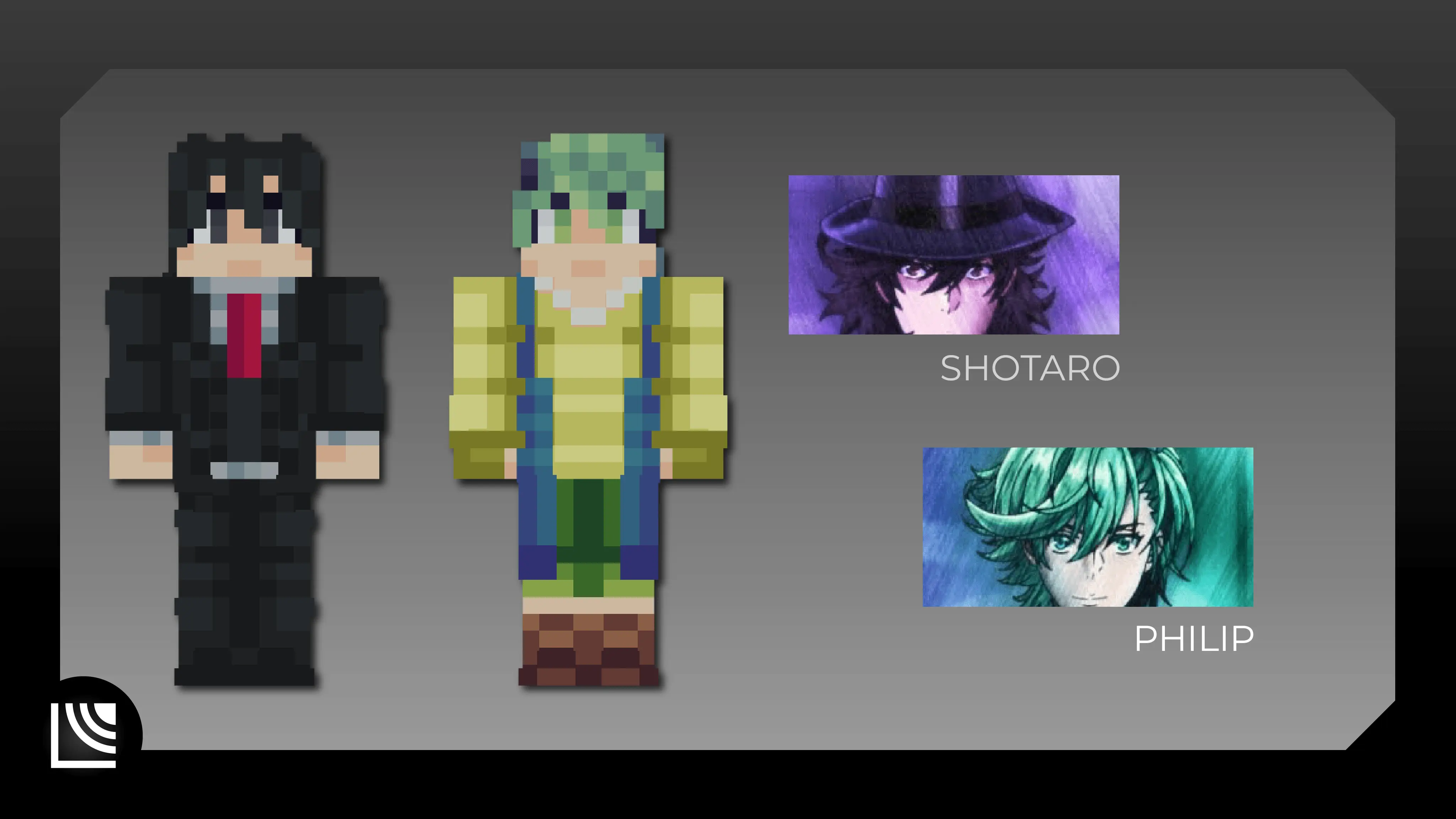
In a Minecraft Bedrock world, that “darker stories� angle is the fun part to play with. This skin pack fits best when you’re not treating your world like pure sunshine and cupcakes—think rainy streets, shadowy alleys between builds, a base that feels like an office or hideout, and long night runs where every corner feels like a scene. Even if you’re just doing normal survival stuff, wearing a themed skin like this makes your sessions feel more like a story you’re living through instead of a checklist of chores.
If you’re on a multiplayer server, Fuuto Detective (Kamen Rider W) - Minecraft Skin Pack is perfect for roleplay nights or “case� style challenges with friends. Set a simple rule like “we only travel on foot through the city tonight� or “we have to investigate a ruined build and figure out what happened,� and suddenly the skin choice actually matters to the vibe. It also works great for content creation—walk-and-talk tours, cinematic base flyovers, or just screenshots in moody lighting.
Quick tip: lean into atmosphere instead of trying to force mechanics. Use lantern-lit paths, darker interiors, and stormy weather when you can, and keep your hotbar clean for cleaner screenshots. Fuuto Detective (Kamen Rider W) - Minecraft Skin Pack shines when the world around you matches that noir, sequel-energy tone.
How to Install Skins in Minecraft Bedrock
- Download a .png skin (64×64 or 128×128).
- Open Minecraft Bedrock.
- Go to Profile (hanger icon) → Edit Character.
- Tap Owned → Import → Choose New Skin.
- Select your .png file.
- Pick a model: Classic (Steve) or Slim (Alex).
- Confirm to equip and play.
Comments (0)