Aspects of the Dungeons Console / Slim Skin Pack
- 12-02-2026, 08:35
- 416
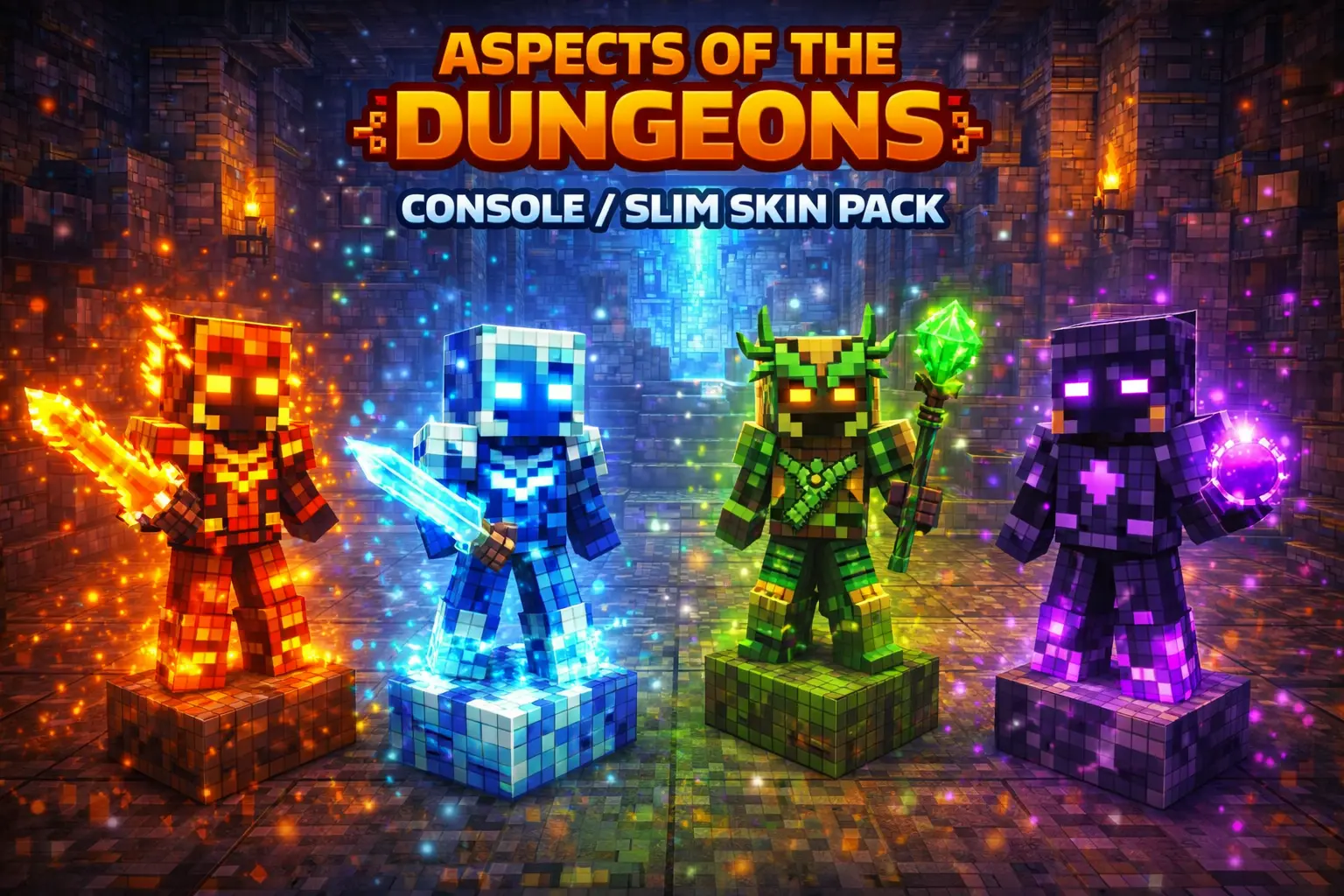
Aspects of the Dungeons Console / Slim Skin Pack is built for players who like clean themes and a clear identity instead of random skins that don’t match anything. The pack is specifically made for the Slim body style, and the whole concept is platform-inspired designs—basically picking a “team� vibe that matches the platform aesthetic you like the most. It’s a simple idea, but it works because it’s instantly recognizable and feels intentional.
The skins included are named and tied to their platform themes: CHRISTINA is inspired by Xbox, DANI is inspired by PlayStation, LOGE is inspired by Windows, and TIM is inspired by Nintendo Switch. That lineup is perfect if you play across different devices with friends or if your group just likes choosing different looks that still fit one shared concept. In Minecraft Bedrock, having themed skins like this makes screenshots and multiplayer moments feel more coordinated without needing everyone to wear the same exact outfit.


In actual gameplay, this pack shines most in servers and mini-games where you want your character to look distinct in a crowd. A consistent theme makes you easier to spot, and it adds a little personality when you’re sprinting through lobbies, jumping into PvP rounds, or just hanging out at someone’s base. Even in survival, it’s fun because you can match your skin to your world mood—switch it up when you start a new project or when you’re playing with a different group.
Practical tip: pick one skin as your “main� so people recognize you, then keep another as your backup for when you want a fresh look without breaking the theme. Aspects of the Dungeons Console / Slim Skin Pack is a clean, themed way to customize your Slim-style character in Minecraft Bedrock while keeping the vibe consistent and easy to flex.
How to Install Skins in Minecraft Bedrock
- Download a .png skin (64×64 or 128×128).
- Open Minecraft Bedrock.
- Go to Profile (hanger icon) → Edit Character.
- Tap Owned → Import → Choose New Skin.
- Select your .png file.
- Pick a model: Classic (Steve) or Slim (Alex).
- Confirm to equip and play.
Comments (0)