Kings of the Universe Skin Pack
- 22-02-2026, 15:02
- 511
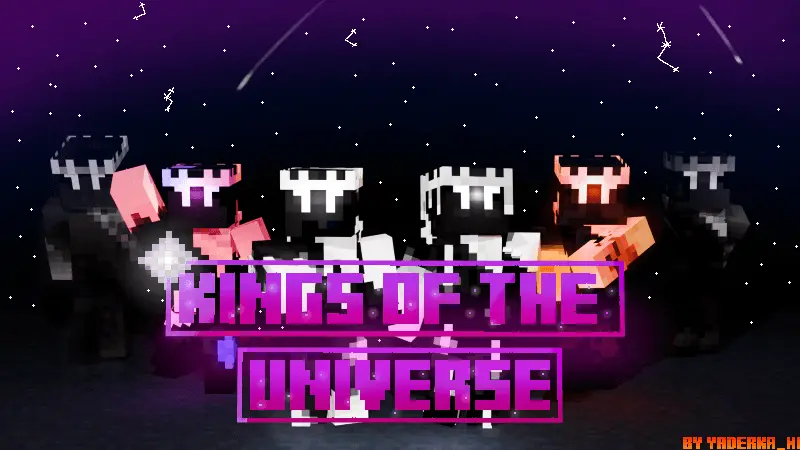
Kings of the Universe Skin Pack is a small, theme-driven set built around one idea: cosmic kings. You get six different king skins, and each one represents something that has an influence in space, which gives the pack a nice “my character has a domain” vibe instead of just six random outfits. Even without a long list of exact names, that theme alone is enough to spark roleplay and server identity, because each king can feel like they rule a different aspect of the universe.
In Minecraft Bedrock, this kind of pack shines most when you use it for themed play. If you’re building anything space-related—like a starship, a sci-fi city, a moon base, or a cosmic hub—these skins instantly make your group look like they belong there. It also works great for mini-games or SMP servers where players like having a “title” vibe. Six kings means a clean squad size too: everyone can pick a king and keep the world feeling organized, like a little space council instead of a random collection of skins.
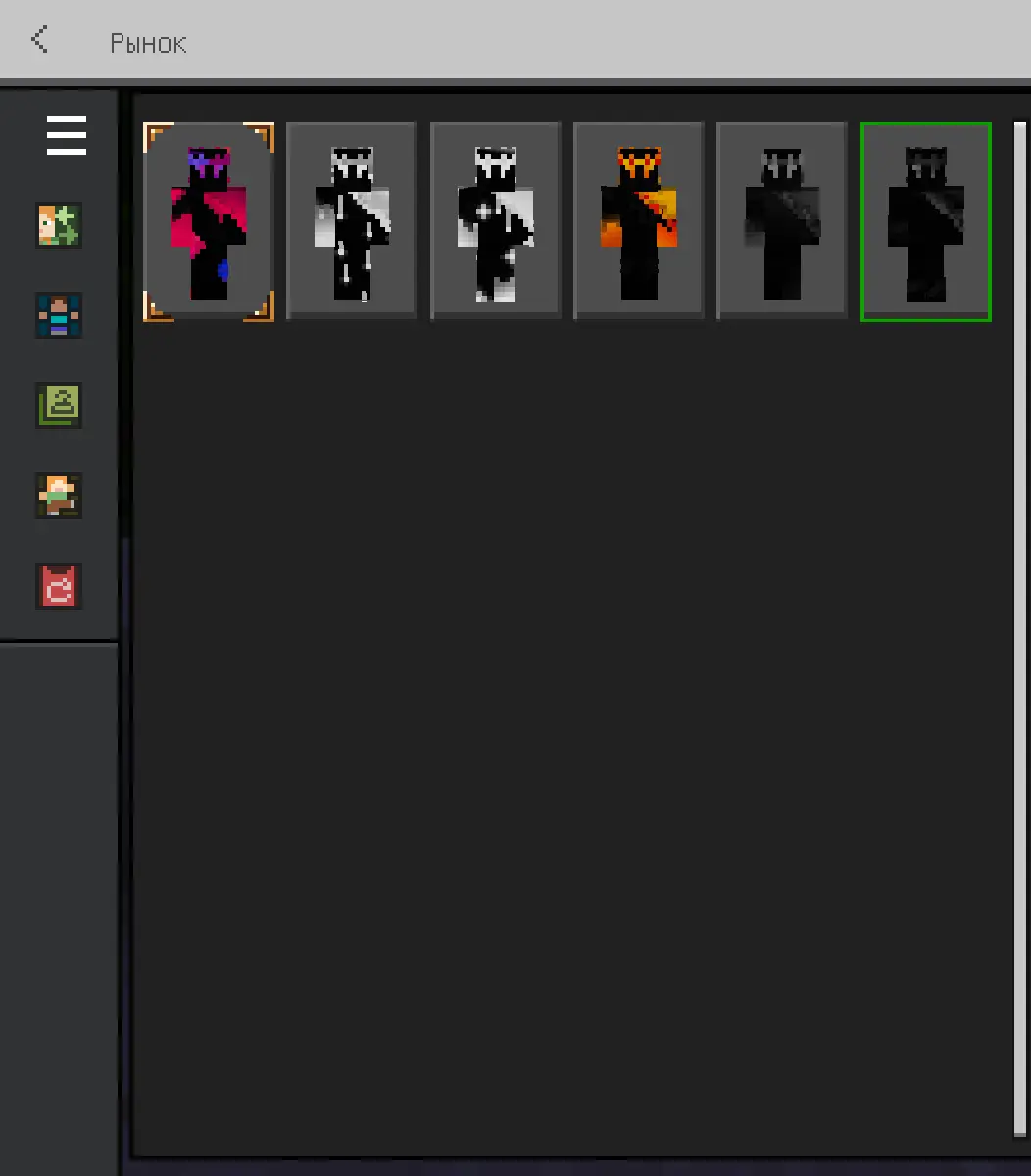
The “influence in space” angle is also perfect for making your own lore. One king can be the “gravity” king, another the “time” king, another the “stars” king—whatever fits your world. Even if the skin pack doesn’t force a story, it encourages one just by the way it’s themed. That makes it fun for content creators too, because you can build a simple narrative around the skins without needing extra mods.
Practical tip: if you’re playing with friends, assign each person a “space influence” and build a small area or throne spot that matches it. It makes screenshots look way more intentional and gives your sessions a clear theme. Kings of the Universe Skin Pack is basically a tight set of six cosmic royalty skins that’s best used for space builds, group roleplay, and any world where you want your characters to feel like they run the galaxy.
How to Install Skins in Minecraft Bedrock
- Download a .png skin (64×64 or 128×128).
- Open Minecraft Bedrock.
- Go to Profile (hanger icon) → Edit Character.
- Tap Owned → Import → Choose New Skin.
- Select your .png file.
- Pick a model: Classic (Steve) or Slim (Alex).
- Confirm to equip and play.
Comments (0)