F8thful Texture Pack
- 29-09-2025, 11:54
- 1 211
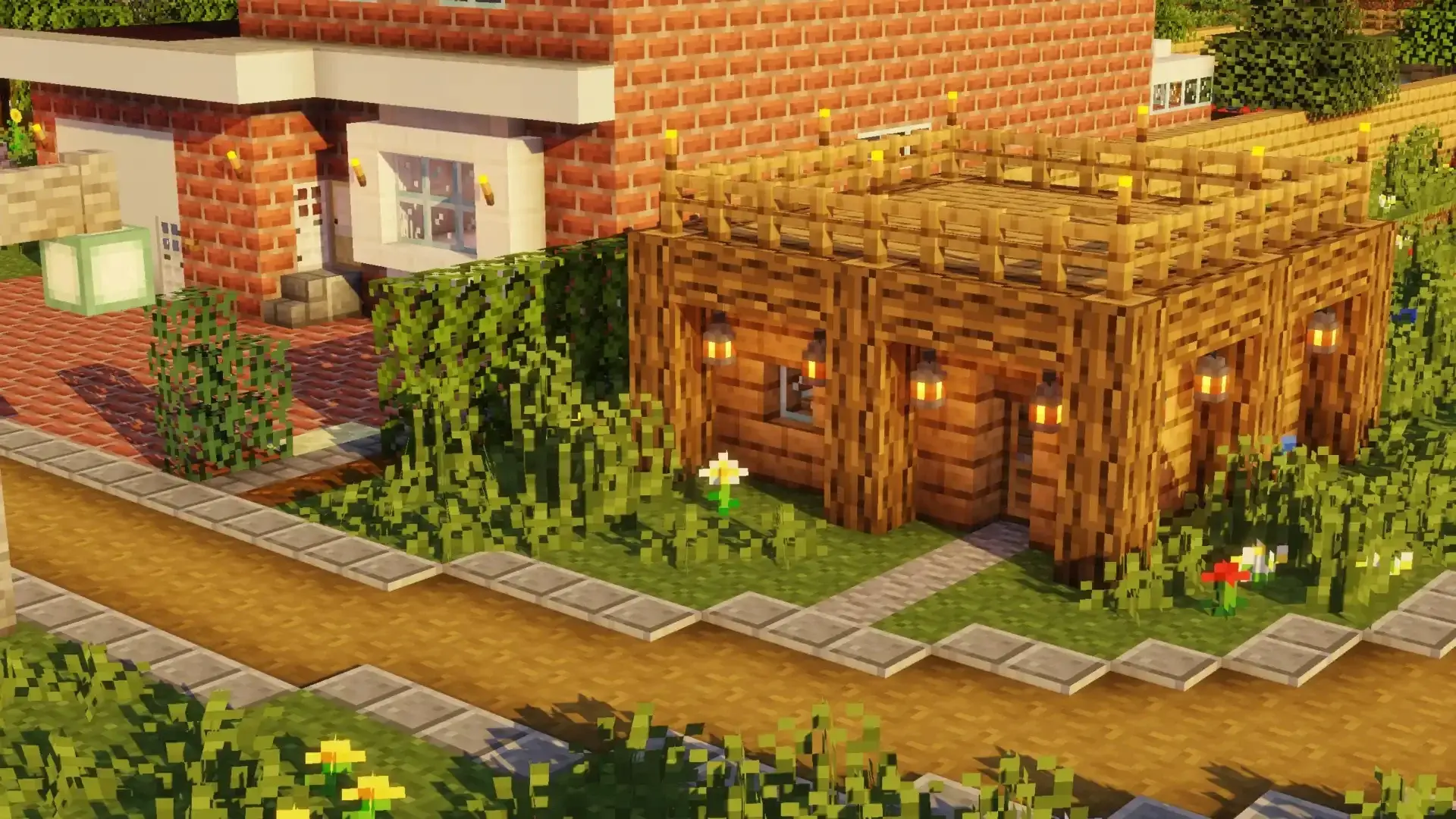
F8thful — the Vanilla 8×8 resource pack for Minecraft Bedrock — takes the game’s classic look and rebuilds it at half the resolution without messing with what makes Minecraft… Minecraft. Think crisp, chunky pixels and instantly recognizable blocks, just distilled down to an 8×8 canvas. It’s the Bedrock port of the pack people know from other platforms, and it sticks close to the original: same colors, same reads, just tighter and simpler.
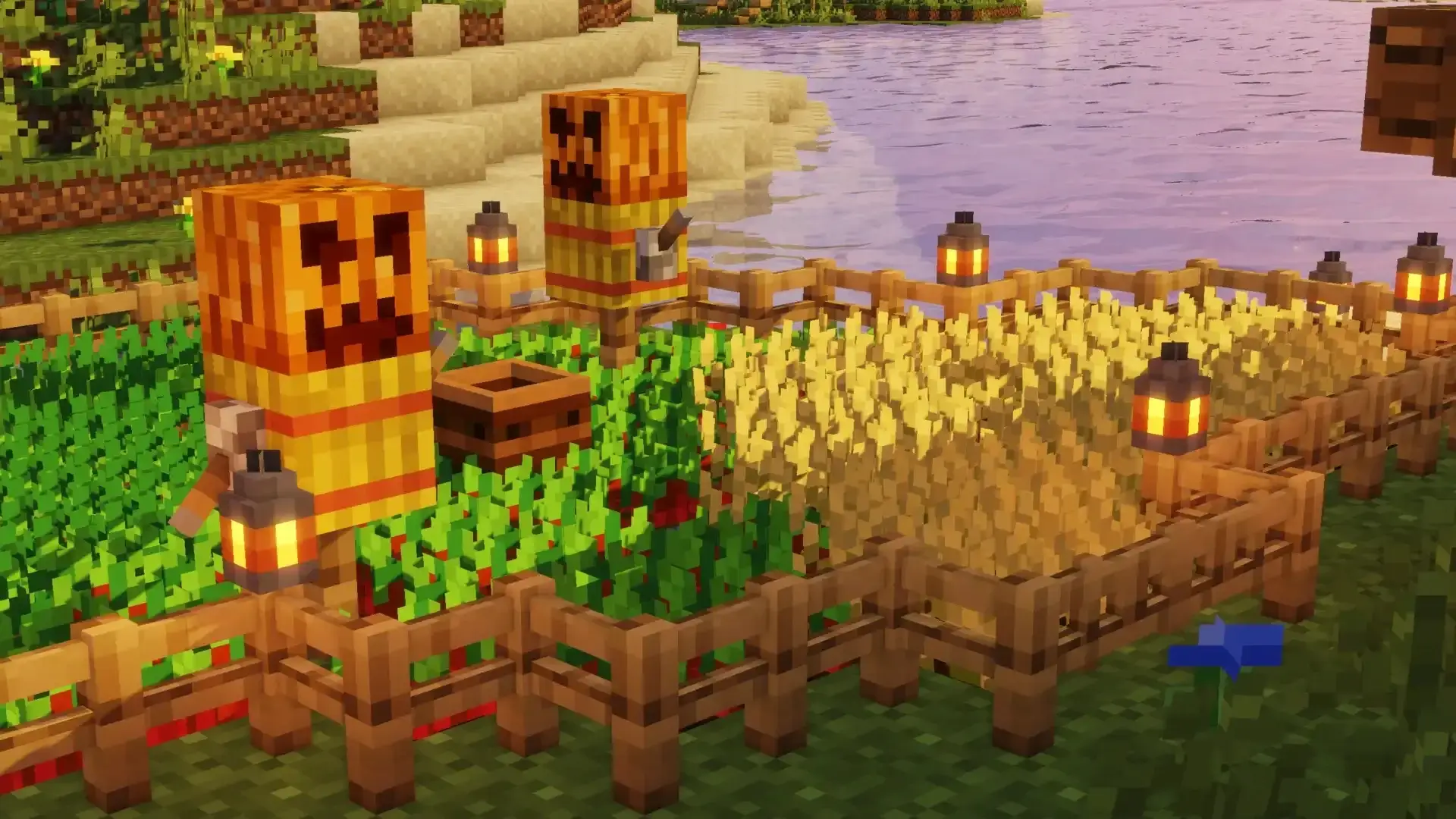
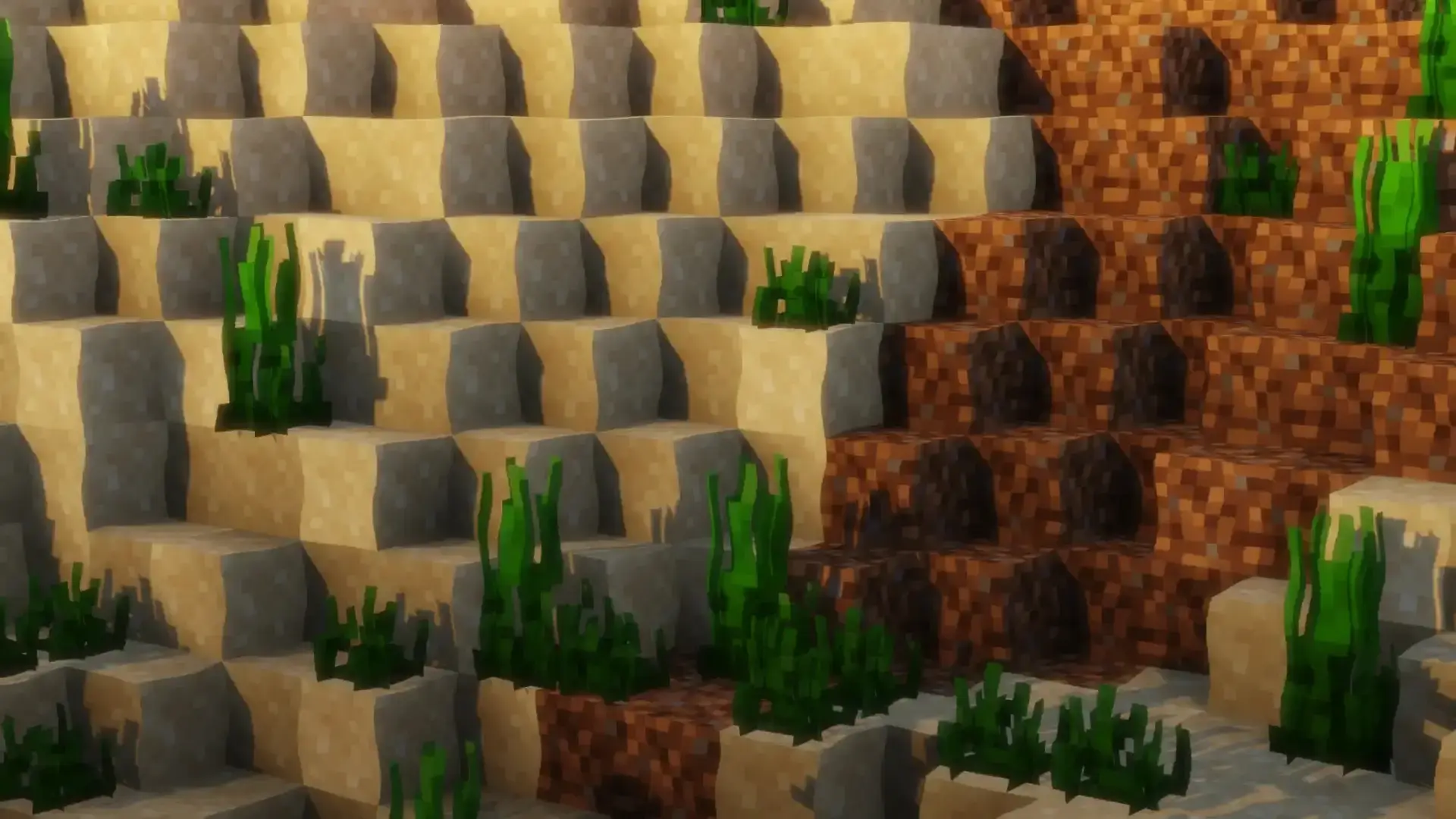
The feel in-game is great if you like bold silhouettes and readable shapes. Wood grains, stone noise, and ore flecks get that retro charm, so caves feel like old-school dungeon crawls and plains biomes pop with simple color blocks. I ran it across a survival world, then hopped into some PvP, and the clarity helped — armor stands out, mobs are easy to parse at a glance, and builds photograph with that nostalgic “console era” aesthetic. It also pairs nicely with minimalist UIs if you’re chasing a clean screen for long sessions or recording.
Setup is straightforward: drop F8thful into your Minecraft Bedrock resources, enable it on your world (or globally), and put it at the top of your pack list if you’re stacking other textures so the 8×8 art wins. No behavior changes, no weird toggles — your achievements and gameplay loops stay the same. If you want a lighter, retro take that still reads 100% vanilla, F8thful nails it. It’s the same Minecraft Bedrock you already play, just with that comfy, compact pixel style that makes every block and mob feel like a deliberate brushstroke.
Installation:
- Download Texture;
- Use Minecraft PE
- Open the downloaded .mcpack to install;
- Select texture in settings;
- Done.
Comments (0)