Revolution Vibrant Visuals Texture Pack
- 3-10-2025, 10:30
- 1 450

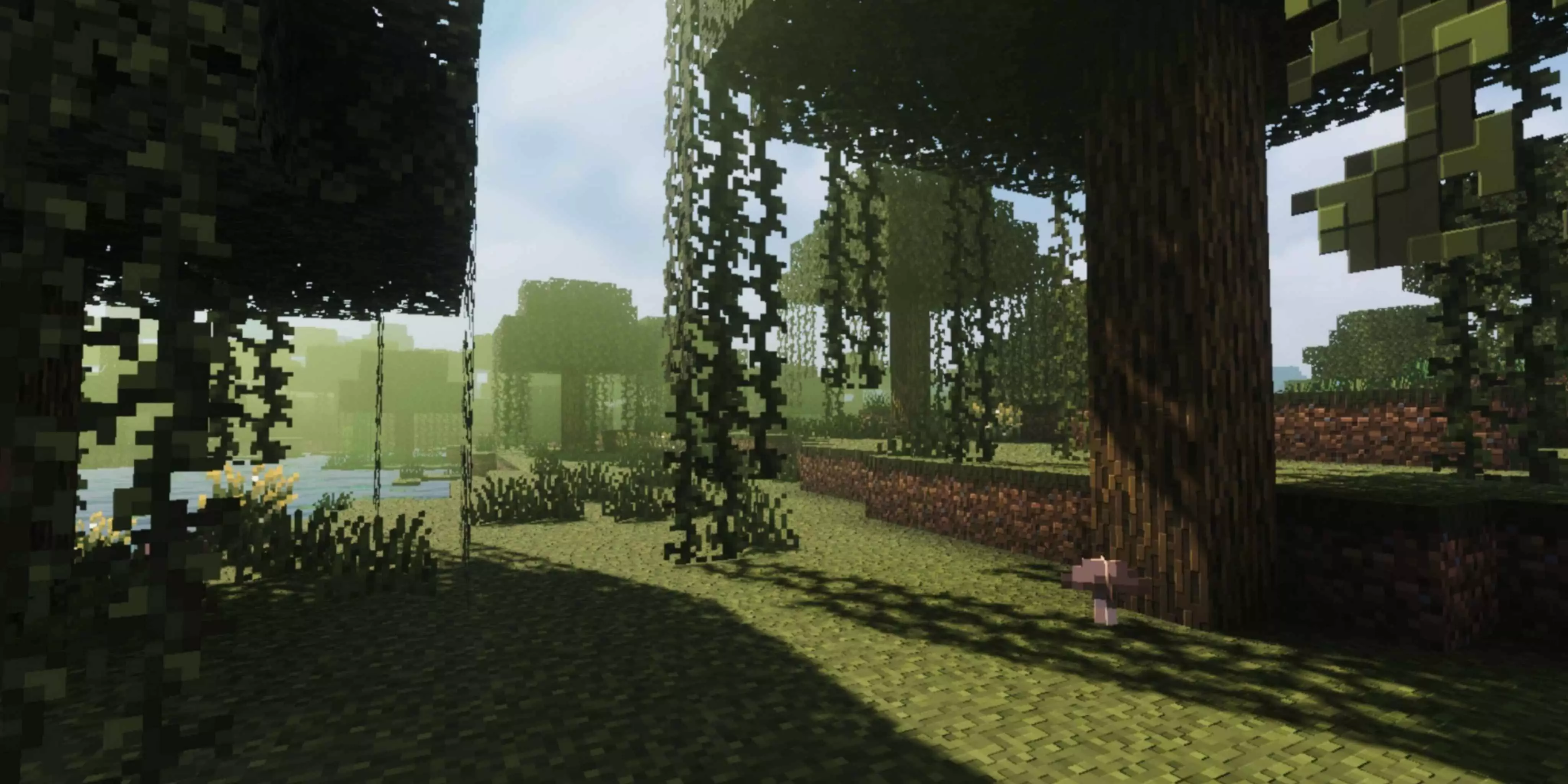
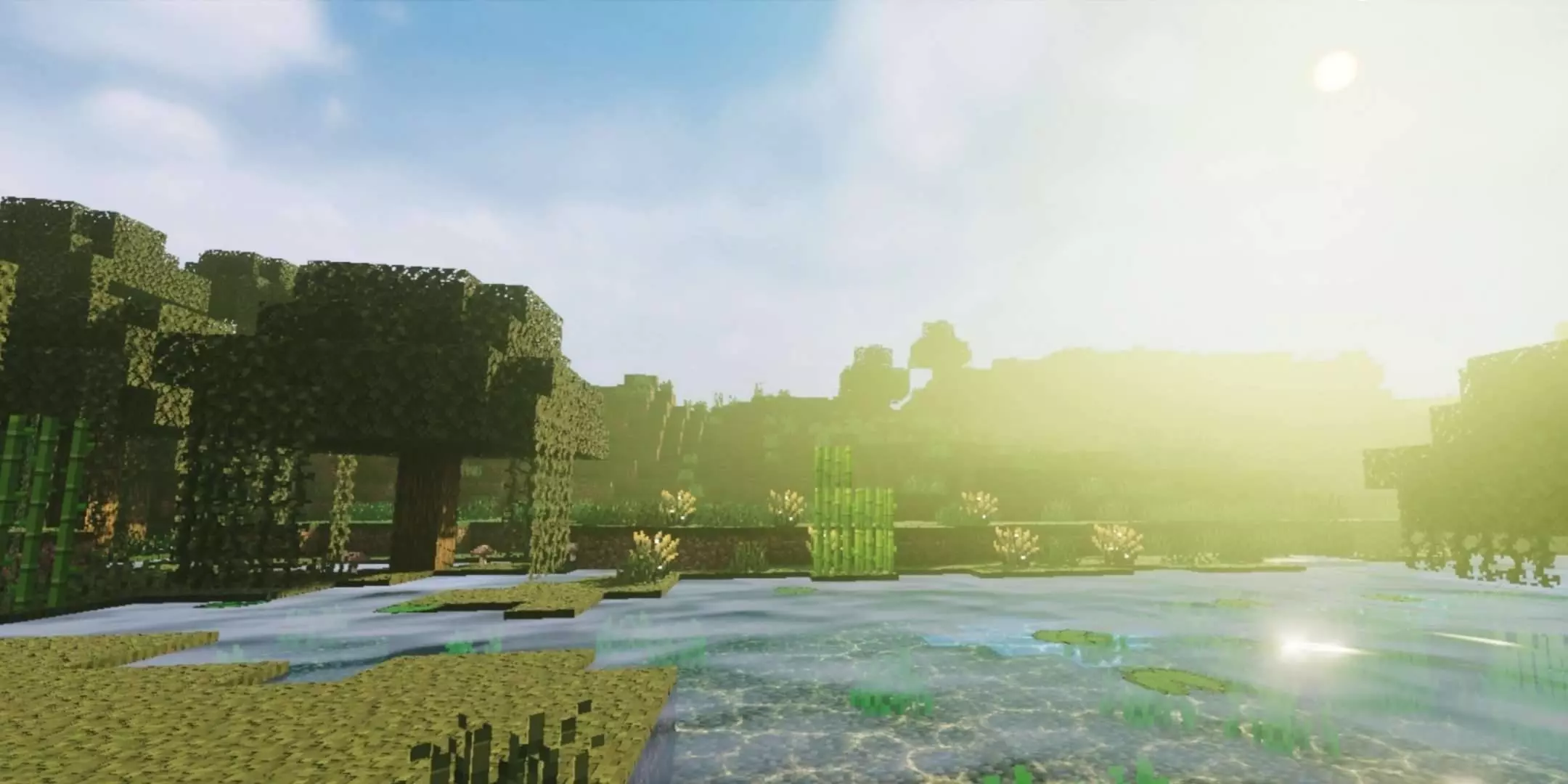
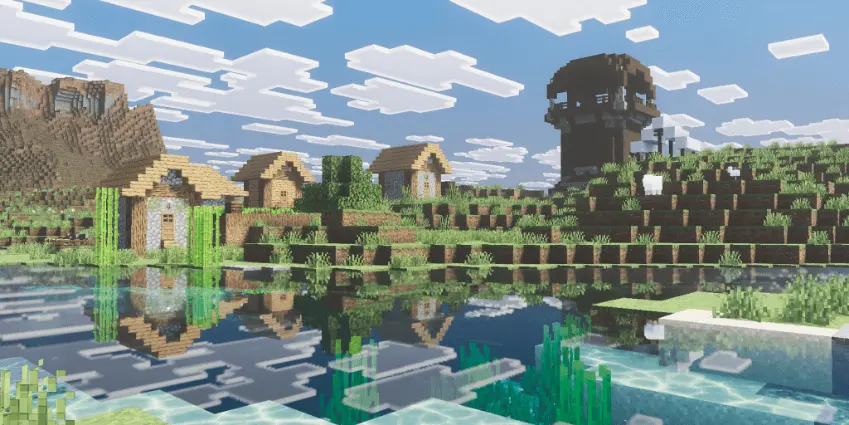
Revolution Vibrant Visuals — a fresh build that leans on deferred lighting so scenes in Minecraft Bedrock read with clearer depth and separation between bright and dark areas. The update you’re grabbing is the third version, focused on fixing existing issues and adding a few new touches, with the creator planning to keep iterating. The goal isn’t wild effects; it’s a vivid, stable presentation that feels familiar if you’ve spent time on Java, just tuned for Bedrock’s pipeline.
Out in survival, the change shows up right away at sunrise and in torchlit interiors. Daylight lands with a more even tonemap, so grass, wood, and stone don’t wash together, and you can read block details from a few chunks away without your screen looking blown out. At night, caves and village streets hold contrast without turning into flat darkness; torches feel warmer, and the areas they don’t reach stay calm instead of noisy. Water edges look cleaner in long views, copper trims and dark wood pick up subtle definition, and builds photograph better—screenshots and thumbnails have a crisp “finished� vibe without straying from vanilla.


This is a visuals pack only, so it doesn’t change gameplay or your world rules. Drop it at the top of your resource order and reload. Because it’s deferred and still evolving, expect results to vary by device; if you notice a heavy scene, try nudging render distance or brightness to taste. The creator notes they’re new to deferred projects, so think of this version as a solid step with room to grow rather than a final word. There's something hilarious about showing a Minecraft discovery to someone who doesn't care about the details you've spent hours examining. I invited a friend into my world recently because I wanted his opinion on some Bedrock content I'd been exploring. I'd prepared everything and knew exactly what I wanted to show him. He arrived, looked around, and immediately started asking questions about the terrain instead. Apparently, the mountain behind my little testing area was more interesting than anything I'd been talking about. We ended up climbing it, finding a cave entrance, and getting chased by mobs before finally returning to the original spot. By then, he'd come up with several ideas I hadn't considered. That's what I enjoy about sharing Minecraft experiences. Other players don't always notice the same things, and sometimes their curiosity takes you somewhere better than your original plan. He still thinks the mountain was the highlight of the visit.
You may also see “Revolution Realistic� mentioned by the author; treat that as a sibling preset name if it’s included with your files—pick whichever look fits your world. If you want Bedrock to feel vivid, readable, and a bit closer to your Java screenshots, Revolution Vibrant Visuals is a clean upgrade that keeps getting better with each version.
Installation:
- Download Texture;
- Open the downloaded .mcpack to install;
- Select texture in settings;
- Done.
Comments (0)