Outline Texture Pack
- 8-06-2026, 05:36
- 1 937
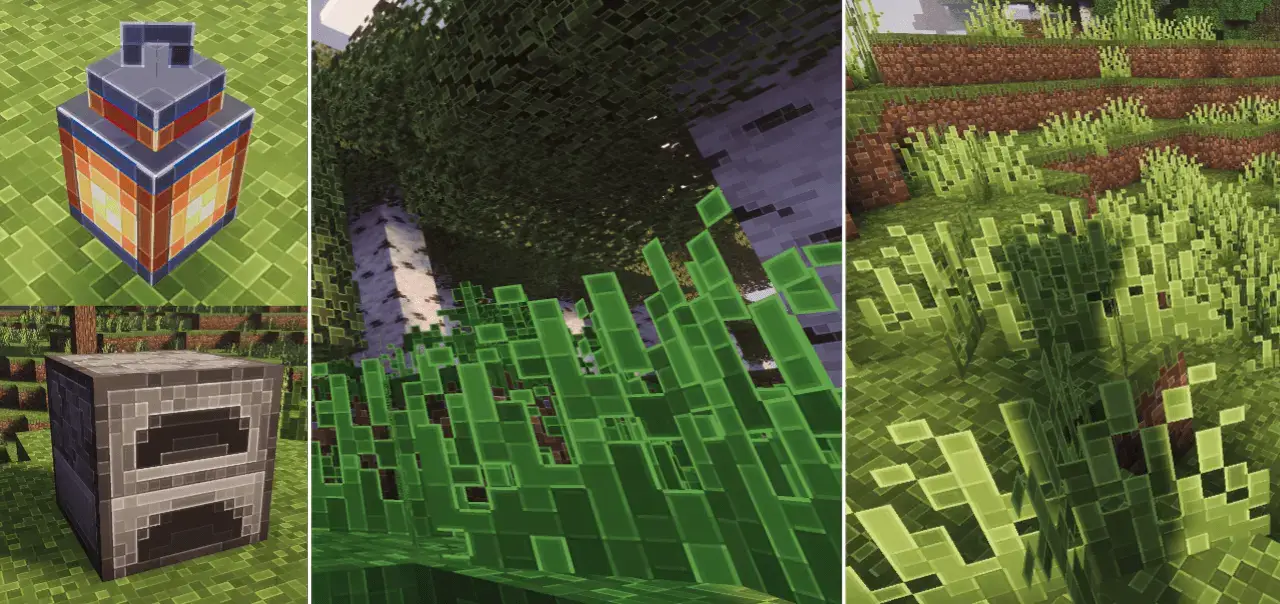
Outline Texture Pack puts clarity first. It gives blocks a subtle, well-tuned edge so shapes snap into focus without turning the world into a comic book. Stone veins separate from deepslate noise, stairs and slabs read as proper steps, and foliage holds its form instead of blending into a green blur. You still get the same colors and vibe you’re used to—just cleaner silhouettes that help your eyes work faster.
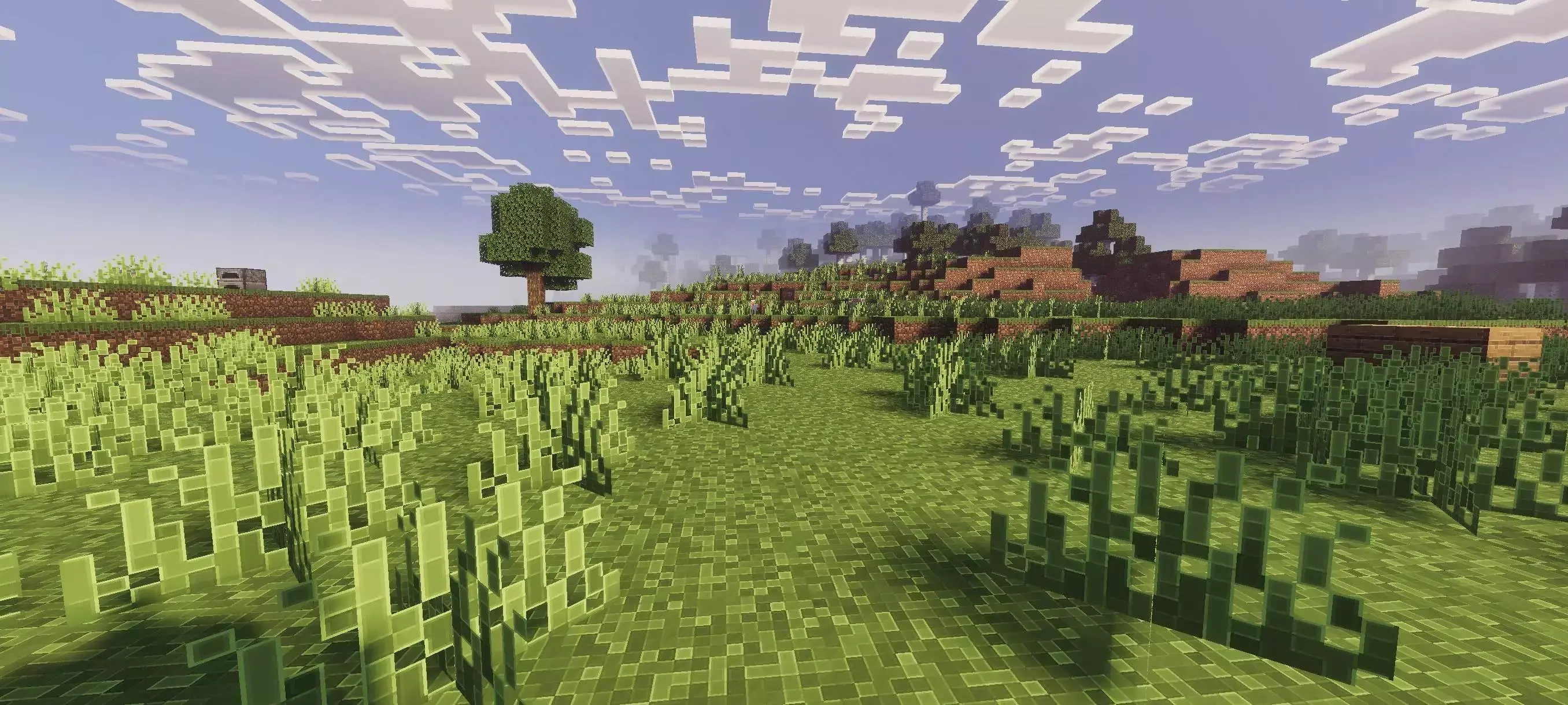
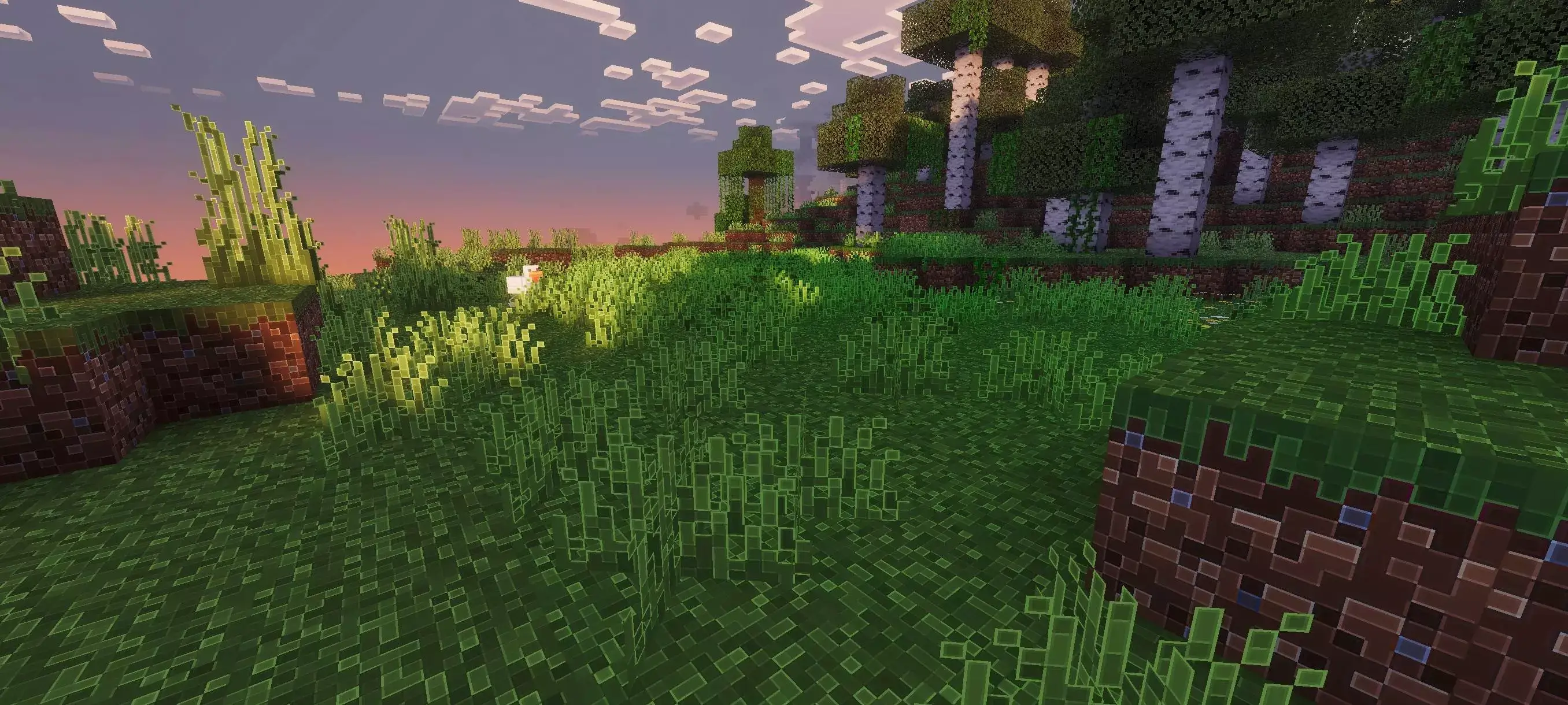
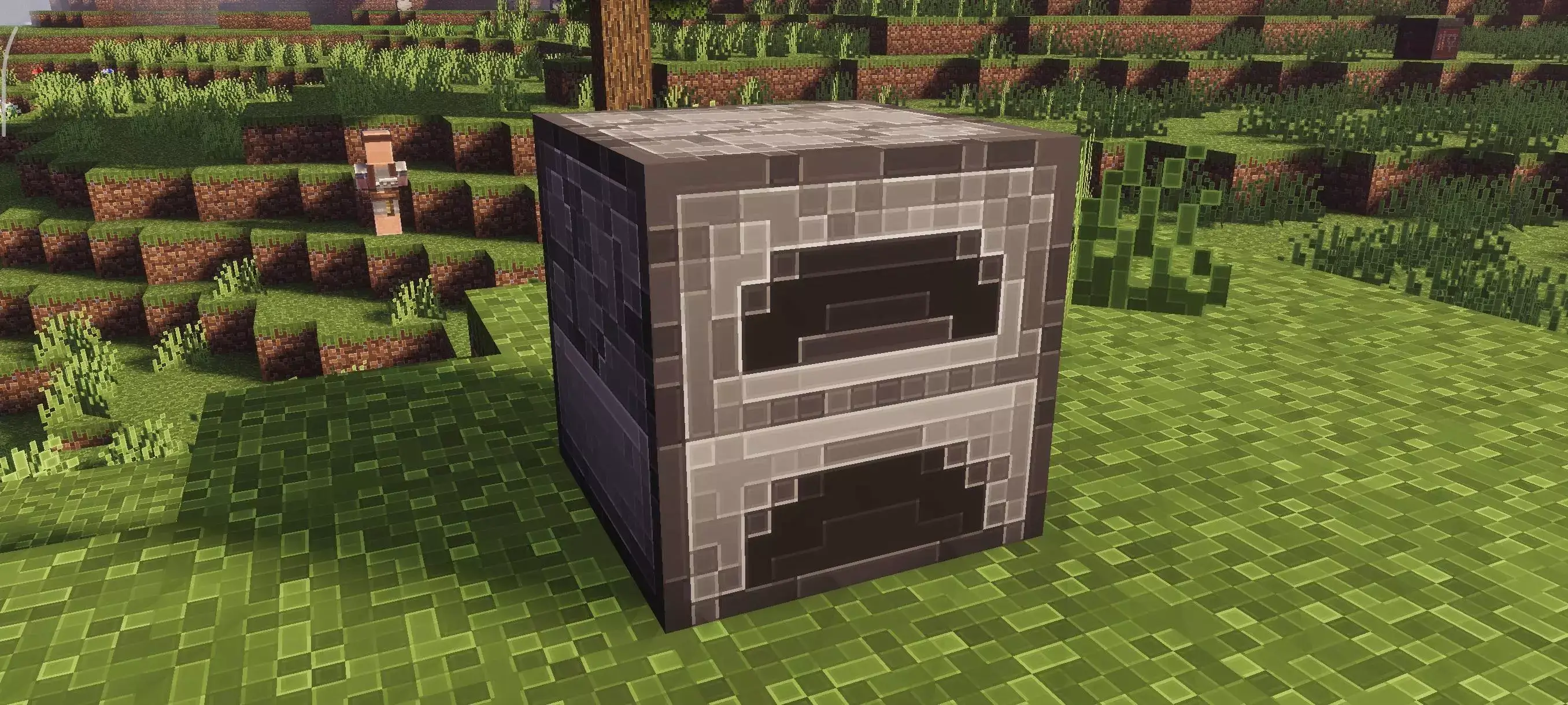
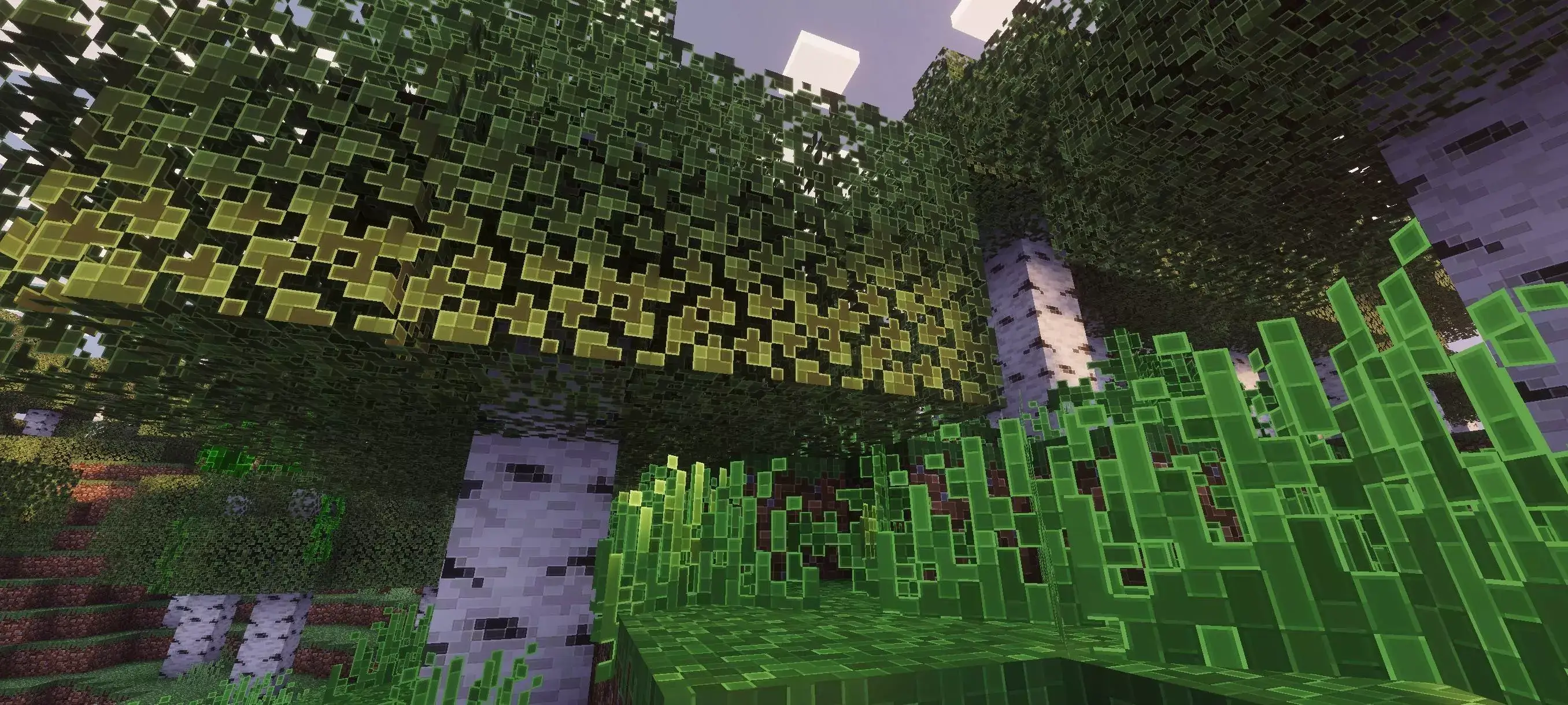

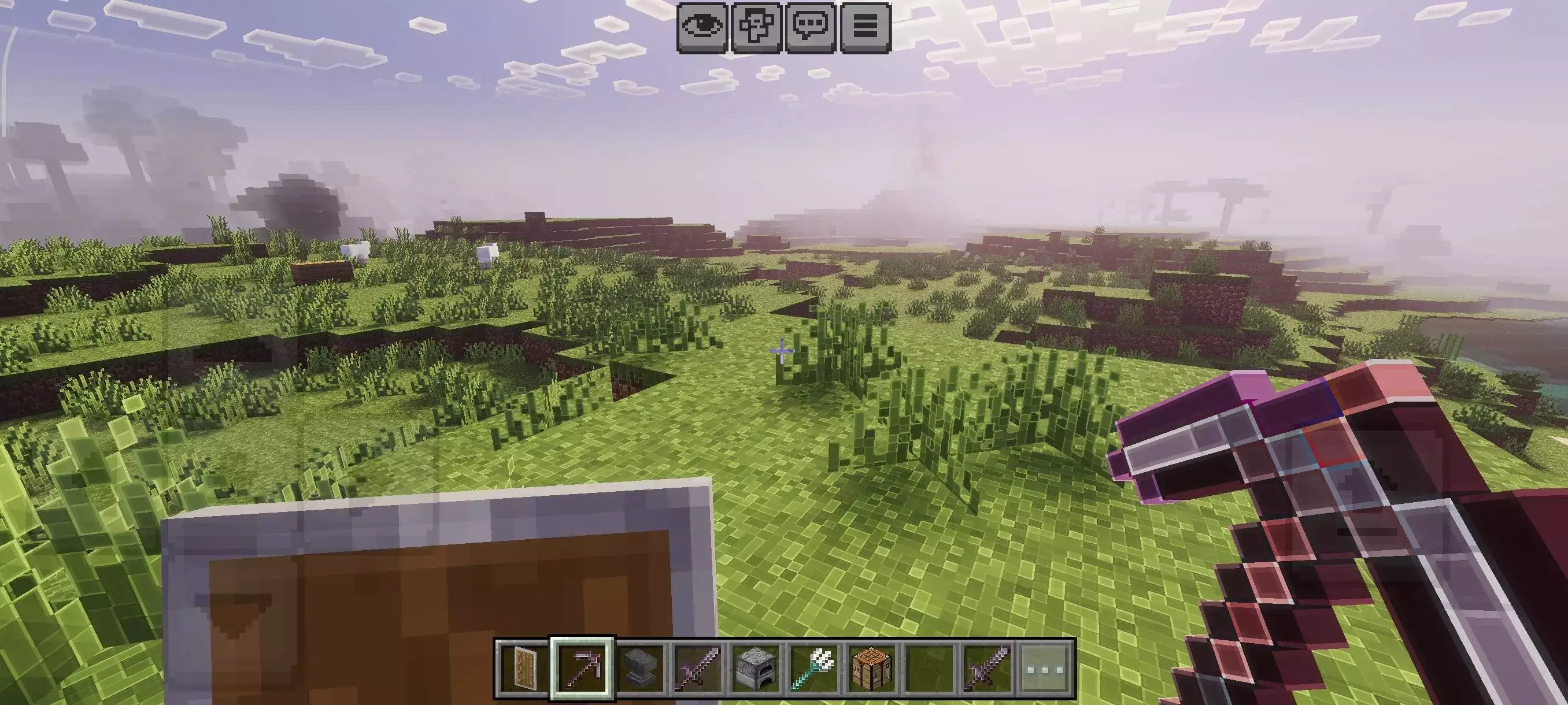
Out in the world, it pays off immediately. Caves are easier to parse because ore flecks sit inside crisp borders. In forests, leaves and logs don’t smear together, so trailfinding feels smoother. Builders get tighter reads on gradients, roof lines, and depth, which makes planning facades and interiors simpler. In combat, mobs pop from the background just enough to track movement without cranking brightness, and gear icons in the hotbar look tidier when you’re swapping on the fly.
Drop it in like any resource pack and place Outline Texture Pack near the top of your load order so its edges win over other textures. If you stack it with shaders, start at default brightness—the extra definition usually means you can leave gamma alone. Performance stays light because this is a texture-level change, not a heavy post-effect. If you want the game to feel the same but read better—cleaner block borders, clearer builds, easier mining reads—Outline Texture Pack is the kind of upgrade you install once and forget because it just makes play feel right.
Installation:
- Download Texture;
- Open the downloaded .mcpack to install;
- Select texture in settings;
- Done.
Comments (1)