Ultimate Survival – Texture Pack
- 28-02-2026, 04:50
- 16 311
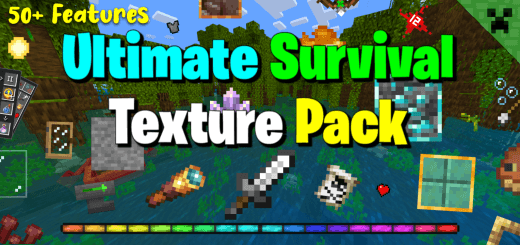
Ultimate Survival Texture Pack - I recommend this texture to everyone to improve the appearance of blocks, menus, mobs, skies and biomes in Minecraft. Your shield is blocking half the screen, tall grass is hiding the Creeper, and your hopper is pointing the wrong way again. Ultimate Survival cleans up those little annoyances while keeping Minecraft Bedrock looking like Minecraft.
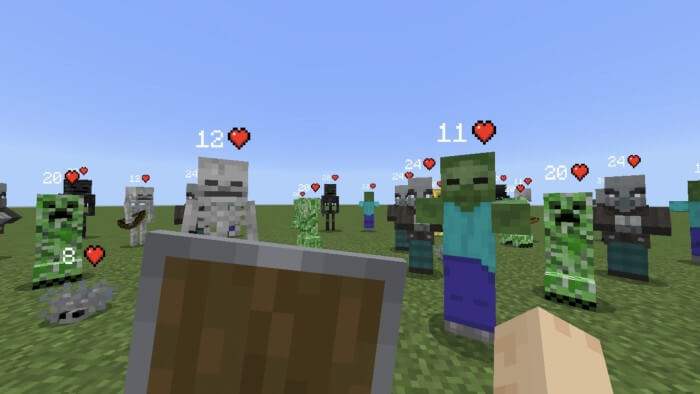

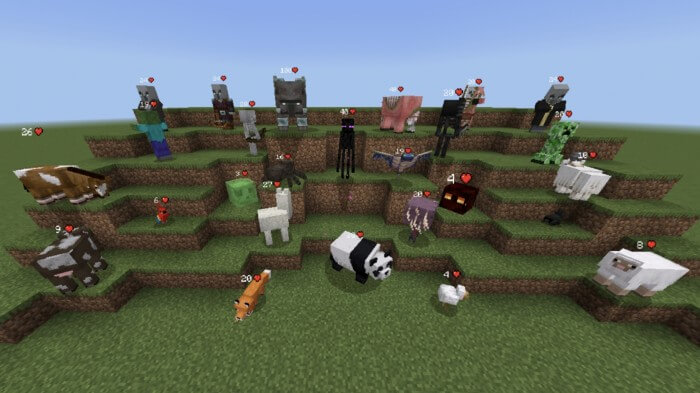
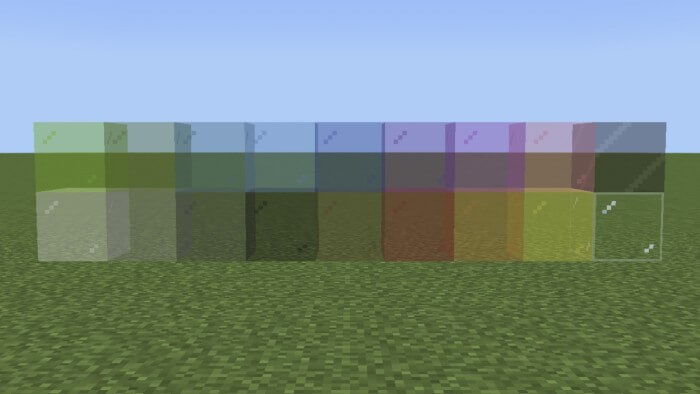
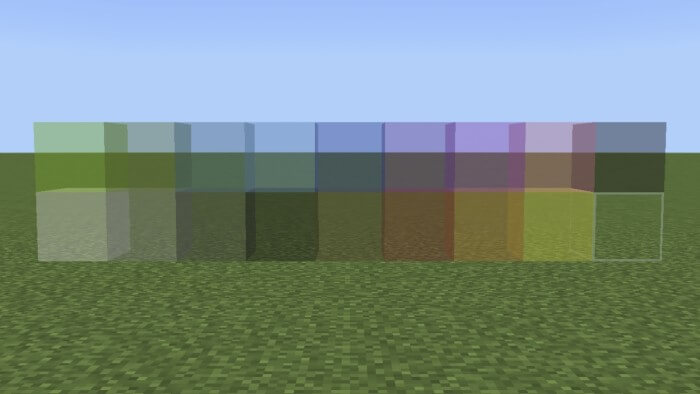
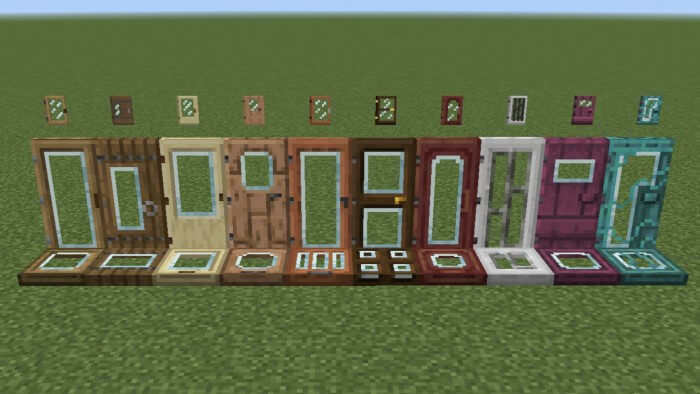
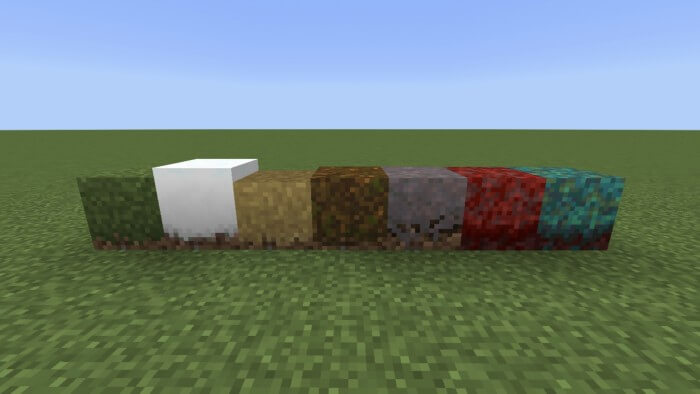
This texture pack focuses on details you run into during everyday survival. Grass sits lower, fire takes up less of the screen, and your shield doesn’t crowd your view quite as much. That extra visibility is useful when you’re fighting in the Nether or trying to spot a mob moving through a field at night. There’s also an option that removes the carved pumpkin overlay, so wearing one doesn’t leave you peering through a tiny opening. Rain and snow are less obtrusive, too. None of these changes make the world safe, of course, but they make it easier to see what’s happening before you walk straight into trouble.
If you build farms or spend time messing with redstone, the block textures have some handy clues. Hoppers and observers show their direction more clearly, which can save you from tearing apart a build because one block was placed the wrong way. Sticky pistons are easier to identify from the side, and dispensers and droppers have clearer appearances. It’s the kind of thing you appreciate most when you’re squeezed behind a wall, surrounded by redstone dust, trying to work out why your storage system isn’t moving items. The pack also makes details such as Nether wart growth stages and budding amethyst easier to recognize, so a quick look can tell you more about what’s in front of you.
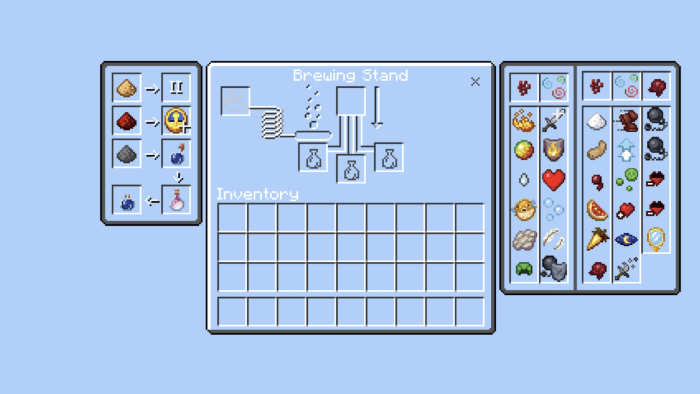
Combat and inventory management get some attention as well. Bow and crossbow indicators give you a clearer idea of what your weapon is doing, while a numbered hotbar helps you keep track of your slots. The optional item information can show details about food, armor, tools, and enchantments; keep in mind that this feature works with the game set to English. Clearer potion and tipped arrow textures can also make it easier to tell items apart when you’re preparing for a trip. Those changes are especially welcome when your inventory is full and you’re trying to get back to the action without sorting through everything twice.
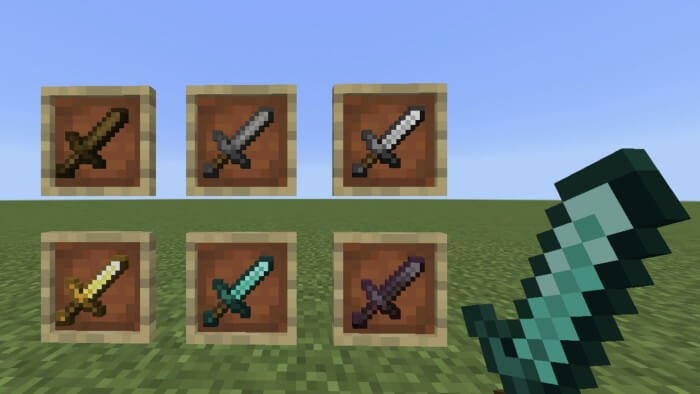
There are optional packs if you want to adjust the look further. Choices include clear water, borderless glass, outlined ores, shorter swords, and dark or transparent menus. You can add the features that suit your setup instead of treating every change as mandatory. Touchscreen players have an additional pack with interface tweaks, including a cleaner hotbar and adjusted touch controls. Start with the main pack, spend a little time in your usual survival world, and add the extras that catch your eye. Maybe the first thing you notice will be the lower fire; maybe it’ll be that hopper you finally placed correctly. Either way, the world keeps its familiar blocky character while giving you more useful information at a glance.
Installation:
- Download Texture;
- Open the downloaded .mcpack to install;
- Select texture in settings;
- Done.
Comments (1)