Collapse-UI – Texture Pack
- 29-04-2026, 02:04
- 3 481
Collapse-UI - download a new texture with an improved interface pack for the Minecraft game.
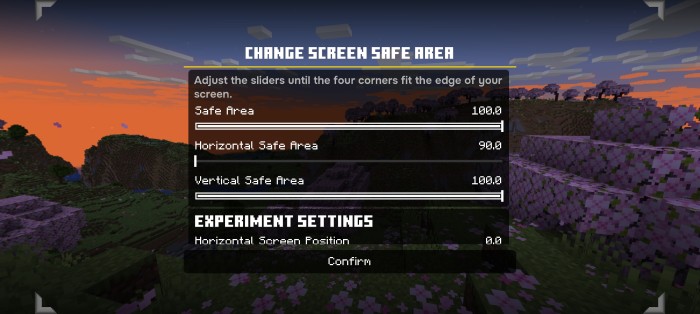
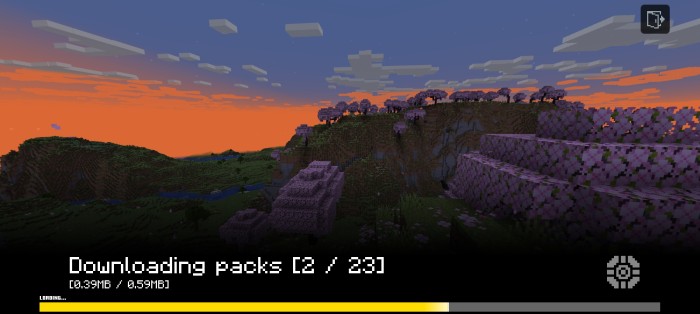
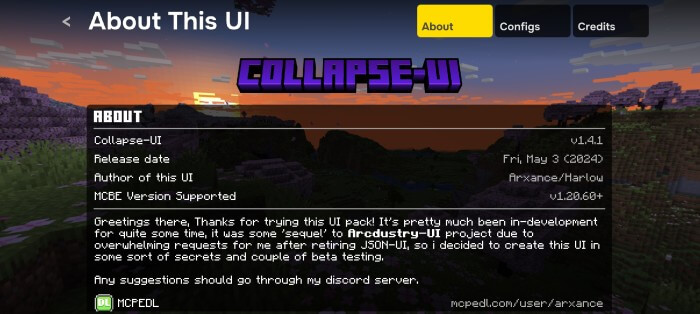
Collapse-UI gives Minecraft Bedrock a different interface inspired by the look of the console menus. You’ll notice the change before entering a world: the main screen has a new layout, and the redesigned style continues into the settings, pause menu and other parts of the game. If you play on a phone or tablet and like the appearance of Minecraft’s console interface, this pack brings some of that style to your everyday menus while keeping mobile controls in mind.
The main menu is a good place to get familiar with the new design. The buttons and layout look different from the usual Bedrock screen, so take a moment to explore where everything is before jumping into a world. Once you know your way around, you can move between the game and its menus as usual. The pack also includes an extra menu for accessing options, with controls suited to different ways of playing. Whether you use touch controls, a keyboard or a controller, the aim is to give the interface a consistent appearance.
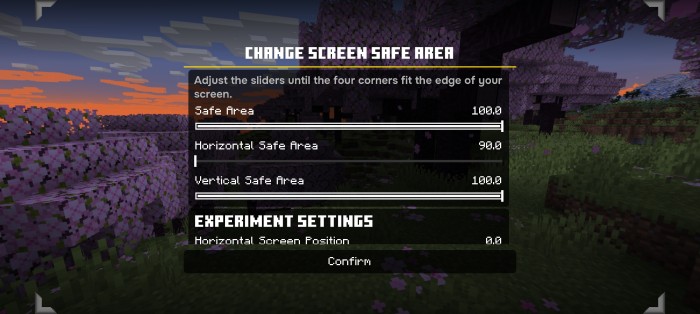
The settings screen has been redesigned as well. This is one of those parts of Minecraft you may not think about much until you need to change something, but it’s useful to have a layout you find comfortable. Collapse-UI includes descriptions for settings and presents them in the pack’s own style. You can spend a few minutes looking through the available sections and getting used to the arrangement. If you regularly adjust your controls or video settings, having those screens match the rest of the interface makes the change feel more complete than a new main menu alone.
You’ll also see the pack while you’re already in a world. The pause screen has a different appearance, and elements such as the chat display and experience bar have been styled to fit the interface. These are details you encounter during normal play: when you pause to take a break, check messages from friends or glance at your experience after collecting a few orbs. None of them asks you to change your survival routine, but together they give the screen a distinct look while you’re building, exploring or spending time on a multiplayer world.
Collapse-UI offers more than fifteen color themes, so you can choose an appearance that suits you. A different color can change the feel of the menus without changing the layout you’ve learned. The pack also supports further customization through its configuration file for players who want to adjust more of the interface. You don’t need to make those changes to enjoy the redesigned screens, though. Try a theme you like, open the menus you use most and see how comfortable they feel during a regular session.
The interface is designed with mobile players in mind, but it can also be used by people who prefer a controller or keyboard. Its menus may load faster in some situations, although the difference will depend on your device. Collapse-UI is a good choice if you want a console-inspired look across Minecraft’s menus and the freedom to choose a color theme. Spend a little time exploring the settings and pause screen, then see how the new design fits the way you play.
Installation:
- Download Texture;
- Open the downloaded .mcpack to install;
- Select texture in settings;
- Done.
Comments (1)