NeBux Xtreme – Texture Pack
- 2-09-2025, 12:39
- 1 717

NeBux Xtreme – Texture Pack (Minecraft Bedrock & PE) — clean UI, sharper visuals, smarter HUD
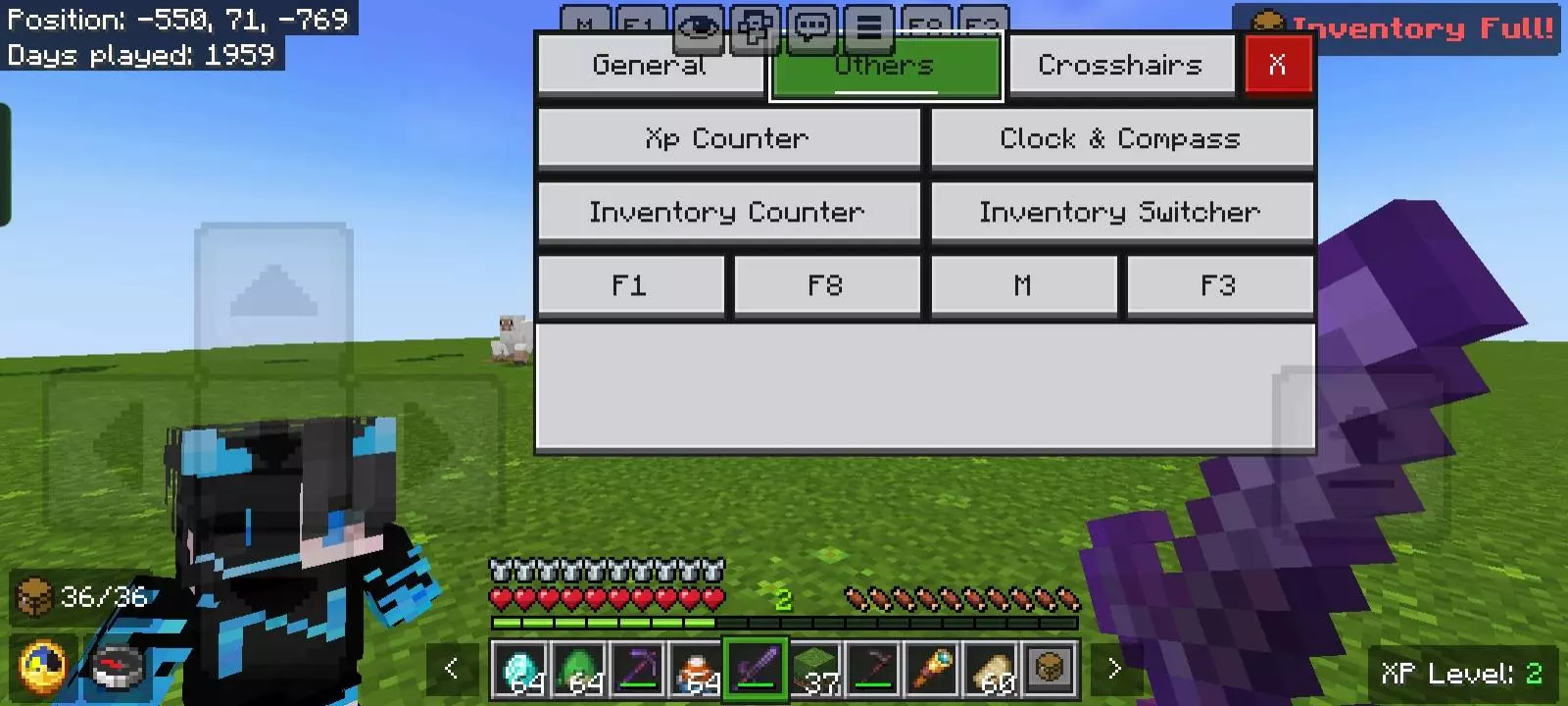
If Bedrock still looks and feels “stock” on your device, NeBux Xtreme is the glow-up. It’s a texture/UI pack that dials in a modern interface, crisper colors, and genuinely useful on-screen tools—without wrecking performance or disabling achievements. Think: sleeker menus, quick toggles where you actually need them, and a HUD that works like a tiny command center instead of a row of icons you ignore.
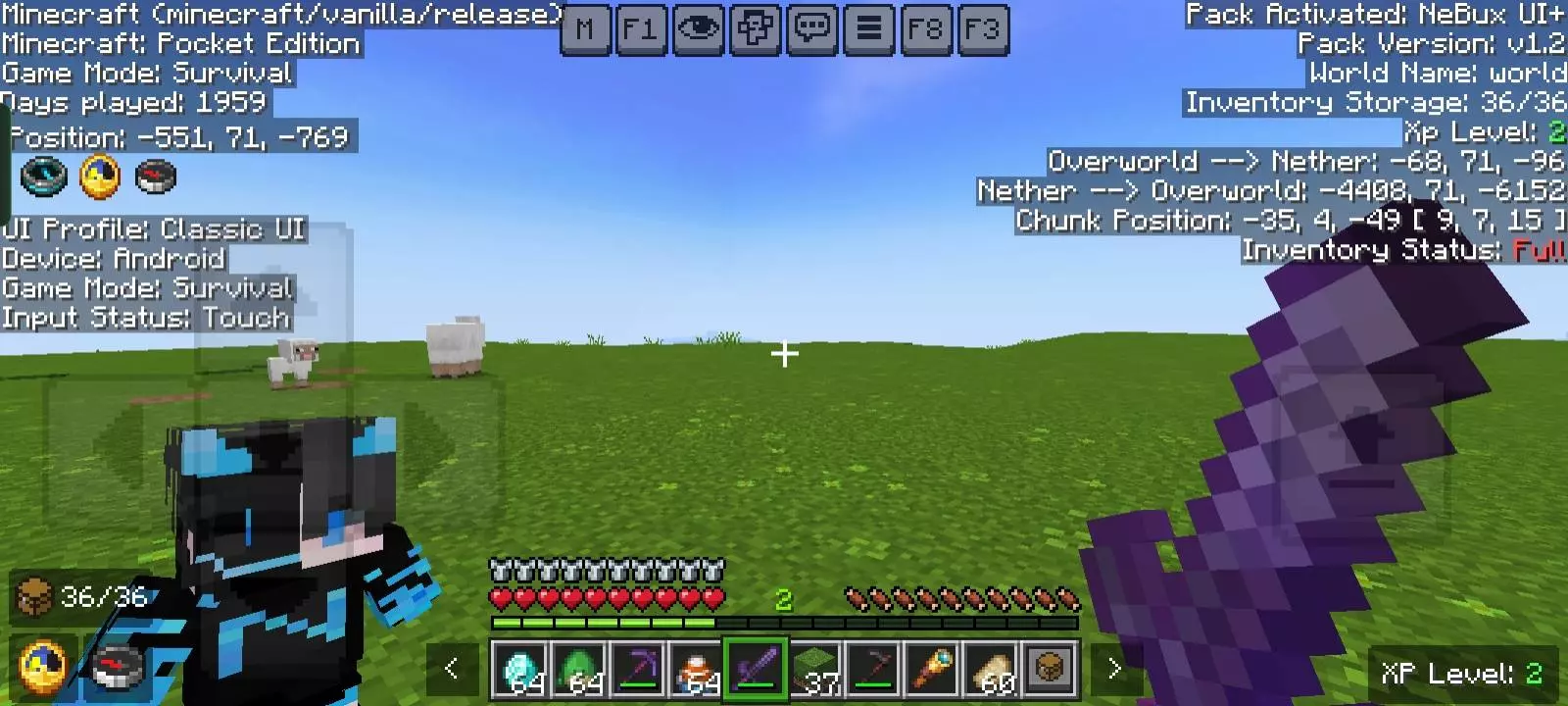
Boot it up and the difference is immediate. The modern UI slides in with smooth animations and a Quick Settings panel you can pop from HUD, chat, or the main menu. I loved being able to toggle F1 view for clean screenshots, then flip it back mid-run, or open the Java-style F3 debug readout to grab exact coordinates and fps while lining up a big build. The HUD widgets do real work: an XP viewer, inventory counter, compass and clock, plus a tidy mod menu for pack options—no menu maze, just tap and move on.
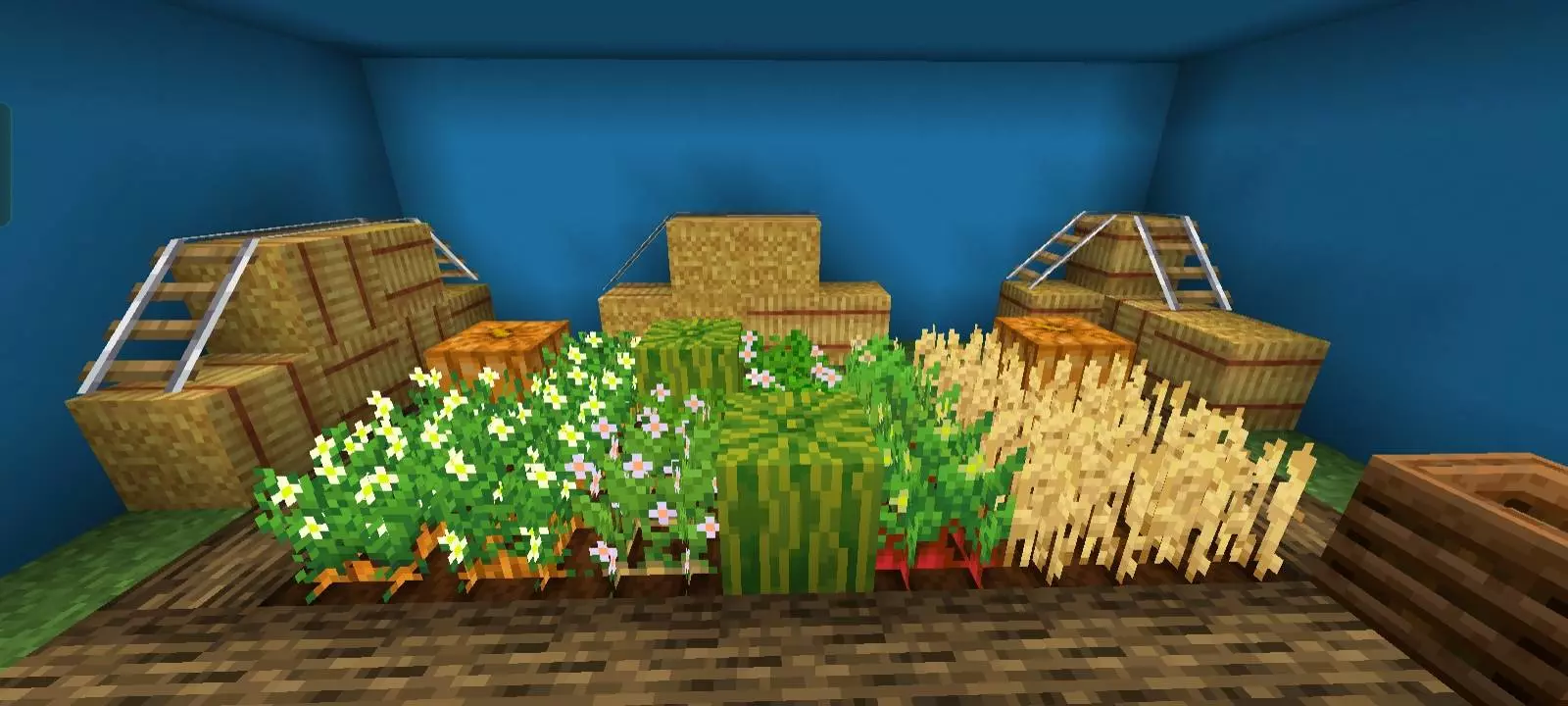
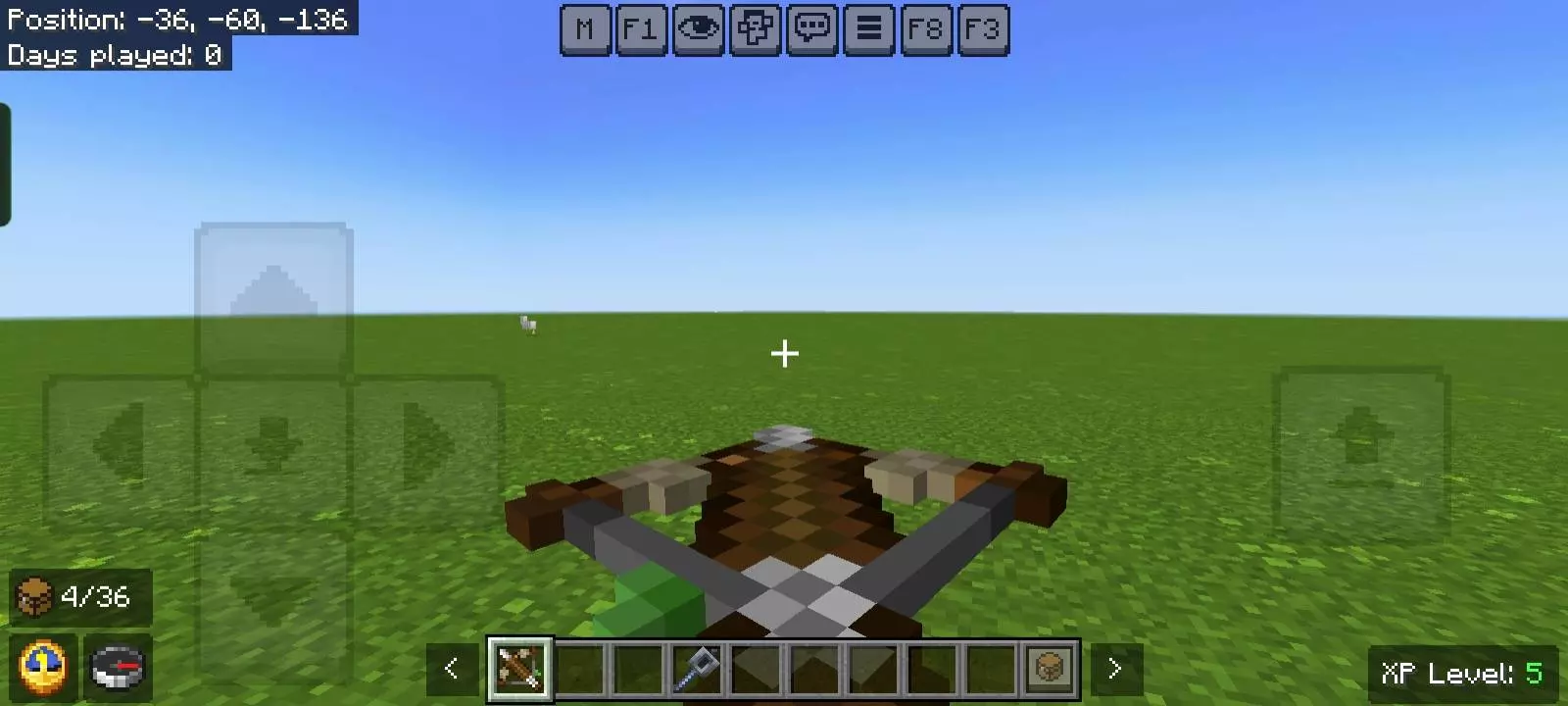
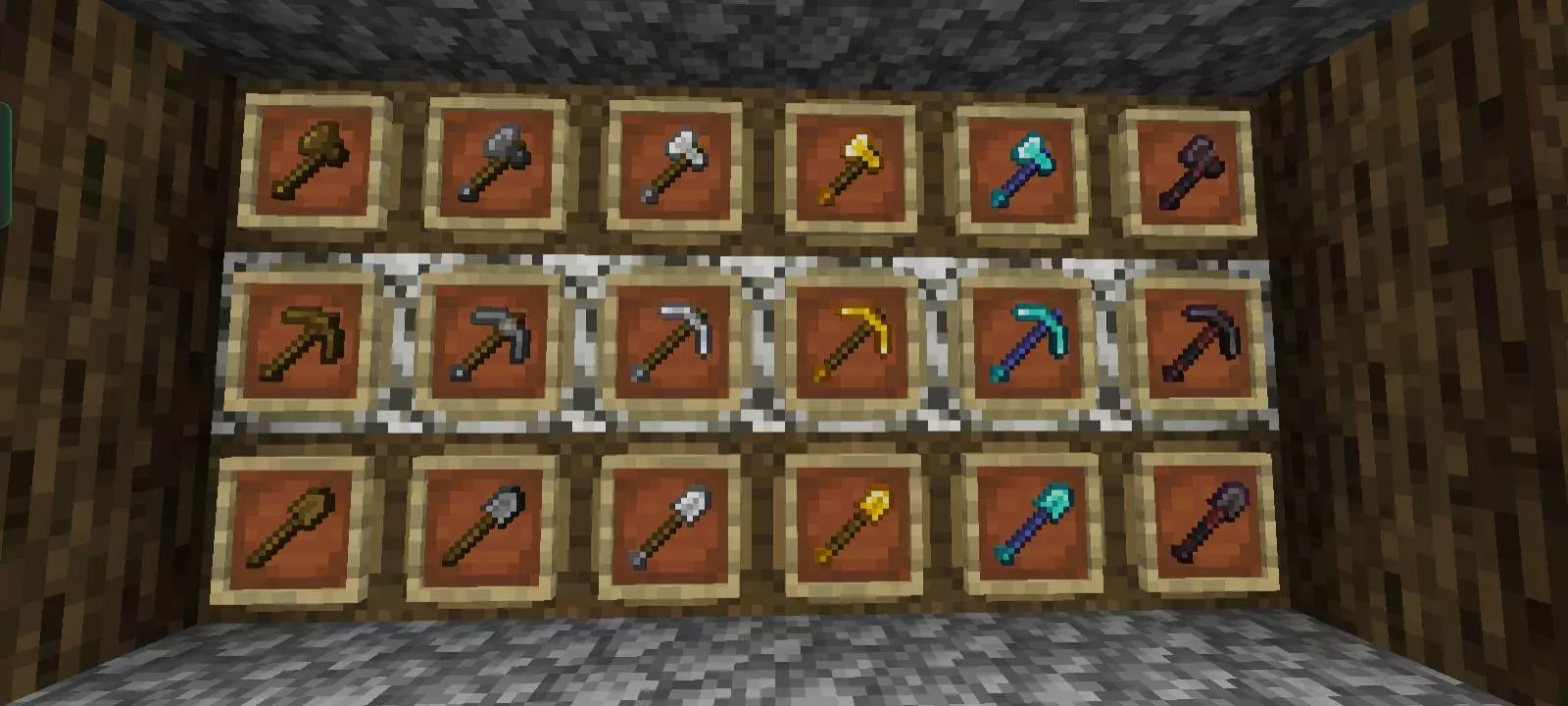
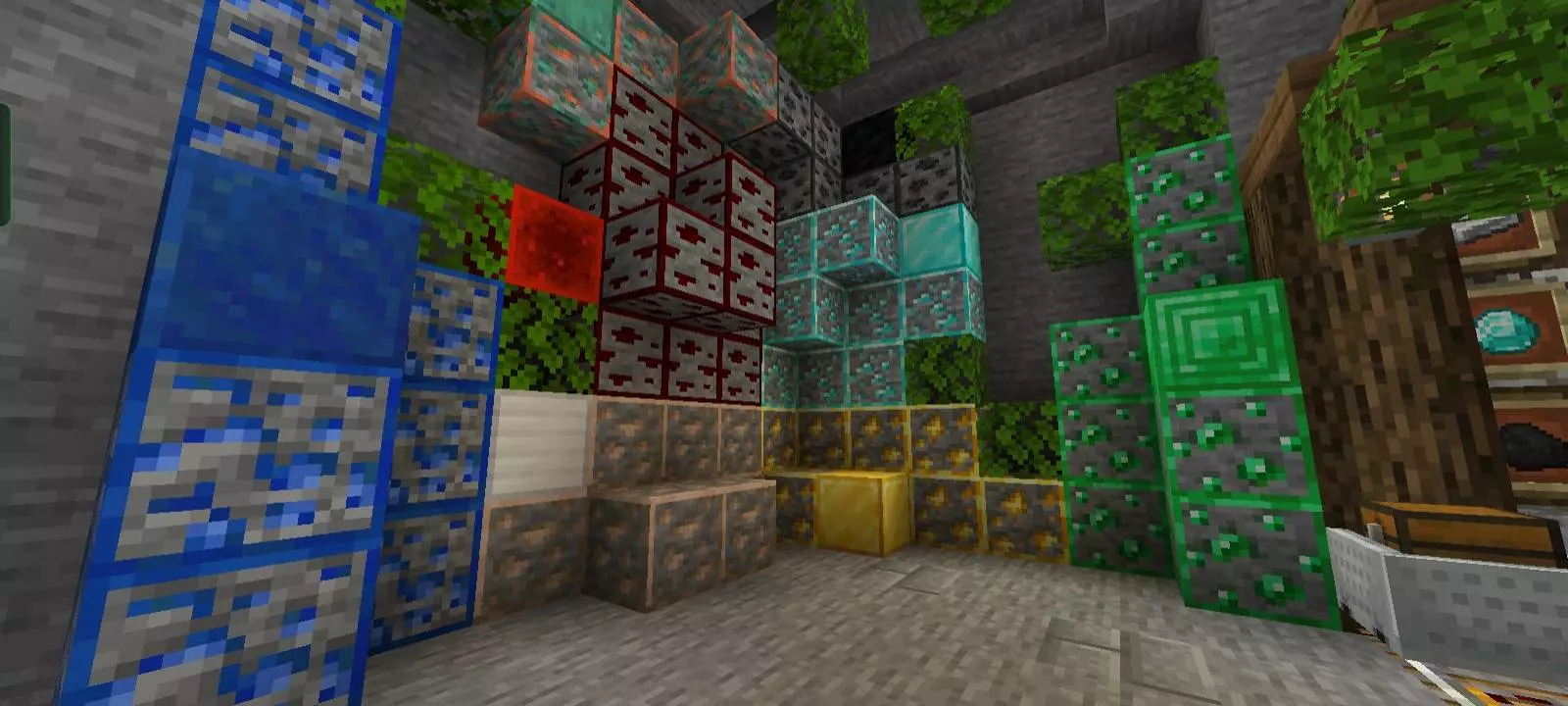
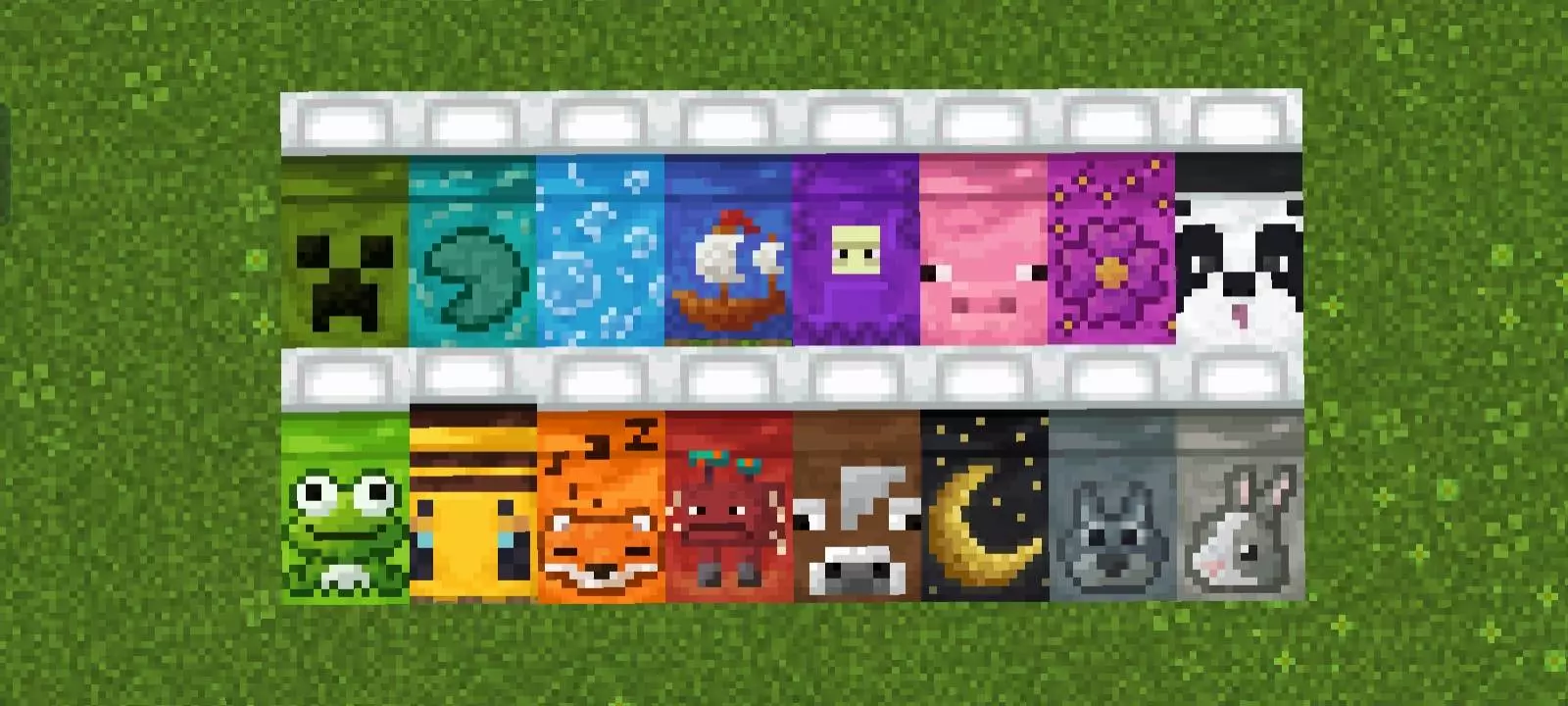
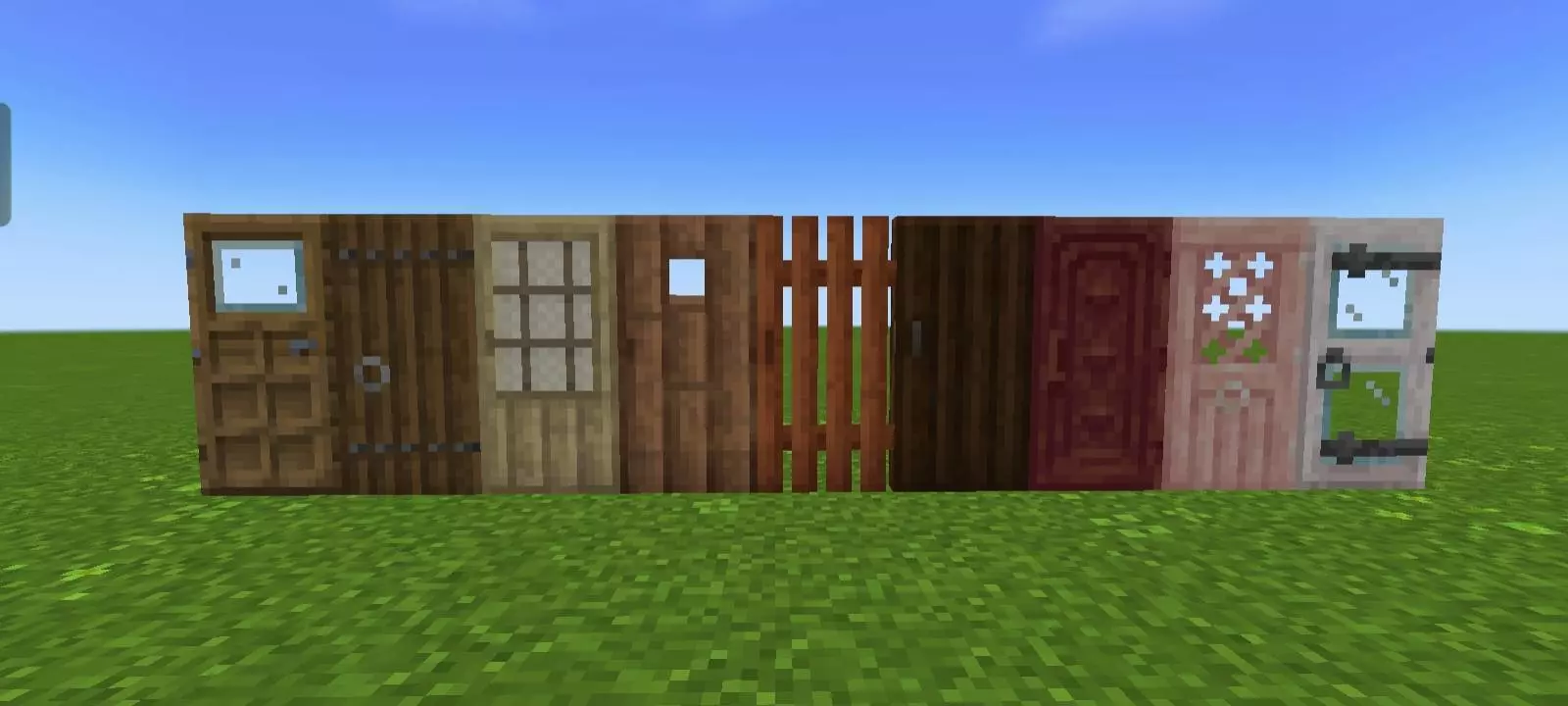
The art pass is tasteful, not loud. Vibrant textures nudge saturation without nuking vanilla, crops bloom with little flowers when fully grown, and the world gets small style wins—pink birch leaves, lusher greenery, and tool/item textures that read better in your hand. Utility screens look premium: crafting, furnace, enchanting, and anvil all get themed GUIs with subtle guides, so you spend less time squinting and more time clicking. Even the chat screen is smarter: quick buttons, undo/next, and no weird character ceiling hamstringing roleplay or server announcements.


The thing I like most about Minecraft Bedrock addons is having an excuse to try something that wouldn't normally occur to me. After years of playing, I've developed habits I barely think about anymore. I build similar houses, carry the same tools, and usually head toward the same kinds of locations whenever I start a new world. Finding unfamiliar content gives me a reason to change that routine for a while. Sometimes I'll experiment in Creative mode because I don't feel like gathering materials. Other times, I'll take what I've discovered into survival and see how it fits with the way I normally play. I don't need every experience to become a permanent favorite. A good evening spent figuring something out is already worthwhile. Recently, I returned to a little world I'd created for experimenting and realized I was actually excited to continue what I'd started there. My main survival world can survive another night without me.
Two touches that sold me: the custom 3D totem (skinnable, so your save-me moment actually matches your look) and the Advanced Inventory quality-of-life—quick move, fast drop, counters, and “you’re full” warnings that save you from yeeting diamonds into a cave because your last slot was cobble. Top it off with Dark Mode, slick UI animations, multi-language support, and light performance fixes, and you’ve got a pack that feels premium on phone, console, or PC.
Bottom line: if you want Minecraft Bedrock to feel clean, readable, and a little more “pro” without losing vanilla’s soul, NeBux Xtreme is the everyday pack you keep on. Install it, toggle your setup once, and enjoy a game that finally looks as smooth as it plays.
Installation:
- Download Texture;
- Use Minecraft PE
- Open the downloaded .mcpack to install;
- Select texture in settings;
- Done.
Comments (0)