Mining Sim Map
- 13-12-2025, 07:28
- 964
Adventure Maps / Minigame Maps
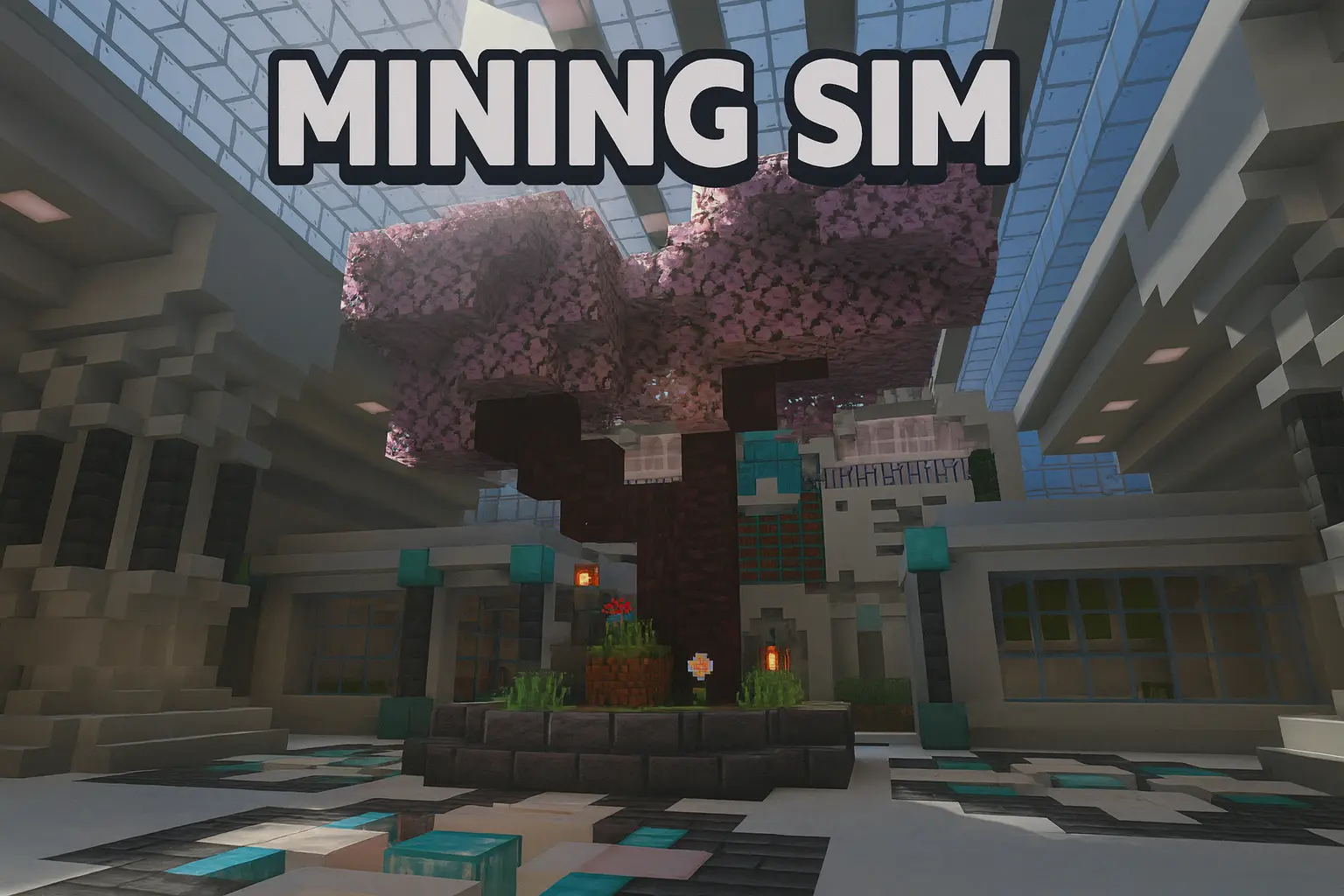
Mining Sim³ is for the kind of player who can happily mine for hours as long as the game keeps handing you upgrades and goals. The core loop is clean: you head to the Mining Area, break ores, sell what you grabbed, and use that money to push your gear forward. But it doesn’t stop at “mine → sell.” Every ore you break also feeds your Mining Level, and that level becomes the gate for better pickaxes and eventually Prestige. So you’re always chasing two progress bars at once: the cash for upgrades right now, and the level for the next unlock.
The Talent system is what makes it feel like an actual simulator map instead of a basic sell-shop world. You earn Talent Points and spend them on Talents that speed up progression or smooth out the grind, so your build starts to feel “yours.” Early game you’re probably playing it safe, learning the rhythm, then later you’re stacking Talents to make your runs faster and more efficient. When you finally hit Prestige, the map does the classic simulator move: resets your progress, but pays you back with boosts and access to new areas. It’s that satisfying “restart stronger” feeling that keeps the loop alive.


There are also some smart quality-of-life systems that make nonstop mining actually possible. The mine generation is fully randomized every reset, so you’re not just memorizing the same layout forever. There’s a custom ore inventory so your player inventory doesn’t become a nightmare, which means you can stay in the mine longer without constant storage trips. The Ore Factory adds another layer where you smelt, craft, and sell in a more “production line” way, so it’s not just raw ore spam. And if you’re the type who likes a little chaos in your progression, the Gacha Box gives you that gamble moment where you might pull something that pushes your run forward. Overall, Mining Sim³ is built to be a long-term grind map that keeps rewarding you with new tools, new boosts, and new goals instead of letting mining turn into autopilot.
How to install?
Android: you need to find the downloaded file on your phone, use any file manager for this and import the map into the game by opening it.
IOS: after receiving the map, the device itself will offer to install it.
Windows 10: go to the folder where the files are downloaded, find mcworld there and activate it.
Comments (0)