Post Apocalypse City Map
- 12-02-2026, 09:09
- 831
Adventure Maps / Creation Maps / Custom Terrain Maps / Survival Maps
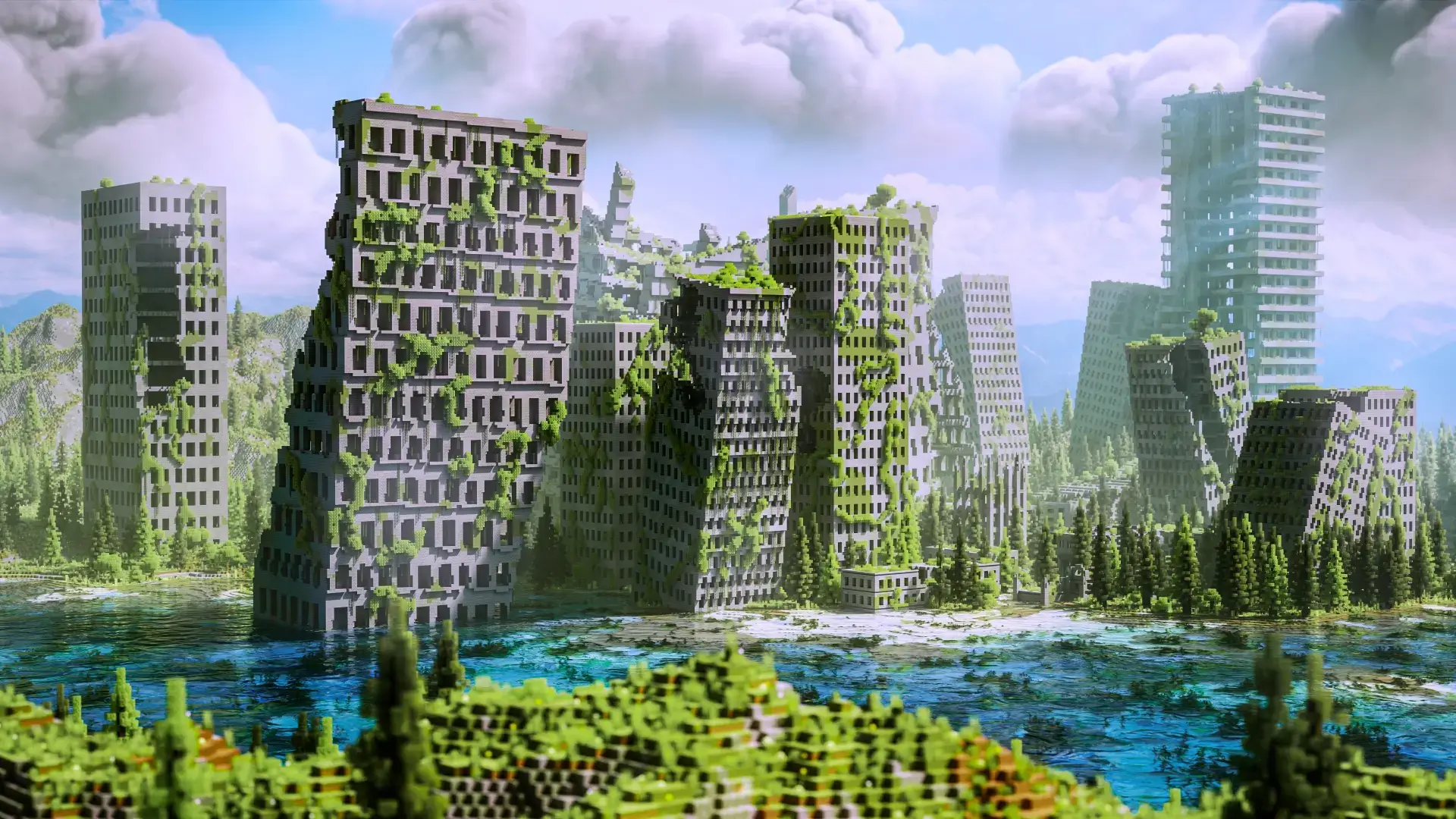
Post Apocalypse City Map is a focused survival island world that drops you into a post-apocalyptic city setting while still keeping the gameplay loop fully survival-ready. It’s designed as an adventure-style world where you can roam, explore, and build a life inside the custom island instead of feeling like you’re on a decorative map with nothing to actually do. Achievements are on, so it keeps that legit survival progression feeling while you play.
What makes Post Apocalypse City Map work as a long-term world is that it includes the core survival stuff you actually need to keep moving forward. You’ve got caves to dive into, ores to mine, and spawners that add those tense “do I push deeper or back out?� moments when you’re low on supplies. That means your sessions can swing between city exploration above ground and resource grinding below ground, which keeps the pace from getting stale.


It also includes structures like mineshafts and trial chambers, which is perfect for players who like having real reasons to travel and gear up. Even if you’re playing chill, those places naturally create mini-goals: prep your inventory, go in, deal with the danger, then haul everything back and reorganize. In Minecraft Bedrock, that kind of loop is what turns a world from a quick tour into something you stick with for weeks.
Outside the custom world, there’s vanilla terrain, which is a nice safety valve when you want a change of scenery without abandoning the island setup. You can treat the city island as your main base zone and use the vanilla terrain for extra resource runs, long travel days, or just a reset when you’ve been living in the same area too long. Post Apocalypse City Map is at its best when you play it like a survival story: build a secure home spot, do planned runs into caves and structures, and keep expanding your “safe� area one project at a time while the ruined-city vibe stays the backdrop for everything.
How to install?
Android: you need to find the downloaded file on your phone, use any file manager for this and import the map into the game by opening it.
IOS: after receiving the map, the device itself will offer to install it.
Windows 10: go to the folder where the files are downloaded, find mcworld there and activate it.
Comments (0)