OneChunk Survival Challenge Map
- 17-02-2026, 14:27
- 877
Adventure Maps / Survival Maps
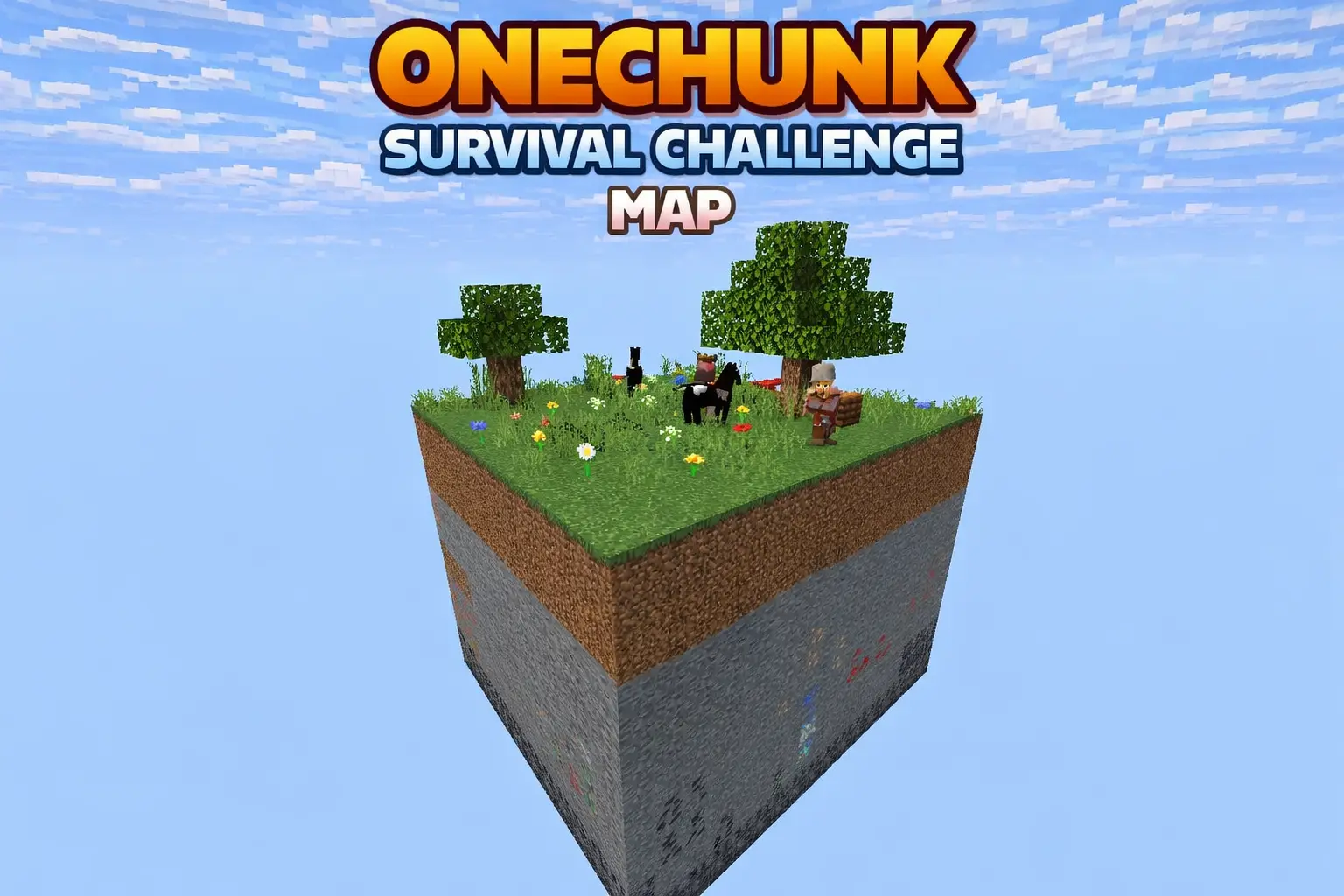
OneChunk Survival Challenge Map is built around one simple rule that changes everything: you cannot leave the chunk. Your whole life happens inside a 16×16 space, so every decision feels heavier than it does in a normal world. The map uses a plains biome theme, it’s tuned for a hardcore-style survival experience, and it’s meant to feel like a real challenge instead of a casual “starter base” save.
Because you’re trapped in one chunk, every block matters and every resource counts. You can’t just wander off to fix a mistake, grab more wood, or hunt for something you forgot—if you waste materials, you feel it immediately. The map also places an End portal under the chunk, which turns the whole run into a long-term plan: you’re not just surviving for the sake of it, you’re trying to build up enough progress in a tiny space to eventually make an End push possible. On top of that, the resources are described as carefully balanced and limited, so the vibe is constantly “make it work with what you’ve got,” not “go get more somewhere else.”


The rules keep it clean: no leaving the chunk, no cheats, and no external modifications. In Minecraft Bedrock, that means the pressure is pure survival routine—nights feel tighter because there’s nowhere to run, base organization matters because you’re stacking everything into one small footprint, and small errors add up fast. The challenge calls out that smart farming and automation are required, villager trading is key to survival, and strategic planning is essential to reach The End. The way to enjoy OneChunk Survival Challenge Map is to treat it like a long game: protect your space, build systems that save time and resources, and don’t rush “big moves” until you’ve got a plan that won’t collapse the moment something goes wrong. I got banned from chopping trees near our Minecraft village because I kept leaving the tops floating in midair. Apparently, the local building committee considered this a serious environmental issue. The committee consisted of my two friends, who had spent the previous evening setting fire to an abandoned barn for entertainment. Great people to lecture me about responsibility. Anyway, they made me clean up every floating tree within sight of the village walls. I complained for about ten minutes before noticing a little clearing I'd never explored properly. There was a pond, a patch of pumpkins, and enough open space to build something interesting. I dragged over a chest of supplies and spent the afternoon trying out a few ideas instead of finishing my punishment. When my friends came looking for me, I'd built a little camp and removed exactly three floating trees. They weren't impressed. I've since planted an entire orchard there, so technically I've improved the environment.
How to install?
Android: you need to find the downloaded file on your phone, use any file manager for this and import the map into the game by opening it.
IOS: after receiving the map, the device itself will offer to install it.
Windows 10: go to the folder where the files are downloaded, find mcworld there and activate it.
Comments (0)