One chunk expands challenge Mod / Addon
- 25-01-2026, 10:12
- 1 059
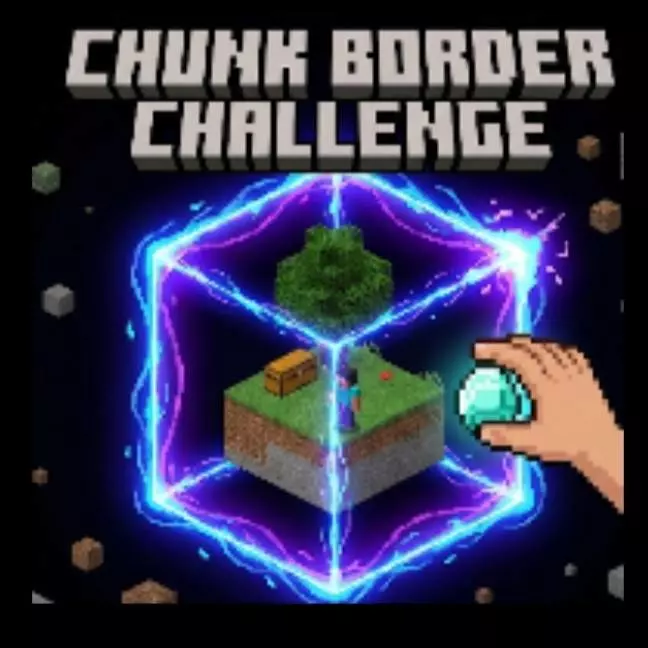
One chunk expands challenge Mod turns survival into a tight, stressful little puzzle where progress is literally measured in space. You start with only 1 chunk, which means your world feels tiny and boxed-in right from the first minute. The twist is the expansion rule: every time you get a new item, the area expands by 1 block. So instead of “mine better gear to go farther,� your movement and building room are tied to how many new items you can collect.
In practice, this makes early decisions matter way more than normal. In a regular Minecraft Bedrock world you can wander, scout, and fix mistakes by just walking somewhere else. Here, you’re stuck working with what you’ve got, and each “new item� pickup becomes a mini win because it buys you a little more breathing room. Even something small can feel huge because one extra block might be the difference between placing a farm, fitting a crafting corner, or not having to constantly bump into your own walls.
The mod also changes the vibe of exploration. Instead of running off for adventure, you’re basically building your adventure space one block at a time. That pushes you into a slower, more deliberate loop: maximize what you can do in the current space, hunt for anything you haven’t obtained yet, then use the expansion to open new options. It’s the kind of challenge that makes you notice every resource, every drop, and every tiny upgrade because the reward isn’t just an item—it’s more room to live.
Practical tip: treat your starting area like a compact base from day one. Keep your essentials tight and organized so you don’t waste newly unlocked space on random clutter. Also, don’t mindlessly pick up duplicates if you’re trying to stay efficient—this challenge is about collecting new items, so your best progress comes from variety. One chunk expands challenge Mod is a clean Minecraft Bedrock challenge concept: start tiny, expand by 1 block per new item, and see how far you can grow from almost nothing.
Installation:
- Download Mod;
- Open the downloaded file to install;
- Select it in the settings;
- Have fun!
Comments (0)