Infinite Pale Garden Biome Map
- 19-02-2026, 04:22
- 440
Adventure Maps / Creation Maps / Custom Terrain Maps / Minigame Maps / Survival Maps
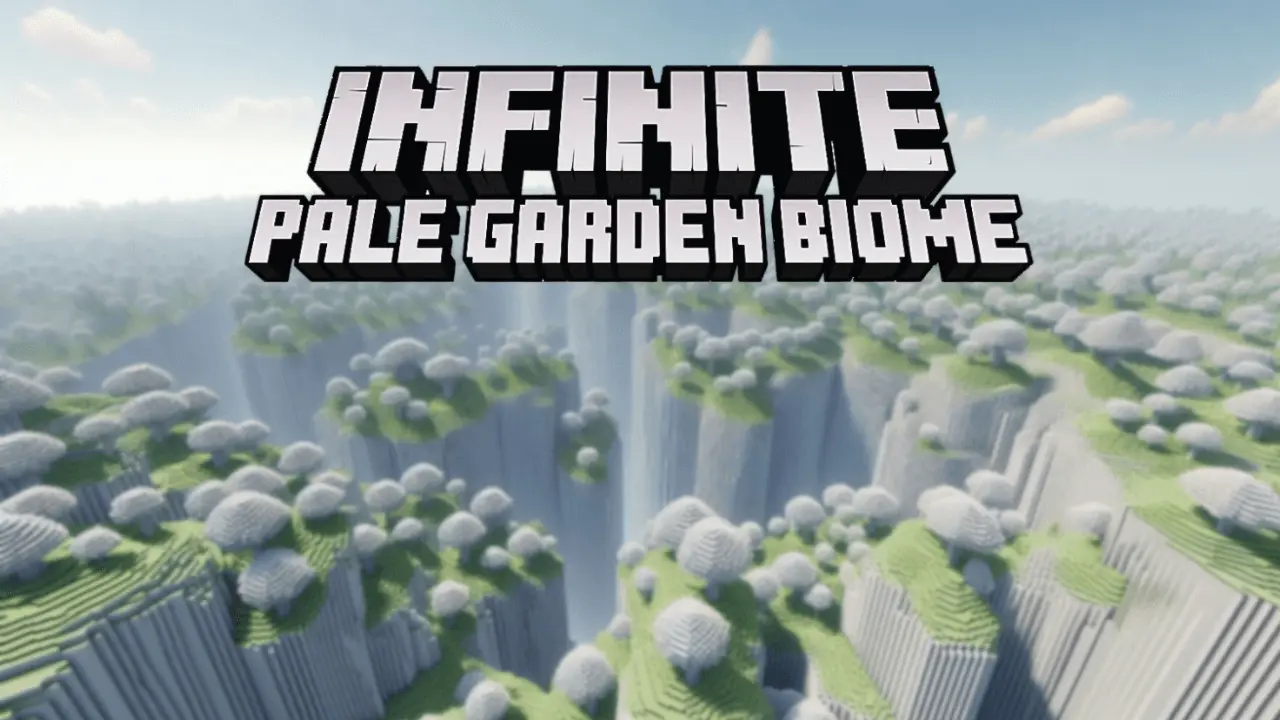
Infinite Pale Garden Biome Map is all about a peaceful, mysterious vibe that doesn’t run out. You load in and you’re surrounded by pale ground and garden-like scenery, and the world just keeps going with infinite generation. It’s meant to feel calm and immersive, like you’re wandering through a huge open space that never really ends.
What hits first is the atmosphere. The terrain stays soft and pale, and the landscapes lean into that garden look, so even basic exploring feels different from your usual runs. It’s the kind of place where you can slow down, take longer paths on purpose, and just let the biome mood carry the session. If you’re into quiet exploration in Minecraft Bedrock, Infinite Pale Garden Biome Map is a chill reset from loud worlds where everything is trying to fight you every ten seconds.


For survival-style play, the best part is how open it feels. Because the world is designed to feel endless, you can pick a direction and commit, knowing there’s always more Pale Garden ahead. Set up a simple base, then do long scouting trips to find a spot that matches the vibe you want, whether that’s a cozy garden camp or a more “mysterious traveler� setup where you keep moving and only build small safe stops. The calm, surreal feel makes even basic nights and travel feel like a slow adventure instead of a rush.
Infinite Pale Garden Biome Map is also described as lightweight and optimized, which matters if you’re playing on a lower-end device or you just want smoother gameplay while you explore. Practical tip: treat this world like a vibe map, not a speedrun map. Pack light, keep your routes simple, and spend time finding your favorite views so the endless generation actually feels rewarding instead of samey. If you want a peaceful Minecraft Bedrock world that still feels a little strange in a good way, Infinite Pale Garden Biome Map is built for that.
How to install?
Android: you need to find the downloaded file on your phone, use any file manager for this and import the map into the game by opening it.
IOS: after receiving the map, the device itself will offer to install it.
Windows 10: go to the folder where the files are downloaded, find mcworld there and activate it.
Comments (0)