Minia High School: The TNT Club Map
- 19-02-2026, 11:56
- 454

Minia High School: The TNT Club Map drops you into a “you’re the only one who can handle this” kind of mission. You’re a spy sent to investigate Minia High School because the TNT Club—this group that keeps blowing things up—is believed to be hiding there. You don’t have a full case file or a list of suspects handed to you. You’ve basically got one lead: they’re at the school, and it’s your job to figure out who the members are.
You can play it singleplayer or with two players, and that choice changes the vibe in a fun way. Solo feels more like a quiet investigation where you’re watching everything and reading the room, while two-player feels like a buddy spy movie where you’re both trying to stay sharp and not miss something important. Either way, R. A13 is on your side, which gives the mission that “I’m not totally alone in this” feeling while you work through the mystery.
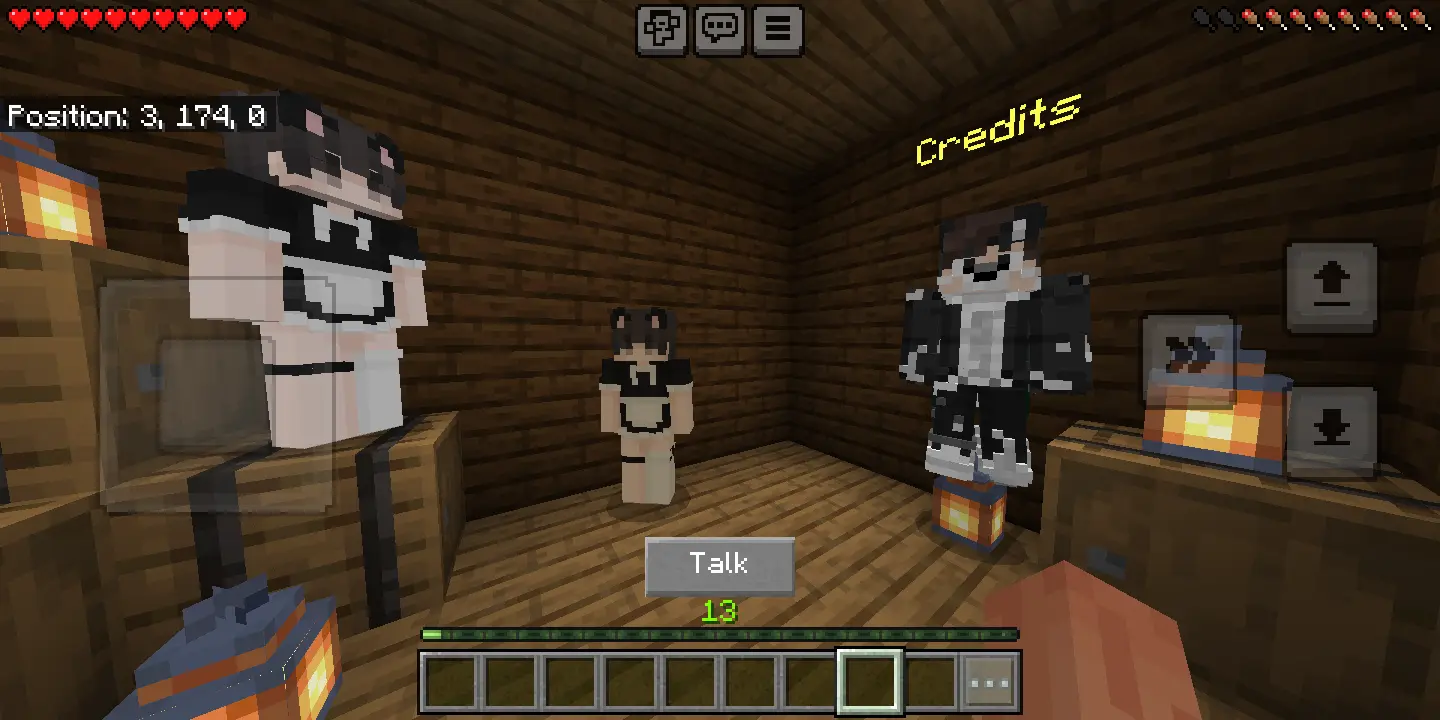

The map is described as fun and creative, and it’s built to be a full play session—around forty five minutes of gameplay. That’s a sweet spot for Minecraft Bedrock story maps, because it’s long enough to feel like you actually went on an adventure, but not so long that you get exhausted halfway through. It also calls out intriguing lore and tons of cool mechanics, so the experience isn’t just walking through hallways hoping something happens. The mystery angle gives you a reason to pay attention, and the mechanics are there to keep the pacing moving instead of dragging.
Practical tip: play this like an actual investigation. Don’t rush through scenes just to “finish,” because story maps like this live or die on you catching details and connecting dots. If you’re playing with a friend, split your focus—one person tracks what’s going on in the moment, the other keeps the bigger picture in mind so you don’t forget key info. Minia High School: The TNT Club Map is basically a spy mission with a school setting and a chaos threat hanging over it, and the fun comes from chasing the truth and seeing how the map’s lore and mechanics keep the mystery rolling.
How to install?
Android: you need to find the downloaded file on your phone, use any file manager for this and import the map into the game by opening it.
IOS: after receiving the map, the device itself will offer to install it.
Windows 10: go to the folder where the files are downloaded, find mcworld there and activate it.
Comments (0)