Stranger Things Map
- 22-02-2026, 12:59
- 839
Adventure Maps / Creation Maps

Stranger Things Map is presented as a project by Cool Creeper, a YouTuber who wanted to turn a web series into a playable Minecraft Bedrock-style adventure. The concept is that the map includes the builds from the Stranger Things web series and takes you through an “adventure where the actual incidents occurred,� so it’s meant to feel like you’re moving through the story’s locations instead of just touring a few sets.
The map is designed to be flexible in how you play it. It’s described as playable in multiplayer and framed as an RPG and survival map, which means you can either treat it like a guided adventure with friends or run it solo and make it your own survival challenge. The creator specifically recommends enabling hardcore mode to get the intended intensity, which fits the theme if you want the world to feel dangerous and story-driven instead of casual.
Location-wise, the map lists a solid lineup of recognizable hubs. You’ve got Town Hall and a Town Hall library, Hawkins Lab, the Police Station, and “all characters houses,� plus a forest area to give the town space and atmosphere. There are also specific callouts like Mike House and an inside-lab area described as “Elevens Room,� which suggests the lab isn’t just a shell—you can actually step into key interior spaces and explore them.
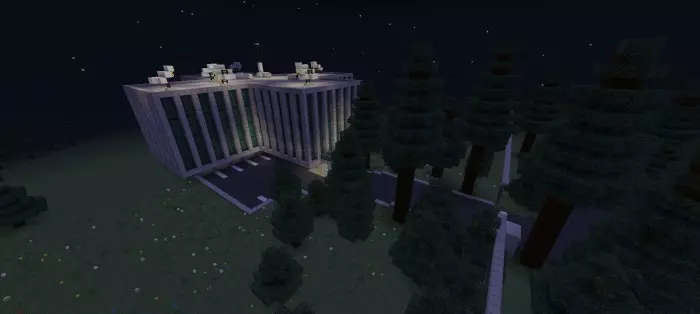
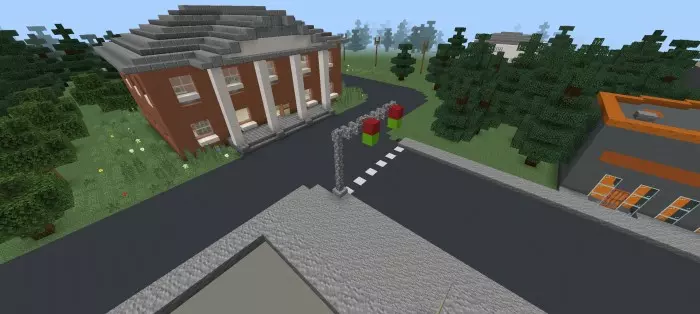
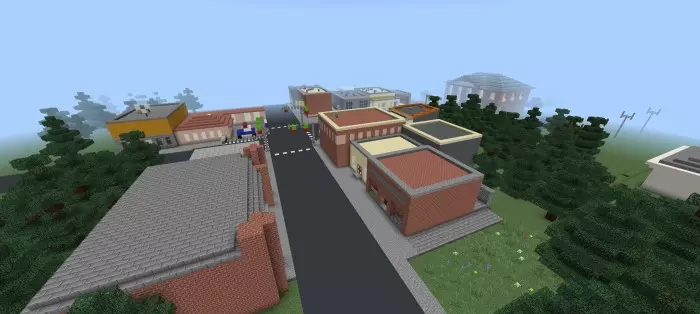
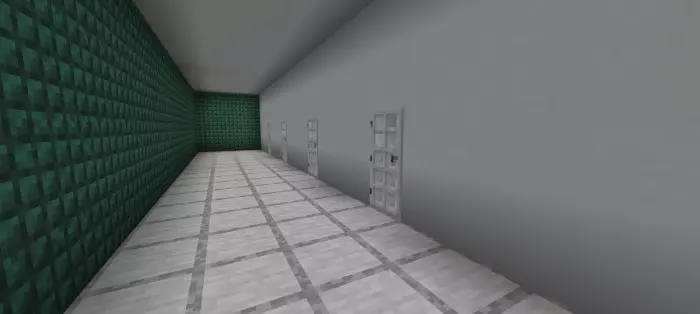
In practical gameplay, Stranger Things Map works best when you treat it like a story tour with survival pressure on top. If you’re doing multiplayer, split up roles: one person leads navigation, another keeps track of where you’ve been so you don’t loop, and everyone agrees on whether you’re playing it like an RPG experience or like a survival challenge. If you’re going hardcore, play slower and use the town locations as checkpoints—secure one building, regroup, then move to the next so your run doesn’t end from rushing into the forest or lab unprepared. Stranger Things Map is basically a location-heavy fan adventure that’s built to let you relive the series setting in Minecraft while choosing whether you want it chill, roleplay-style, or hardcore and intense.
How to install?
Android: you need to find the downloaded file on your phone, use any file manager for this and import the map into the game by opening it.
IOS: after receiving the map, the device itself will offer to install it.
Windows 10: go to the folder where the files are downloaded, find mcworld there and activate it.
Comments (0)