Scorpion at Desert Adventure Map
- 25-02-2026, 15:35
- 516
Adventure Maps / Survival Maps
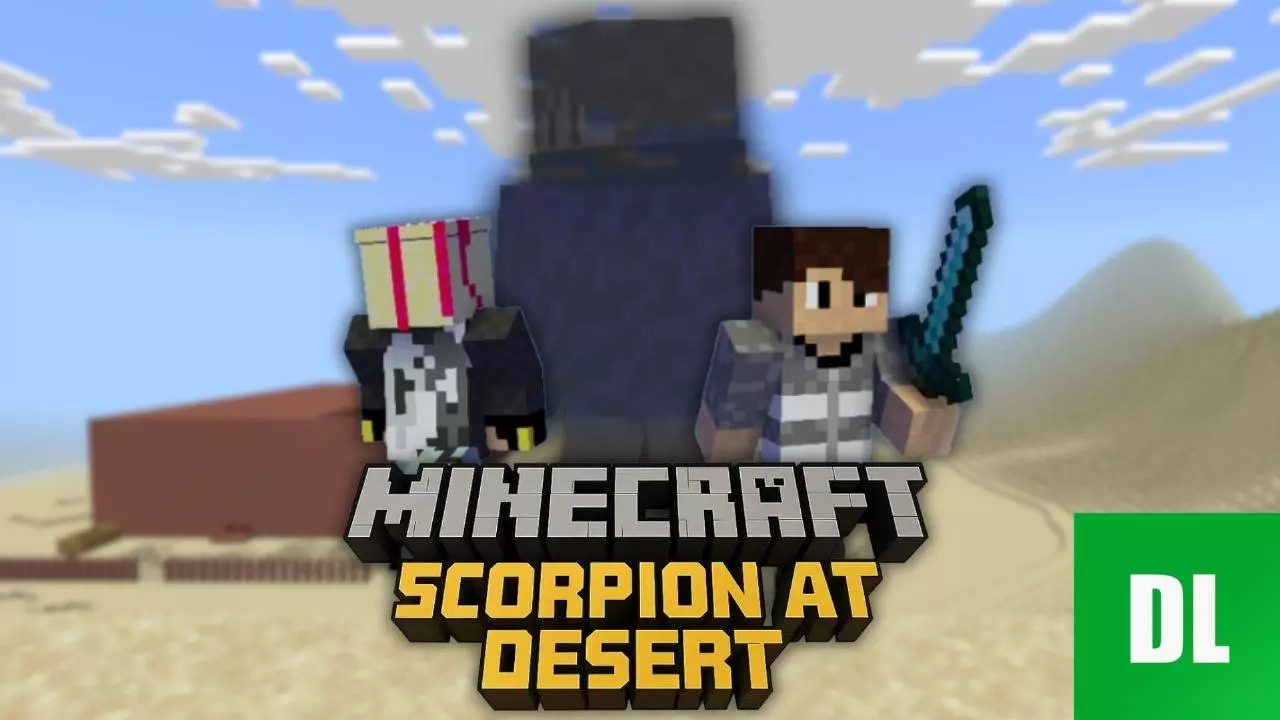
Scorpion at Desert Adventure Map sets you up with a simple story hook that works fast: you head into a cave to explore, and you end up finding a strange portal. That’s the kind of setup that instantly flips a normal exploration vibe into something more mysterious, because portals in adventure maps usually mean you’re about to step into a new problem instead of just grabbing loot and leaving. The description keeps it short, but the goal is clear: follow the cave path, pay attention, and survive long enough to see where the portal leads.
The rules for Scorpion at Desert Adventure Map also make the pacing feel more intense than a casual walk-through. It’s a single map, no cheating, and you’re told to make sure your resource pack is working, which usually means the visuals or cues matter for the intended experience. The biggest rule is the one that changes everything: death means the end of the map. That instantly turns every move into a risk calculation, especially in a cave setting where it’s easy to get trapped, lost, or caught off guard.
In actual play, Scorpion at Desert Adventure Map will feel best if you treat it like a careful survival-adventure run instead of rushing forward. Move slow in tight areas, watch your spacing, and don’t waste time taking unnecessary hits just to “see what happens,� because the map is clearly designed to punish sloppy play with a full reset. A practical way to keep your run clean is to remember where you’ve already been and to double-check side paths before committing, since caves can easily loop you into panic decisions.
Scorpion at Desert Adventure Map sounds like a good pick for players who enjoy short story adventures with real tension, where the fear of losing the run makes even simple exploration feel serious. If you want a desert cave adventure with a mysterious portal moment and a true one-life rule, Scorpion at Desert Adventure Map has a clean, high-stakes setup for Minecraft Bedrock.
How to install?
Android: you need to find the downloaded file on your phone, use any file manager for this and import the map into the game by opening it.
IOS: after receiving the map, the device itself will offer to install it.
Windows 10: go to the folder where the files are downloaded, find mcworld there and activate it.
Comments (0)