Escape The Cave - Puzzle Map
- 25-02-2026, 06:27
- 589
Minigame Maps / Parkour Maps / Puzzle Maps
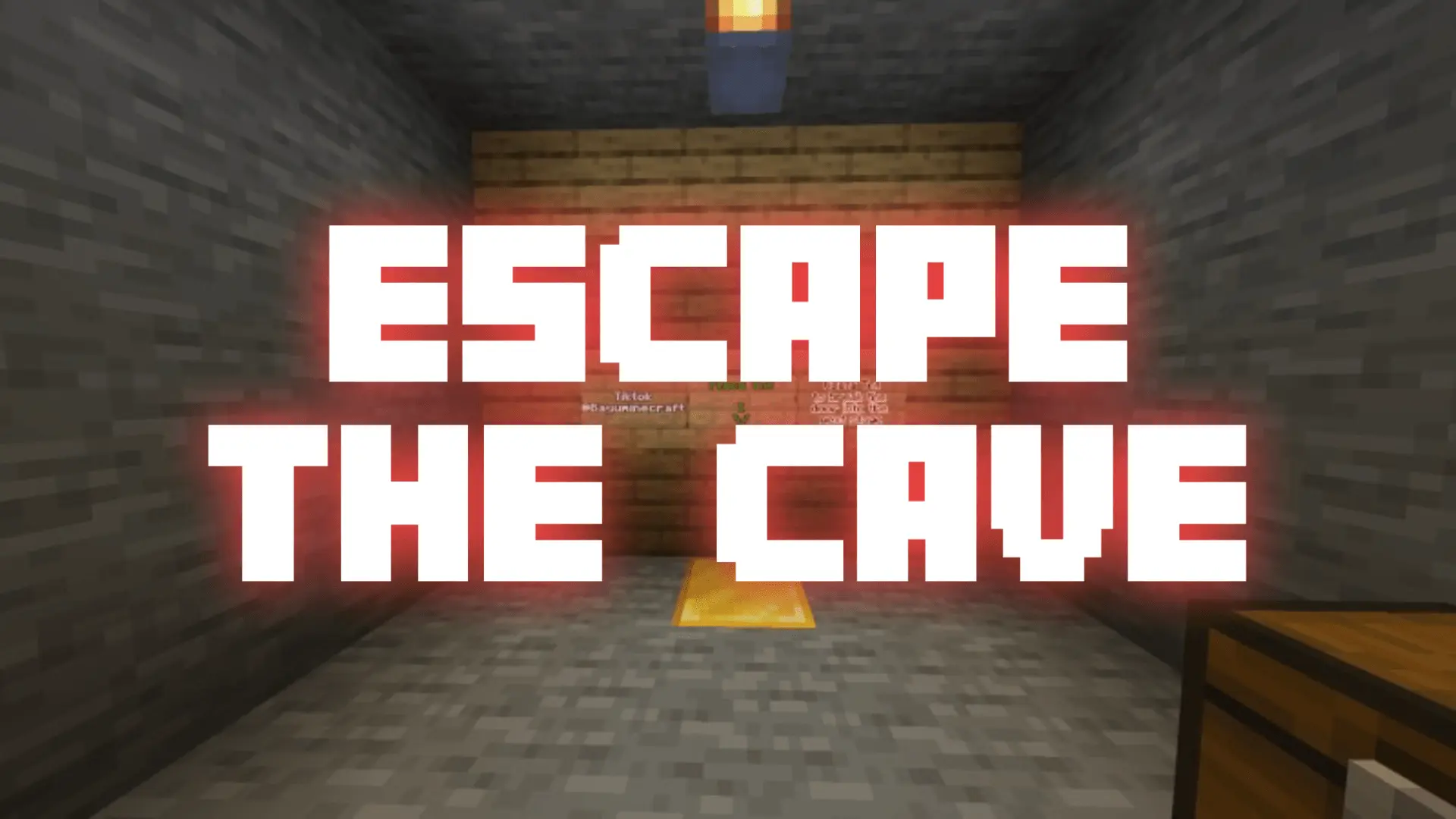
Escape The Cave - Puzzle Map is built around a straightforward setup that works really well for puzzle fans: you wake up trapped inside a cave with no clear exit, and the only way forward is to pay attention and figure things out. It is described as a short puzzle adventure, so the map is clearly aiming for a compact, focused session rather than a huge world with side content. That makes it a good choice when you want something fun and brainy without committing to a long map.
The core loop in Escape The Cave - Puzzle Map is all about exploration, observation, and using items wisely. That combination is a great fit for an escape-style map because it pushes you to slow down and actually read the space around you instead of rushing. The description also mentions simple but creative puzzles, which gives the map a nice balance: it sounds approachable, but still designed to make you think. In actual play, that usually means the fun comes from noticing small details, testing ideas, and getting that “wait, I think I get it now� moment when a puzzle clicks.
Another good detail is that each stage introduces new challenges that require logic, observation, and basic Minecraft mechanics. That helps Escape The Cave - Puzzle Map feel more structured and less repetitive, since the map is not just repeating one trick over and over. Even in a short map, changing the challenge style from stage to stage can keep the pacing fresh and make the escape feel more satisfying by the end.
Escape The Cave - Puzzle Map also sounds like a strong pick for casual solo sessions or quick playtime with a friend watching and helping solve ideas. A practical way to enjoy it is to take your time with each room or section, check your items before using them, and avoid overthinking too early since the map is described as simple but creative. If you want a short, fun puzzle adventure with clear escape-room energy, Escape The Cave - Puzzle Map looks like a solid Minecraft Bedrock map that stays focused on puzzle-based progression and smart item use.
How to install?
Android: you need to find the downloaded file on your phone, use any file manager for this and import the map into the game by opening it.
IOS: after receiving the map, the device itself will offer to install it.
Windows 10: go to the folder where the files are downloaded, find mcworld there and activate it.
Comments (0)