One Barrel in Endless Ocean Map
- 5-06-2026, 00:01
- 551
Adventure Maps / Survival Maps
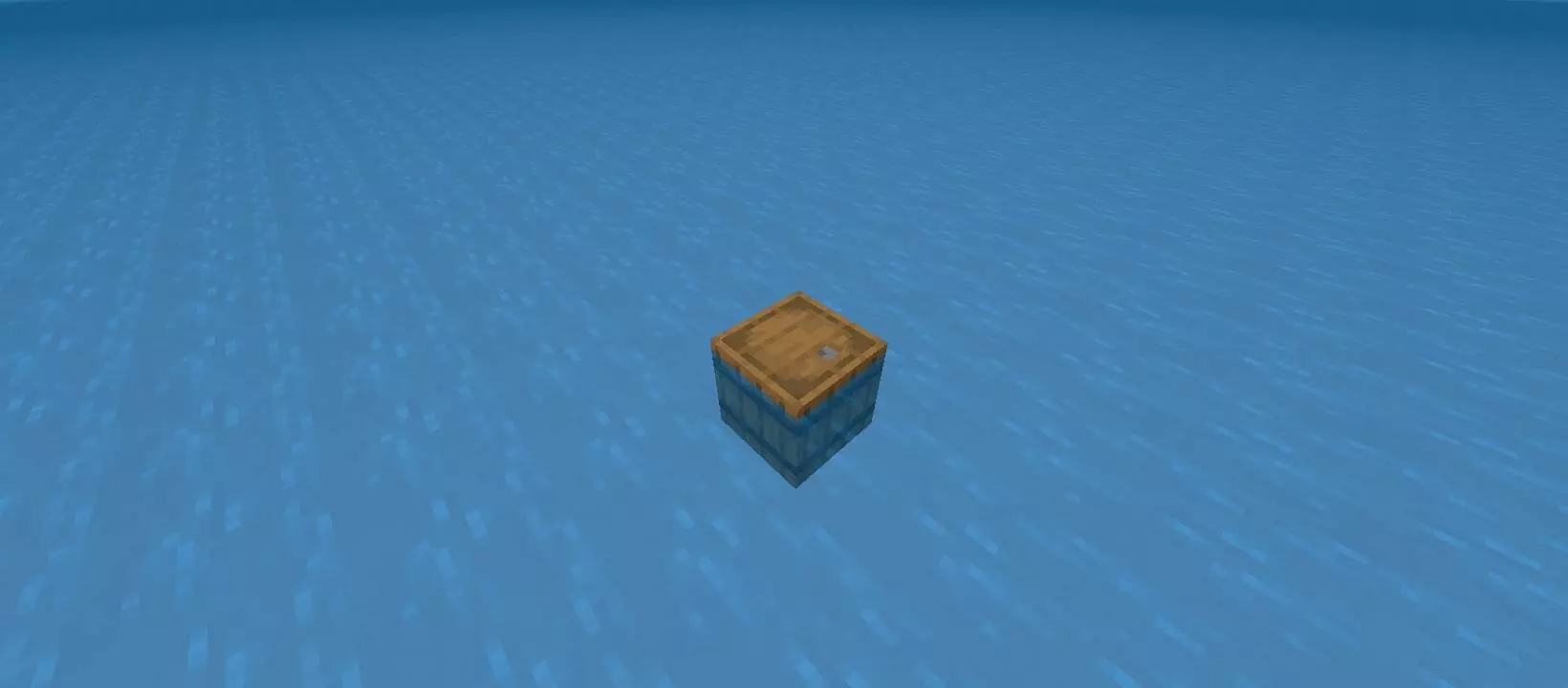
One Barrel in Endless Ocean Map throws you into one of the most uncomfortable survival starts possible. You spawn in an endless ocean with no land around you, no trees to fall back on, and no easy early-game routine to lean on. The whole map is built around that feeling of isolation, where your only real hope at the beginning is a single barrel sitting in the middle of nowhere.
That barrel is what makes the map work. Inside, you get a Crafting Table, a Fishing Rod, and an End Portal Locator Compass, and that small set of items instantly shapes the whole pacing of the run. Instead of punching trees or scouting the shoreline, your first thoughts are survival, patience, and not wasting what little you already have. A start like this changes the mood of the game fast, because the world does not give you anything for free. You are surrounded by water, and that means every move feels more serious than it would in a normal survival map.


The Fishing Rod is clearly the heart of the early experience, because when there is no land and no easy resource path, fishing stops feeling optional and starts feeling like your lifeline. The Crafting Table gives the map just enough room to grow beyond the first few minutes, and the End Portal Locator Compass adds a really interesting long-term feeling to the setup. Even when you are barely surviving the opening, that compass suggests there is still a bigger direction somewhere out there, which gives the map more purpose than just floating and waiting.
One Barrel in Endless Ocean Map feels best when you play slowly and treat your start like something fragile. Do not rush the first moves. Keep your little space organized, use the barrel area like the center of your world, and let the survival rhythm build one step at a time. That is what makes this map satisfying. It turns almost nothing into a real challenge, and the empty ocean around you makes every bit of progress feel earned.
How to install?
Android: you need to find the downloaded file on your phone, use any file manager for this and import the map into the game by opening it.
IOS: after receiving the map, the device itself will offer to install it.
Windows 10: go to the folder where the files are downloaded, find mcworld there and activate it.
Comments (0)