Maker TXT PvP Map
- 12-08-2026, 09:33
- 474
Adventure Maps / Creation Maps / Minigame Maps / PvP Maps / Survival Maps
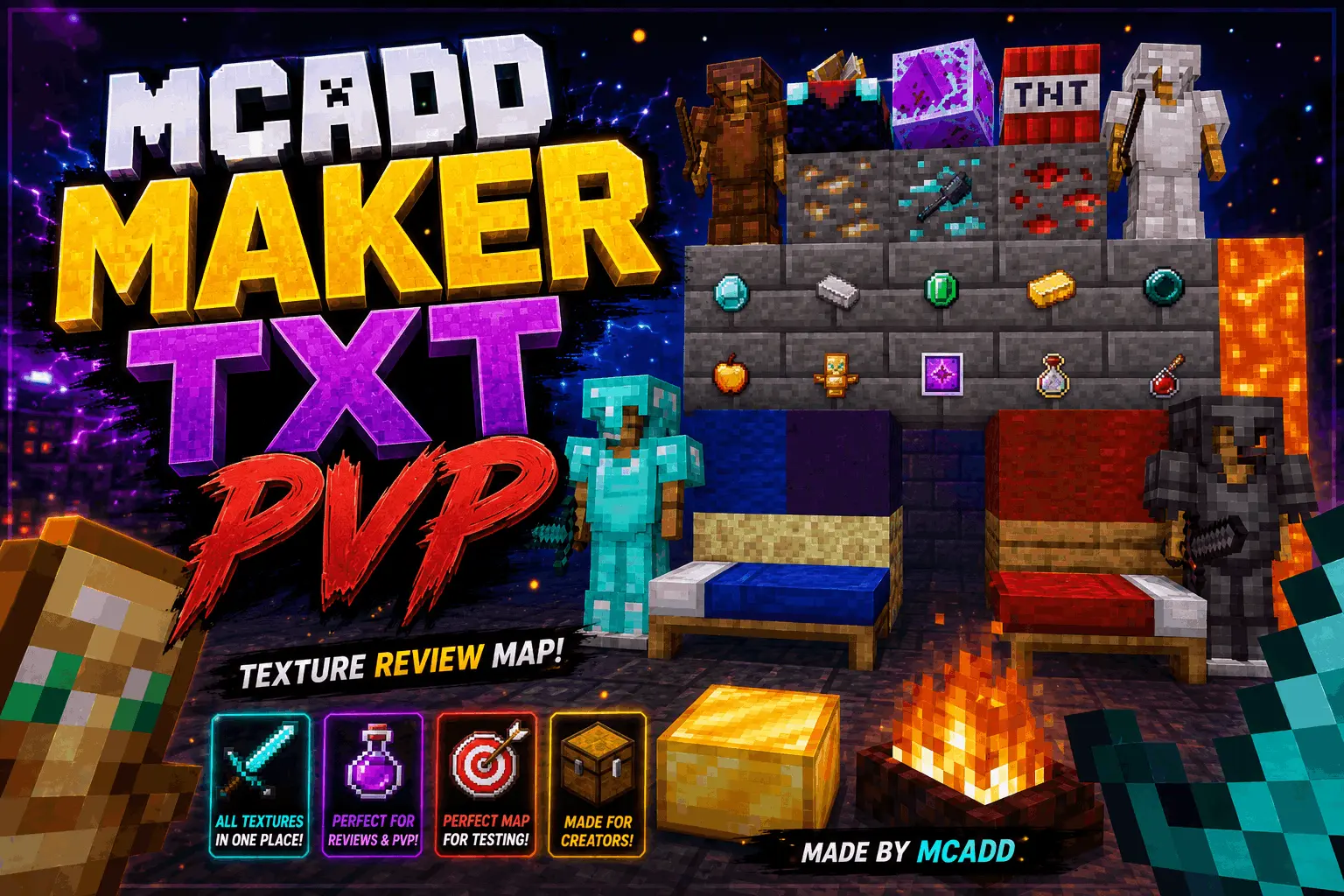
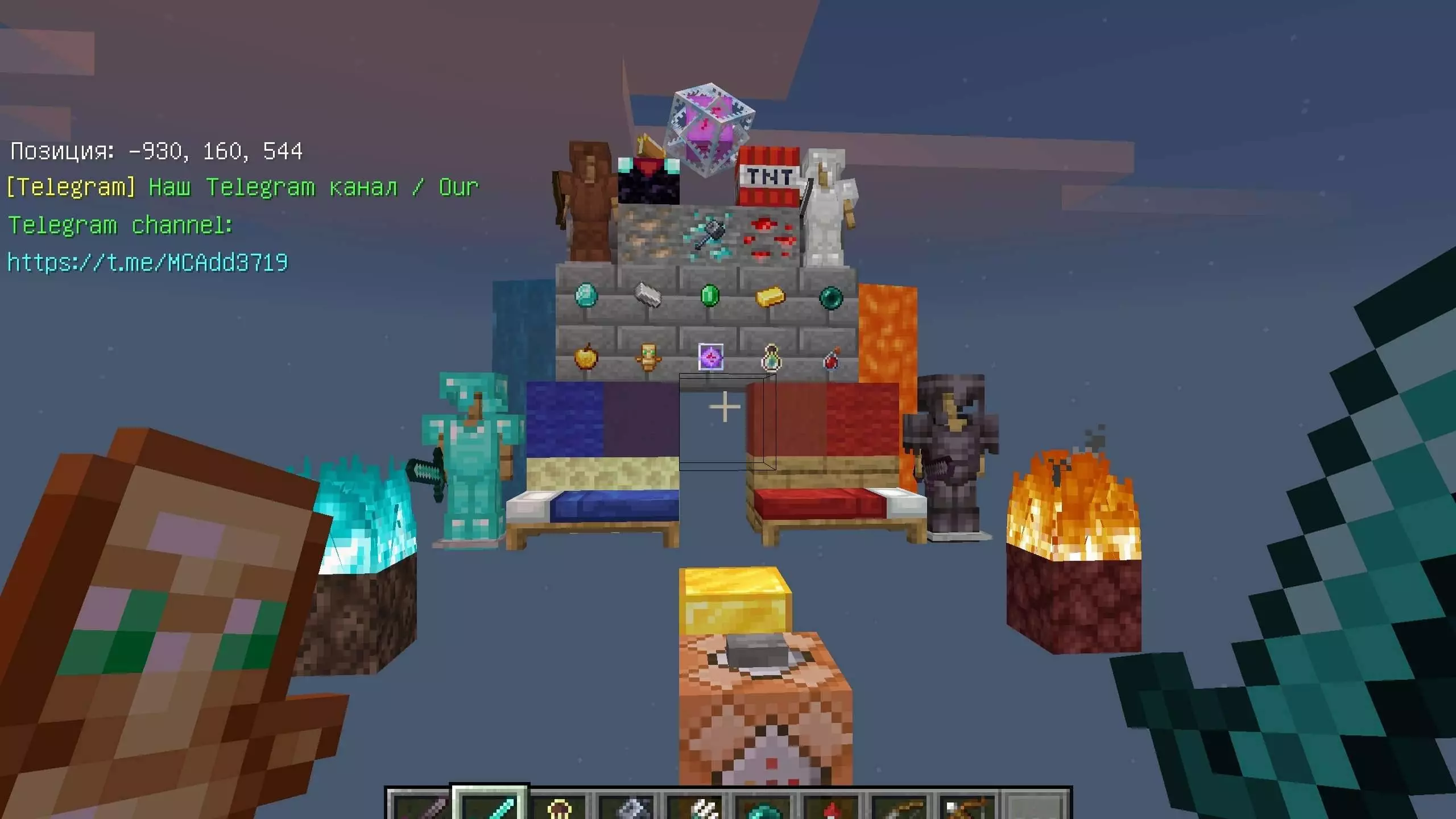
The Maker TXT PvP Map is a specialized testing playground for Minecraft Bedrock players who want to inspect, compare, and showcase PvP texture packs without setting up clean rooms manually. It puts every critical combat item, block, and UI element into neat, organized display booths so you can see how your game looks instantly.
If you make YouTube reviews or tweak your own resource packs, you know how annoying it is to constantly load into standard survival worlds just to check how a low-fire overlay or custom diamond sword looks. This map fixes that workflow completely. You can walk through dedicated wings featuring side-by-side weapon stands, full armor displays, and complete ore walls to check contrast during cave fights. Everything is laid out under uniform lighting, giving you an accurate preview of color balance and texture clarity.
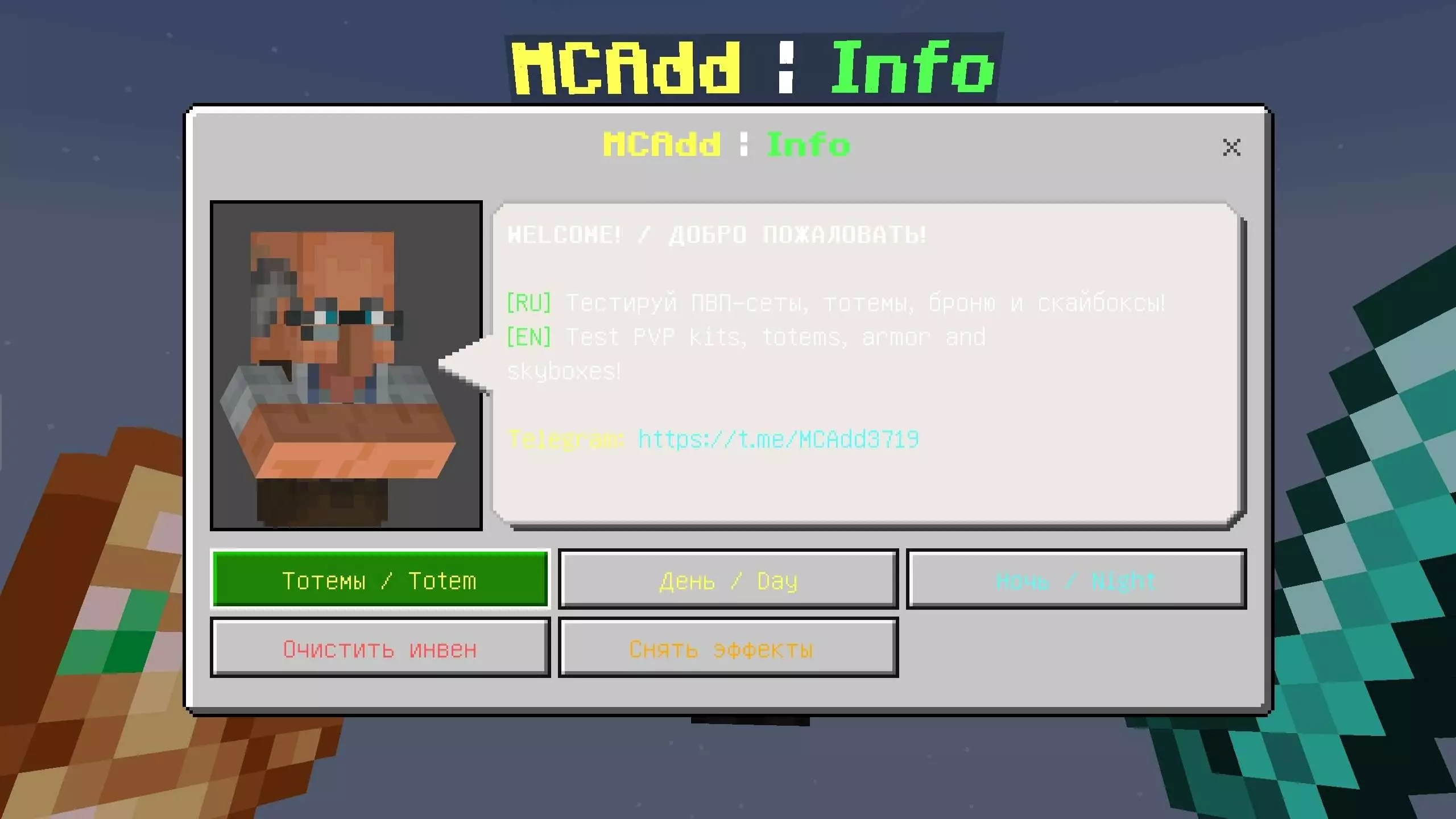
Tired of queuing into massive, lag-infested public lobbies just to settle a petty beef with your squad? The Maker_txt PvP Map strips away all the bloated minigame clutter and delivers a stripped-back, lightning-fast dueling sandbox built purely for sweaty Bedrock combat.
Most community combat arenas fall into the exact same trap: giant ornamental lobbies, endless NPC dialogue boxes, and five minutes of running through empty corridors before you even draw a sword. This project scraps that entire mess. The setup throws you straight onto a tight, purpose-built battleground engineered specifically for high-speed hit registration, rapid strafing, and clutch plays. Sightlines are crystal clear, cover points feel intentional without cluttering your sprint path, and there are zero random decorative blocks to snag your hitbox when you're backing up under heavy bow pressure.
What makes this Bedrock arena click so well for casual brawls and private tournaments alike is its immediate replay value. You aren’t forced to reboot the server or dig through creative menus to restock gear after someone takes a dirt nap. Round resets feel snappy and intuitive, letting you jump straight back into the ring for instant rematches before the trash talk in your party chat even cools down. Whether you run classic sword-and-shield slugfests, fast-paced axe combos, or high-ground bow shootouts, the arena geometry adapts naturally to whatever loadout your crew decides to run.
Competitive players will especially love the dedicated BedWars section. You can check bed designs, wool block variations, and glass transparency right away. There are also designated spots to test potion particles and hotbar item icons before taking your new pack into active multiplayer matches.
Whether you are a content creator recording showcase videos or just someone hunting for the cleanest custom UI, this setup saves a massive amount of prep work. Grab this Minecraft Bedrock texture testing map to streamline your reviews and keep your competitive setup looking sharp.
How to install?
Android: you need to find the downloaded file on your phone, use any file manager for this and import the map into the game by opening it.
IOS: after receiving the map, the device itself will offer to install it.
Windows 10: go to the folder where the files are downloaded, find mcworld there and activate it.
Comments (0)