Villager Pumpkin House Map
- 19-09-2026, 05:21
- 180
Adventure Maps / Creation Maps / Survival Maps
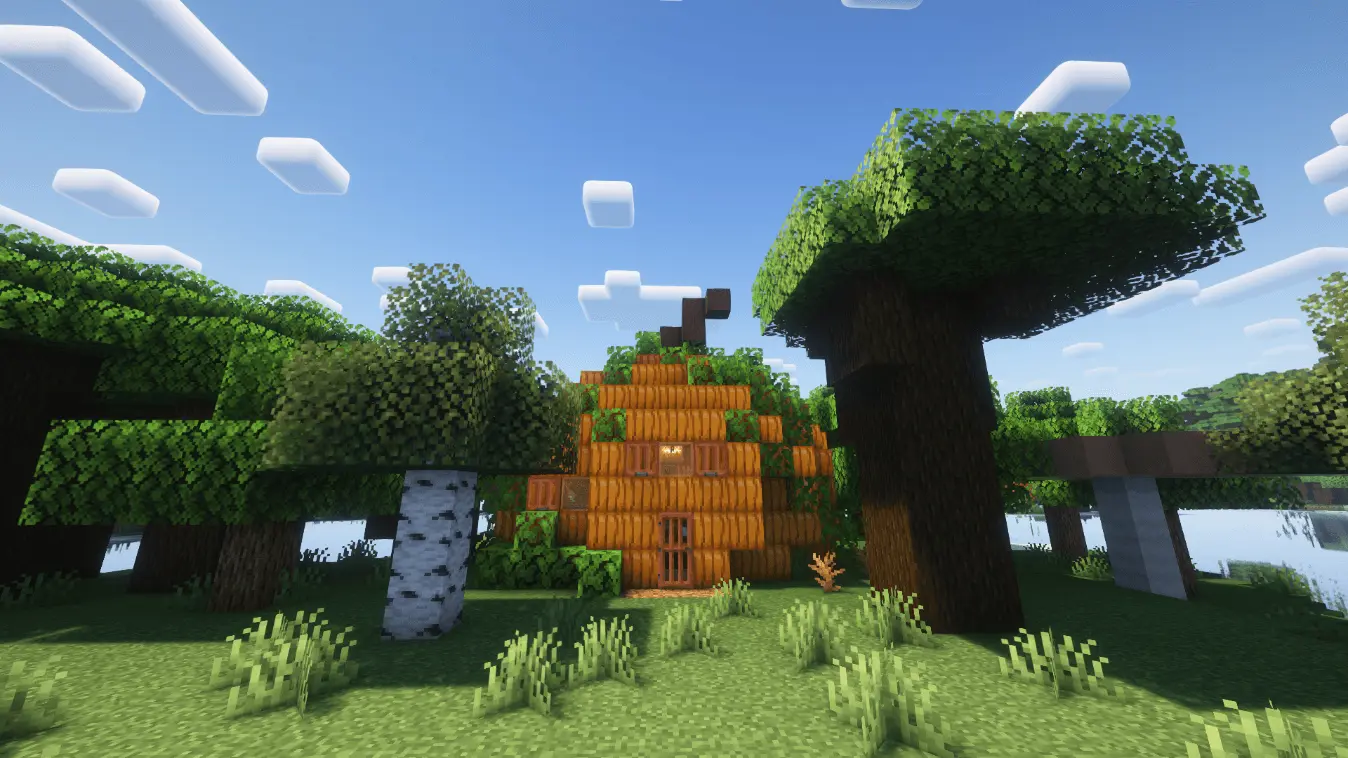
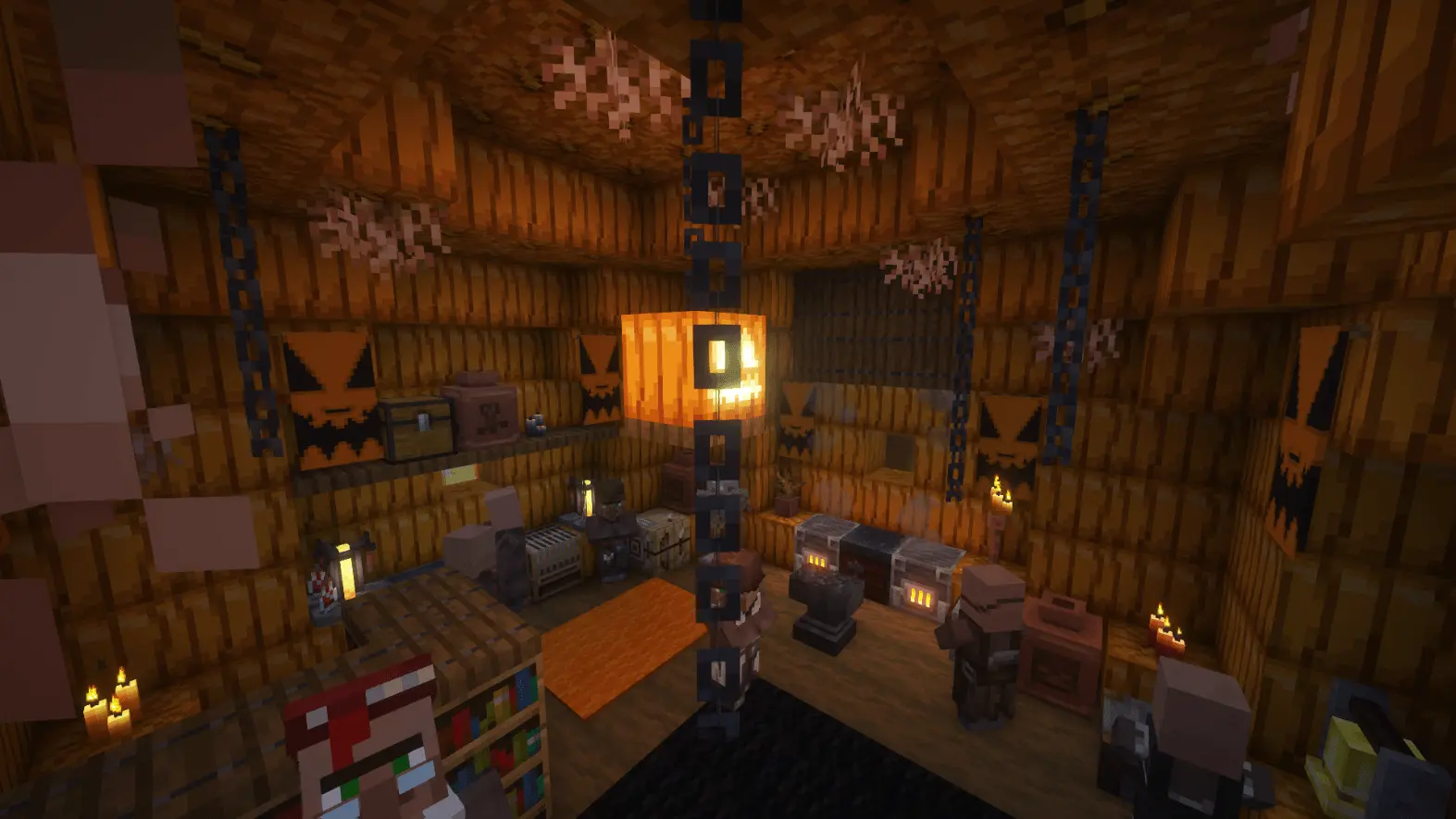
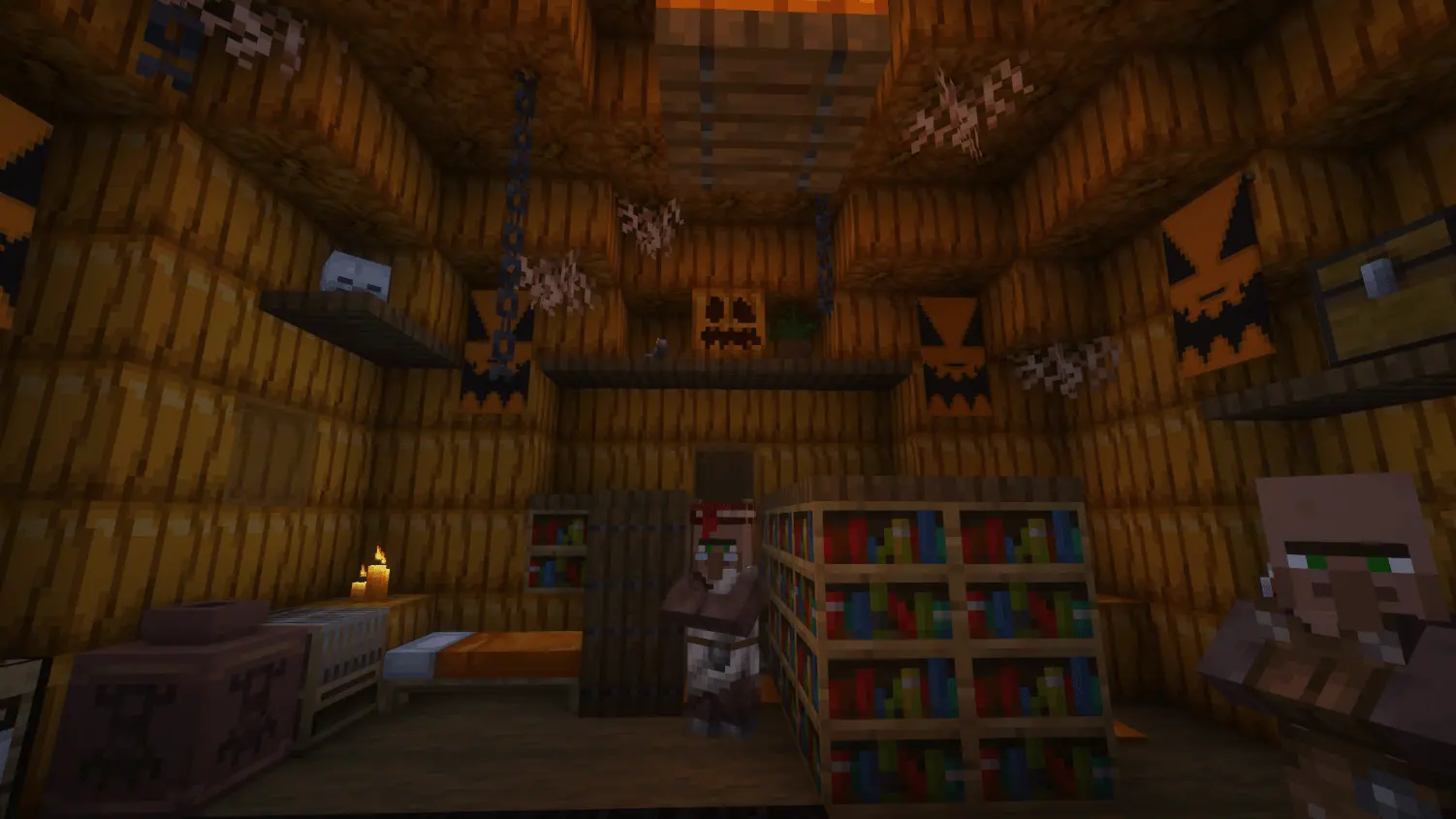
Most village buildings in Minecraft stick to the exact same predictable cobble-and-oak designs, which makes finding settlements feel pretty routine after you have explored a few worlds. The Villager Pumpkin House Map breaks away from that formula by dropping a massive, hollowed-out pumpkin residence right into the forest canopy. Built from pumpkin blocks and shaped like an authentic oversized gourd, it instantly gives the surrounding woods a strange, whimsical look you never see in vanilla terrain. Step inside, and you aren't just looking at an empty orange shell. The interior is completely furnished with a warm, slightly eerie autumn aesthetic, populated by actual villagers going about their day. Between the cozy lighting, themed clutter, crafting stations, and beds, it doubles as a fully functional starter outpost where you can trade, sleep, and dig through hidden chests tucked into the corners for extra survival loot.
Because this map introduces a custom structure along with unique loot tables and entity placement rules into world generation, it requires a little prep work in your world settings. You will need to make sure the experimental gameplay toggles are turned on before loading in, giving the game engine permission to generate the build without clipping into the surrounding terrain chunks. As with nearly any Bedrock map that alters world generation or introduces custom behavior packs, loading it will automatically disable Xbox Live achievements for that save file. If you are specifically grinding out vanilla Gamerscore, that is worth keeping in mind, but for seasonal autumn worlds, spooky survival challenges, or casual roleplay setups, losing standard trophies is rarely a dealbreaker.
Spawning large pre-built structures can sometimes cause nasty chunk-loading hiccups in Bedrock, especially when players are moving fast on lower-end hardware. Fortunately, the Pumpkin House keeps its technical footprint very light. Because it relies primarily on native blocks rather than hundreds of custom high-polygon assets, custom entity animations, or looping background commands, it places virtually zero strain on the server's tick rate. The house blends into the landscape smoothly, the chests populate without inventory desync, and the villagers wander around without lag or pathfinding stutter. You can run this easily on a budget phone, a console, or a shared multiplayer realm without worrying about sudden frame drops the moment you walk through the front door.
How to install?
Android: you need to find the downloaded file on your phone, use any file manager for this and import the map into the game by opening it.
IOS: after receiving the map, the device itself will offer to install it.
Windows 10: go to the folder where the files are downloaded, find mcworld there and activate it.
Comments (0)