Survival Modern House #92 Map
- 21-01-2026, 14:35
- 602
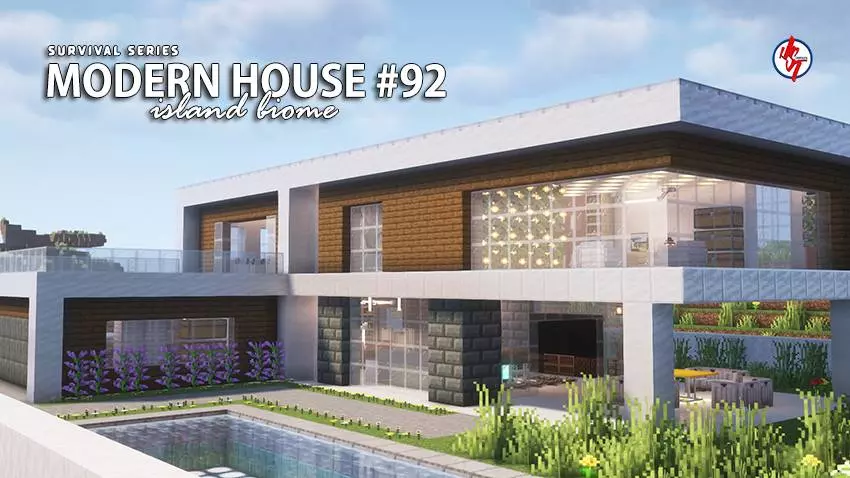
Survival Modern House #92 Map is part of the creator’s ongoing Survival Series, and this one is the 92nd house in that collection. The whole idea behind the series is that every house is fully playable in survival mode and themed around the biome it’s placed in, so this map goes with an Island Survival setting and leans into a Beach House vibe. It’s the kind of build you load up when you want a base that feels finished from day one, but still fits naturally into survival instead of feeling like a creative-only showcase.
The map’s main win is that the house is already built out inside and out, so you’re not starting in a half-empty shell. You get a cozy, survival-ready layout with a fully built interior and exterior, plus plenty of useful items packed inside. That makes early-game survival feel smoother because you can focus on exploring and gathering instead of rushing a basic starter hut before the first night hits. It also pairs well with your favorite texture or shader pack, which makes sense for a beach/island build where lighting, water, and sunsets are half the vibe.
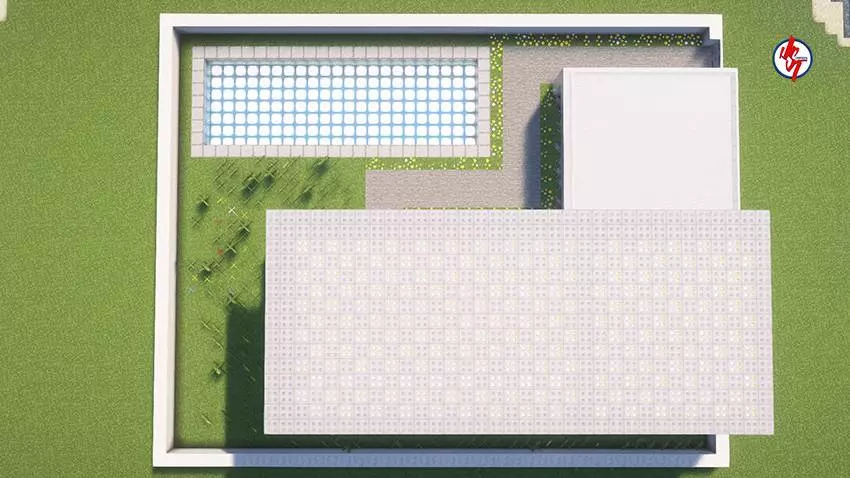

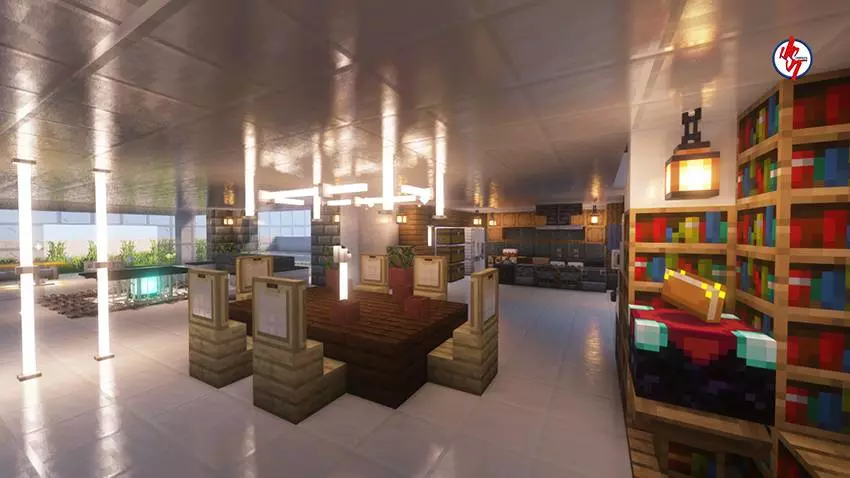
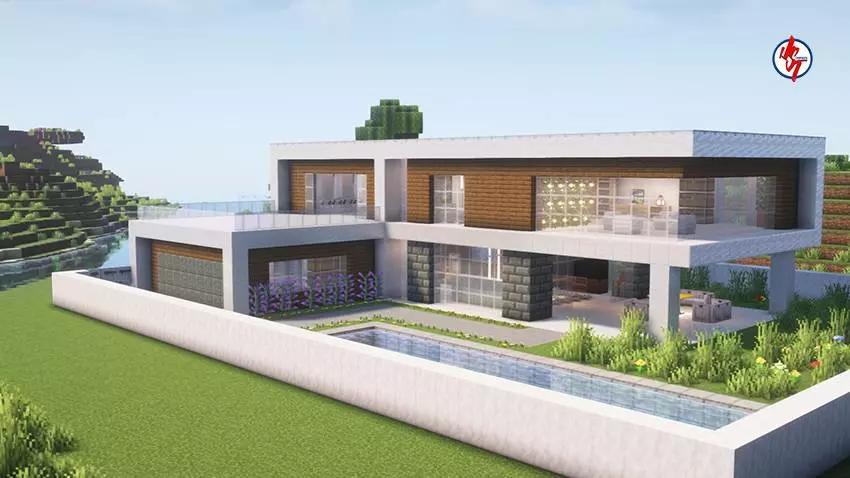
Placement-wise, Survival Modern House #92 Map is built near an existing village, which adds extra life and atmosphere without you having to hunt one down first. In survival, being near a village is also just convenient for that “I need to run somewhere that doesn’t feel empty� feeling, especially when you’re settling in and planning what your world’s going to be. The spawn point is already set inside the house too, which is a huge quality-of-life detail—no awkward first spawn on a random shoreline, no running around trying to find the build you downloaded the map for.
Practical tip: since it’s an island survival setting, treat the house like your main hub and build outward from it. Use the village nearby as your “outside world� for vibes and quick visits, then expand your own island base with docks, bridges, and storage as you progress. Survival Modern House #92 Map is basically made for players who want a clean, themed survival start that already feels like home the second you load in.
How to install?
Android: you need to find the downloaded file on your phone, use any file manager for this and import the map into the game by opening it.
IOS: after receiving the map, the device itself will offer to install it.
Windows 10: go to the folder where the files are downloaded, find mcworld there and activate it.
Comments (0)